Want more mods for Project: Doors Demo? Explore our entire collection!
Unlock All Outfits & Emotes
"The body you'd level up for. The emote no level gives."
How do I install Unlock All Outfits & Emotes?
Download the free ProjectMods desktop app, then install Unlock All Outfits & Emotes for Project: Doors Demo in one click.
</>What does Unlock All Outfits & Emotes do?
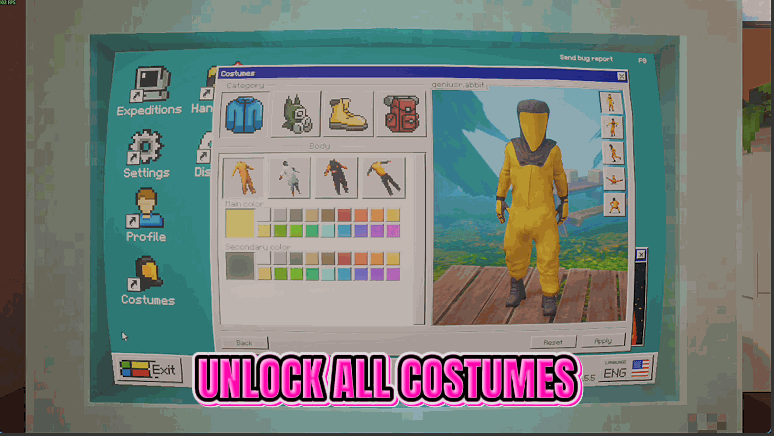
Project: Doors Demo gives you almost every look from the start. Its Costumes screen has 15 outfit pieces across Body, Mask, Boots and Equipment, and 14 of them are open on a fresh profile. The odd one out is the fourth body, which the game keeps as a level reward. Of the demo's 4 emotes, 3 are open, and no level in the demo ever gives you the fourth. Unlock All Outfits & Emotes opens both with a button each: press Unlock All Outfits for the fourth body and Unlock All Emotes for the last emote. Each press replies with the count you own afterwards, such as 15 of 15 outfit pieces. You can press them at the main menu as soon as your profile has loaded, or in the middle of an expedition. Every unlock is written to your profile the moment you press, and it stays after the mod is turned off, with no button to lock it again. Only your own profile changes.
</>What is Unlock All Outfits & Emotes?
Unlock All Outfits & Emotes covers the last locked looks in Project: Doors Demo. Unlock All Outfits opens the fourth body under Body on the Costumes screen, the only one of the 15 outfit pieces that starts locked and normally a level reward. Unlock All Emotes opens the one emote of 4 that no demo level gives. Both can be pressed outside an expedition, save at once and can't be undone. It never touches another player's profile or your level.
</>Common questions about Unlock All Outfits & Emotes
What does Unlock All Outfits & Emotes unlock in Project: Doors Demo?
Two things, because that's all the demo keeps locked. The Costumes screen holds 15 outfit pieces across Body, Mask, Boots and Equipment, and every one except the fourth body is open from the start. You'd otherwise earn that body as a level reward. The demo also has 4 emotes: three are open and the fourth is given by no level at all. Unlock All Outfits opens the body and Unlock All Emotes opens the emote.
Do the unlocks stay after I turn the mod off?
Yes. The game saves your profile the moment either button finishes, so the body and the emote stay yours after the mod is off or even uninstalled. Nothing in the mod locks them again and there's no undo button, so treat each press as final.
Will my friends see the fourth body in co-op?
They will, mod or no mod, because the game shows other players whatever body you wear. The buttons only ever change your own profile, though. A friend who wants the fourth body or the last emote for themselves needs the mod on their own PC and presses the buttons there; nothing you press reaches their profile.
Why did the reply say my profile isn't loaded yet?
You pressed a button before the game had finished loading your profile, so nothing was changed. Wait until the main menu is up and press it again. Once the profile is in, both buttons work from the main menu and during an expedition, and the reply then counts what you own, such as 15 of 15 outfit pieces after Unlock All Outfits.
What options does Unlock All Outfits & Emotes include?
Unlock All Emotes
Unlocks every emote you don't have yet and saves them to your profile. They stay unlocked after the mod is off. Works from the main menu or in a game.
Unlock All Outfits
Unlocks every outfit piece on the Costumes screen that you don't have yet, bodies included, and saves them to your profile. They stay unlocked after the mod is off. Works from the main menu or in a game.
Unlock All Outfits & Emotes is a ProjectMods mod for Project: Doors Demo that unlocks the demo's only locked body and its one locked emote, one button for each, and saves both to your own profile permanently.
System Requirements
What features does Unlock All Outfits & Emotes include?
- Unlock All Outfits opens the fourth body, the one locked piece among the 15 on the demo's Costumes screen.
- Unlock All Emotes opens the demo's last locked emote, which no level reward in the demo gives.
- The reply after each press counts what you own, for example 4 of 4 emotes.
- Unlocks are saved to your profile as you press and stay after the mod is off.
- Neither button needs an expedition: press them from the main menu once your profile has loaded.
Best For
- You want the fourth body without levelling up for it, so press Unlock All Outfits at the main menu and it's ready to wear on your next expedition.
- You've noticed one emote stays locked however much you play the demo, so press Unlock All Emotes and it's yours from then on.
- You've reached the level that rewards the fourth body and aren't sure it was saved, so press Unlock All Outfits and check that the reply says every outfit piece was already unlocked.
- Your friends are hosting tonight and you want the fourth body on before you join, so press Unlock All Outfits at the main menu and change into it on the Costumes screen.
More Mods for Project: Doors Demo
Infinite Item Charge
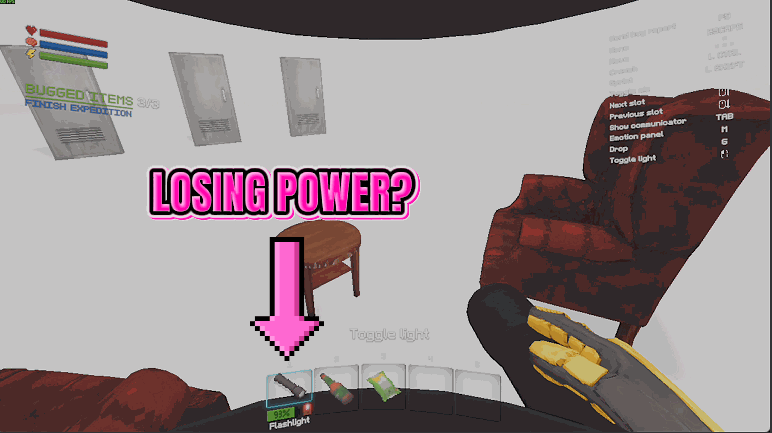
Charged items such as the Flashlight, the Headlamp and the EMF reader stop running down for you and your whole team, and one button refills the charged item in your hands. Works for the host or in solo play.
Artifact Forge
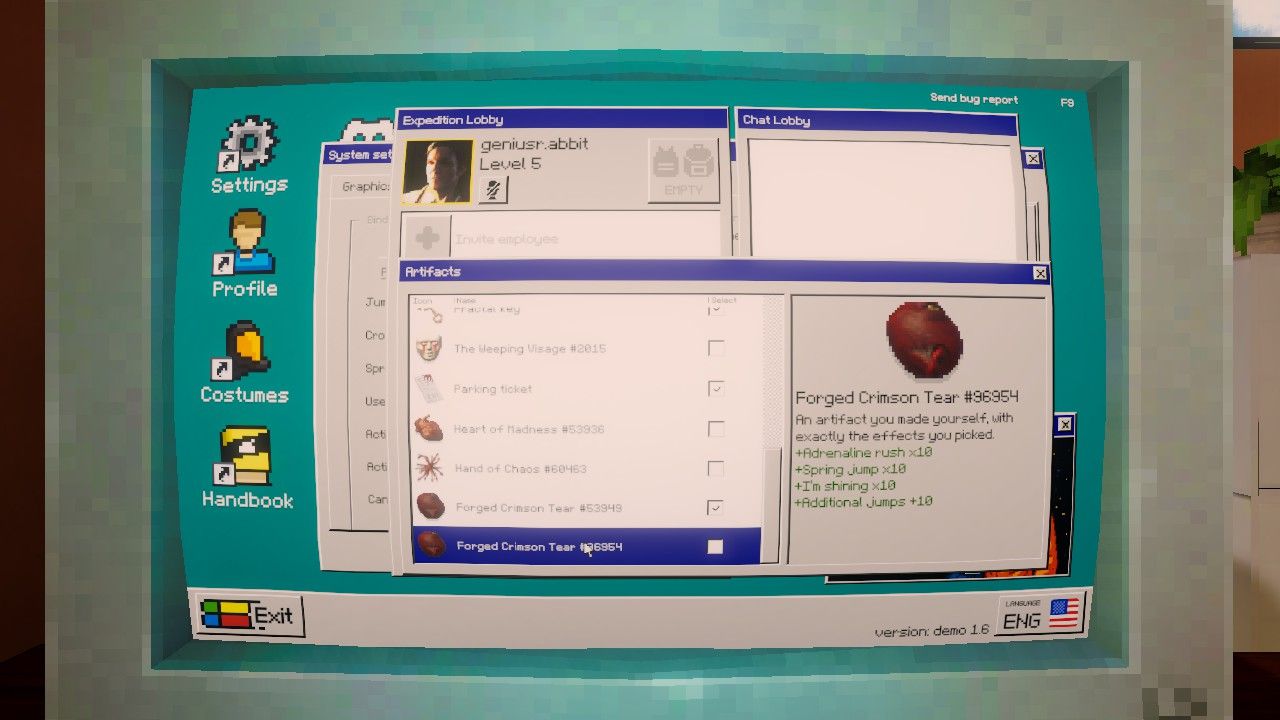
Make artifacts of your own design: pick up to eight of the game's artifact effects, set how strong each one is, choose a look, and equip it in the lobby. Keep Artifact Forge switched on to see and use your forged artifacts; with it off they stay saved but hidden.
Give XP & XP Multiplier
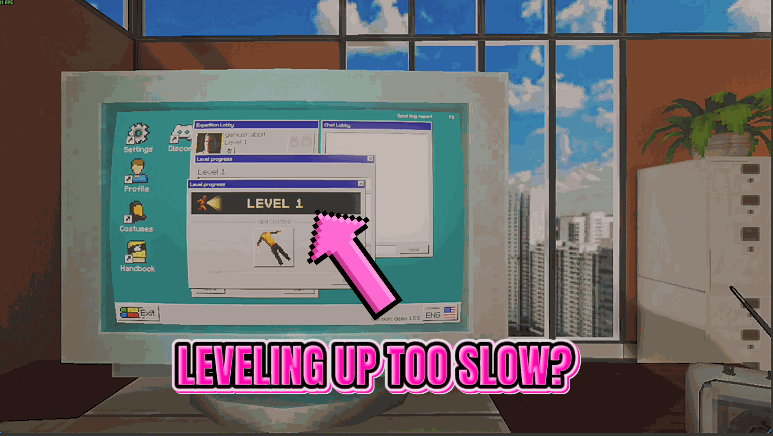
Multiplies the XP rewards you earn, up to ten times, and adds a chosen lump of XP at a press. Given XP waits for your next debriefing before it counts, and all of it stays in your profile for good.







