Want more mods for Project: Doors Demo? Explore our entire collection!
Give XP & XP Multiplier
"Double your XP. Or take ten times."
How do I install Give XP & XP Multiplier?
Download the free ProjectMods desktop app, then install Give XP & XP Multiplier for Project: Doors Demo in one click.
</>What does Give XP & XP Multiplier do?
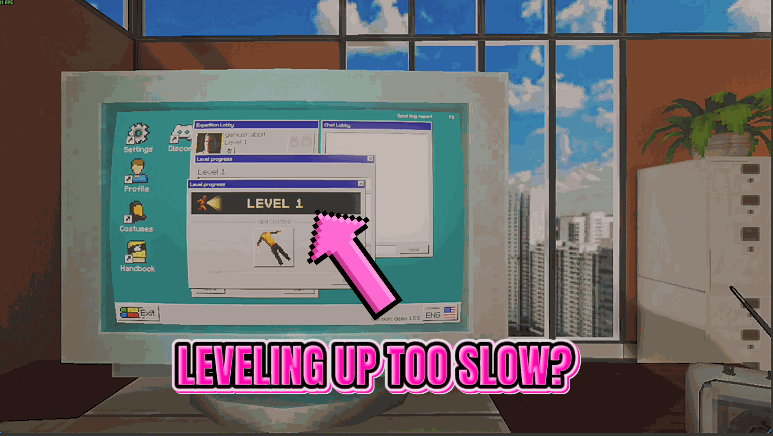
Levels in Project: Doors Demo come from XP: sales, discoveries, quests and the quota bonus, all counted at the debriefing. If you'd like that to move faster, Give XP & XP Multiplier hands you two ways. Switch on Multiply XP and every XP reward you earn is multiplied by XP Percent, which runs from 100 to 1000 and starts at 200 (double). It applies to rewards earned while the switch is on, not to XP already waiting. Switch it off and new rewards give the normal amount again. For a lump sum, set XP Amount (100 to 100,000, starts at 1,000) and press Give XP. The XP is added as its own Bonus XP line and saved straight away, but your level doesn't move yet: it is counted at your next debriefing, together with any level-ups and level rewards. In co-op each player uses the mod on their own game for their own XP, and nothing is sent to anyone else. XP is permanent. What you earn or give stays in your profile after the mod is off, so pick your numbers with that in mind.
</>What is Give XP & XP Multiplier?
Give XP & XP Multiplier speeds up levelling in Project: Doors Demo. Multiply XP scales each reward you earn by XP Percent, and Give XP adds XP Amount as a Bonus XP line. It works for every player in co-op, each on their own XP only. Given XP waits for your next debriefing instead of changing your level at once, and all XP is permanent. It never touches money, other players' XP or the crew's starting funds.
</>Common questions about Give XP & XP Multiplier
What does Give XP & XP Multiplier do in Project: Doors Demo?
It gets you XP faster in two ways: a switch that scales up what each reward pays, and a button that adds a set amount on the spot. The button needs your profile loaded, so press Give XP from the main menu or any time after it. Both halves work separately, so you can use the button without ever switching the multiplier on.
Why didn't my level change when I pressed Give XP?
Given XP isn't added to your level the moment you press. It sits in your profile on its own Bonus XP line until the debriefing, the screen that lists a finished expedition's XP, and that is where it is added up. Whatever levels it earns you, and their rewards, arrive there too. The press itself is saved to your profile at once, so the XP is already yours while it waits. If you pressed Give XP several times, each press is waiting there together.
Does my whole squad get the extra XP in co-op?
No. Each player gets only their own XP, on their own game, and nothing is sent to other players. Anyone in the squad can run the mod for themselves, host or not. The crew's starting money for a quota run stays at the game's own figure.
Can I take the XP back by switching the mod off?
No, XP is permanent. Switching Multiply XP off only puts new rewards back to the normal amount. XP already earned or given stays in your profile, along with the total XP, level and level rewards it led to. Multiplied rewards are written with the game's next save.
Is there a limit to how much XP I can stack up before a debriefing?
Yes: the XP waiting for one debriefing tops out at 2,000,000,000. Past that, Give XP refuses the press and the multiplier stops adding its extra, though a reward never drops below what the game itself would pay. You'd need a great many presses at the highest XP Amount to get anywhere near it.
What options does Give XP & XP Multiplier include?
Give XP
Adds XP Amount to your profile as a Bonus XP line. It is counted, with any level rewards, at your next debriefing, and it stays in your profile.
XP Percent
How much XP each reward gives while Multiply XP is on, as a percent of the normal amount. 100 to 1000, default 200 (double).
XP Amount
How much XP one press of Give XP adds. 100 to 100,000, default 1,000.
Multiply XP
Multiplies every XP reward you earn by XP Percent. Off by default; switching it off puts new rewards back to the normal amount, and XP you already earned stays.
Give XP & XP Multiplier is a ProjectMods mod for Project: Doors Demo that multiplies the XP rewards you earn and adds a chosen amount of XP at a press, counted at your next debriefing and kept in your profile for good.
System Requirements
What features does Give XP & XP Multiplier include?
- Multiply XP multiplies every XP reward you earn (sales, discoveries, quests, the quota bonus) by XP Percent.
- XP Percent goes from 100 to 1000 in steps of 10 and starts at 200, which is double.
- Give XP adds XP Amount, 100 to 100,000 per press, as a Bonus XP line that is saved at once.
- Given XP reaches your level at the debriefing that follows, with the level-ups and level rewards it brings.
- A multiplied reward is never smaller than the game's own amount.
Best For
- You're a little short of a level reward you want, so set XP Amount to cover the gap and press Give XP. It lands when the debriefing comes round.
- Your squad only plays one evening a week, so switch on Multiply XP and leave XP Percent at 200. Every sale, discovery and quest pays double XP while it's on.
- You want one big quota run to count for a lot, so raise XP Percent to 1000 before you head out and switch Multiply XP off once you're back at the camp.
- You started a fresh profile and your crew is levels ahead, so set XP Amount to 100,000, press Give XP a few times, then play through to your next debriefing.
More Mods for Project: Doors Demo
God Mode
You take no damage and nothing can kill you, and a second switch gives the same protection to every other player in the lobby you host. Works for the host or in solo play.
Reveal Map
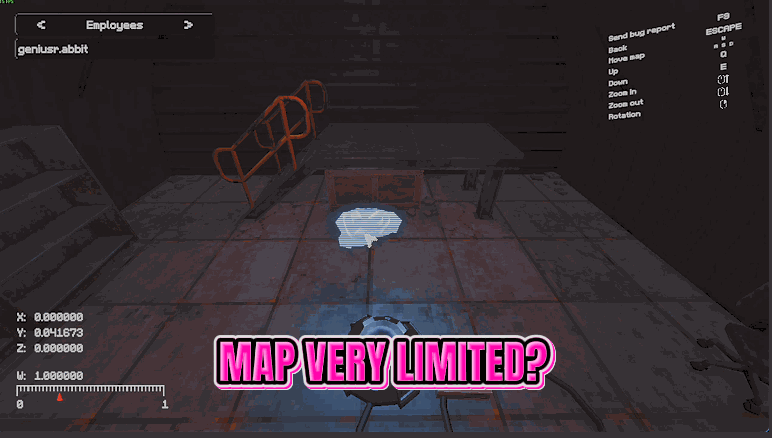
Your expedition map shows every room and the links between them from the start, visited or not, and can plot routes through rooms you haven't reached yet.
Give Money & Free Shopping
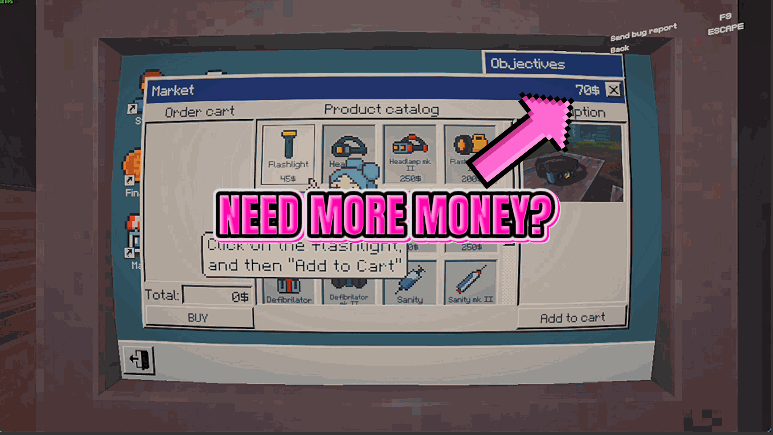
Add up to 1,000,000 to the team's money per press, zero it out, order from the shop at no cost and sell items for up to ten times their value. Host or solo only.







