Want more mods for Project: Doors Demo? Explore our entire collection!
God Mode
"Open every door. Walk back out alive."
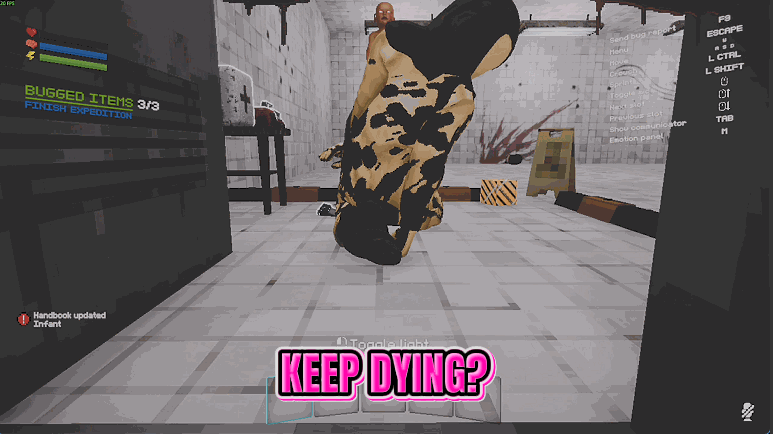
How do I install God Mode?
Download the free ProjectMods desktop app, then install God Mode for Project: Doors Demo in one click.
</>What does God Mode do?
Some things behind the doors in Project: Doors Demo wear your health down hit by hit, and some kill you outright. God Mode hands you two switches for that. God Mode Enabled protects your own character: hits take no health, and the instant kills, falling out of the level included, no longer kill you. Protect Everyone In Lobby gives the same protection to every other player in the lobby you host. The two are separate, so the first alone leaves your teammates exposed and the second alone leaves you exposed. Turn on both to cover the whole team. Both start off. It works in the camp and on expeditions, when you host or play solo. In a game you joined, the switches do nothing and tell you it only works for the host. Sanity still drops and enemies still chase you. Health you've already lost isn't refilled. The Delete key still ends your own life as it does in the normal game, which is the way back if you've fallen out of the level and are stuck. Switch either one off and those players take damage and can die again at once. Nothing is saved.
</>What is God Mode?
God Mode gives Project: Doors Demo two switches. God Mode Enabled keeps your own character from losing health or dying, and Protect Everyone In Lobby covers the other players in a lobby you host. It only works for the host or in solo play. It never heals lost health, never stops sanity dropping and never makes enemies ignore you. Switching off lets damage through again straight away, and nothing is saved.
</>Common questions about God Mode
What does God Mode do in Project: Doors Demo?
It stops damage and death for the players you choose. God Mode Enabled covers your own character and Protect Everyone In Lobby covers everyone else. Both are off until you switch them on, and they act once a game is loaded.
I fell out of the level and didn't die. How do I get back?
Press the Delete key. A protected player survives falling out of the level, so the fall no longer ends things for you, but Delete still ends your own life exactly as in the normal game and it isn't blocked by the protection. Protected teammates can do the same with their own Delete key.
Does it work in a lobby I joined?
No, only when you host or play solo. In a game you joined, both switches do nothing and reply that it only works for the host. If the host runs the mod with Protect Everyone In Lobby on, you're covered as one of the other players in their lobby.
Does God Mode refill my health or keep my sanity up?
Neither. Health stays where it was when you switched on and stops going down, and sanity drops as usual. Enemies keep chasing you too. No Sanity Loss is the sibling mod for sanity, and Revive Players brings back anyone who died before the protection was on. Health belongs to the expedition and is never saved, so your save isn't touched.
What options does God Mode include?
Protect Everyone In Lobby
Every other player in the lobby you host takes no damage and can't be killed. It works on its own, with or without God Mode Enabled. Off by default; switching it off lets them take damage again.
God Mode Enabled
You take no damage and nothing can kill you, in a solo game or a game you host. The Delete key still ends your own life, as it does in the normal game. Off by default; switching it off lets you take damage again.
God Mode is a ProjectMods mod for Project: Doors Demo that stops you taking damage or being killed, with a second switch that protects every other player in your lobby, when you host or play solo.
System Requirements
What features does God Mode include?
- God Mode Enabled stops every hit from taking health off your own character.
- Instant kills no longer kill a protected player, and that includes falling out of the level.
- Protect Everyone In Lobby covers every other player in the lobby you host, with or without God Mode Enabled.
Best For
- One door has ended your last few expeditions and you want to see what's behind it, so switch on God Mode Enabled and walk in.
- You're hosting for friends who are new to the game. Turn on Protect Everyone In Lobby and leave God Mode Enabled off, so they survive their mistakes while you still play at full risk.
- The team is one item short of the quota and deep in the maze, so turn on both switches for the trip back to the camp.
- You're playing solo and want to watch how a creature moves from close up. God Mode Enabled keeps you alive, though sanity still drops, so pair it with No Sanity Loss.
More Mods for Project: Doors Demo
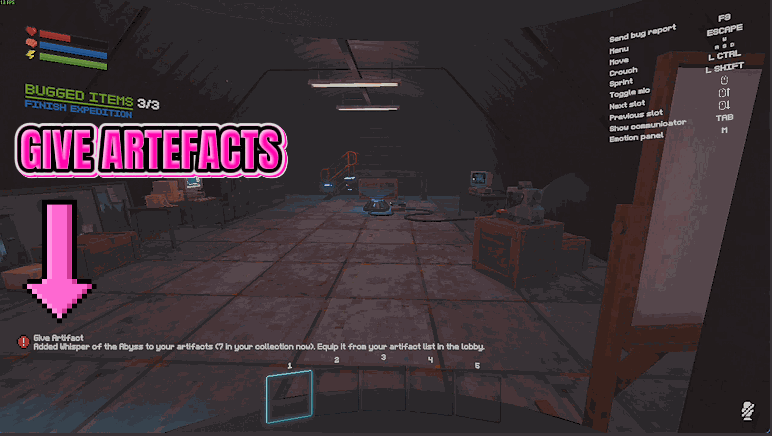
Give Artifact
Add an artifact to your collection: one you pick from the artifacts the game hands out as rewards, or one with freshly rolled effects. Every press is saved to your profile for good, and the mod has no undo.
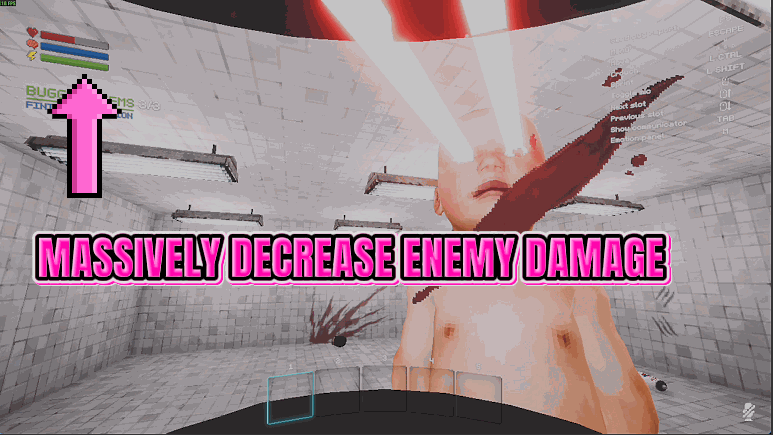
Enemy Difficulty Settings
Four percentage sliders set how fast enemies move, how hard they hit, how far they see and how well they hear while you host or play solo. Sight and hearing each reach only some enemies.
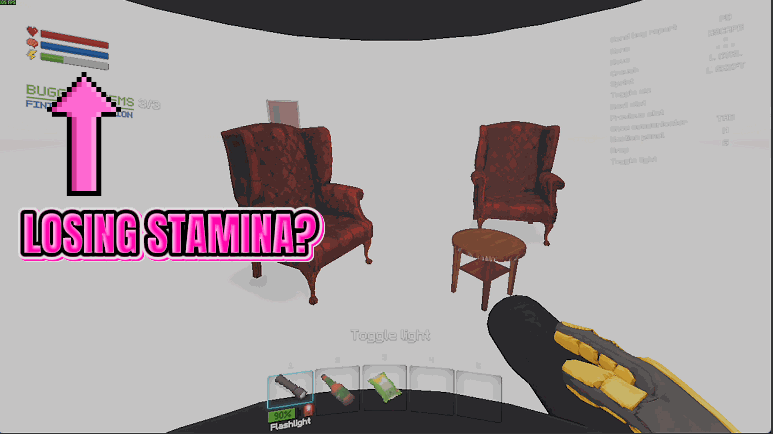
Infinite Stamina
Your stamina stays full, so you can run and jump for as long as you like and the tired state never starts. It changes your own character only.







