Want more mods for Project: Doors Demo? Explore our entire collection!
Give Artifact
"Add artifacts to your collection. For keeps."
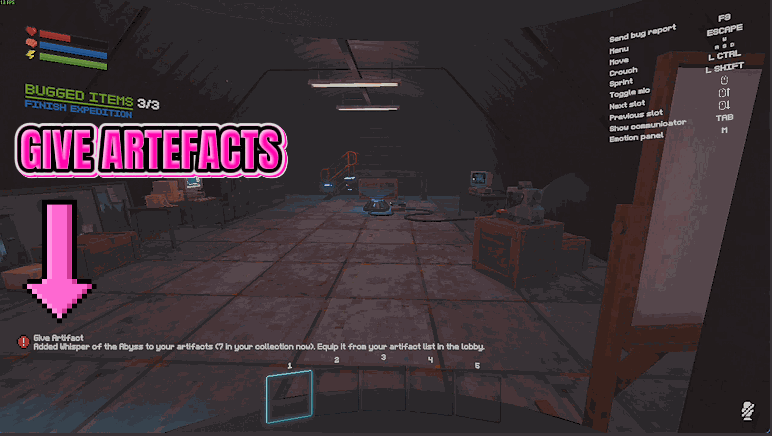
How do I install Give Artifact?
Download the free ProjectMods desktop app, then install Give Artifact for Project: Doors Demo in one click.
</>What does Give Artifact do?
Artifacts arrive as rewards, one at a time, and you take what you're given. Give Artifact hands you two buttons that add them to your collection directly. Pick from Artifact, a list of the artifacts the game hands out as rewards, shown by their in-game names once the game has reached its main menu, then press Give Selected Artifact to add one copy. Or press Give Random Artifact for an artifact whose effects are rolled on the spot; each press rolls again. Either way the reply tells you how many artifacts your collection now holds. Read this before you press anything: every artifact you add is saved to your profile and stays for good. The mod has no undo and can't remove artifacts. A new artifact goes into your collection, not onto your character, so equip it from your artifact list in the lobby as usual. It works for everyone, each player for their own profile, from the main menu, the lobby or in a game.
</>What is Give Artifact?
Give Artifact fills out your artifact collection in Project: Doors Demo. Choose from the Artifact list and press Give Selected Artifact, or press Give Random Artifact for a fresh roll. Each addition is permanent: there is no undo and the mod can't take one back out. It never equips an artifact for you, never lets you choose rolled effects, and lists only artifacts that a reward in the game hands out.
</>Common questions about Give Artifact
What does Give Artifact do in Project: Doors Demo?
It adds artifacts to your collection at the press of a button and saves your profile each time. One button adds the artifact you chose, the other adds a random roll. Nothing gets switched on, so disabling the mod changes nothing and the artifacts you added remain.
Can I remove an artifact I added by mistake?
No. There is no undo, the mod can't remove artifacts, and each press saves your profile straight away. The game sets no limit on how many artifacts a profile holds and the mod adds none, so a spare copy simply sits in your collection. Check the Artifact dropdown before you press Give Selected Artifact.
Why did Give Random Artifact add nothing?
It needs an artifact with rolled effects among the game's rewards. If the game has none, the button tells you so and leaves your collection alone. Both buttons also refuse until the game has loaded your profile, which happens once you reach the main menu, so wait for the menu and press again. The mod also checks its own work: if a newly added artifact doesn't read back exactly as it was written, it is taken out again and nothing is saved.
Can I choose the effects on a random artifact?
No, the roll is random and a new one is made on each press. You can press again for a different result, but every press adds another artifact that stays, so ten rerolls leave you with ten artifacts. An artifact the game always grants with one fixed roll keeps that roll when you add it from Artifact.
Is every artifact in the game on the list?
No. The list holds only artifacts that a reward in the running game hands out, and the tutorial artifact is left off too. The names come from the game as it runs, which is why the dropdown reads "Launch game to load the artifact list" until the main menu is up.
What options does Give Artifact include?
Give Selected Artifact
Adds one copy of the chosen artifact to your collection and saves your profile. It stays for good; equip it from your artifact list in the lobby.
Artifact
Which artifact Give Selected Artifact adds. The list fills with the artifacts the game hands out as rewards, by their in-game names, once the game has reached its main menu.
Give Random Artifact
Adds one artifact with freshly rolled effects to your collection and saves your profile. Press it again for a different roll; every artifact you add stays for good. If the game has no artifact with rolled effects, it tells you and adds nothing.
Give Artifact is a ProjectMods mod for Project: Doors Demo that adds one artifact per press to your collection, either one you pick or a randomly rolled one, and keeps it on your profile permanently with no undo.
System Requirements
What features does Give Artifact include?
- Artifact lists the artifacts the game's own rewards hand out, by in-game name; the tutorial artifact is left off.
- Give Selected Artifact adds one copy of your pick per press.
- Give Random Artifact adds an artifact whose effects are rolled anew on every press.
- Each added artifact is written to your saved profile and is permanent.
- If your artifact list is open when you press, it redraws at once with the new artifact in it.
Best For
- You want to try one particular artifact on the next expedition, so pick it in Artifact, press Give Selected Artifact while you're in the lobby and equip it there.
- You're curious what the rolled effects can come out as. Press Give Random Artifact a few times and compare the results in your artifact list, remembering that each one stays.
- Everyone in the squad wants the same artifact. Each player picks it in Artifact and presses Give Selected Artifact themselves, because it only ever adds to your own profile.
More Mods for Project: Doors Demo
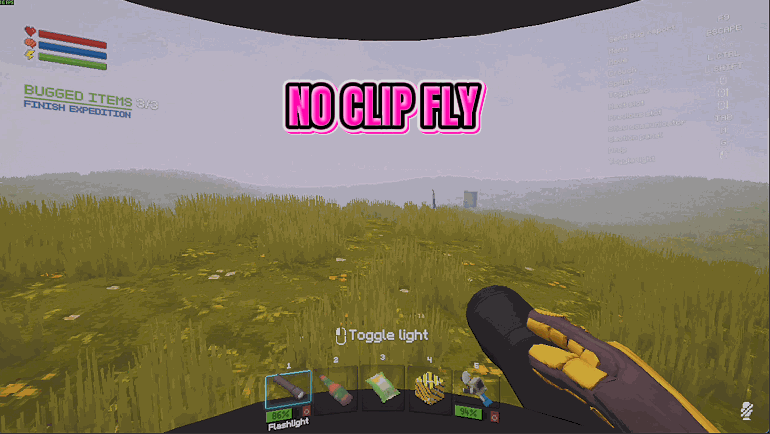
Fly & Noclip
Fly where you look with W A S D, Space and Ctrl, hold Shift for a faster speed, and switch on Noclip to go through walls and floors. Host, solo and joined players can all fly.
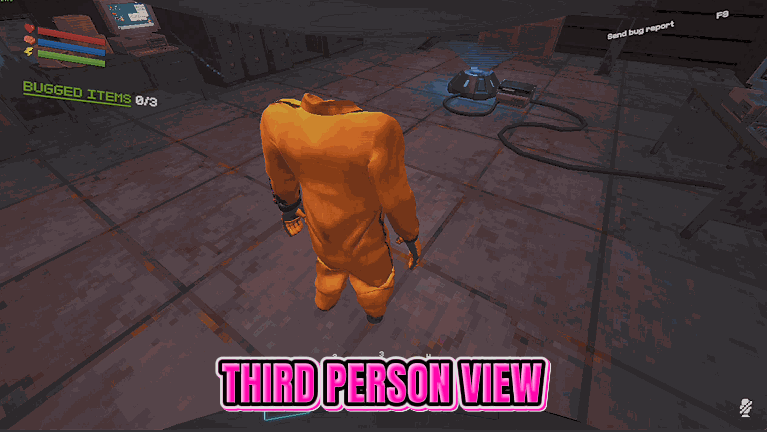
Free Camera
Fly the camera away from your character for screenshots, with an adjustable flying speed, its own light for dark rooms and a switch that hides the HUD, tips and subtitles.
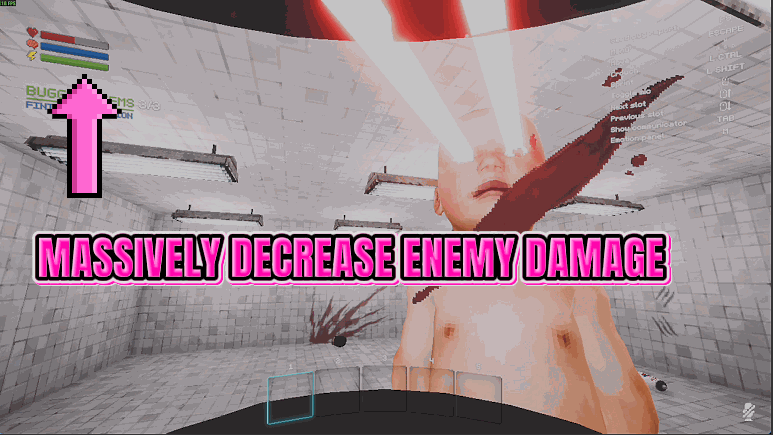
Enemy Difficulty Settings
Four percentage sliders set how fast enemies move, how hard they hit, how far they see and how well they hear while you host or play solo. Sight and hearing each reach only some enemies.







