Want more mods for Project: Doors Demo? Explore our entire collection!
Free Camera
"Leave your body behind and frame the shot."
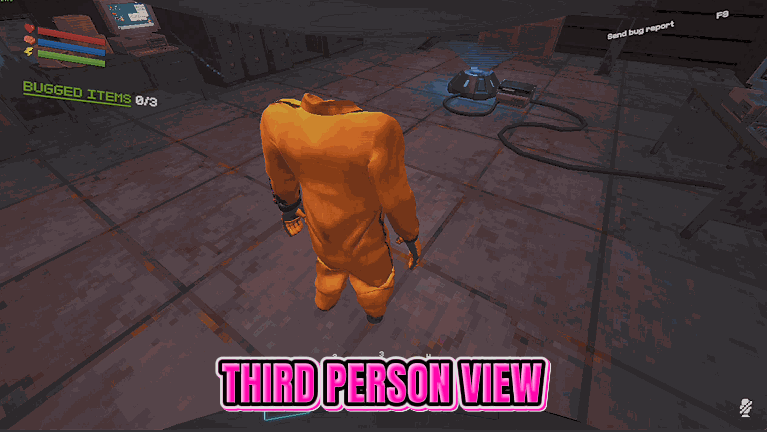
How do I install Free Camera?
Download the free ProjectMods desktop app, then install Free Camera for Project: Doors Demo in one click.
</>What does Free Camera do?
First person is a poor way to photograph a horror game: you can never get the room, the squad and the thing in the corner into one frame. Free Camera hands you the camera on its own. Switch on Free Camera and the view lifts off your character and flies wherever you steer it. Move and look as usual, Jump rises, Crouch sinks, Sprint goes faster, and K widens the view while L narrows it. Camera Speed sets how fast it flies, from 1 to 50 metres per second, starting at 10. Camera Light switches on the camera's own light so dark rooms show up in your shots. Hide HUD clears the HUD, the on-screen tips and the subtitles, and it works by itself too, so you can take clean first-person shots without flying anywhere. Your character stays standing where you left it, shown as a full body, and can still be hurt. Switching Free Camera off puts the view back on your character and returns control. Camera Light off puts the light back as it was, and Hide HUD off shows everything again.
</>What is Free Camera?
Free Camera turns Project: Doors Demo into a photo set. The Free Camera switch flies the view away from your character, Camera Speed sets the pace from 1 to 50 metres per second, Camera Light brightens dark rooms and Hide HUD removes the HUD, tips and subtitles. It never pauses the game, stops creatures or moves your character, which stays where it stands and can still take damage while you're away.
</>Common questions about Free Camera
What does Free Camera do in Project: Doors Demo?
It separates the camera from your character so you can fly around and take screenshots. Three more options shape the shot: a speed setting, a light and a HUD hider. There is no roll or tilt, no depth of field and no saved camera positions.
Can creatures still hurt me while the camera is away?
Yes. Your character keeps standing where you left it and takes damage as normal, and nothing in the game pauses or slows down. If you die while flying, the game's own death view takes over from the free camera. Leave your character somewhere quiet before a long shoot.
What do other players see while I'm flying the camera?
They see your character standing still at the place you left it. The free camera is only your own view, so nobody else's screen changes, and any player in the squad can use the mod. You can't interact with anything or walk your character from the camera, so squadmates won't see you do anything until you switch back.
Why does the HUD flash back for a moment with Hide HUD on?
The game sometimes brings the HUD back, for example after you close the map, and Hide HUD hides it again about twice a second. That can leave a brief flash. Wait a beat after closing the map before you take the shot.
What options does Free Camera include?
Free Camera
Lets the camera fly free of your character for screenshots: move and look as usual, Jump rises, Crouch sinks, Sprint is faster, K and L zoom. Your character stays where it stands and can still be hurt. Off by default; off puts the camera back on your character.
Camera Speed
How fast the free camera flies, in metres per second, from 1 to 50. 10 by default. It applies while Free Camera is on.
Camera Light
Switches on the free camera's own light, so dark rooms show up in your shots. Off by default; off puts the light back as it was.
Hide HUD
Hides the HUD, the on-screen tips and the subtitles for clean screenshots, with or without the free camera. Off by default; off shows them again.
Free Camera is a ProjectMods mod for Project: Doors Demo that detaches the view from your character so you can fly it around for screenshots, while your character stays put and can still be hurt.
System Requirements
What features does Free Camera include?
- Free Camera flies the view with your normal move and look controls, plus Jump to rise, Crouch to sink and Sprint to go faster.
- K widens the view and L narrows it while the camera is flying.
- Camera Speed starts at 10 and takes whole numbers, with 1 as the slowest glide.
- Camera Light switches on the free camera's own light for dark rooms.
- Hide HUD removes the HUD, on-screen tips and subtitles, with or without the free camera.
Best For
- The squad is lined up at a door and you want the group shot, so switch on Free Camera, pull back at the default Camera Speed of 10 and turn on Hide HUD before you capture.
- A room is too dark to read in a screenshot. Turn on Camera Light and the shot shows what's there.
- You need a slow, steady pass for a video clip, so drop Camera Speed to 1 or 2 and glide.
- You only want the interface gone for a first-person capture, so leave Free Camera off and switch on Hide HUD alone.
More Mods for Project: Doors Demo
God Mode
You take no damage and nothing can kill you, and a second switch gives the same protection to every other player in the lobby you host. Works for the host or in solo play.
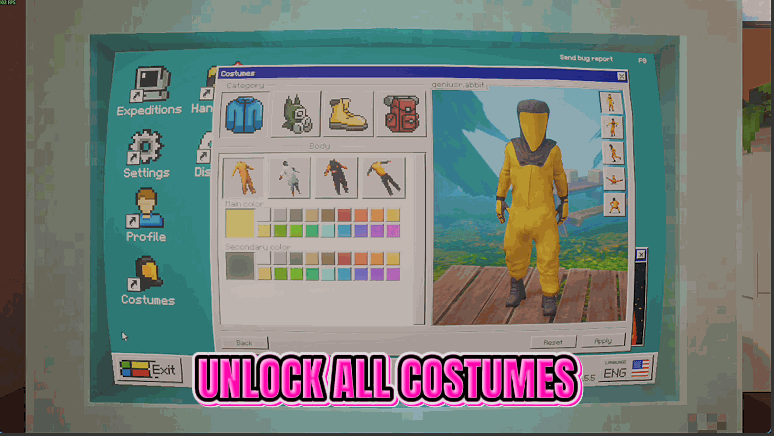
Unlock All Outfits & Emotes
Unlocks the only two things Project: Doors Demo keeps locked: its fourth body, normally a level reward, and the one emote no demo level hands out. A button each, saved to your own profile for good.
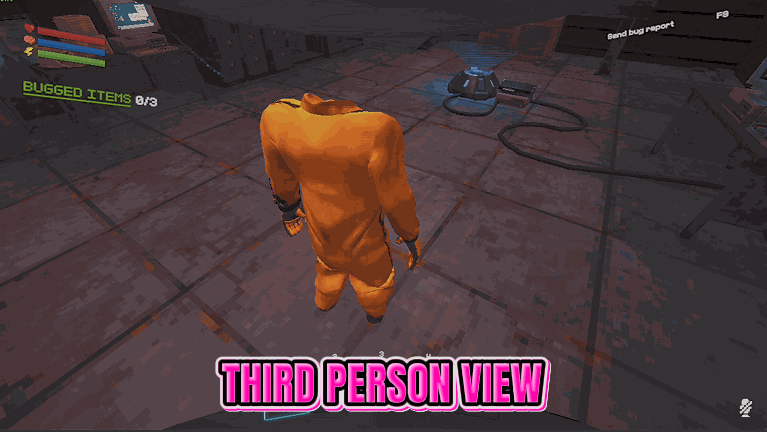
Third-Person View & Wider FOV
Play in third person through the game's own third-person camera, and set your field of view anywhere from 45 to 160 degrees, past the end of the game's slider.







