Want more mods for Project: Doors Demo? Explore our entire collection!
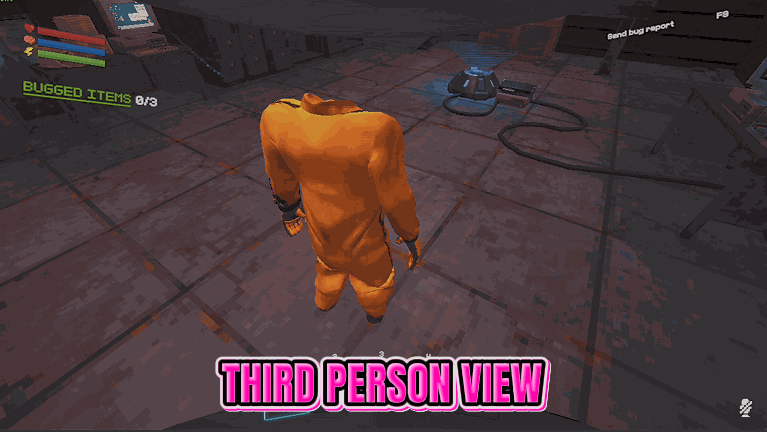
Third-Person View & Wider FOV
"See your character. See more of the room."
How do I install Third-Person View & Wider FOV?
Download the free ProjectMods desktop app, then install Third-Person View & Wider FOV for Project: Doors Demo in one click.
</>What does Third-Person View & Wider FOV do?
Project: Doors Demo is played in first person, with a field of view slider that only goes so far. Third-Person View & Wider FOV hands you two separate switches for that. Third-Person View shows your character from behind, using the camera the game already has for emotes, any time the game would normally show first person. Change Field Of View sets your field of view to the Field Of View number, which runs from 45 to 160 degrees and starts at 110. Higher shows more around you, lower narrows the view. Third person steps aside while you're dead, spectating, on the map or on another special camera, and returns when the normal view does. Switching Third-Person View off puts you back in first person. Switching Change Field Of View off puts back the field of view you chose in the game's options, which the mod never overwrites.
</>What is Third-Person View & Wider FOV?
Third-Person View & Wider FOV changes how you see Project: Doors Demo. Third-Person View swaps first person for the game's own behind-the-character camera. Change Field Of View applies the Field Of View number, 45 to 160 degrees with 110 as the default. It has no camera distance or shoulder setting, changes nothing for other players, and never edits the field of view saved in the game's options.
</>Common questions about Third-Person View & Wider FOV
What does Third-Person View & Wider FOV do in Project: Doors Demo?
It gives you a third-person camera and a wider (or narrower) field of view than the game's settings offer. Each has its own switch, and both are off until you turn them on. The third-person camera is the one the game already uses for emotes, so the angle is the game's own. There is no setting for how far back the camera sits or which shoulder it looks over.
Why did the view jump back to first person for a moment?
Third person waits whenever the game takes the camera for something else: death, spectating, the map or another special camera. When the normal view returns, third person returns with it, and you may see first person for an instant in between. Nothing needs switching back on.
Do other players see anything different when I use it?
No. Both options change only what's on your screen, and squadmates see you exactly as before. Any player in the squad can use it, and nothing is saved, so without the mod the game looks the way it always did.
What happens to my own FOV setting in the game's options?
It stays as you set it. While Change Field Of View is on, the Field Of View number is used in its place. Switch it off and your own setting is back. The mod never writes to that setting, so removing the mod leaves nothing to undo.
What options does Third-Person View & Wider FOV include?
Field Of View
The field of view in degrees while Change Field Of View is on, from 45 to 160: higher shows more around you. 110 by default.
Change Field Of View
Sets your field of view to Field Of View, past the end of the game's own slider. Off by default; off puts back your own setting from the game's options.
Third-Person View
Shows your character from behind through the game's own third-person camera, the one it uses for emotes. Off by default; off puts you back in first person.
Third-Person View & Wider FOV is a ProjectMods mod for Project: Doors Demo that shows your character from behind and lets you set a field of view between 45 and 160 degrees, on your own screen only.
System Requirements
What features does Third-Person View & Wider FOV include?
- Third-Person View uses the game's own third-person camera whenever the normal first-person view would be on screen.
- Field Of View accepts 45 to 160 degrees in steps of 1 and starts at 110.
- Change Field Of View is its own switch, so the number only applies when you want it to.
- Your field of view setting in the game's options is left untouched.
Best For
- A narrow view makes tight rooms uncomfortable, so switch on Change Field Of View and leave Field Of View at 110, or push it higher until the room feels right.
- You'd like to watch your own character move through the rooms. Turn on Third-Person View and it stays on screen for the expedition.
- You want a tighter, zoomed-in look for a clip, so set Field Of View to 45 with Change Field Of View on.
More Mods for Project: Doors Demo
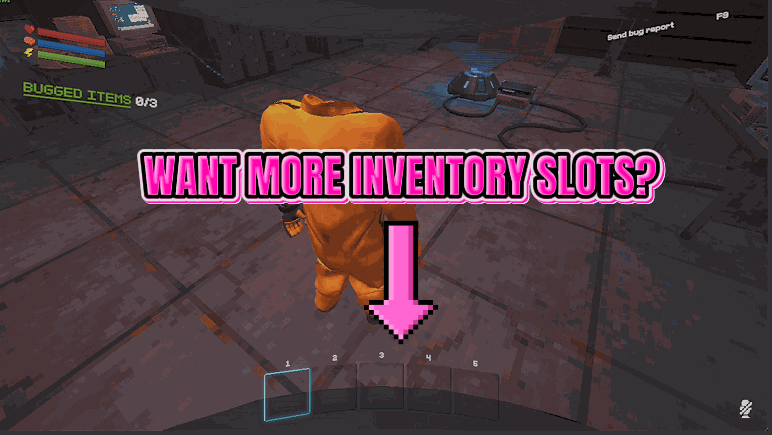
More Inventory Slots
For solo play only: adds inventory slots while you're the only player in the game, up to 9 slots in total. With anyone else in the game it does nothing.
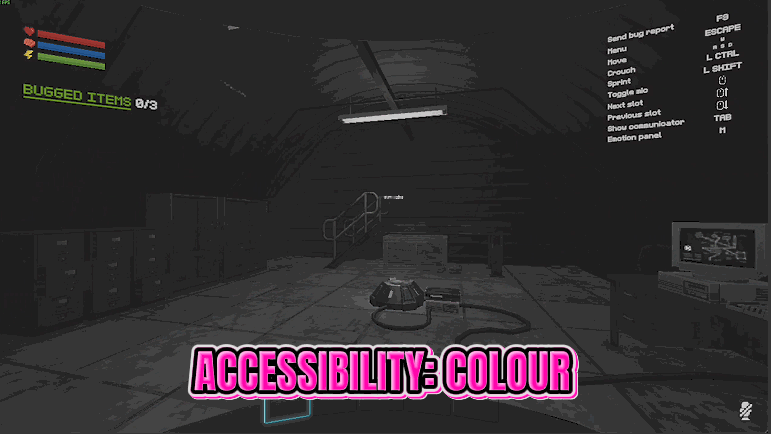
Accessibility
Comfort options for your own screen: a colour filter for anyone who mixes up certain colours, stronger contrast, HUD text and subtitles up to twice the size, and switches that hide the hurt and low sanity screen effects.
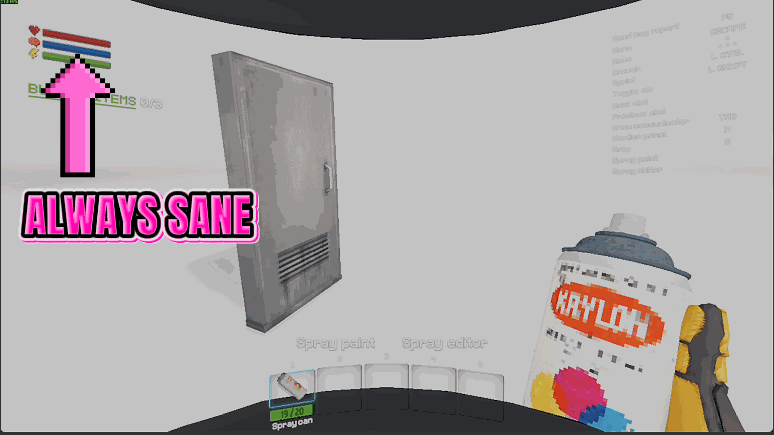
No Sanity Loss
Sanity stops dropping for you and your whole team, and one button puts everyone's sanity back to full. Works for the host or in solo play.







