Want more mods for Project: Doors Demo? Explore our entire collection!
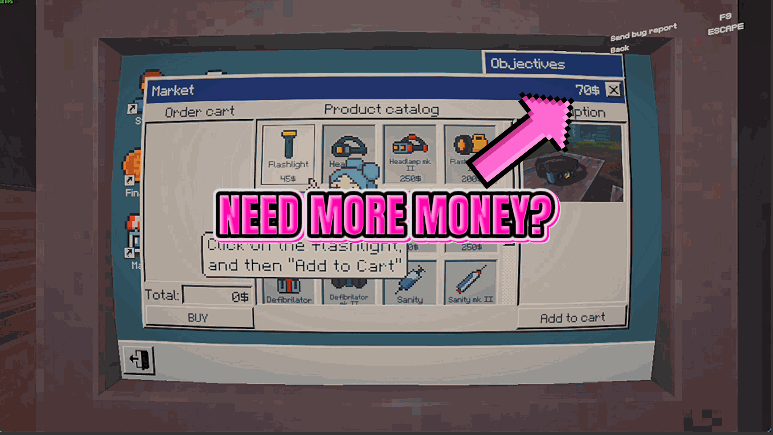
Give Money & Free Shopping
"Top up the team's money. Then shop for nothing."
How do I install Give Money & Free Shopping?
Download the free ProjectMods desktop app, then install Give Money & Free Shopping for Project: Doors Demo in one click.
</>What does Give Money & Free Shopping do?
One thin haul and the shop is out of reach for the whole squad. Give Money & Free Shopping puts the team's balance in the host's hands. Set Money Amount (0 to 1,000,000, starts at 1,000) and press Give Money to add that much. Press again for more. Reset Money takes the balance to exactly zero. Switch on Free Shopping and shop orders cost nothing. Switch on Multiply Sale Value and everything you sell pays Sale Value Percent of its normal value, from 100 to 1000 (starts at 200, which is double). Money here belongs to one expedition. The game sets it back to its starting amount whenever an expedition begins, so give money once you're in, not before. All of it works only if you host or play solo, and because the money is shared, crewmates get it too. Switching Free Shopping or Multiply Sale Value off brings back normal prices and sale values at once, and money already given stays. One change is permanent: the host's lifetime totals of money earned and money spent move with Give Money and Reset Money.
</>What is Give Money & Free Shopping?
Give Money & Free Shopping changes the team's shared money in Project: Doors Demo. Money Amount and Give Money add to the balance, Reset Money empties it, Free Shopping zeroes shop orders and Multiply Sale Value with Sale Value Percent raises sale payouts. Host or solo play only. Given money lasts for that expedition, since each new one starts with fresh funds, and the host's two lifetime money counters change for good.
</>Common questions about Give Money & Free Shopping
What does Give Money & Free Shopping do in Project: Doors Demo?
It lets the host or a solo player add money to the team's balance, clear it, order from the shop for nothing and get more for sold items. Nothing changes until you press a button or flip a switch, and it only works once a game is loaded.
Why did the money I gave disappear when the expedition started?
The game sets the team's money to its starting amount every time an expedition begins, which replaces anything given before that. Press Give Money once the expedition is running and it stays for that expedition. Money is never carried from one expedition to the next, with or without the mod.
Do my crewmates see zero prices with Free Shopping on?
No, only the host's shop screen shows everything at zero. A crewmate's own shop screen still shows the normal prices and only lets them order what the team could afford at those prices, but the order itself is then charged nothing. The shop's per-item purchase limits still apply to everyone. If a crewmate should be able to order anything, top up the balance with Give Money first.
Does anything stay changed after I switch the mod off?
Yes, two lifetime totals on the host's saved profile. Give Money raises the money-earned total by the amount given, and Reset Money lowers the money-spent total by the balance it removed. Both stay that way for good. The money itself isn't saved, and the two switches leave nothing behind.
Is there a limit to how much money the team can hold?
Yes, 2,000,000,000. Give Money stops adding once the balance would pass that, and sales with Multiply Sale Value on are held to the same ceiling. A crewmate who presses one of the buttons or flips a switch gets a message that it only works for the host.
What options does Give Money & Free Shopping include?
Reset Money
Sets the team's money to exactly zero. Works for the host or a solo player.
Money Amount
How much Give Money adds to the team's money each time you press it. From 0 to 1,000,000, normally 1,000.
Multiply Sale Value
Items you sell pay Sale Value Percent of their normal value while you host or play solo. Off by default; switching it off brings back the normal value.
Give Money
Adds Money Amount to the team's money, for you and your crewmates. Works for the host or a solo player. Use it during an expedition: the game sets the team's money to its start funds whenever an expedition begins.
Sale Value Percent
What sold items pay with Multiply Sale Value on: 100 is the normal value, 200 is double, 1000 is ten times as much. Normally 200.
Free Shopping
Shop orders cost nothing while you host or play solo. Off by default; switching it off brings back the normal prices.
Give Money & Free Shopping is a ProjectMods mod for Project: Doors Demo that lets the host or a solo player add money to the team's balance during an expedition, make shop orders cost nothing and raise what sold items pay.
System Requirements
What features does Give Money & Free Shopping include?
- Give Money adds the Money Amount you set to the team's balance, and you can press it as often as you like.
- Reset Money sets the team's money to exactly zero.
- Free Shopping makes every shop order cost nothing while it's on.
- Multiply Sale Value pays Sale Value Percent of an item's normal value when you sell, with 200 as double and 1000 as ten times.
- Crewmates share the balance, so money the host adds is theirs to spend as well.
Best For
- The squad is a little short of the supplies it needs mid-expedition, so set Money Amount to the gap and press Give Money once.
- You want to try everything the shop stocks on one run. Switch on Free Shopping before you order and leave the balance alone.
- A long trip back to sell barely pays. Switch on Multiply Sale Value with Sale Value Percent at 300 and each sale pays three times as much.
- You fancy a harder run that starts from nothing, so press Reset Money once the expedition begins and earn every order from sales.
More Mods for Project: Doors Demo
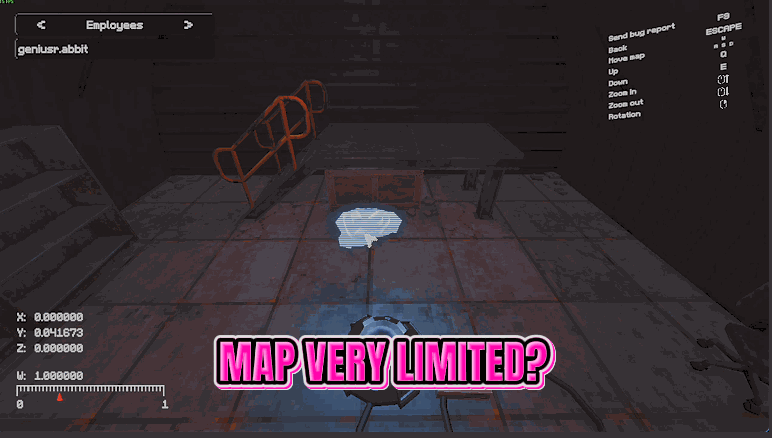
Reveal Map
Your expedition map shows every room and the links between them from the start, visited or not, and can plot routes through rooms you haven't reached yet.
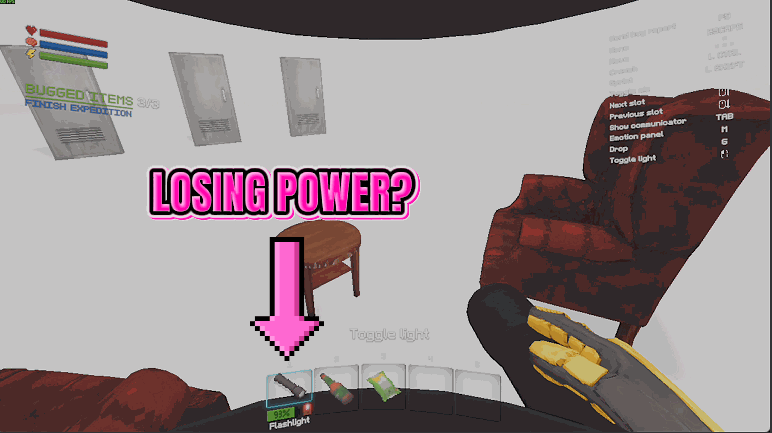
Infinite Item Charge
Charged items such as the Flashlight, the Headlamp and the EMF reader stop running down for you and your whole team, and one button refills the charged item in your hands. Works for the host or in solo play.
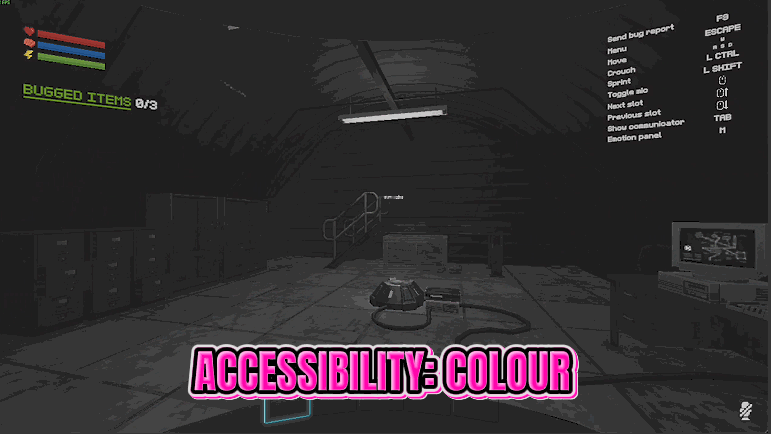
Accessibility
Comfort options for your own screen: a colour filter for anyone who mixes up certain colours, stronger contrast, HUD text and subtitles up to twice the size, and switches that hide the hurt and low sanity screen effects.







