Want more mods for Project: Doors Demo? Explore our entire collection!
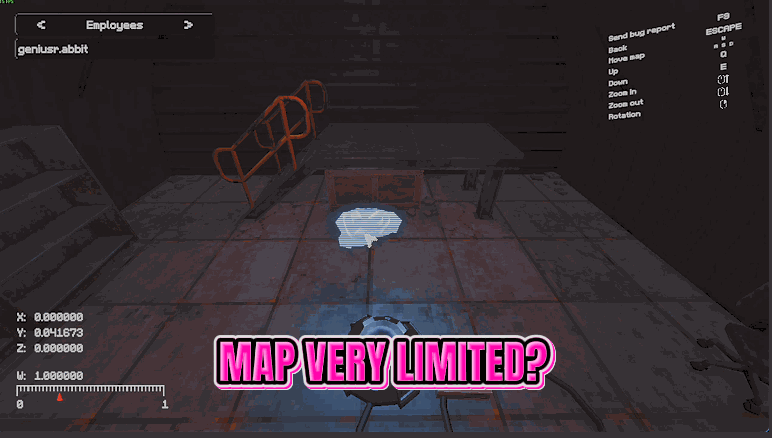
Reveal Map
"Every room on the map before you open a door."
How do I install Reveal Map?
Download the free ProjectMods desktop app, then install Reveal Map for Project: Doors Demo in one click.
</>What does Reveal Map do?
The map in Project: Doors Demo fills in as you go, which means it's least useful when you're deciding which door to try. Reveal Map hands you the whole layout up front. Switch on Reveal Map and your map shows every room of the expedition and the links between them, whether you've been there or not. The map's route finder can plot a path through rooms you haven't visited, so you can plan the way to a far room before you've seen what's in between. Leave the switch on and each new expedition's map is revealed as it loads, and rooms the game creates partway through appear when they're created. It shows rooms and links only: no items, creatures, squadmates or objectives are added to the map, and no doors are unlocked. Switch it off and the rooms you haven't visited are hidden again. The game's own record of where you've been is never touched.
</>What is Reveal Map?
Reveal Map has one switch, also called Reveal Map. With it on, the Project: Doors Demo expedition map draws all of its rooms and the connections between them straight away, and route plotting works through places you haven't walked. It only changes your own map. It doesn't mark rooms as visited, hand out discovery rewards, open doors or put items, creatures or other players on the map.
</>Common questions about Reveal Map
What does Reveal Map do in Project: Doors Demo?
It shows the full layout of the expedition on your map: all the rooms and how they connect. That's the whole mod, one switch that's off by default. It applies within a quarter of a second of being switched on, as long as you're on an expedition with a map.
Does it show items, creatures or other players?
No. Only rooms and the links between them are added. Items, creatures, squadmates and objectives appear on the map only if the game would have shown them anyway. Doors stay as they are too: seeing a room on the map doesn't open the way into it.
Will revealed rooms count as visited?
No. The game's record of the rooms you've visited isn't changed, and no discovery reward is given for rooms the mod shows. Walk into a room and the game marks it as it always does. The mod saves nothing of its own.
Why is the map still fully shown after I switched Reveal Map off?
The game can reveal the map itself on some expeditions, and when it does, that reveal stays. Switching off only removes what the mod added, so on those expeditions you'll still see every room. On any other expedition the unvisited rooms disappear again.
Do my squadmates get the revealed map too?
No, each player's map is their own. Yours shows everything, and theirs shows what they'd normally see unless they run the mod as well. Nothing changes on the other players' screens, so you'll need to call out directions. Any player in the squad can use it.
What options does Reveal Map include?
Reveal Map
Your map shows every room of the expedition and the links between them, visited or not, and can plot routes through them. Off by default; off hides the rooms you haven't visited again.
Reveal Map is a ProjectMods mod for Project: Doors Demo that uncovers every room and link on your own expedition map, visited or not, without showing items or creatures and without unlocking doors.
System Requirements
What features does Reveal Map include?
- Every room of the expedition and every link between rooms appears on your map, visited or not.
- The map can plot routes through rooms you haven't visited.
- A new expedition's map is revealed automatically while the switch stays on.
- Rooms you've really visited stay recorded by the game exactly as before.
Best For
- You've just arrived on an expedition and want to choose a direction, so switch on Reveal Map and read the layout before anyone opens a door.
- The squad needs the shortest way back to the entrance. Plot a route on the map and it can cut through rooms nobody has entered yet.
- You like finding rooms yourself but got turned around, so switch Reveal Map on for a look, then off again to hide the unvisited rooms.
- You saved a place with the Teleport mod and want to know where that room sits in the layout, so keep Reveal Map on and check the links around it.
More Mods for Project: Doors Demo
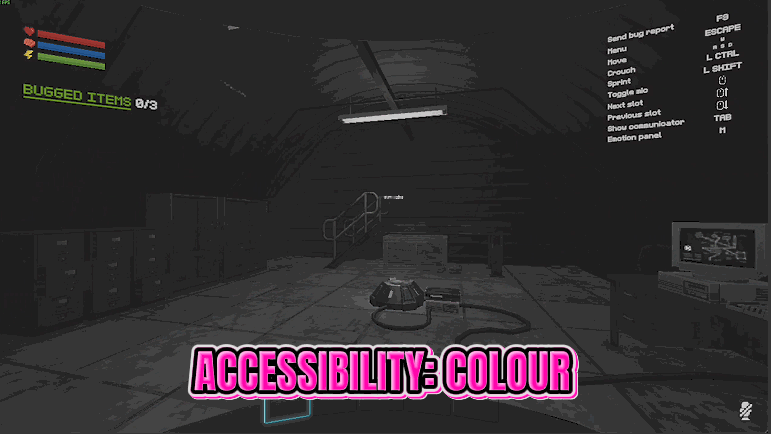
Accessibility
Comfort options for your own screen: a colour filter for anyone who mixes up certain colours, stronger contrast, HUD text and subtitles up to twice the size, and switches that hide the hurt and low sanity screen effects.
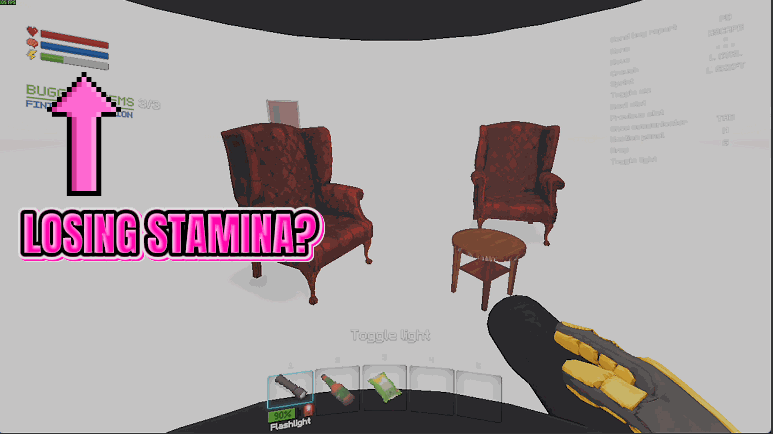
Infinite Stamina
Your stamina stays full, so you can run and jump for as long as you like and the tired state never starts. It changes your own character only.
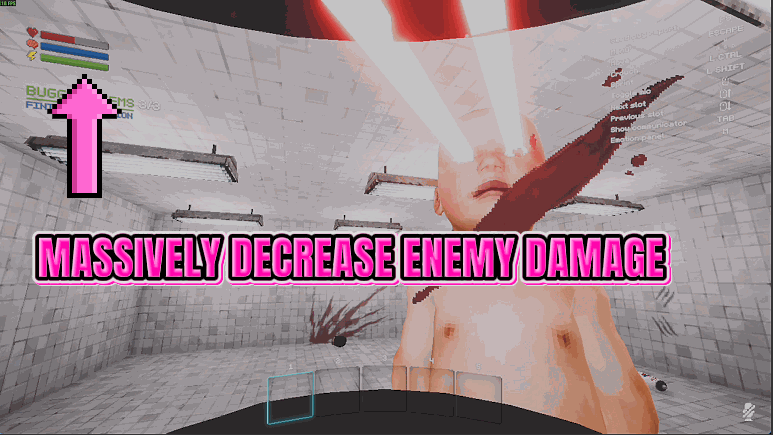
Enemy Difficulty Settings
Four percentage sliders set how fast enemies move, how hard they hit, how far they see and how well they hear while you host or play solo. Sight and hearing each reach only some enemies.







