Want more mods for Project: Doors Demo? Explore our entire collection!
Artifact Forge
"Design your own artifact, effect by effect."
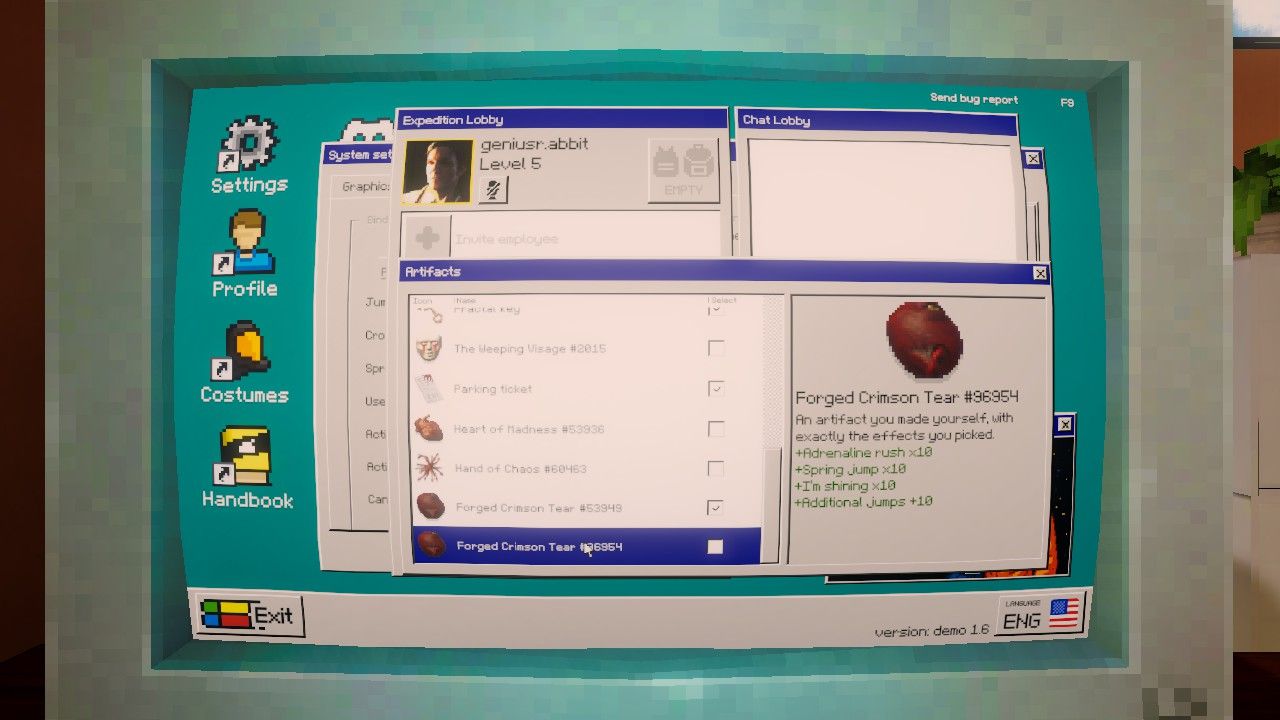
How do I install Artifact Forge?
Download the free ProjectMods desktop app, then install Artifact Forge for Project: Doors Demo in one click.
</>What does Artifact Forge do?
Random artifacts roll their effects for you, and you live with the result. Artifact Forge hands you the dice. Fill Effect 1 to Effect 8 with any of the game's own artifact effects: enemy aggression, sight radius, damage and speed, quota size, XP, item purchase cost, quota item sell cost, item charge, cloning cost and the chance to not consume item charge, each in a raise or a lower version, plus all sixteen named effects such as Additional jumps, Spring jump, Adrenaline rush, Cartography, Door shuffle and Charon deal. Set Effect 1 Strength to Effect 8 Strength anywhere from 1 to 10, pick an Artifact Look, and press Create Artifact. Your new artifact is named Forged and the look's name, with a number after it, and it shows your picks as its good and bad effects, worded the way the game words its own. Settings move 10% per step, up to double when raised and at most 90% less when lowered; effects with a number, like Additional jumps, take the strength as that number. Equip it in the lobby and it applies on your next expedition. Every artifact you make is saved to your profile, and Remove All Forged Artifacts clears them out again. In co-op, enemy, price and quota effects come from the host's game, and effects on your own character, like jumps, light and the map, need the mod on that player's game.
</>What is Artifact Forge?
Artifact Forge turns the artifact collection in Project: Doors Demo into a workshop. Instead of taking whatever a random artifact rolls, you choose every effect yourself from the game's own list: settings that tune enemies, prices, the quota and XP, plus every named effect a random artifact can roll. Each of the eight slots has its own strength, and the artifact describes your choices in the game's own wording. Made artifacts are saved to your profile and can all be removed with one button. Anyone in your squad who wants the effects on their own character needs the mod running too.
</>Common questions about Artifact Forge
Which effects can I put on an artifact in Artifact Forge?
Any of the game's own artifact effects, 37 in all. There are ten expedition settings, each in a raise and a lower version: enemy aggression, enemy sight radius, enemy damage, enemy speed, quota size, XP multiplier, item purchase cost, quota item sell cost, item charge multiplier and cloning cost. Then there's the chance to not consume item charge, and the sixteen named effects the game's random artifacts can roll, from Additional jumps and Steel nerves to Door shuffle and Charon deal. You can use up to eight on one artifact.
What does Effect Strength do?
It sets how strong that slot's effect is, from 1 to 10, with 3 as the starting value. A setting changes by 10% per step, so strength 10 doubles it when raised; a lowered setting stops at 90% less, so it never drops to nothing. Additional jumps, I'm shining, Adrenaline rush, Air control, Spring jump, Hard landing and Enemy shuffle take the strength as their number, so strength 4 on Additional jumps is four extra jumps. The other named effects are simply on, whatever the strength.
Why does Create Artifact refuse my choices?
It refuses a few combinations on purpose so the artifact does exactly what it says. You need at least one effect picked. The same effect can't appear in two slots; raise its strength instead. And a raise and a lower version of the same setting can't sit on one artifact, because they would cancel each other out. It also waits until your profile has loaded, which happens once you reach the main menu. The reply always names the slot it stopped at, so you know what to change.
Do my friends need Artifact Forge in co-op?
Enemy, price and quota effects come from the host's game, so the whole squad gets them when the host runs the mod. Effects on your own character, like Additional jumps or Cartography, only happen for players running it. A player without the mod simply plays without the artifact.
What happens to my artifacts if I turn Artifact Forge off?
They stay in your saved profile, but while the mod is off the game doesn't show them and their effects don't apply. An expedition that has already started keeps its effects until it ends. Turn the mod back on and they're back in your artifact list. If you'd rather clear them out for good, press Remove All Forged Artifacts while the mod is on: it unequips any forged artifact you have equipped, removes every one you made and saves your profile. The game's own artifacts are never touched.
What options does Artifact Forge include?
Create Artifact
Makes an artifact with the effects you picked in Effect 1 to Effect 8, adds it to your collection and saves your profile. Equip it from your artifact list in the lobby; it shows your effects as its good and bad effects and they apply on your next expedition. In someone else's game, enemy, price and quota effects need the host to run the mod too. Press it again to make more.
Effect 2 Strength
How strong Effect 2 is, 1 to 10: settings change by 10% per step, and effects with a number, like Additional jumps, use the strength as that number.
Remove All Forged Artifacts
Takes every artifact you made with Create Artifact out of your collection and saves your profile. Any that are equipped are unequipped first. The game's own artifacts stay.
Effect 8 Strength
How strong Effect 8 is, 1 to 10: settings change by 10% per step, and effects with a number, like Additional jumps, use the strength as that number.
Effect 5 Strength
How strong Effect 5 is, 1 to 10: settings change by 10% per step, and effects with a number, like Additional jumps, use the strength as that number.
Effect 1 Strength
How strong Effect 1 is, 1 to 10: settings change by 10% per step, and effects with a number, like Additional jumps, use the strength as that number.
Effect 7 Strength
How strong Effect 7 is, 1 to 10: settings change by 10% per step, and effects with a number, like Additional jumps, use the strength as that number.
Effect 8
One effect for the artifact you're making, from the game's own list of artifact effects. None leaves this slot empty. Settings come in a raise and a lower version; pick one.
Effect 4 Strength
How strong Effect 4 is, 1 to 10: settings change by 10% per step, and effects with a number, like Additional jumps, use the strength as that number.
Effect 7
One effect for the artifact you're making, from the game's own list of artifact effects. None leaves this slot empty. Settings come in a raise and a lower version; pick one.
Artifact Look
Which of the game's random-artifact looks your artifact takes. Its name becomes Forged and that look's name, with a number after it.
Effect 3 Strength
How strong Effect 3 is, 1 to 10: settings change by 10% per step, and effects with a number, like Additional jumps, use the strength as that number.
Effect 2
One effect for the artifact you're making, from the game's own list of artifact effects. None leaves this slot empty. Settings come in a raise and a lower version; pick one.
Effect 6 Strength
How strong Effect 6 is, 1 to 10: settings change by 10% per step, and effects with a number, like Additional jumps, use the strength as that number.
Effect 1
One effect for the artifact you're making, from the game's own list of artifact effects. None leaves this slot empty. Settings come in a raise and a lower version; pick one.
Effect 4
One effect for the artifact you're making, from the game's own list of artifact effects. None leaves this slot empty. Settings come in a raise and a lower version; pick one.
Effect 3
One effect for the artifact you're making, from the game's own list of artifact effects. None leaves this slot empty. Settings come in a raise and a lower version; pick one.
Effect 6
One effect for the artifact you're making, from the game's own list of artifact effects. None leaves this slot empty. Settings come in a raise and a lower version; pick one.
Effect 5
One effect for the artifact you're making, from the game's own list of artifact effects. None leaves this slot empty. Settings come in a raise and a lower version; pick one.
Artifact Forge is a ProjectMods mod for Project: Doors Demo that lets you build your own artifacts: choose up to eight of the game's artifact effects, set each strength from 1 to 10, pick one of four looks, and the artifact is added to your collection to equip in the lobby.
System Requirements
What features does Artifact Forge include?
- Effect 1 to Effect 8 each offer all 37 of the game's artifact effects, so one artifact can carry up to eight of them.
- Each Effect Strength runs from 1 to 10: settings change by 10% per step, and number effects like Additional jumps take the strength as their number.
- Artifact Look gives your artifact the face of Crimson Tear, Hand of Chaos, Heart of Madness or The Weeping Visage, or a random one of them.
- Create Artifact saves the new artifact to your profile; it shows your effects in the game's own wording and applies them once equipped.
- Remove All Forged Artifacts takes every artifact you made out of your collection, unequipping any that are equipped first.
Best For
- You want a relaxed run through the levels, so you build an artifact with Enemy damage: lower, Enemy speed: lower and Cartography, equip it in the lobby and explore at your own pace.
- You and your squad want a hard mode, so the host forges one with Enemy aggression: raise, Quota size: raise and XP multiplier: raise at strength 10 and equips it before the expedition.
- You love moving around, so you stack Additional jumps at 5, Spring jump at 3 and Air control at 4 on one artifact and treat the levels like an obstacle course.
More Mods for Project: Doors Demo
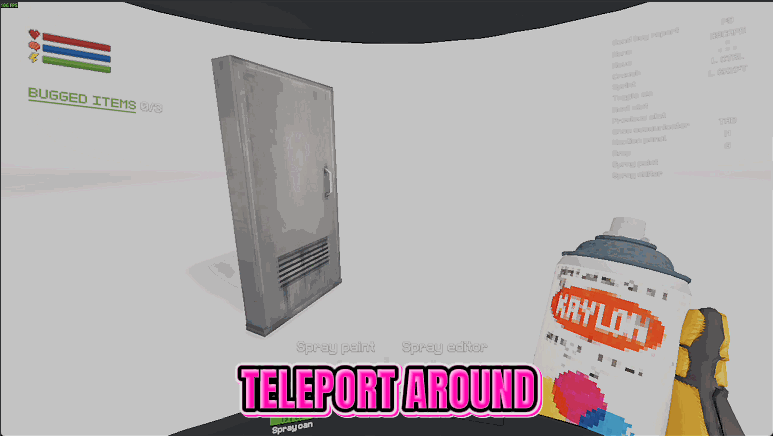
Teleport
Save the spot you're standing on and jump back to it from any room, or go straight to the expedition's entrance door. One saved spot at a time, and you need to be alive.
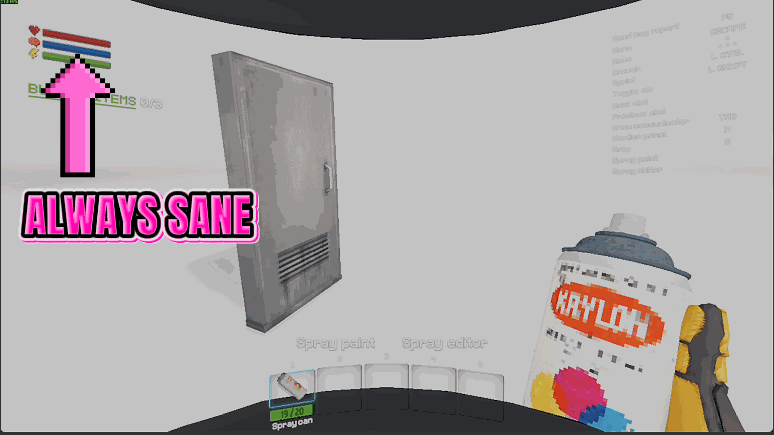
No Sanity Loss
Sanity stops dropping for you and your whole team, and one button puts everyone's sanity back to full. Works for the host or in solo play.
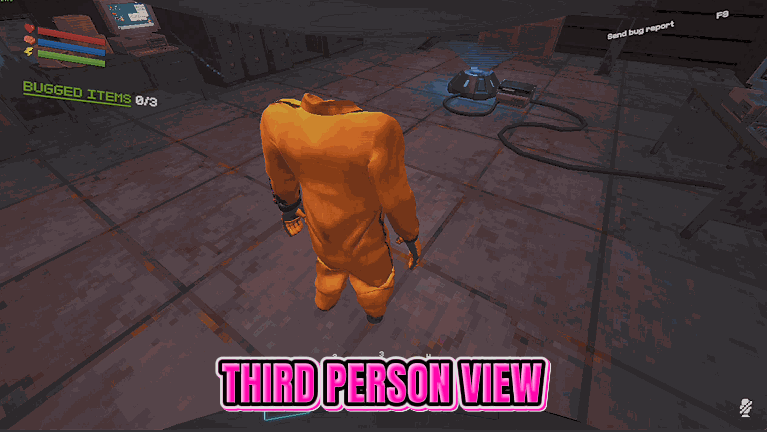
Free Camera
Fly the camera away from your character for screenshots, with an adjustable flying speed, its own light for dark rooms and a switch that hides the HUD, tips and subtitles.







