Want more mods for Project: Doors Demo? Explore our entire collection!
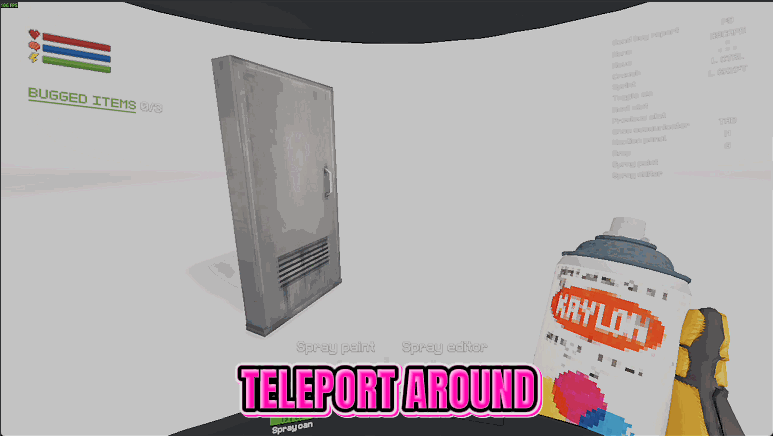
Teleport
"Save a spot. Come back from any room."
How do I install Teleport?
Download the free ProjectMods desktop app, then install Teleport for Project: Doors Demo in one click.
</>What does Teleport do?
The maze behind the doors is easy to get lost in, and the walk back to the way out is where expeditions tend to go wrong. Teleport hands you three buttons for it. Save This Spot remembers the room you're in and exactly where you stand in it. Teleport To Saved Spot puts you back there, even if you've wandered several rooms away, and stops your movement as you arrive. Teleport To Camp Entrance drops you in front of the expedition's entrance door, the one your map marks as the way back to camp. Only one spot is kept, so saving again replaces the old one. The spot is forgotten when its room disappears, when a new expedition loads or when you leave the game, and nothing is written to your save. All three buttons need a loaded game and a living character. There are no switches here, so there is nothing to turn off: a teleport leaves you where it put you. In co-op each player moves their own character and the rest of the squad sees it happen.
</>What is Teleport?
Teleport adds three buttons to Project: Doors Demo. Save This Spot stores your room and position, Teleport To Saved Spot returns you there from anywhere on the expedition, and Teleport To Camp Entrance places you in front of the entrance door your map marks. It keeps a single spot, forgets it when the room disappears or a new expedition starts, and never takes you into the camp itself, to other players or to items.
</>Common questions about Teleport
What does Teleport do in Project: Doors Demo?
It moves your character around an expedition with three buttons: one saves where you stand, one returns you there, one sends you to the entrance door. It only moves you. There is no teleport to where you look, to squadmates, to items or to map markers.
Why did Teleport To Saved Spot say "You're already there."?
You're standing within 1 metre of the saved spot, in the same room, so there is nowhere to move you. Walk away or into another room and press it again. If you meant to store a new place, press Save This Spot first, which replaces the old one.
Does Teleport To Camp Entrance take me into the camp?
No. It takes you to the entrance door on the expedition side and lands you at a random point in front of it, the way walking through a door would. Getting into camp from there is still up to you. The button needs an expedition map with an entrance door. If there isn't one, it tells you so and does nothing.
Is my saved spot still there after I load a new level or die?
A new level wipes it, and so does leaving the game or the saved room disappearing. The spot lives only while the game is running, so there is nothing to carry between sessions. While you're dead the buttons answer "You need to be alive." and do nothing.
What options does Teleport include?
Save This Spot
Remembers the room you're in and where you stand in it, for Teleport To Saved Spot. One spot is kept at a time; saving again replaces it.
Teleport To Saved Spot
Takes you back to the spot you saved last, even from another room. The spot is forgotten when its room disappears or a new expedition starts. You need to be alive.
Teleport To Camp Entrance
Takes you to the expedition's entrance door, the one your map marks as the way back to camp. It works once you're on an expedition, and you need to be alive.
Teleport is a ProjectMods mod for Project: Doors Demo that saves one spot on an expedition and takes you back to it from any room, with a third button that sends you to the expedition's entrance door.
System Requirements
What features does Teleport include?
- Save This Spot stores the room you're in and your position in it, one spot at a time.
- Teleport To Saved Spot works across rooms and brings you to a standstill on arrival.
- Teleport To Camp Entrance places you at a random point in front of the expedition's entrance door.
- Every player in a co-op squad can use it for their own character, and the others see the move.
Best For
- You've found a room with more quota items than you can carry, so press Save This Spot, haul the first load out and use Teleport To Saved Spot to come back for the rest.
- You're deep in the maze and ready to head back. Press Teleport To Camp Entrance and you're standing at the entrance door without retracing every room.
- You want to scout a side route without losing your place, so save before you go and return with one press if it turns out to be a dead end.
More Mods for Project: Doors Demo
Accessibility
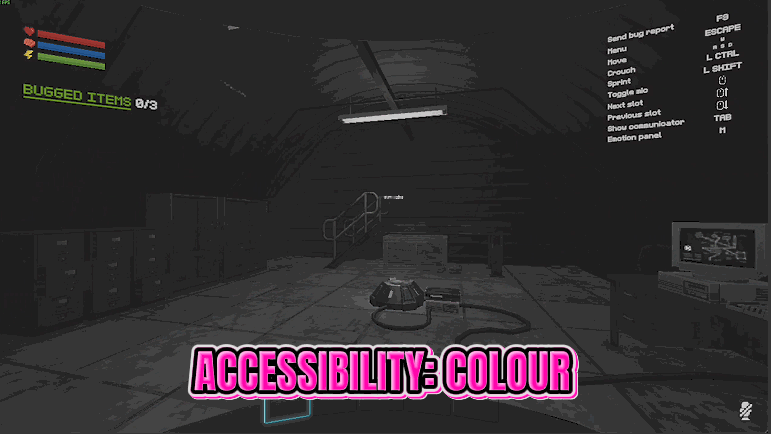
Comfort options for your own screen: a colour filter for anyone who mixes up certain colours, stronger contrast, HUD text and subtitles up to twice the size, and switches that hide the hurt and low sanity screen effects.
Instant Research
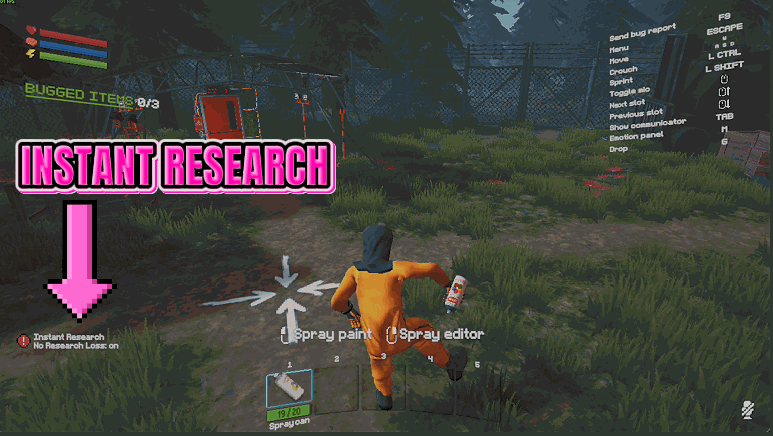
Research finishes a moment after you start a scan instead of filling up over time, and unfinished research can keep its progress. Host or solo only.
Trigger World Events
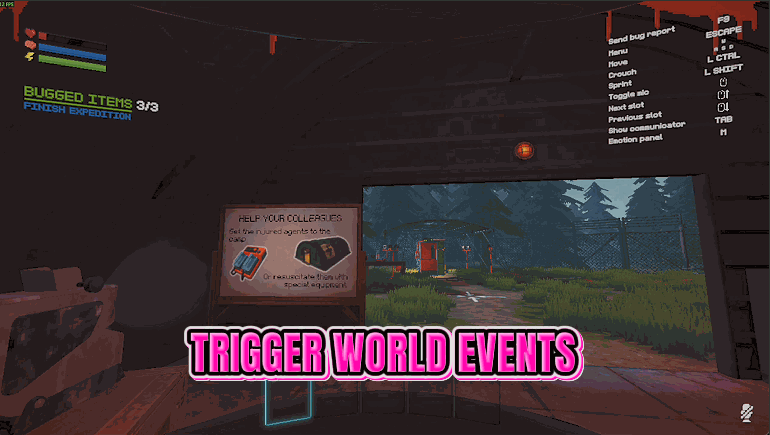
Start one of the game's random events on demand, a chosen one or a random one, for everyone in your game, and optionally stop the game starting them by itself. Host or solo, during an expedition.







