Want more mods for Project: Doors Demo? Explore our entire collection!
Instant Research
"Start the scan. Research done."
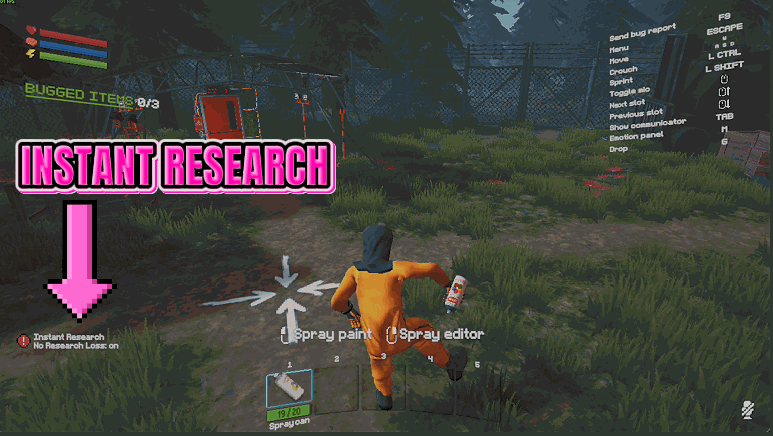
How do I install Instant Research?
Download the free ProjectMods desktop app, then install Instant Research for Project: Doors Demo in one click.
</>What does Instant Research do?
Research fills up over time while you scan something and slips back once you stop, which is a lot to ask when you'd rather keep moving. Instant Research has two switches. Switch on Instant Research and all 3 stages of research finish a moment after a scan starts, each stage giving what it normally gives. Switch on No Research Loss and unfinished research keeps its progress when you stop scanning, so you can build it up in short bursts at the normal speed. Use either one alone or both together. You still start a scan on each thing yourself, and nothing gets researched for you. Both switches work only if you host or play solo. Switching Instant Research off brings back the normal research time, and switching No Research Loss off brings back the normal loss. Research you finished stays finished. To the game it is real research, so the database entries each stage unlocks are kept on the saved profile of every player in the expedition, host and crewmates alike, after the mod is off.
</>What is Instant Research?
Instant Research speeds up research in Project: Doors Demo. With Instant Research on, every research stage completes almost as soon as you begin scanning, and No Research Loss holds unfinished progress where it is. Host or solo play only. It never researches anything you haven't scanned, and what you finish is permanent: the database entries a stage unlocks stay with every player in the expedition, crewmates as well as the host.
</>Common questions about Instant Research
What does Instant Research do in Project: Doors Demo?
It makes research finish almost as soon as a scan starts, and it can stop unfinished research from slipping back. Each is its own switch, and both start off. You need to be the host or playing solo, and in a loaded game, for either one to do anything.
Does it unlock database entries I haven't scanned?
No. You start a scan on each thing yourself, and that thing's research then completes. Entries come only from stages finished that way. What the mod removes is the wait, so filling everything in still means finding and scanning each thing on your own.
Do crewmates keep what gets unlocked?
Yes. The database entries a finished stage unlocks go to every player in the expedition and are kept on each of their saved profiles, not only the host's. They stay after the mod is switched off, and the mod has no option that takes them away again. If a crewmate would rather earn their entries the slow way, leave Instant Research off while they're in your game.
Why does a crewmate see research progress dip with No Research Loss on?
Their screen can briefly show progress dipping until the host's value arrives. The host holds the research values and sends them to crewmates, so the host's number is the one that counts, and it doesn't slip while No Research Loss is on. A crewmate's own switches do nothing, and they get a message saying so.
What options does Instant Research include?
Instant Research
Research finishes a moment after a scan starts, instead of filling up over time. Works for the host or a solo player. Off by default; switching it off brings back the normal research time, and research already finished stays finished.
No Research Loss
Unfinished research keeps its progress instead of slipping back when you stop scanning. Works for the host or a solo player. Off by default; switching it off brings back the normal loss.
Instant Research is a ProjectMods mod for Project: Doors Demo that finishes research a moment after the host or a solo player starts a scan and can stop unfinished research slipping back, with unlocked database entries kept by every player in the expedition.
System Requirements
What features does Instant Research include?
- Instant Research completes all 3 stages of research a moment after a scan starts.
- No Research Loss keeps unfinished research at the progress it had reached when you stop scanning.
- The two switches are independent, so you can keep the normal research time and only stop the loss.
Best For
- Something dangerous is close and you want it researched without standing still, so switch on Instant Research and start the scan as you pass.
- You like research at its normal pace but keep getting interrupted. Switch on No Research Loss alone and pick each scan up where you left it.
- Your squad wants its database filling out on one trip. Host with Instant Research on and every stage you finish unlocks its entries for all of them.
More Mods for Project: Doors Demo
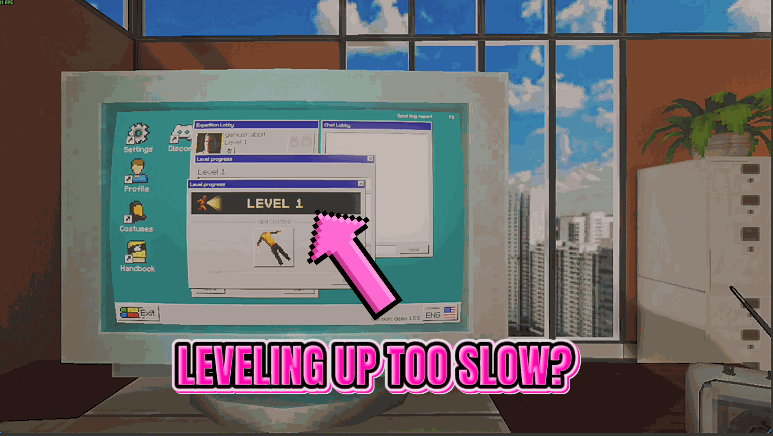
Give XP & XP Multiplier
Multiplies the XP rewards you earn, up to ten times, and adds a chosen lump of XP at a press. Given XP waits for your next debriefing before it counts, and all of it stays in your profile for good.
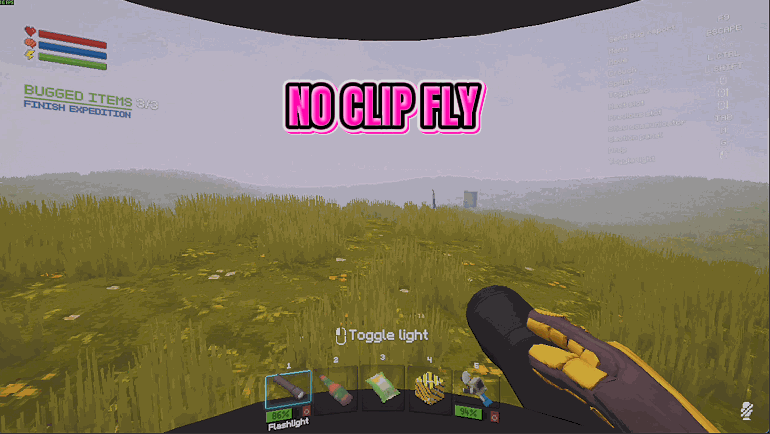
Fly & Noclip
Fly where you look with W A S D, Space and Ctrl, hold Shift for a faster speed, and switch on Noclip to go through walls and floors. Host, solo and joined players can all fly.
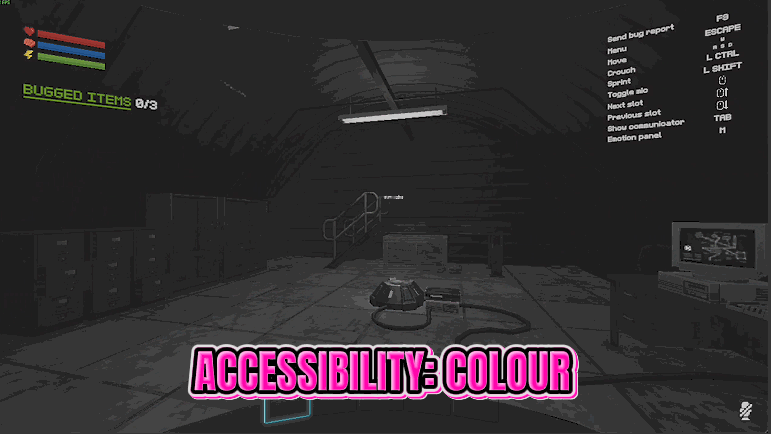
Accessibility
Comfort options for your own screen: a colour filter for anyone who mixes up certain colours, stronger contrast, HUD text and subtitles up to twice the size, and switches that hide the hurt and low sanity screen effects.







