Want more mods for Scam With Your Friends? Explore our entire collection!
Day Select
"Pick any of the 15 days. Take the whole lobby there."
How do I install Day Select?
Download the free ProjectMods desktop app, then install Day Select for Scam With Your Friends in one click.
</>What does Day Select do?
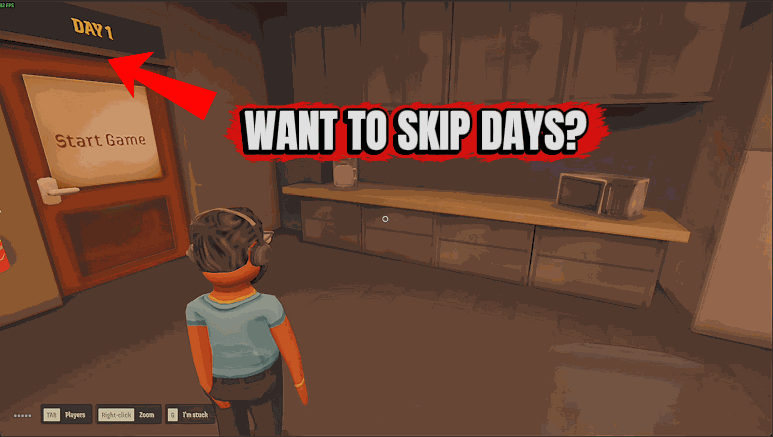
The campaign runs for three weeks of five days, and the only way to a later day is through every day before it. If friends join who want to see the third floor tonight, your save decides what they get. Day Select lets the host choose instead. Set Select Day to one of the 15 days, listed as Week 1, Day 1 through Week 3, Day 5, then press Jump To Day. Everyone lands on that day right away: its quota, a fresh shift timer, and the floors and apps that day has open. The second floor is open from Week 2, Day 1 and the third from Week 3, Day 1. The day you leave is dropped as it is, and its quota progress isn't counted. What your save keeps depends on the direction. Jump back to a day the save has already reached and the save's resume point moves to that day: load it later and you start there. The furthest day you had reached stays unlocked, so you can go forward again. Jump further ahead than the save has got to and the jump is for this session only: load the save later and you're back on the day it had.
</>What is Day Select?
Day Select moves a campaign lobby to the day the host chooses. Pick one of 15 days in Select Day, from Week 1, Day 1 to Week 3, Day 5, and press Jump To Day while a shift is running. Going back to a day your save has reached carries the save on from there and loses nothing. Going further ahead is for the current session only. It never gives money, apps or levels, never completes the days you skip, and guests can't use it.
</>Common questions about Day Select
What does Day Select do in Scam With Your Friends?
It lets the host choose a campaign day from a list and start it at once for everyone in the lobby. Only the host's button acts: a guest's button answers that only the host can change the day. It does nothing in Frenzy, Sandbox or Competitive mode.
What happens to my save when I jump to another day?
It depends on the direction. A jump to a day your save has already reached, which includes the day right after the furthest one you've completed, makes the save continue from that day with everyone's money as it is now. Nothing is lost: the furthest completed day is never lowered and the later days stay in the save, whether you then complete the replayed day or fail it. The days you play again are simply saved afresh. A jump further ahead is not saved. The game doesn't save that day or the days you finish after it, so loading the save later returns you to the day it had, and money earned out there isn't kept.
What happens if I finish Week 3, Day 5 after jumping ahead to it?
The game's end-of-campaign reset runs on your save, even though the jump itself was never saved. In a normal campaign Week 3, Day 5 is the last day, and finishing it with the quota met sends the save back to day 1 and level 1 with your permanent apps kept. It is the one case where a jump ahead changes the save.
Why did Jump To Day refuse?
The game refuses a jump during the performance review and in the stretch between the end of a shift and the start of the next day, and the button says so in the launcher. Jumping to the day you're already on does nothing either. Wait for the next shift to start or pick a different day. Results show in the launcher, not on the game screen.
Does skipping ahead give us the apps and levels of the later day?
No. Apps open by the day the game is on, so the chosen day's apps are open while you're there, but the jump hands nobody money, levels or apps to keep. The days you skip over aren't completed. A phone call that's in progress when you jump isn't hung up.
What options does Day Select include?
Jump To Day
Starts the chosen day right now for the whole lobby: that day's quota, a fresh shift timer, and the floors and apps that day has open. The quota progress of the day you leave is dropped. A jump to a day your save has not reached yet lasts for this session only. For the host in the campaign, while a shift is running.
Select Day
The campaign day Jump To Day goes to, from Week 1, Day 1 to Week 3, Day 5. Default: Week 1, Day 1.
Day Select is a ProjectMods mod for Scam With Your Friends that lets the host jump the whole lobby to any of the 15 campaign days: a jump back continues the save from that day, and a jump ahead of the save holds for one session.
System Requirements
What features does Day Select include?
- Select Day lists all 15 campaign days, three weeks of five, under the names the game gives them.
- Jump To Day sets the team's quota total back to zero, puts up the chosen day's quota and resets the shift timer, which then waits for a player to open the door that starts the shift.
- For any day after the first, every player is moved to that day's start point.
- A jump back never lowers the furthest day your save has completed, and the later days stay in the save.
Best For
- Friends who've never seen the third floor are joining tonight. Set Select Day to Week 3, Day 1 and press Jump To Day. If your save hasn't got that far, it still loads on its own day next time.
- Your crew is in Week 2 and wants another go at an early day's smaller quota. Pick Week 1, Day 2 and jump, and the days you'd already finished stay in the save.
- You're hosting on the tutorial day with a crew that has done it before. Pick a day and press Jump To Day, and the tutorial is over.
More Mods for Scam With Your Friends
Caller Trust & No Hang-Ups
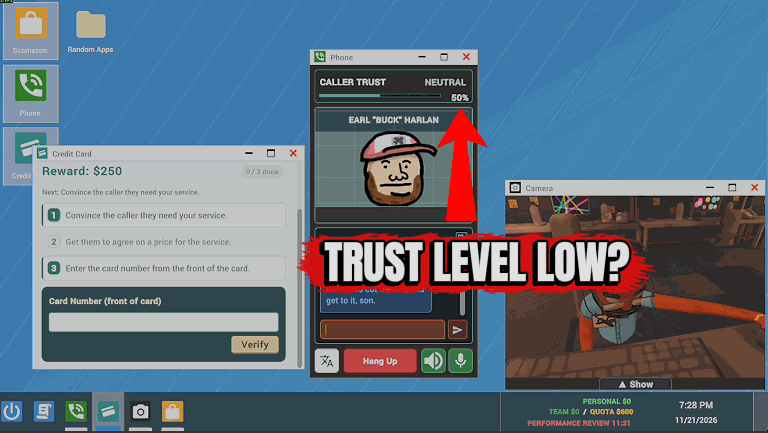
Two host switches for your calls: Raise Caller Trust keeps every caller's trust at or above a level you pick (1 to 100 percent, default 60), and Callers Never Hang Up keeps them on the line when they decide to leave. Callers still speak their own minds.
Accessibility
Colour filters for three kinds of colour vision plus greyscale, High Contrast and Brightness sliders, and switches that stop camera shake and clear the dark screen edges. Only your own screen changes.
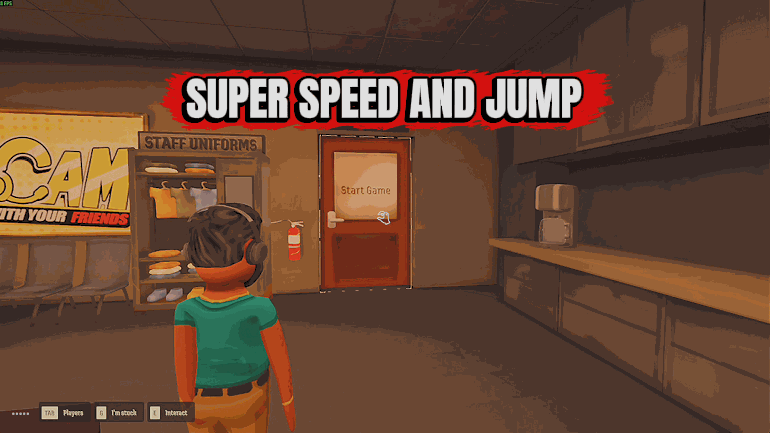
Speed, Jump & Gravity
Three separate switches for your own character: move at up to 400 percent speed, jump up to 500 percent as high, and lower gravity to as little as 10 percent. Boosted jumps never end in a fall knockdown.