Want more mods for Schedule I? Explore our entire collection!
Lock It In (Instant Save)
"Save the moment you want to, not just when you sleep."
/ScheduleOneLockItIn1.png)
How do I install Lock It In (Instant Save)?
Download the free ProjectMods desktop app, then install Lock It In (Instant Save) for Schedule I in one click.
</>What does Lock It In (Instant Save) do?
Schedule I saves when you sleep or use a save spot, so a crash or a bad call late in the day can cost you a lot of progress. Lock It In gives you Save Right Now, which saves your game on the spot with the same save the game makes at the end of the day. Switch on Save Every Few Minutes and your game also saves itself on a timer. Minutes Between Saves sets how often, from 1 to 60 minutes. The timer counts from the last save of any kind, so it never saves right after the game already has. The prologue doesn't save, so saving starts once you reach Hyland Point. In co-op the host's game holds the world, so only the host can save, and one save covers the whole crew.
</>What is Lock It In (Instant Save)?
A crash before bedtime can cost you a whole day of progress in Schedule I. Lock It In adds Save Right Now, which saves on the spot without sleeping, plus Save Every Few Minutes for a save every 1 to 60 minutes. Only the host can save in co-op, and the prologue never saves. Grab it from ProjectMods, the community-first PC mod manager for 400+ games across Unity, Unreal, and Godot.
</>Common questions about Lock It In (Instant Save)
What does Lock It In do in Schedule I?
Lock It In lets you save Schedule I when you choose instead of waiting to sleep at the end of the day. Press Save Right Now and your game saves on the spot with the game's own save, the same one it makes when you sleep. Switch on Save Every Few Minutes and it also saves on a timer while you play, every 1 to 60 minutes. Both live in the ProjectMods app, the community-first PC mod manager and desktop app, and work once your save is loaded. In co-op only the host can save, and one save covers the whole crew.
How does Lock It In's Save Every Few Minutes work in Schedule I?
Save Every Few Minutes is Lock It In's autosave: it saves your Schedule I game whenever the time since the last save passes your Minutes Between Saves setting, which runs from 1 to 60 minutes and sits at 10 until you change it. The timer counts from the game's last save of any kind, not from when you switched it on. So when the game saves by itself, for example when you sleep, or you press Save Right Now, Lock It In's countdown starts over, and it never saves straight after the game already has. It's off by default, and if a save is already running, it won't start a second one on top.
Can a guest save with Lock It In in Schedule I co-op?
No. In Schedule I co-op only the host can save with Lock It In, because the host's game holds the shared world. The upside is that one save from the host covers the whole crew, so nobody else needs to save. A guest's Save Right Now button and Save Every Few Minutes timer won't save anything. If your crew wants regular saves, the host is the one to switch on Save Every Few Minutes, or to press Save Right Now before anyone leaves the session. Playing solo, you run the world yourself, so both work normally.
Can I use Lock It In's Save Right Now as a quicksave key in Schedule I?
Yes, as long as you're playing solo or hosting. Give Save Right Now a key in the ProjectMods app and you can save Schedule I with a single keypress without leaving the game. It's the game's own save, the same one Schedule I makes when you sleep, so you'll see the usual save icon while it saves, and it locks in your progress as it stands at that moment, good calls and bad ones alike. Lock It In has no load button, so you still load your game from Schedule I's main menu as usual. Tap the key before you try something risky, after you finish setting up a property, or whenever you'd hate to redo the last stretch.
Why won't Lock It In save during the Schedule I prologue?
Because Schedule I doesn't save during the prologue (the game's tutorial), and Lock It In uses the game's own save. While you're in the prologue, neither Save Right Now nor Save Every Few Minutes can save, since the game itself won't. Once you finish the prologue and reach Hyland Point, both work normally, and you can leave Save Every Few Minutes switched on from the start so it's ready when saving begins. Lock It In also needs a loaded save to do anything, so its button does nothing from the main menu. Load your game first, then save whenever you like.
What options does Lock It In (Instant Save) include?
Save Right Now
Saves your game on the spot.
Minutes Between Saves
How many minutes pass between saves while Save Every Few Minutes is on.
Save Every Few Minutes
Saves your game on its own every few minutes while you play.
Lock It In, from ProjectMods, saves your Schedule I game on the spot without sleeping, using the game's own save, and can also save on a timer every 1 to 60 minutes. In co-op only the host can save, and nothing saves during the prologue.
System Requirements
What features does Lock It In (Instant Save) include?
- Press Save Right Now to save on the spot, with the same save the game makes when you sleep.
- Turn on Save Every Few Minutes and your game saves itself on a timer while you play.
- Set Minutes Between Saves anywhere from 1 to 60, and the countdown starts over whenever the game saves, including when you sleep.
- Cover the whole crew with one save in co-op; the host's game holds the world, so only the host can save.
- Bind Save Right Now to a key in the ProjectMods app and save with one keypress, no alt-tabbing needed.
Best For
- Players who just had a great run selling to customers and want to hit Save Right Now to lock it in before anything goes wrong.
- Anyone who has to quit halfway through an in-game day and wants one press of Save Right Now to keep everything since their last save.
- Marathon players who switch on Save Every Few Minutes, so a crash only costs them the minutes since the last save.
- Co-op hosts who want everyone's progress saved mid-session; one save from the host covers the whole crew.
- Risk-takers about to push their luck with the police nearby, who want a fresh save to reload if things go wrong.
More Mods for Schedule I
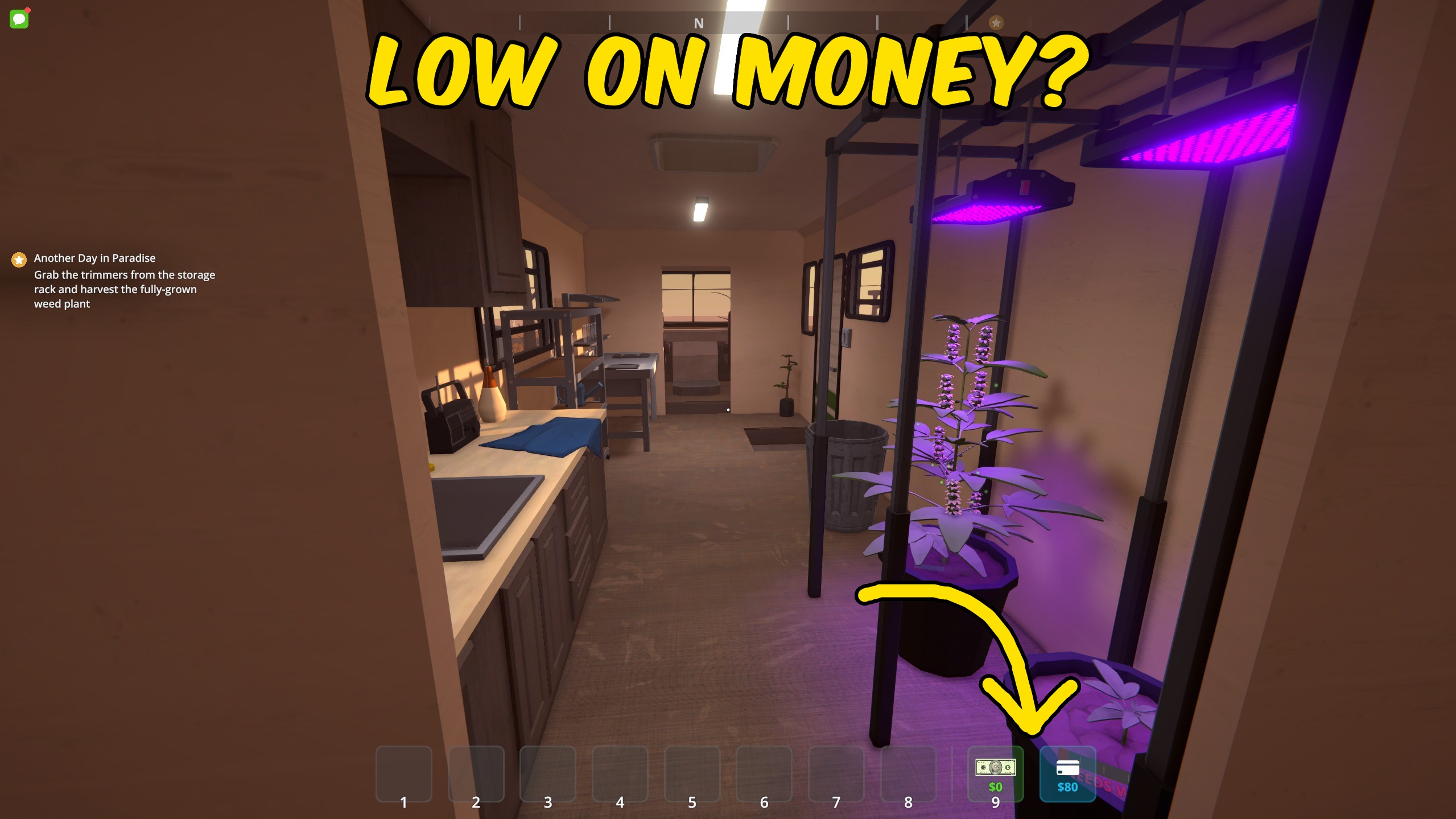
Give Money
Add money to your wallet or bank balance in Schedule I, with separate reset controls for both balances.
/ScheduleOneBirdsEye1.png)
Bird's Eye (Fly & No-Clip)
Fly anywhere in Schedule I and pass straight through walls, roofs and floors, steering with your usual movement keys.
/ScheduleOneSignatureMix3.png)
Signature Mix (Custom Products)
Design your own Schedule I product: pick a type, up to eight effects and a name, then put a batch of it straight into your inventory.

















































































































































































