Want more mods for Shift At Midnight? Explore our entire collection!
Whoops
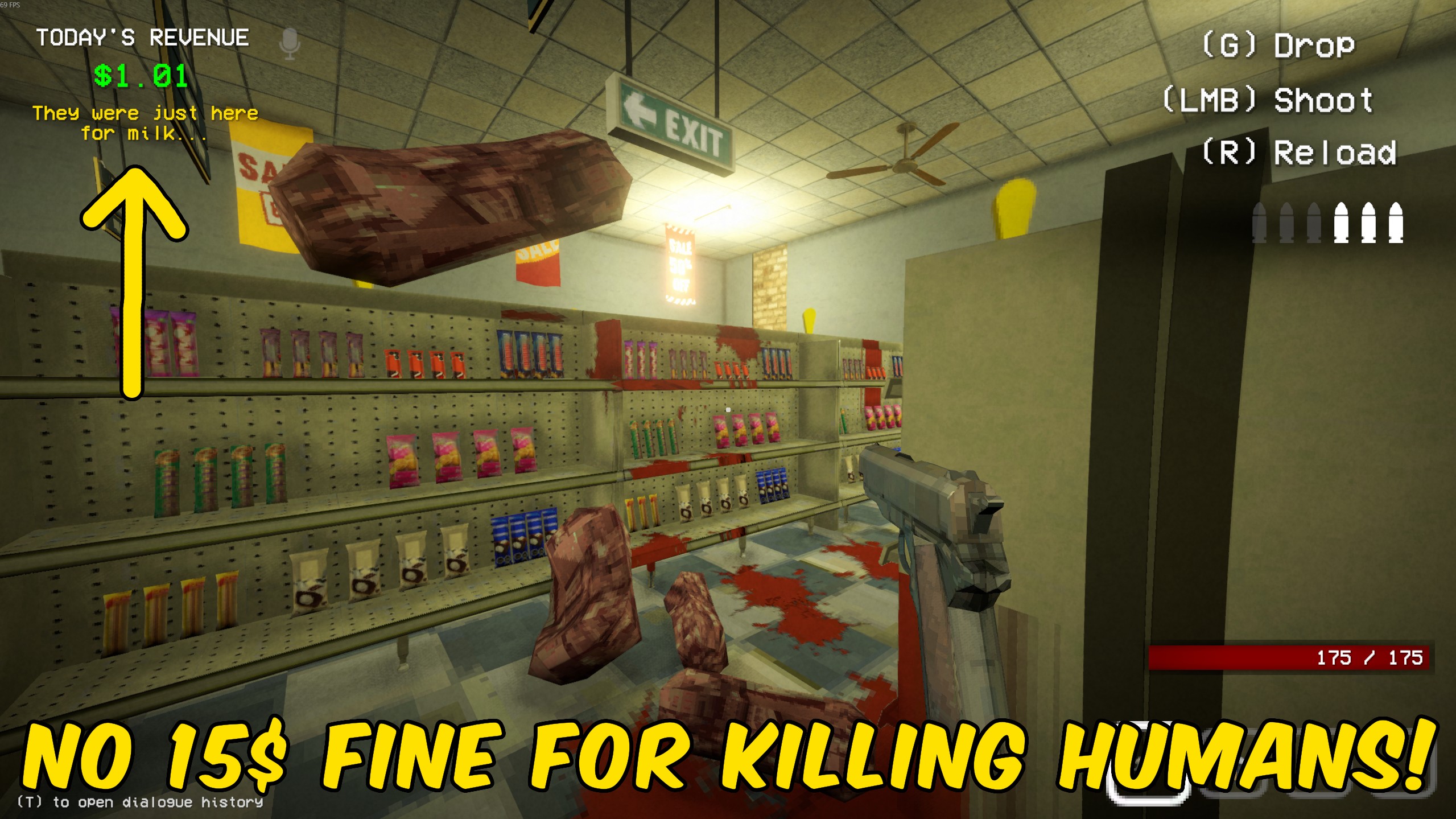
"Took out a real customer? You get a warning, not a $15 fine."
How do I install Whoops?
Download the free ProjectMods desktop app, then install Whoops for Shift At Midnight in one click.
</>What does Whoops do?
In Shift At Midnight, mistaking a real customer for something worse costs you fifteen bucks off the till. Whoops keeps the moment honest without the sting: the same kill still pops a message so you know it was a real customer, but the store does not lose the money. Imposters and monsters are left alone. Only the real-customer kill toast is rewritten, so the rest of your shift economy plays out the way the game intends. Flip Whoops on before a messy night, or leave it on all the time if you would rather learn from a warning than watch the till bleed every time your aim is a little too eager.
</>What is Whoops?
Whoops is a Shift At Midnight utility that softens the real-customer kill penalty. When you take out a shopper who was not an imposter, the game normally docks $15 and shows a Human Killed toast. With Whoops on, that toast becomes a clear warning that you killed a real customer and the till is not charged. It is built for players who still want feedback when they get it wrong, without losing shift money every time the wrong target goes down. Works best when you are hosting the shift.
</>Common questions about Whoops
What does Whoops do in Shift At Midnight?
When you kill a real customer, Whoops shows a warning that you killed a real customer and skips the usual $15 fine.
Does Whoops affect imposters or monsters?
No. Only the real-customer kill penalty toast is changed. Taking out imposters and monsters works the same as always.
Will I still know when I hit a real customer?
Yes. You still get a popup — it just says you killed a real customer instead of docking money.
Does Whoops work in co-op?
It works best when you are hosting. Till changes are store state, so the host path is the reliable one.
What options does Whoops include?
Whoops
When on, killing a real customer shows a warning instead of taking $15 from the till.
Whoops replaces the $15 fine for killing a real customer in Shift At Midnight with a warning popup, while leaving imposter kills alone.
System Requirements
What features does Whoops include?
- Skips the $15 till hit for real-customer kills
- Shows a clear warning that you killed a real customer
- Leaves imposter and monster kills unchanged
- Simple on/off toggle — leave it on for the whole night
Best For
- Practice hunting without bleeding the till on every mistake
- Keep shift money intact when a panic shot hits a real customer
- Still get a clear popup so you know the kill was the wrong call
More Mods for Shift At Midnight
Lights Out
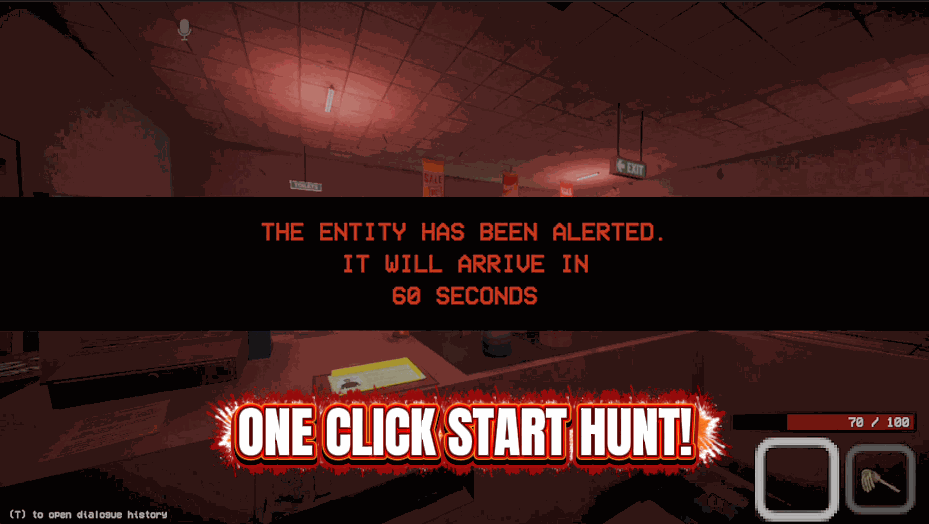
Call off a hunt on the spot, slow down whatever is chasing you, or start one when you feel like it.
Nightproof
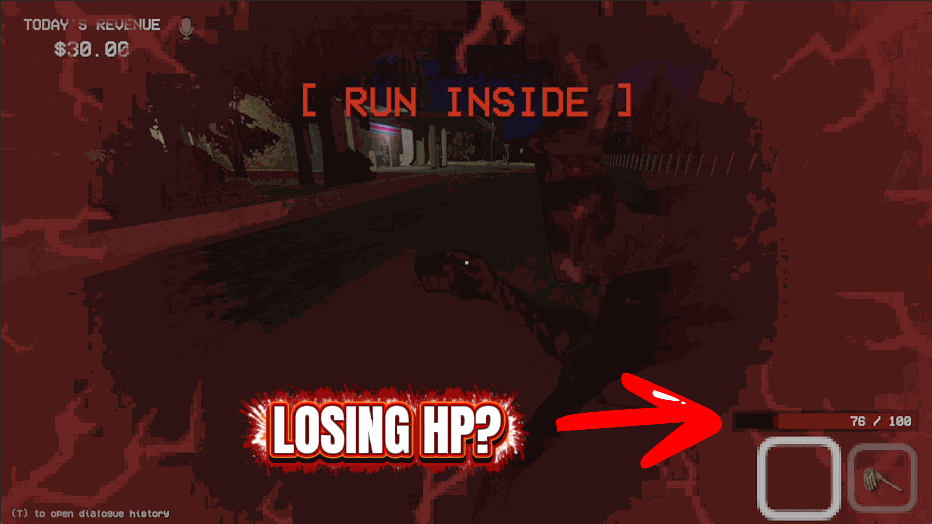
Keeps you on your feet all night. Damage gets undone, fires go out and nothing keeps you down.
Deep Pockets
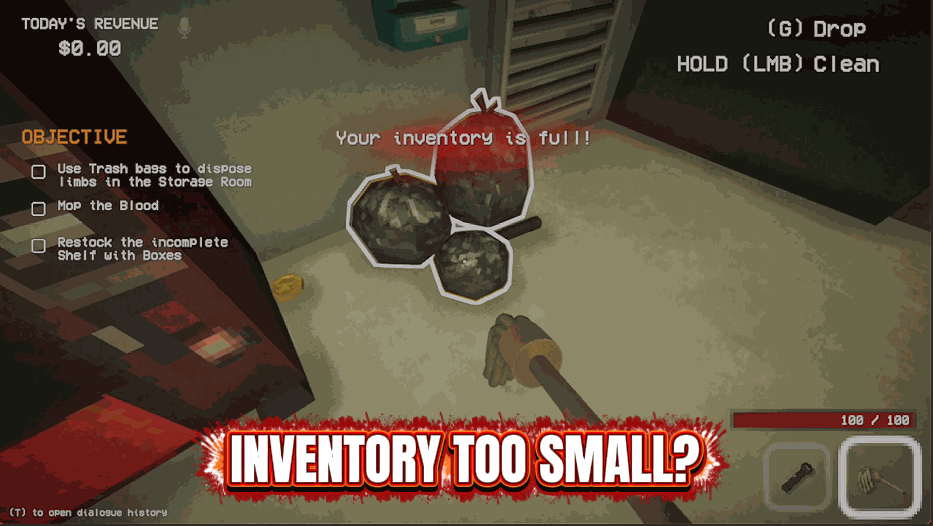
Multiplies how many of each item you can carry in a single slot.



























































































































































































