Want more mods for Ship Graveyard Simulator 2? Explore our entire collection!
Fly
"Who needs scaffolding when you can fly?"
How do I install Fly?
Download the free ProjectMods desktop app, then install Fly for Ship Graveyard Simulator 2 in one click.
</>What does Fly do?
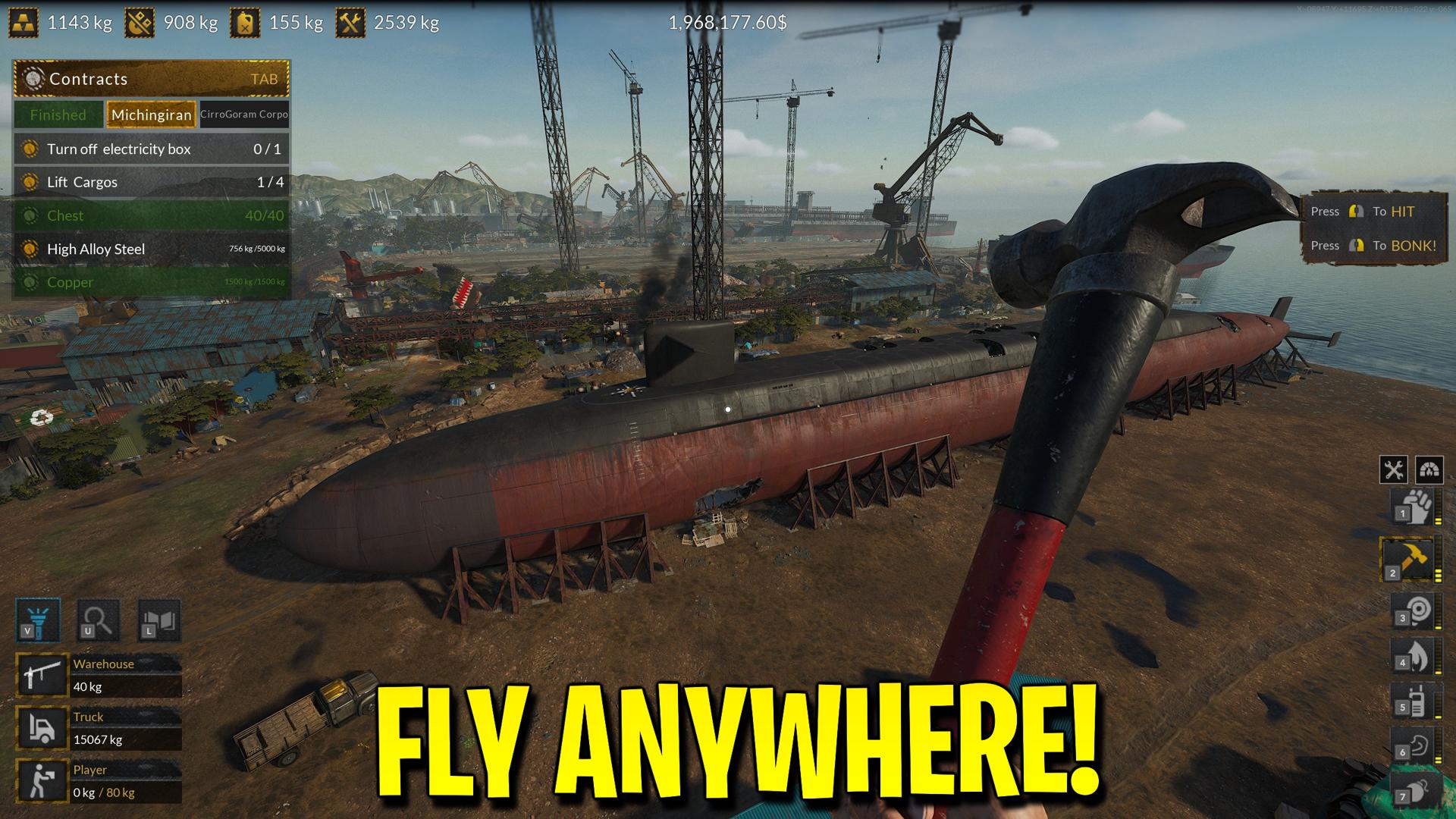
Leave the stairs, ladders, and lengthy detours behind. Fly lets you take to the skies above your scrapyard, explore enormous shipwrecks from new perspectives, and reach elevated decks without relying on conventional walking or jumping. Enable flight and use your usual movement keys to navigate through the air. Look up or down while moving forward to follow your line of sight, or hold Space to ascend and Ctrl to descend. Hover beside a ship's hull to inspect its structure, position yourself near elevated decks, or fly across the beach to your next destination. Customise your flight with two adjustable speed settings. Fly Speed determines your normal movement speed in every direction, while Shift Speed sets an alternative pace whenever you hold Shift. Use a slower setting for precise positioning around ship structures or a faster setting to cover large distances across the scrapyard. When you're ready to return to normal movement, descend close to a solid deck or the beach before disabling flight. Whether you're exploring a newly purchased vessel, inspecting partially dismantled structures, searching for overlooked components, or simply enjoying an aerial view of your scrapyard, Fly opens up a new way to navigate Ship Graveyard Simulator 2 during solo play.
</>What is Fly?
The Fly mod for Ship Graveyard Simulator 2 is a PC character movement modification that introduces free flight, hovering, directional aerial movement, and adjustable flight speeds during solo gameplay. Players can navigate using their standard movement keys, with forward movement following their line of sight. Dedicated vertical controls allow players to ascend with Space and descend with Ctrl, making it possible to adjust altitude independently while hovering. Two configurable speed settings provide different movement options. Fly Speed controls normal flight speed in every direction, while Shift Speed activates whenever the player holds Shift. Players can configure slower speeds for precise positioning near ship structures and faster speeds for crossing open areas. Free flight is particularly useful when navigating large vessels, reaching elevated decks, inspecting ship hulls, and exploring partially dismantled structures where conventional walking routes are inconvenient. Available through ProjectMods, Fly reduces navigation downtime and expands exploration opportunities without automatically dismantling ships or completing salvage contracts.
</>Common questions about Fly
What does the Fly mod do in Ship Graveyard Simulator 2?
It lets you fly freely around your scrapyard, hover beside ships, reach elevated decks, and adjust your flight speed during solo gameplay.
How do I fly in Ship Graveyard Simulator 2?
Enable Fly through ProjectMods and use your normal movement keys. Look up or down while moving forward to follow your line of sight, hold Space to ascend, and hold Ctrl to descend.
Can I hover in mid-air?
Yes. You can hover beside ship hulls, above decks, or anywhere along your flight path while adjusting your position and altitude.
Can I change my flight speed?
Yes. Fly Speed determines your normal movement speed in every direction, while Shift Speed sets the alternative speed used when holding Shift.
How do I fly faster in Ship Graveyard Simulator 2?
Increase Fly Speed for faster normal flight, or configure a higher Shift Speed and hold Shift while moving.
Can I fly directly onto upper ship decks?
Yes. Free flight allows you to reach elevated decks without relying on conventional stairs, ramps, or jumping.
How do I control my altitude while flying?
Hold Space to rise and Ctrl to descend. You can also look up or down while moving forward to travel in the direction you are facing.
Can I configure a slower flight speed for precise movement?
Yes. Adjust Fly Speed and Shift Speed to suit your surroundings, including slower movement when navigating close to ship structures.
Is Fly the same as Jump Boost?
No. Fly provides continuous aerial movement and hovering, while Jump Boost increases the height of your normal jumps.
Does Fly automatically dismantle ships or collect salvage?
No. Fly changes how your character moves around the scrapyard. Dismantling and salvage collection remain part of normal gameplay.
How do I land and return to normal movement?
Descend close to a solid ship deck or the beach before disabling flight to return to normal ground movement.
Does Fly support multiplayer?
Fly is intended for solo gameplay.
What options does Fly include?
Shift Speed
Choose how fast you fly while holding Shift, in metres per second.
Fly Speed
Choose how fast you fly in any direction, in metres per second.
Enabled
Fly around your solo yard. Turn off near the ground to return to normal movement.
Fly lets you freely move through the air in Ship Graveyard Simulator 2 during solo gameplay. Hover beside ship hulls, reach elevated decks, and travel across the scrapyard using adjustable flight speeds and your normal movement controls.
System Requirements
What features does Fly include?
- Fly freely around your scrapyard during solo gameplay.
- Hover beside ship hulls and elevated structures.
- Follow your line of sight while moving forward through the air.
- Ascend vertically by holding Space.
- Descend vertically by holding Ctrl.
- Adjust movement speed in every direction using Fly Speed.
- Configure an alternative flight speed using Shift Speed.
- Switch between configured flight speeds by holding Shift.
- Reach upper ship decks without relying on stairs or jumping.
- Return to standard ground movement by disabling flight.
Best For
- Reach elevated ship decks without taking lengthy detours.
- Inspect enormous ship hulls from different heights and angles.
- Explore partially dismantled vessels with missing or inconvenient walking routes.
- Search elevated areas for overlooked salvage components.
- Cross large stretches of beach without walking.
- Hover beside ship structures for closer inspection.
- Survey a newly purchased wreck before beginning dismantling.
- Use slower flight speeds for precise positioning around ship decks.
- Capture aerial screenshots and cinematic gameplay footage.
- Reduce travel time between working areas during large shipbreaking projects.
More Mods for Ship Graveyard Simulator 2
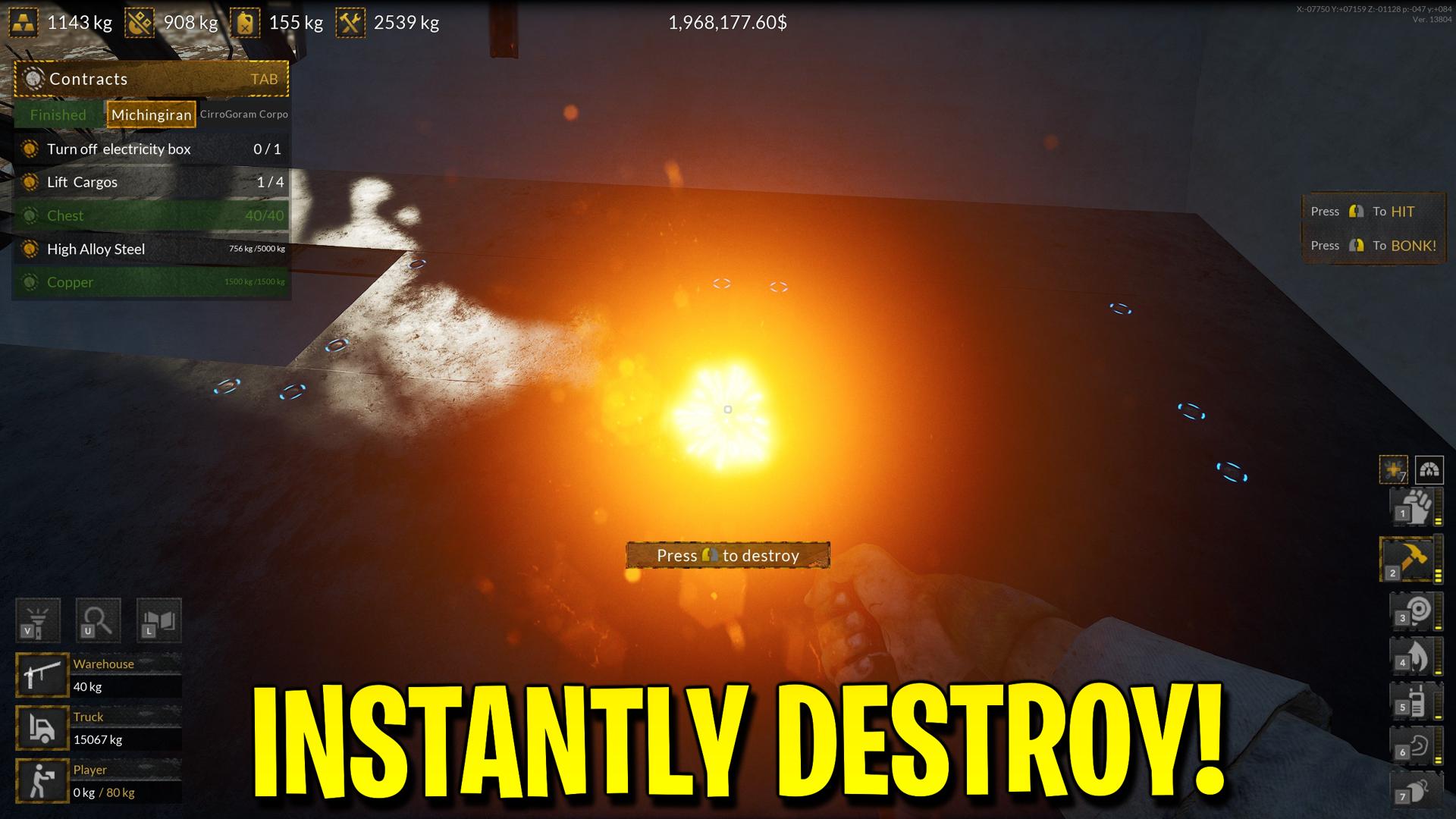
Easy Dismantling
Speed up the hammer, burner and saw in solo play. Some connectors also take more damage with each hit.
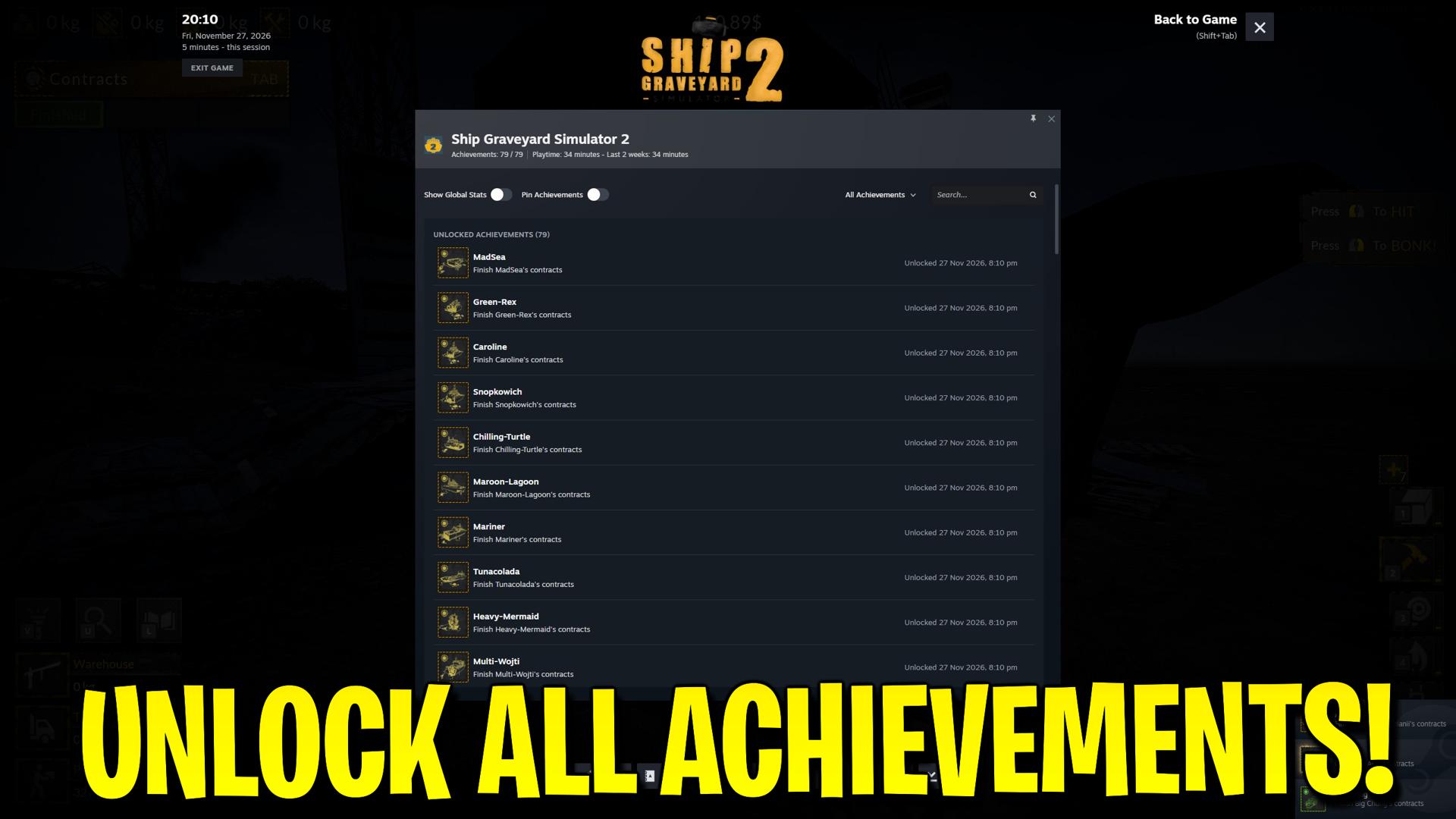
Achievement Unlocker
Pick from 79 Steam achievements, including DLC achievements, or unlock everything Steam lists for the game.
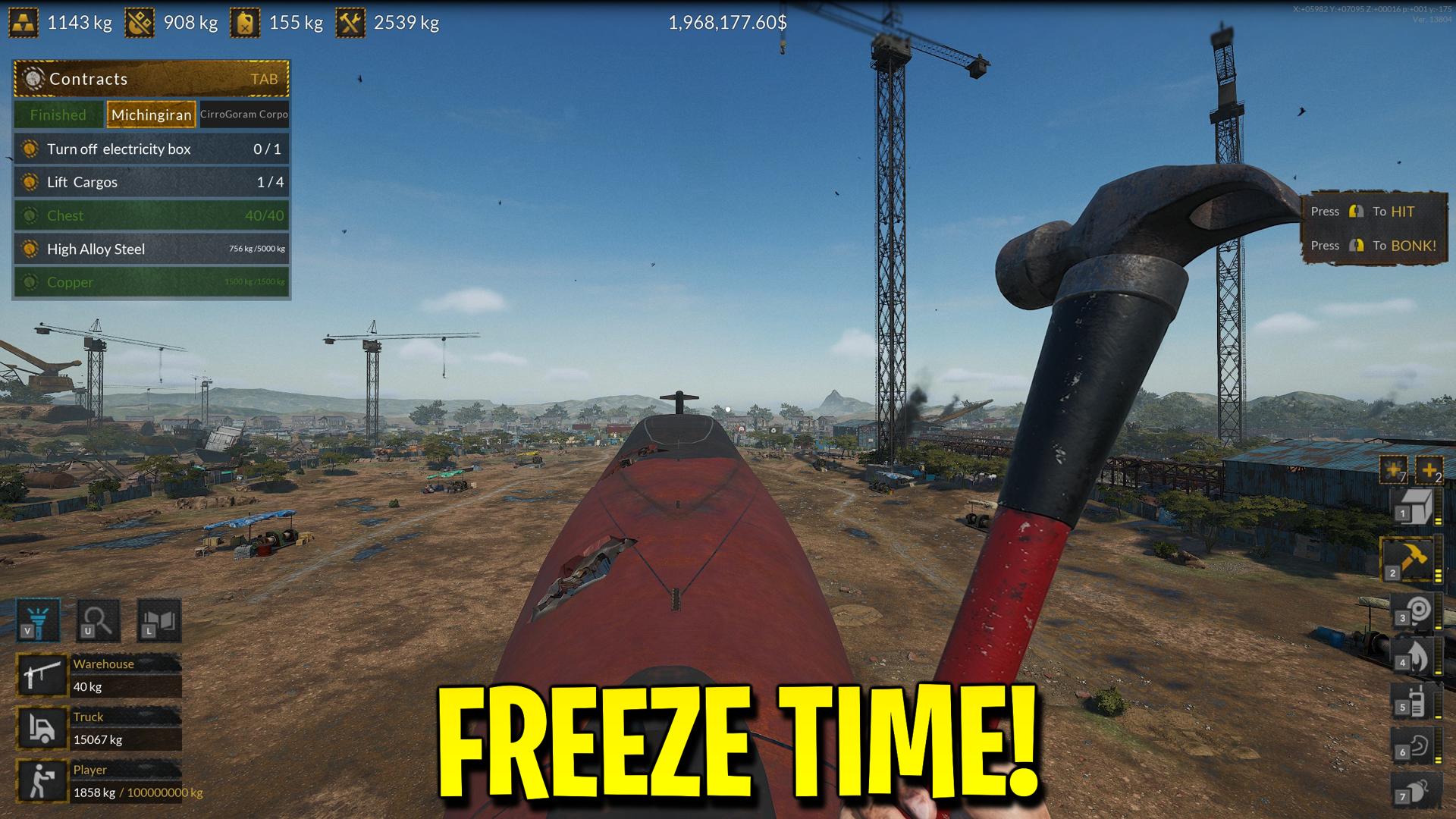
Time Control
Set the time of day in your solo yard or freeze the clock while you keep dismantling.







