Want more mods for Ship Graveyard Simulator 2? Explore our entire collection!
Time Control
"The sun doesn't set until your shift is over."
How do I install Time Control?
Download the free ProjectMods desktop app, then install Time Control for Ship Graveyard Simulator 2 in one click.
</>What does Time Control do?
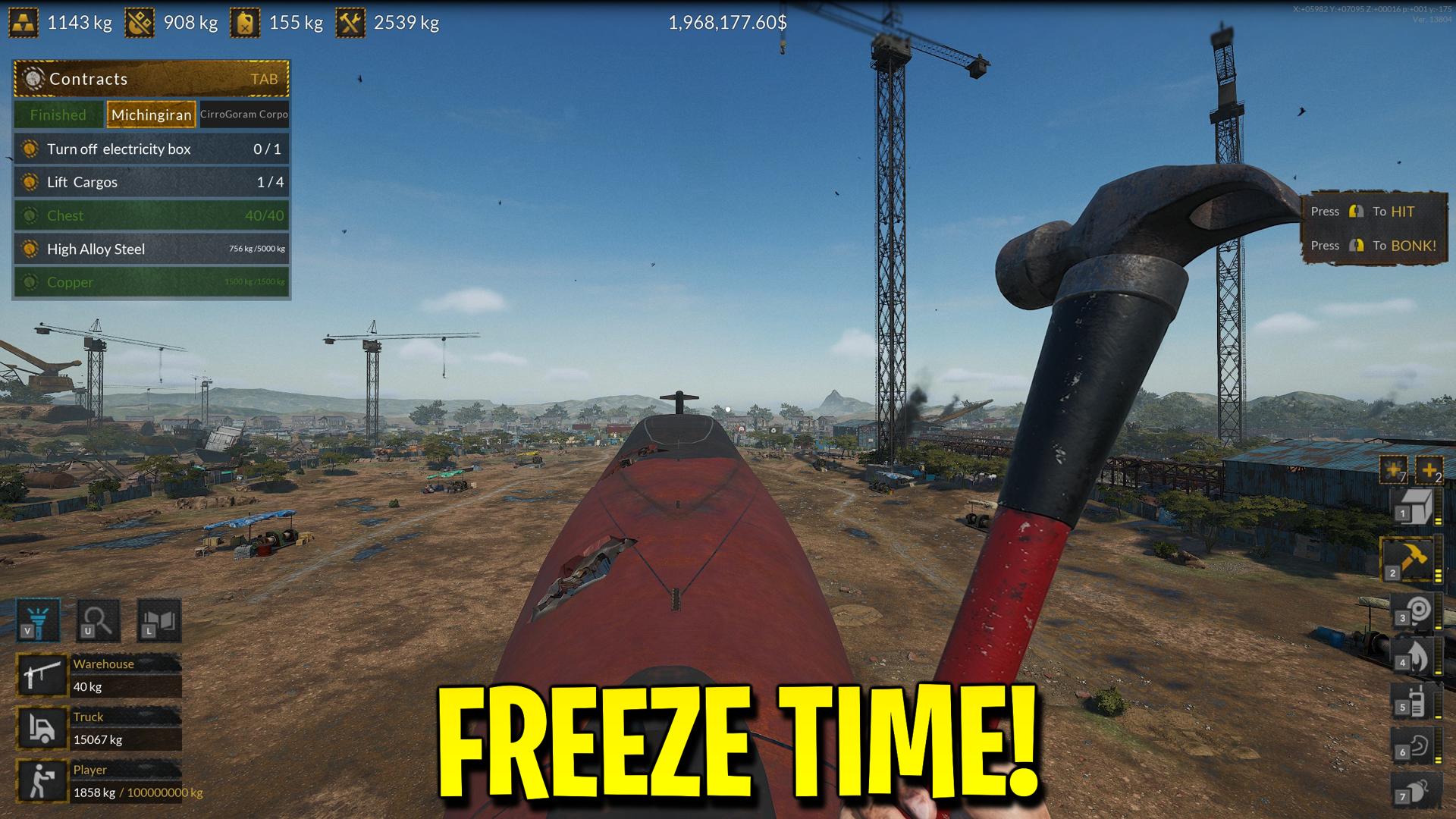
Keep dismantling ships without letting the setting sun interrupt your work. Time Control lets you change the time of day in your scrapyard or freeze the clock entirely, allowing you to work under your preferred lighting conditions. Choose an hour and minute using the Time of Day setting, then press Set Time to change the yard clock. The default selection is noon, making it convenient to return to bright daylight whenever you need better visibility around shipwrecks and working areas. Enable Freeze Time to stop the clock from progressing. Whether you prefer working under the midday sun, dismantling ships during sunset, or enjoying the atmosphere of a nighttime scrapyard, you can maintain those conditions for as long as you like. Freezing the clock does not pause your gameplay. Continue dismantling ships, collecting salvage, and navigating the yard while the time of day remains unchanged. Disable Freeze Time whenever you want the natural day-night cycle to resume. Whether you're tackling a lengthy dismantling project, searching for remaining materials, or capturing scenic screenshots of your scrapyard, Time Control lets you choose when the sun rises and sets during your solo gameplay sessions.
</>What is Time Control?
The Time Control mod for Ship Graveyard Simulator 2 is a PC world modification that allows players to change the in-game time of day and freeze the day-night cycle during solo gameplay. Players can select a specific hour and minute before applying the new time through the Set Time button. The default selection of noon provides immediate access to daytime lighting, making it easier to maintain visibility while dismantling large ships and collecting salvage. The separate Freeze Time setting stops the yard clock from progressing while normal gameplay continues. Players can maintain permanent daylight, preserve sunset lighting, or work throughout an extended nighttime session without waiting for the natural day-night cycle. Disabling Freeze Time restores normal clock progression. Players can also change the time of day without freezing it, allowing the natural cycle to continue from their selected time. Available through ProjectMods, Time Control is ideal for lengthy ship dismantling projects, improved working visibility, scenic screenshots, consistent gameplay recording, and customising the atmosphere of your scrapyard.
</>Common questions about Time Control
What does Time Control do in Ship Graveyard Simulator 2?
It lets you set the exact hour and minute on the yard clock or freeze the day-night cycle while continuing normal gameplay.
How do I change the time of day in Ship Graveyard Simulator 2?
Open Time Control through ProjectMods, choose your preferred hour and minute under Time of Day, and press Set Time.
Can I make it permanently daytime in Ship Graveyard Simulator 2?
Yes. Set the yard clock to a daytime hour and enable Freeze Time to maintain daylight indefinitely.
Can I skip nighttime in Ship Graveyard Simulator 2?
Yes. Select a daytime hour and press Set Time to immediately change the yard clock without waiting for sunrise.
Can I choose an exact time of day?
Yes. Time Control includes individual hour and minute settings, allowing you to choose a specific time.
Does freezing time pause the entire game?
No. Freeze Time stops the yard clock from progressing while allowing you to continue dismantling ships, collecting salvage, and moving around the scrapyard.
Can I freeze the clock during nighttime?
Yes. Freeze Time works at your selected time of day, including nighttime, sunrise, sunset, and midday.
Can I change the time without freezing the clock?
Yes. Choose your desired hour and minute and press Set Time while leaving Freeze Time disabled. The clock will continue progressing normally.
How do I restore the normal day-night cycle?
Disable Freeze Time to allow the yard clock and natural day-night cycle to continue.
What is the default Time of Day setting?
The default selection is noon, providing a convenient starting point for bright daytime working conditions.
Is Time Control useful for screenshots and gameplay videos?
Yes. Set your preferred time of day and enable Freeze Time to maintain consistent lighting while capturing screenshots or recording gameplay.
Does Time Control support multiplayer?
Time Control is intended for solo gameplay.
What options does Time Control include?
Time of Day
Choose the hour and minute you want for the yard clock.
Freeze Time
Keep the current time of day while you work. Turn off to let the clock run again.
Set Time
Move the yard clock to your chosen time.
Time Control lets you set the exact hour and minute or freeze the day-night cycle in Ship Graveyard Simulator 2 during solo gameplay. Maintain daylight, work through permanent nighttime, or preserve your preferred lighting while dismantling ships.
System Requirements
What features does Time Control include?
- Set the in-game time of day using individual hour and minute settings.
- Instantly change the yard clock using the Set Time button.
- Return to midday lighting using the default noon selection.
- Freeze the day-night cycle at your preferred time of day.
- Maintain permanent daylight while dismantling ships and collecting salvage.
- Preserve nighttime, sunrise, or sunset lighting for as long as desired.
- Continue normal gameplay while the yard clock is frozen.
- Change the time of day independently of the Freeze Time setting.
- Resume the natural day-night cycle by disabling Freeze Time.
Best For
- Maintain daylight throughout lengthy ship dismantling projects.
- Improve visibility when searching shipwrecks for remaining salvage.
- Skip nighttime without waiting for the sun to rise naturally.
- Work on large vessels under consistent daytime lighting.
- Create an atmospheric nighttime scrapyard experience.
- Freeze sunset lighting for scenic shipwreck screenshots.
- Record gameplay videos without changing environmental lighting.
- Choose a preferred time of day before starting a new dismantling project.
- Avoid interruptions caused by changing daylight conditions.
- Customise the atmosphere of your scrapyard during solo gameplay.
More Mods for Ship Graveyard Simulator 2
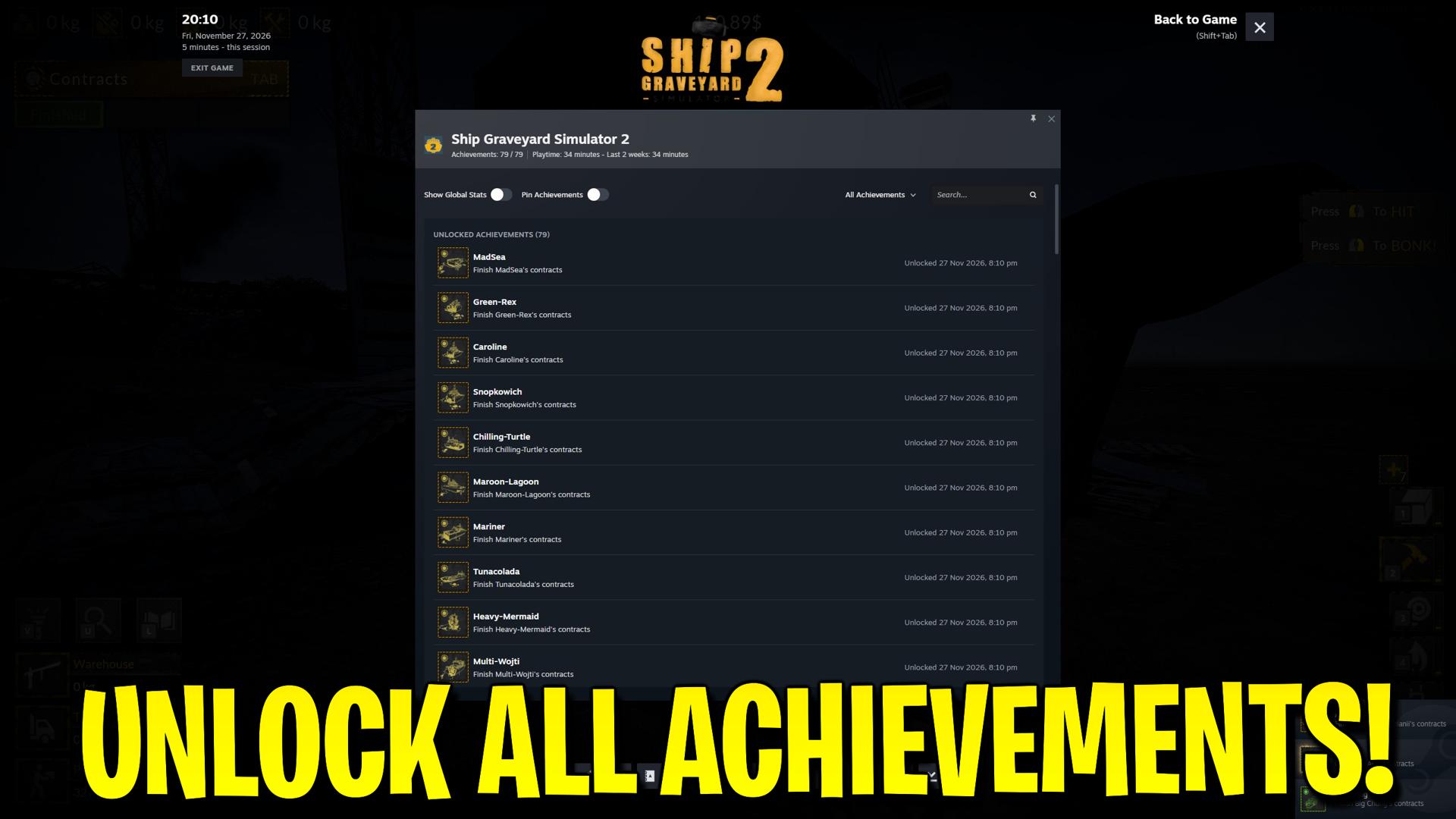
Achievement Unlocker
Pick from 79 Steam achievements, including DLC achievements, or unlock everything Steam lists for the game.
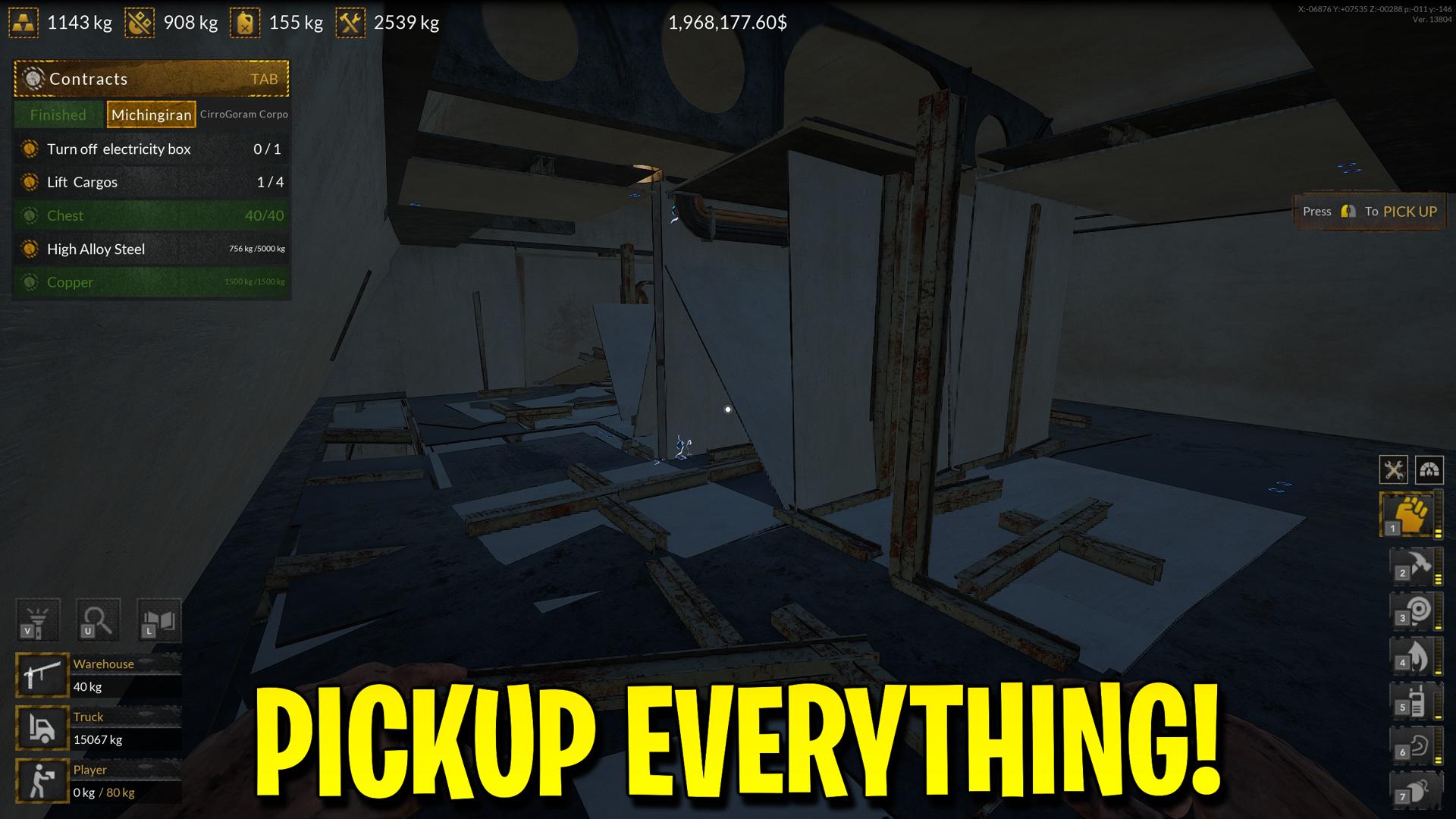
Pick Up Nearby Salvage
Collect loose ship parts and materials around you in solo play.
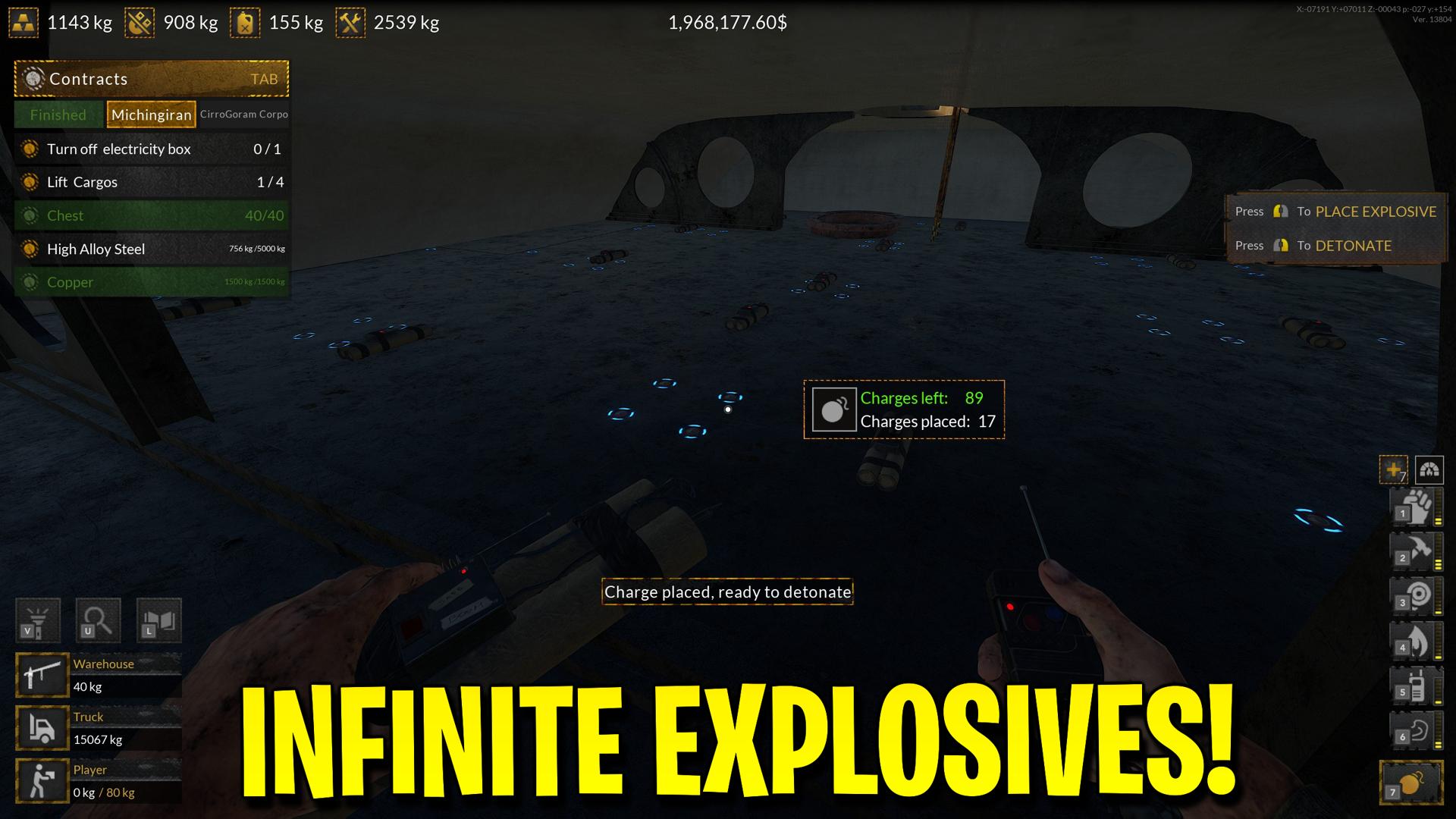
Infinite Explosive Charges
Automatically refill your spare explosive charges as you place them in your solo yard.







