Want more mods for Ship Graveyard Simulator 2? Explore our entire collection!
Pick Up Nearby Salvage
"Less picking up, more tearing down."
How do I install Pick Up Nearby Salvage?
Download the free ProjectMods desktop app, then install Pick Up Nearby Salvage for Ship Graveyard Simulator 2 in one click.
</>What does Pick Up Nearby Salvage do?
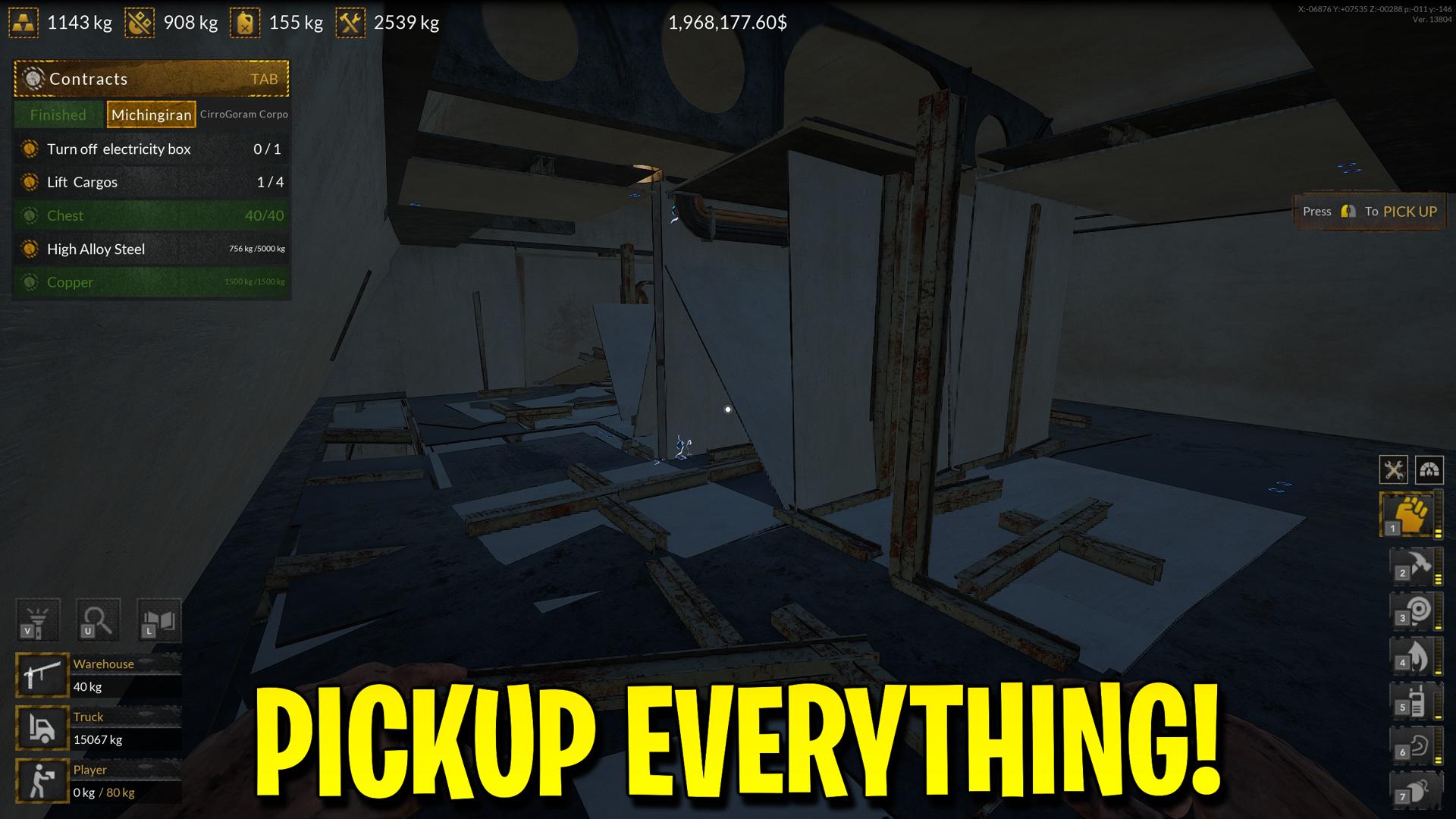
Finished dismantling a section of a ship but surrounded by dozens of loose scrap pieces? Pick Up Nearby Salvage makes cleaning up your working area significantly faster by gathering nearby materials with a single button press. Stand near the salvage you want to collect and press Pick Up Nearby. The collection sweep starts at your character's feet and gathers eligible loose materials and ship parts that you could normally pick up by hand. There's no need to individually target every piece scattered across the deck. Customise your collection area using the Pickup Radius setting, which defaults to 8 metres. Choose a smaller radius to collect a specific pile of scrap or increase it to gather materials across a wider section of the ship. Move to another working area and press Pick Up Nearby again to start a new collection sweep around your current position. The mod collects loose salvage rather than dismantling attached ship components. Cut, hammer, or otherwise free attached parts through normal gameplay before gathering them. Whether you're cleaning up after dismantling an entire deck, collecting scattered materials, or processing an enormous shipwreck, Pick Up Nearby Salvage removes repetitive individual pickups while preserving the satisfying shipbreaking experience during solo play.
</>What is Pick Up Nearby Salvage?
The Pick Up Nearby Salvage mod for Ship Graveyard Simulator 2 is a PC gameplay and quality-of-life modification that accelerates scrap collection by gathering eligible loose materials and dismantled ship parts around the player's current position. Players activate the collection sweep manually using the Pick Up Nearby button. The sweep begins at the character's feet and collects nearby loose salvage that can ordinarily be picked up by hand, reducing the need to interact with individual pieces. The adjustable Pickup Radius setting defaults to 8 metres. Smaller collection areas allow players to target specific scrap piles, while larger radii provide broader coverage when cleaning up ship decks and dismantled working areas. Unlike automatic dismantling or material spawning, the mod collects existing loose salvage. Attached ship components must still be freed using the game's normal dismantling mechanics before they become eligible for collection. Available through ProjectMods, Pick Up Nearby Salvage is ideal for faster scrap collection, ship deck cleanup, large dismantling projects, and reducing repetitive pickup interactions during solo gameplay.
</>Common questions about Pick Up Nearby Salvage
What does Pick Up Nearby Salvage do in Ship Graveyard Simulator 2?
It gathers eligible loose ship parts and salvage materials within an adjustable radius around your character, removing the need to pick up every piece individually.
How do I collect nearby scrap in Ship Graveyard Simulator 2?
Open Pick Up Nearby Salvage through ProjectMods, stand near the materials you want to collect, and press Pick Up Nearby to begin a collection sweep.
Can I collect multiple scrap pieces with one button?
Yes. Pick Up Nearby gathers eligible loose salvage within the selected collection radius.
What is the default pickup radius?
The default Pickup Radius is 8 metres, measured around your character's current position.
Can I change the pickup radius?
Yes. Adjust Pickup Radius to collect a smaller pile beside you or gather loose materials across a wider area.
Does Pick Up Nearby Salvage automatically dismantle ship parts?
No. The mod collects loose salvage. Attached components must first be freed using the game's normal dismantling tools.
What types of materials can I collect?
You can collect loose ship parts, scrap, and other eligible salvage materials that your character could normally pick up by hand.
Does the mod automatically collect salvage as I walk around?
Collection is manually activated using the Pick Up Nearby button. Press it again whenever you want to gather salvage around your current position.
Where does the collection sweep start?
The sweep starts at your character's feet and gathers eligible loose salvage within the configured pickup radius.
Does Pick Up Nearby Salvage increase inventory capacity?
The mod handles nearby salvage collection rather than personal carrying capacity. Increased carry limits are available separately through Infinite Weight.
Does Pick Up Nearby Salvage spawn additional materials?
No. It collects existing loose materials from the surrounding area rather than generating new salvage.
Does Pick Up Nearby Salvage support multiplayer?
Pick Up Nearby Salvage is intended for solo gameplay.
What options does Pick Up Nearby Salvage include?
Pickup Radius
Choose how far around you to collect loose salvage, in metres.
Pick Up Nearby
Collect loose scrap and parts around you. Press again to start here if you move.
Pick Up Nearby Salvage lets you collect loose ship parts and materials within an adjustable radius around your character in Ship Graveyard Simulator 2. Press Pick Up Nearby to gather eligible salvage without picking up every piece individually during solo gameplay.
System Requirements
What features does Pick Up Nearby Salvage include?
- Collect nearby loose salvage and dismantled ship parts with one button.
- Gather eligible materials without individually targeting each scrap piece.
- Customise the collection area using an adjustable pickup radius.
- Start with the default 8-metre pickup radius.
- Use smaller radii to collect specific piles of loose scrap.
- Increase the radius to gather materials across wider working areas.
- Centre each collection sweep around your character's current position.
- Repeat collection sweeps whenever you move to another area.
- Collect existing loose materials while retaining normal dismantling requirements.
Best For
- Quickly clean up ship decks after dismantling large sections.
- Collect scattered scrap without repeatedly pressing the pickup key.
- Gather loose materials after freeing multiple ship components.
- Speed up salvage collection on enormous shipwrecks.
- Target individual scrap piles using a smaller pickup radius.
- Collect materials across wider deck areas using a larger radius.
- Reduce repetitive interactions during lengthy shipbreaking contracts.
- Gather overlooked loose salvage around your current working area.
- Move between dismantled sections and perform collection sweeps as needed.
- Spend more time breaking apart ships and less time picking up individual materials.
More Mods for Ship Graveyard Simulator 2
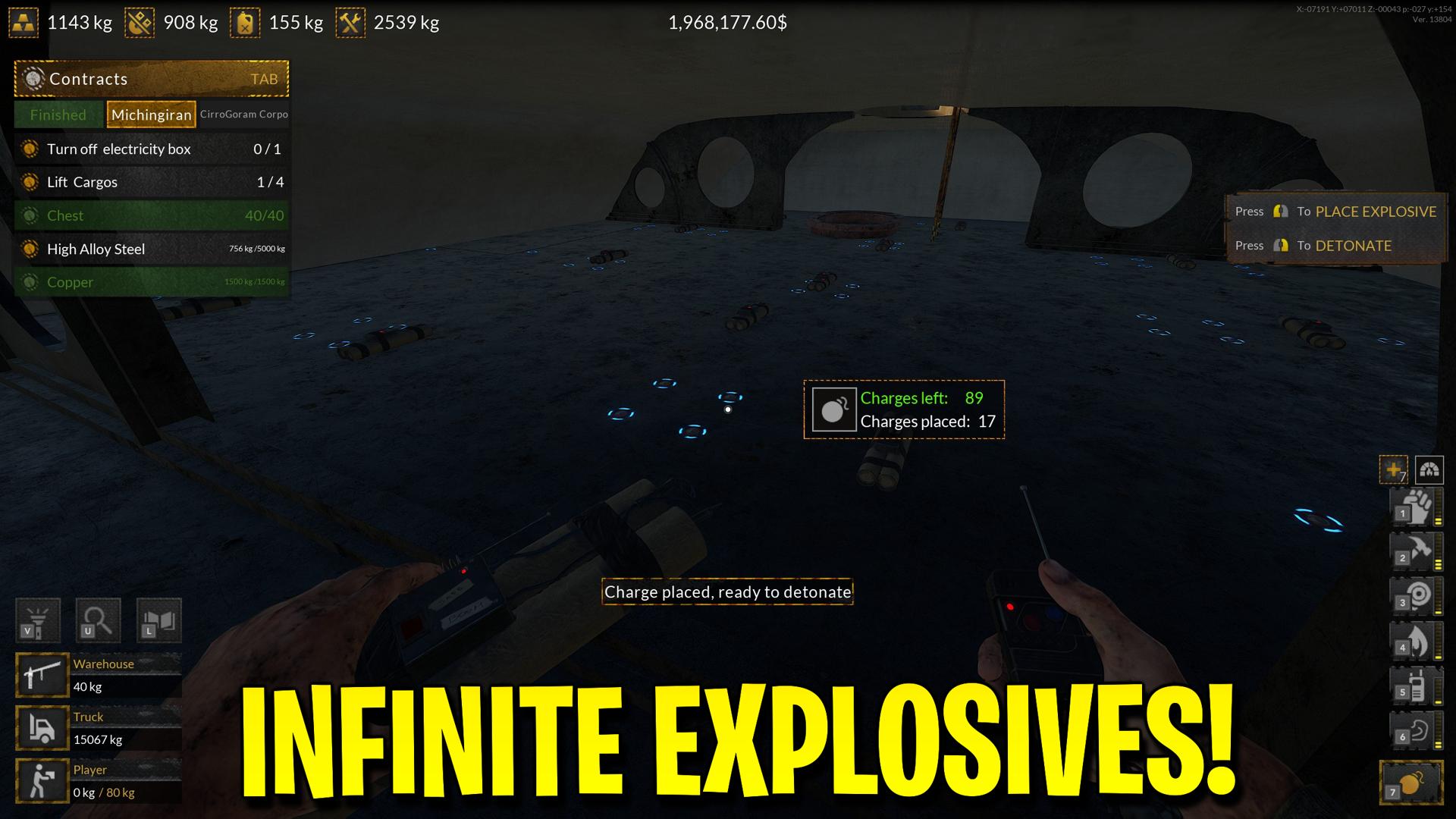
Infinite Explosive Charges
Automatically refill your spare explosive charges as you place them in your solo yard.
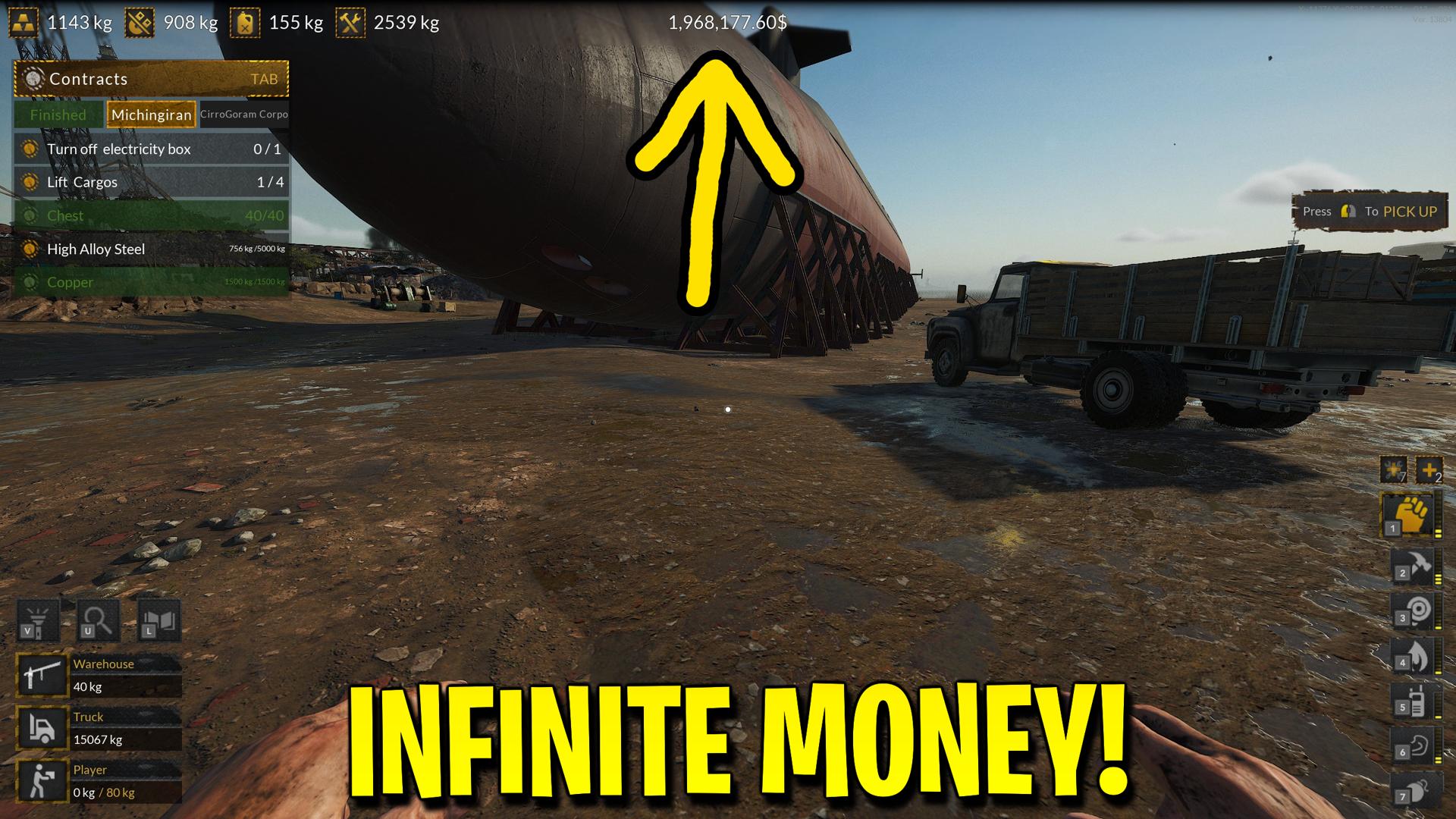
Give Money
Add a dollar amount to your solo balance, or use Reset Money to start again at $0.
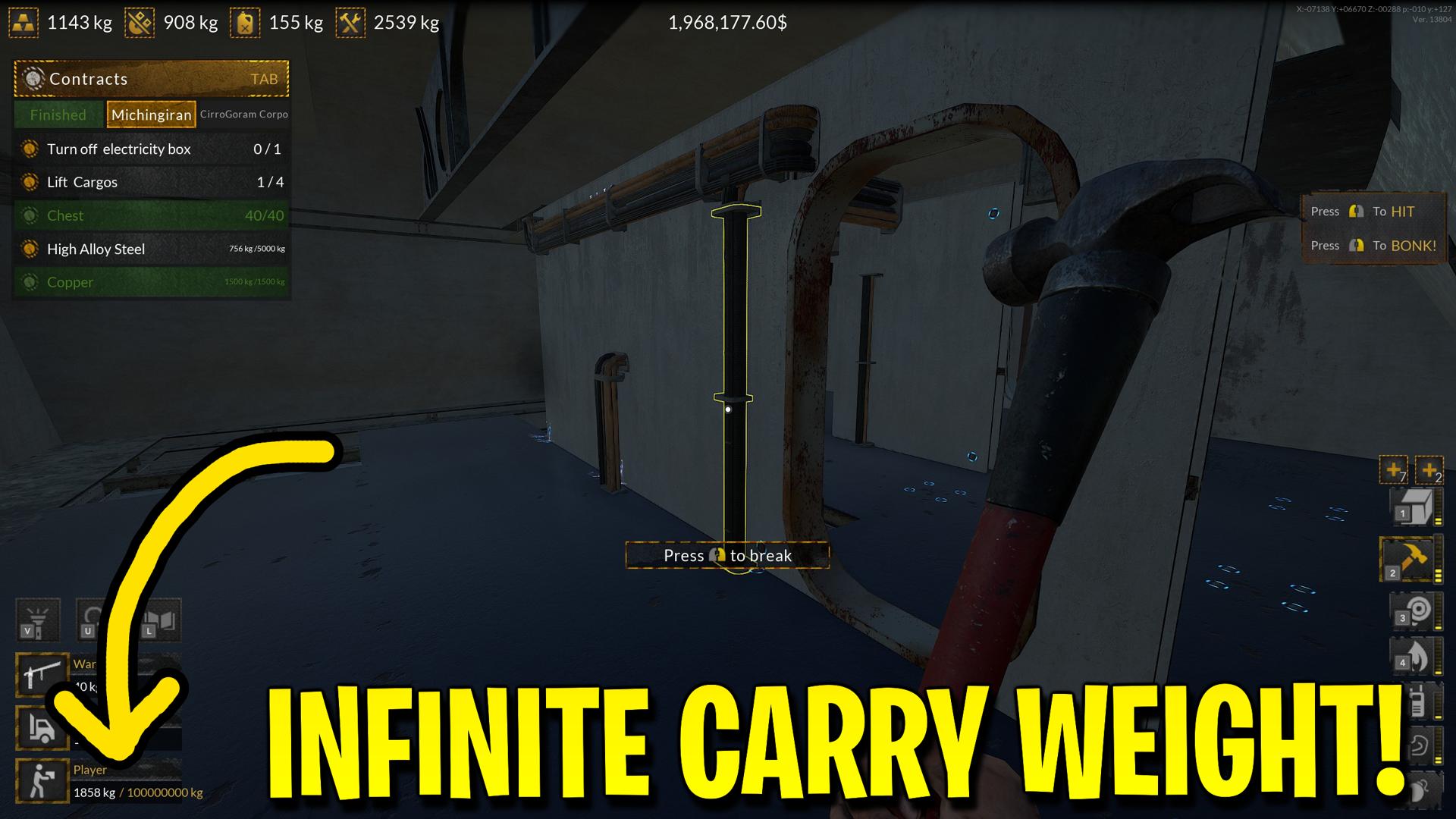
Infinite Weight
Raise your personal carry limit so you can collect more loose salvage on each trip through your solo yard.







