Want more mods for Ship Graveyard Simulator 2? Explore our entire collection!
Give Money
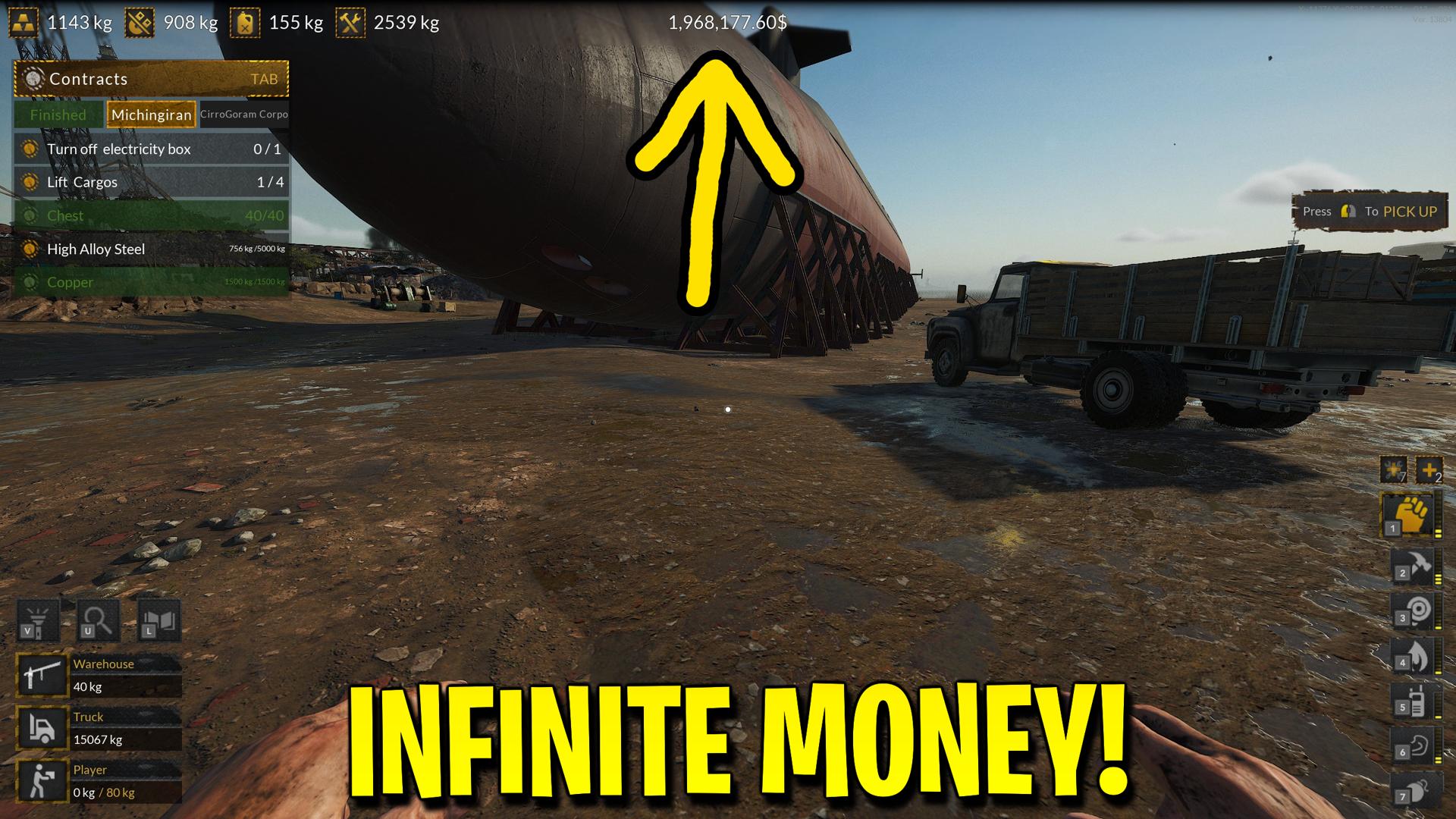
"Big ships, better tools, and an even bigger bank balance."
How do I install Give Money?
Download the free ProjectMods desktop app, then install Give Money for Ship Graveyard Simulator 2 in one click.
</>What does Give Money do?
Stop letting your bank balance dictate which ships you can dismantle or which tools you can afford. Give Money lets you add cash directly to your existing balance, giving you the funds to invest in your shipbreaking business without grinding through additional contracts. Choose the amount you want to receive and press Give Money. The default amount is $1,000, but you can customise each grant anywhere between $1 and $1,000,000. Add just enough to afford your next tool upgrade or give yourself a substantial budget for purchasing larger vessels. Each button press adds the selected amount to your existing cash balance rather than replacing it. You can repeat money grants whenever you need additional funds during your solo gameplay session. For players who prefer a fresh financial challenge, Reset Money clears your entire cash balance and returns it to $0. Be sure to check your current balance before using either button again, particularly when adding large amounts or resetting your funds. Whether you're starting a new scrapyard, upgrading your equipment, purchasing expensive ships, or experimenting with different financial strategies, Give Money removes the financial grind while leaving you free to manage and develop your shipbreaking business.
</>What is Give Money?
The Give Money mod for Ship Graveyard Simulator 2 is a PC resource and economy modification that allows players to instantly add a custom amount of in-game money to their existing cash balance during solo gameplay. Players can select an amount between $1 and $1,000,000 per grant, with a default setting of $1,000. Each activation adds the chosen amount to the current balance, and grants can be repeated whenever additional funds are needed. The added currency can be used for normal in-game purchases, including ships and tool upgrades. Rather than automatically unlocking equipment or completing ship contracts, the mod provides the financial resources needed to make purchases through the game's existing systems. A separate Reset Money option clears the player's entire cash balance, returning it to zero. This allows players to create limited-budget challenges or restart their financial progression without starting a new yard. Available through ProjectMods, Give Money is ideal for purchasing larger vessels, upgrading dismantling equipment, accelerating financial progression, experimenting with different investments, and reducing repetitive money grinding in Ship Graveyard Simulator 2.
</>Common questions about Give Money
What does Give Money do in Ship Graveyard Simulator 2?
It lets you instantly add a custom amount of money to your existing cash balance or reset your entire balance to zero during solo gameplay.
How do I get unlimited money in Ship Graveyard Simulator 2?
Open Give Money through ProjectMods, select the amount you want to receive, and press Give Money. You can repeat grants whenever you need additional funds.
What is the maximum amount of money I can add?
You can add up to $1,000,000 per button press. Additional grants can be made whenever you need more money.
Can I choose exactly how much money to receive?
Yes. The grant amount is adjustable from $1 to $1,000,000, with a default selection of $1,000.
Does Give Money replace my existing cash balance?
No. Each grant adds the selected amount to your existing balance rather than replacing it.
Can I use the added money to purchase ships?
Yes. The added currency can be spent normally on available ships and other in-game purchases.
Can I use Give Money to afford tool upgrades?
Yes. Add money to your balance and purchase available tool upgrades through the game's normal upgrade system.
Does Give Money automatically unlock every tool upgrade?
No. The mod provides spending money rather than automatically unlocking equipment. Purchases and other applicable progression requirements remain separate.
How do I reset my money in Ship Graveyard Simulator 2?
Press Reset Money to clear your entire cash balance and return it to $0.
Does Reset Money only remove money added through the mod?
No. Reset Money clears your entire cash balance, including money earned through normal gameplay.
Does Give Money automatically generate money over time?
No. Money is added when you press Give Money, allowing you to choose exactly when and how much currency to receive.
Does Give Money automatically complete ship contracts?
No. Give Money modifies your cash balance. Ship dismantling, salvage collection, and contract completion remain separate gameplay activities.
Does Give Money support multiplayer?
Give Money and Reset Money are intended for solo gameplay.
What options does Give Money include?
Reset Money
Set your entire balance to $0, whatever amount you entered above.
Amount
Enter the number of dollars to add.
Give Money
Add the chosen amount to your current balance.
Give Money lets you instantly add between $1 and $1,000,000 to your cash balance in Ship Graveyard Simulator 2 during solo gameplay. You can repeat money grants whenever needed or use Reset Money to clear your entire balance.
System Requirements
What features does Give Money include?
- Instantly add money to your existing cash balance.
- Choose any grant amount from $1 to $1,000,000 per button press.
- Use the default $1,000 grant for smaller financial boosts.
- Repeat money grants whenever additional funds are needed.
- Purchase ships and tool upgrades using the added currency.
- Add money without replacing your existing cash balance.
- Clear your entire cash balance using Reset Money.
- Manage your finances independently of normal ship dismantling and contract progression.
- Add or reset money during solo gameplay.
Best For
- Purchase expensive ships without grinding through additional salvage contracts.
- Upgrade your hammer, burner, saw, and other available equipment.
- Give yourself a larger starting budget when opening a new scrapyard.
- Add exactly enough money to afford your next purchase.
- Accelerate financial progression during a casual playthrough.
- Experiment with different equipment purchases and investment strategies.
- Access larger ship dismantling projects earlier in your playthrough.
- Recover from poor financial decisions without restarting your yard.
- Reset your balance to zero for a self-imposed financial challenge.
- Focus on dismantling ships rather than repeatedly grinding for money.
More Mods for Ship Graveyard Simulator 2
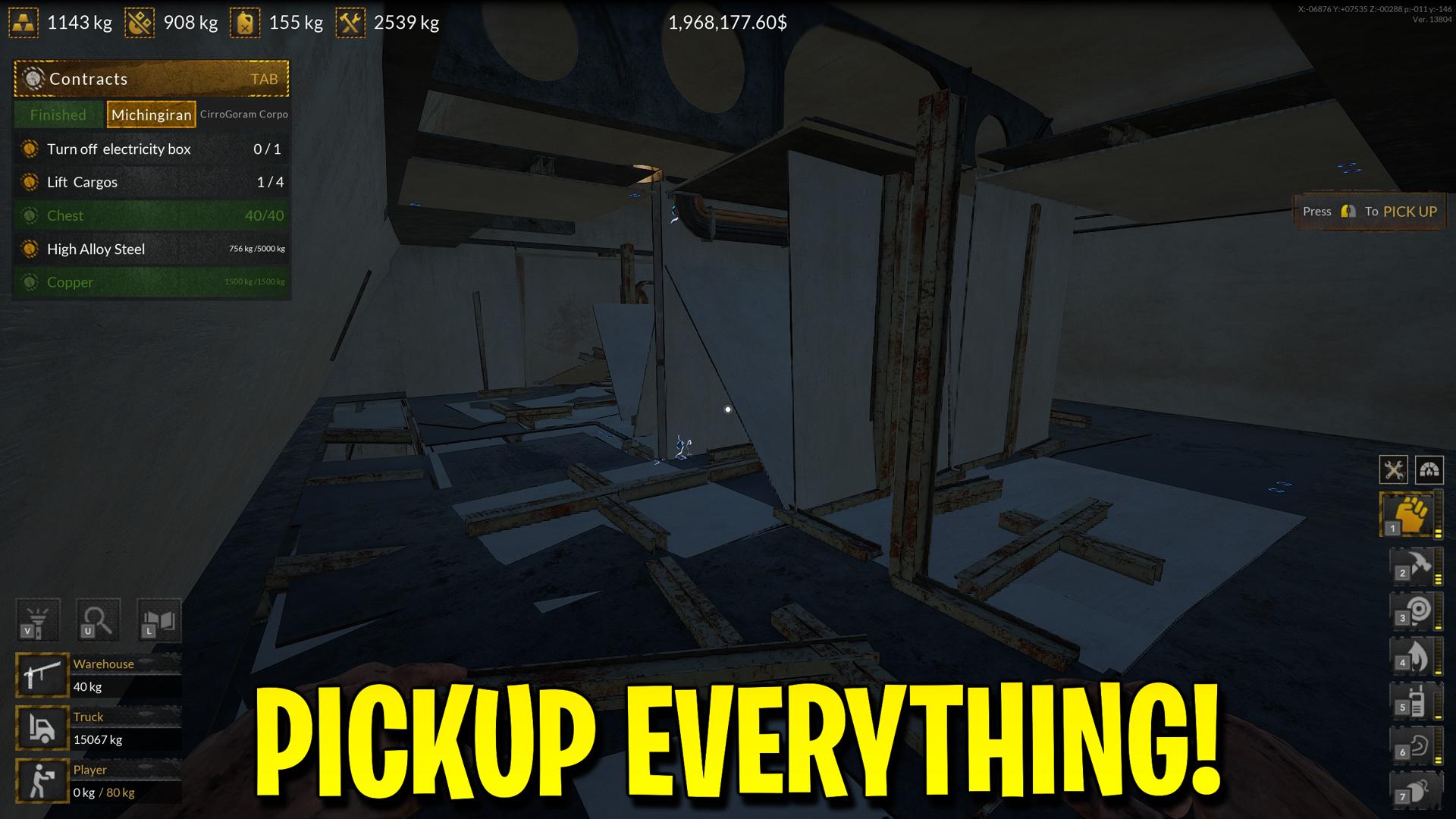
Pick Up Nearby Salvage
Collect loose ship parts and materials around you in solo play.
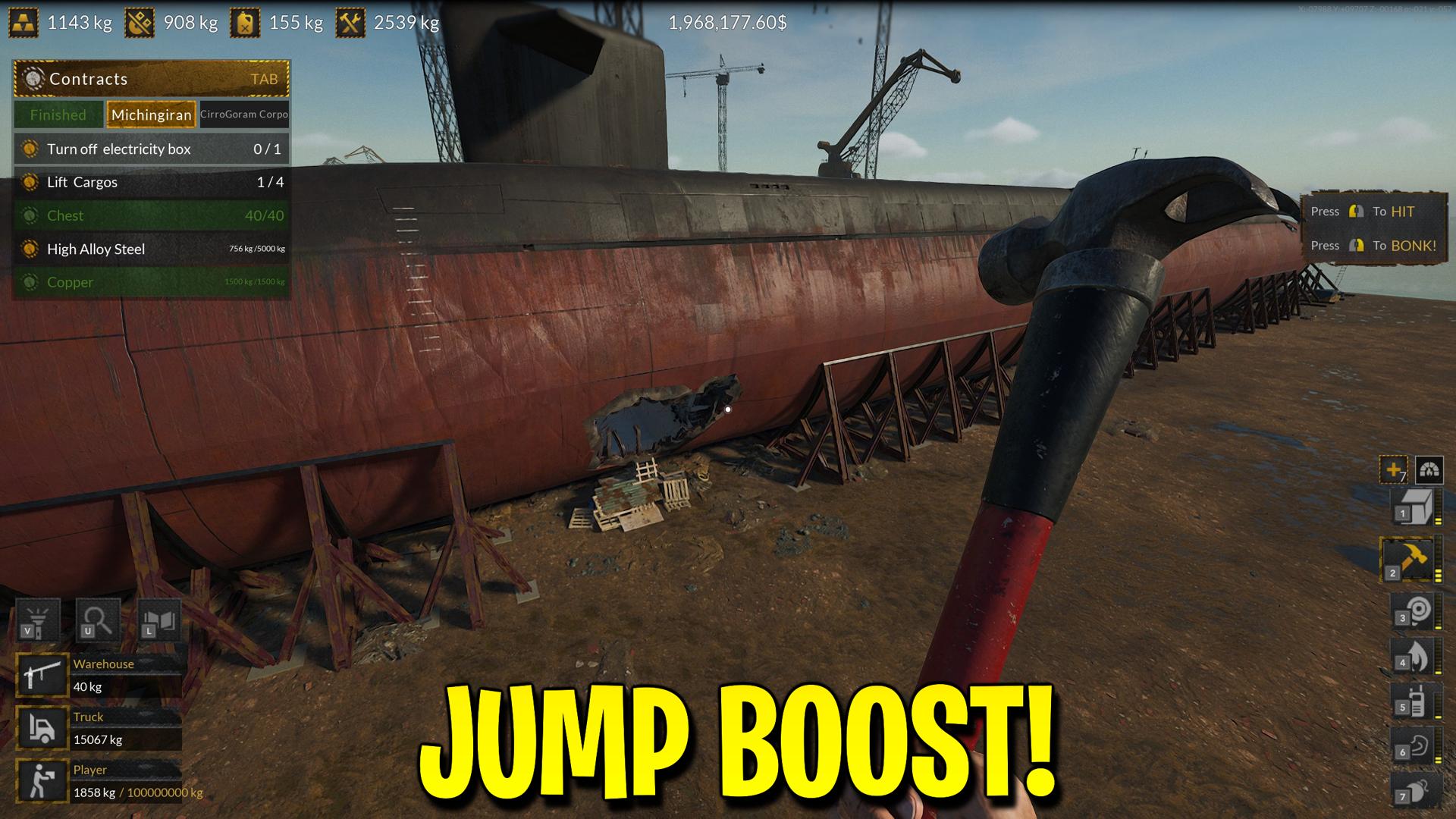
Jump Boost
Jump higher in solo play, from a small boost for low ledges to ten times your usual jump height.
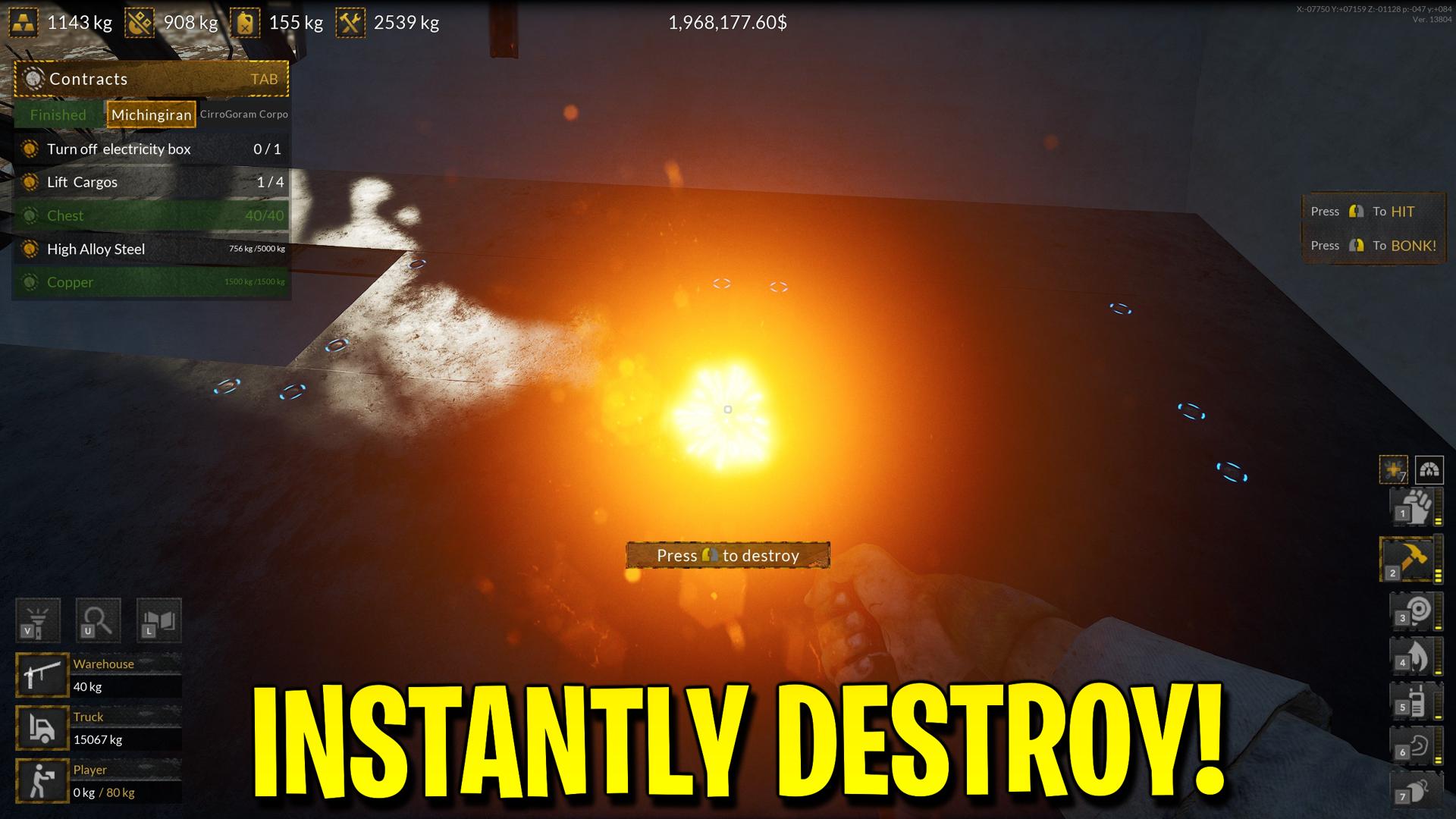
Easy Dismantling
Speed up the hammer, burner and saw in solo play. Some connectors also take more damage with each hit.







