Want more mods for Ship Graveyard Simulator 2? Explore our entire collection!
Jump Boost
"Why take the stairs when you can jump over them?"
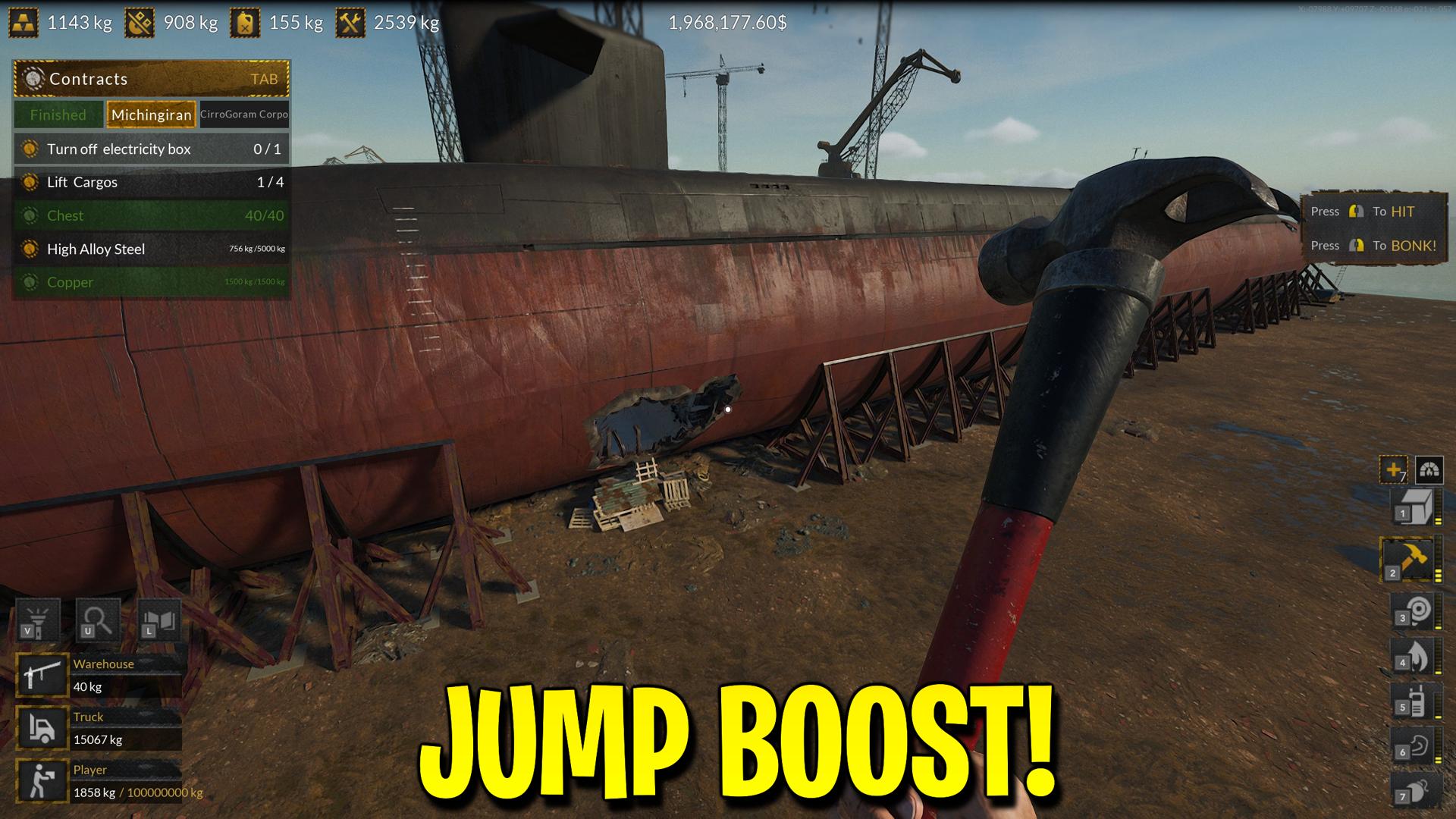
How do I install Jump Boost?
Download the free ProjectMods desktop app, then install Jump Boost for Ship Graveyard Simulator 2 in one click.
</>What does Jump Boost do?
Spend less time searching for a way upstairs and more time dismantling ships. Jump Boost increases your character's jump height, making it easier to reach elevated decks, climb onto ledges, and navigate the uneven structures of partially dismantled shipwrecks. Enable Jump Boost and use your usual jump key to experience the increased height. The default multiplier of 2 gives you roughly twice your normal jump height, providing a practical boost for everyday movement around the scrapyard. Adjust the multiplier to suit your surroundings. Choose a value just above 1 for smaller jumps onto low ledges, or increase it further to reach higher platforms and ship decks. With a maximum multiplier of 10, you can achieve dramatically higher jumps when ordinary movement is not enough. Lower settings are ideal for precise movement around confined spaces, while higher settings help you cover greater vertical distances and reach elevated working areas. Disable Jump Boost whenever you want to return to your normal jump height. Whether you're exploring a newly purchased ship, moving between decks, or navigating the remains of a partially dismantled vessel, Jump Boost makes vertical movement faster and more convenient during solo play.
</>What is Jump Boost?
The Jump Boost mod for Ship Graveyard Simulator 2 is a PC character movement modification that increases player jump height through an adjustable multiplier of up to 10x during solo gameplay. The default multiplier of 2 provides approximately double the character's normal jump height. Players can choose smaller increases for precise movement around low platforms or higher multipliers for reaching elevated ship decks and structures. The mod retains the game's standard jump controls, allowing players to perform boosted jumps using their usual jump key. Disabling the feature restores normal jumping behaviour. Unlike flight or teleportation mods, Jump Boost enhances existing jumping mechanics rather than introducing an alternative movement system. Players can navigate shipwrecks more efficiently while retaining the familiar movement experience. Available through ProjectMods, Jump Boost is particularly useful for ship exploration, vertical traversal, reaching elevated dismantling areas, navigating partially demolished structures, and reducing unnecessary detours between decks.
</>Common questions about Jump Boost
What does Jump Boost do in Ship Graveyard Simulator 2?
It increases your character's jump height using an adjustable multiplier of up to 10x, making it easier to reach elevated decks, platforms, and ledges during solo gameplay.
How do I jump higher in Ship Graveyard Simulator 2?
Enable Jump Boost through ProjectMods, select your preferred multiplier, and press your usual jump key.
What is the maximum jump height multiplier?
The maximum multiplier is 10x, allowing you to jump up to ten times your normal height.
Can I double my jump height?
Yes. The default multiplier of 2 gives you approximately twice your normal jump height.
Can I adjust how high my character jumps?
Yes. Adjust the Multiplier setting to choose anything from a modest increase above normal jump height to a maximum boost of 10x.
Can Jump Boost help me reach upper ship decks?
Yes. Increasing your jump height helps you reach elevated decks, platforms, and ledges that are difficult to access with normal jumping.
Do I need to use a different key to perform boosted jumps?
No. Jump Boost works with your existing jump key and normal movement controls.
Is Jump Boost the same as flying?
No. Jump Boost increases the height of your normal jumps rather than providing continuous flight or hovering.
Does Jump Boost provide unlimited double jumps?
No. Jump Boost increases your normal jump height rather than adding extra mid-air jumps.
How do I return to normal jump height?
Disable Jump Boost to restore your character's regular jumping behaviour.
What multiplier should I use for everyday movement?
The default 2x multiplier is a good starting point. Use smaller values for precise movement around low ledges and higher values when reaching elevated decks.
Does Jump Boost support multiplayer?
Jump Boost is intended for solo gameplay.
What options does Jump Boost include?
Multiplier
Choose your jump height. A value of 1 is normal and 2 is about twice as high.
Enabled
Jump higher with your usual jump key in solo play.
Jump Boost lets you increase your jump height by up to 10x in Ship Graveyard Simulator 2 during solo play. Adjust the multiplier to reach higher decks, clear obstacles, and navigate shipwrecks using your normal jump controls.
System Requirements
What features does Jump Boost include?
- Increase your character's jump height by up to 10x.
- Adjust the jump multiplier to suit different obstacles and deck heights.
- Use the default 2x multiplier for approximately double your normal jump height.
- Choose smaller boosts for precise jumps onto low ledges.
- Reach higher ship decks and elevated working areas with larger multipliers.
- Perform boosted jumps using your existing jump controls.
- Restore normal jump height by disabling Jump Boost.
- Enhance vertical movement during solo gameplay.
Best For
- Reach upper ship decks without taking lengthy detours.
- Jump onto elevated platforms and structural ledges.
- Navigate partially dismantled shipwrecks with greater vertical mobility.
- Clear obstacles that are too high for normal jumps.
- Move between different working areas more efficiently.
- Access elevated dismantling locations more conveniently.
- Use smaller jump boosts when navigating confined ship interiors.
- Explore large shipwrecks with fewer vertical movement restrictions.
- Experiment with extreme jump heights during casual sandbox gameplay.
- Reduce time spent navigating stairs and indirect routes between decks.
More Mods for Ship Graveyard Simulator 2
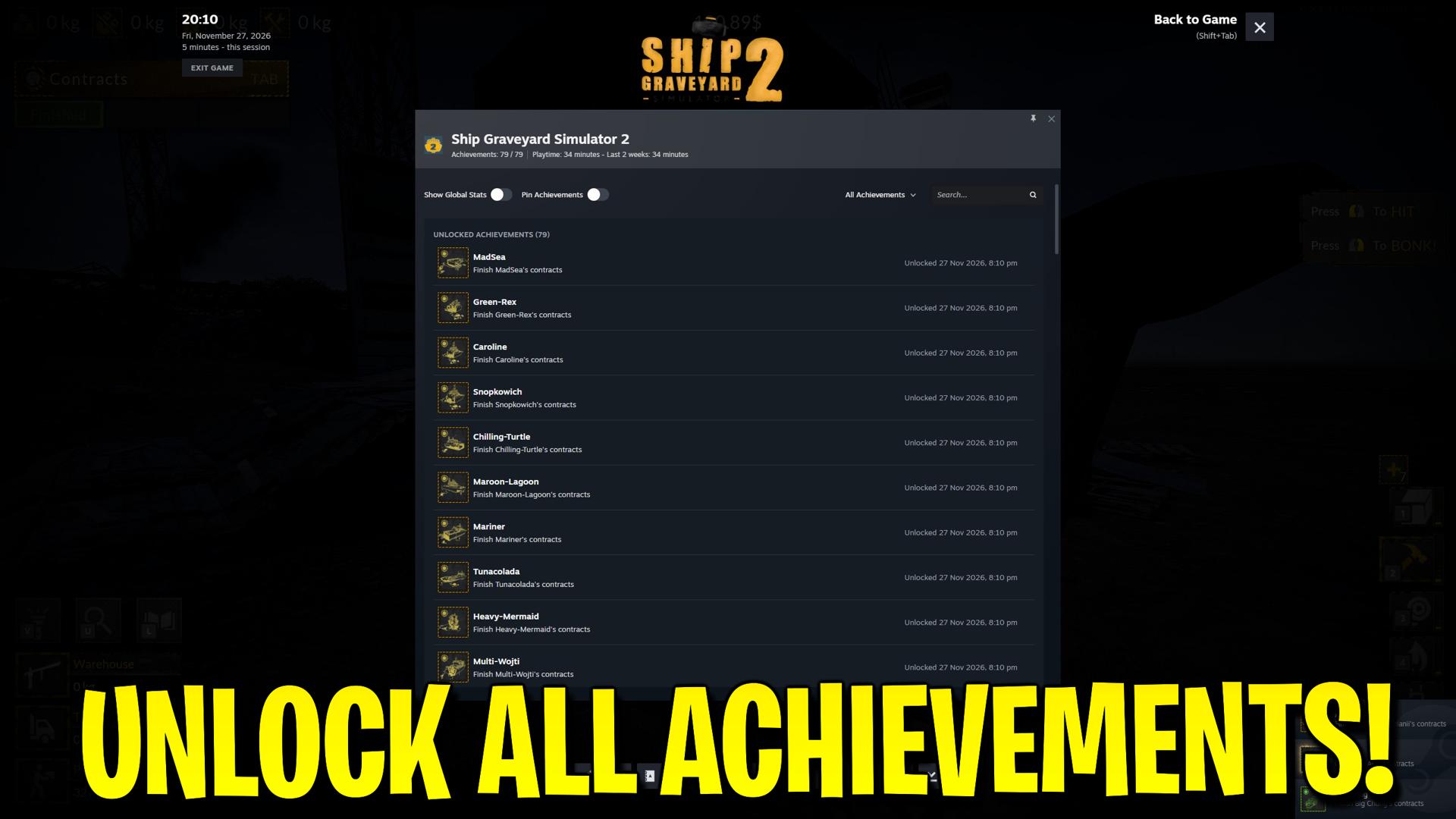
Achievement Unlocker
Pick from 79 Steam achievements, including DLC achievements, or unlock everything Steam lists for the game.
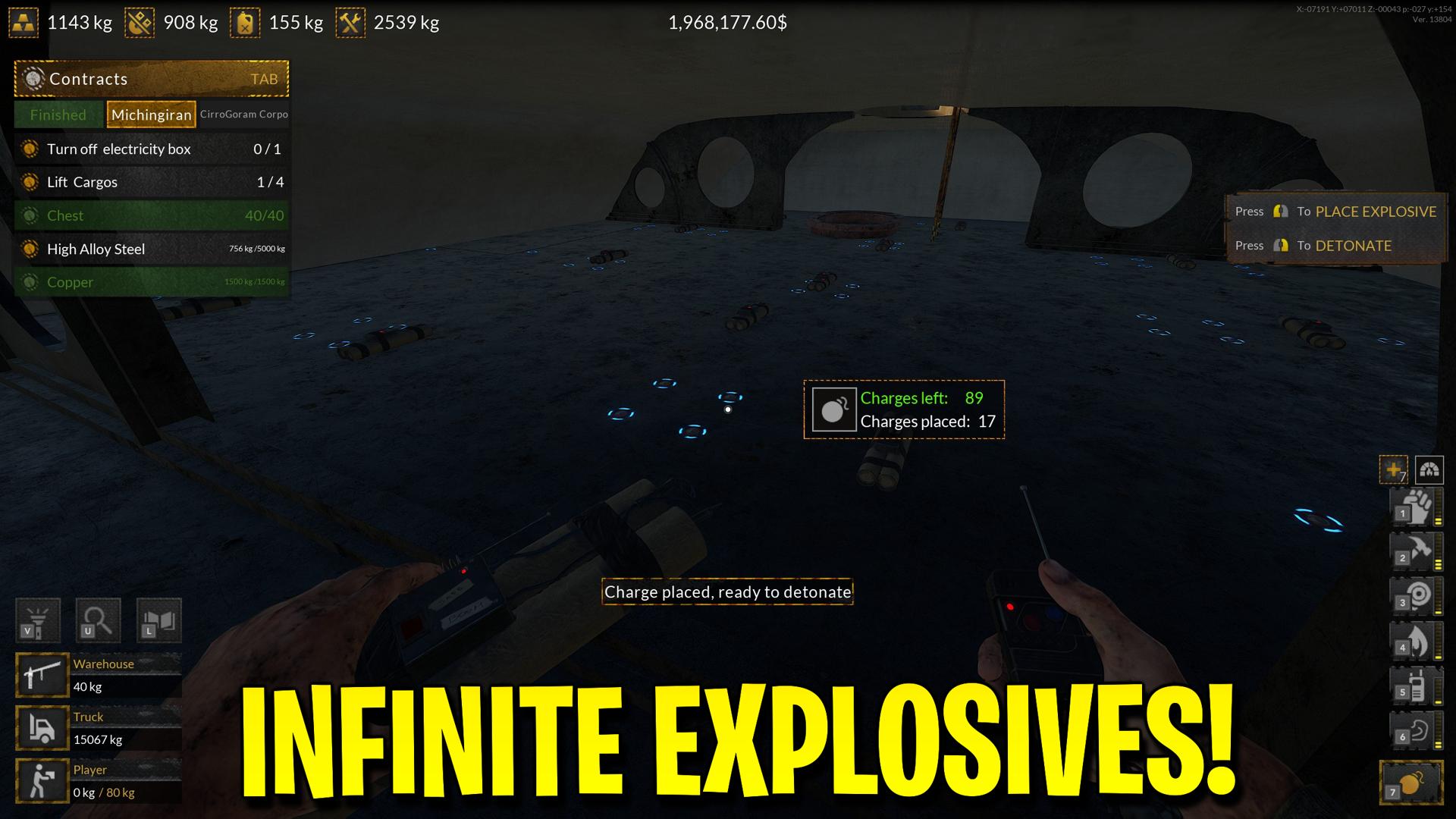
Infinite Explosive Charges
Automatically refill your spare explosive charges as you place them in your solo yard.
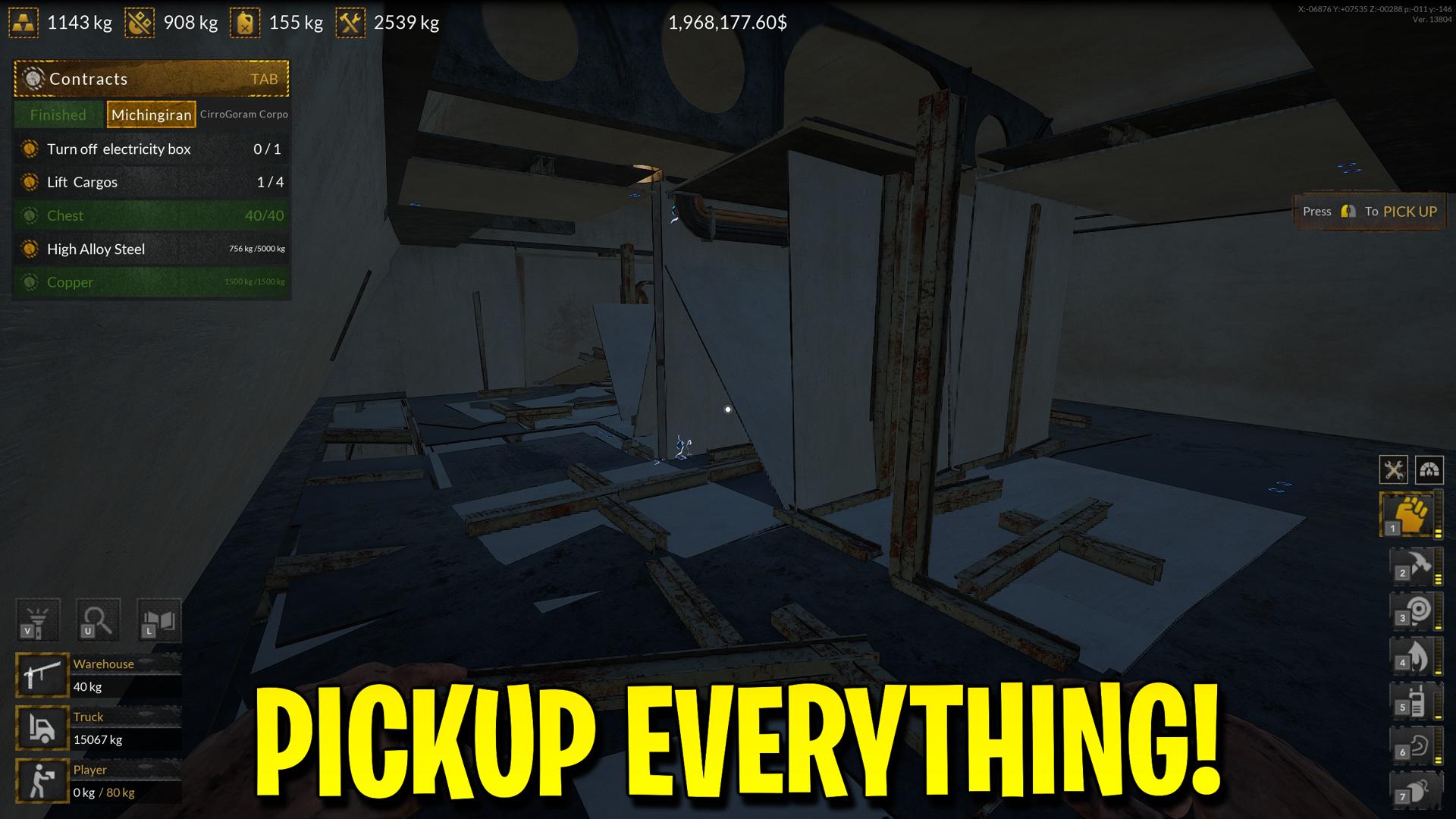
Pick Up Nearby Salvage
Collect loose ship parts and materials around you in solo play.







