Want more mods for Sons Of The Forest? Explore our entire collection!
Fly
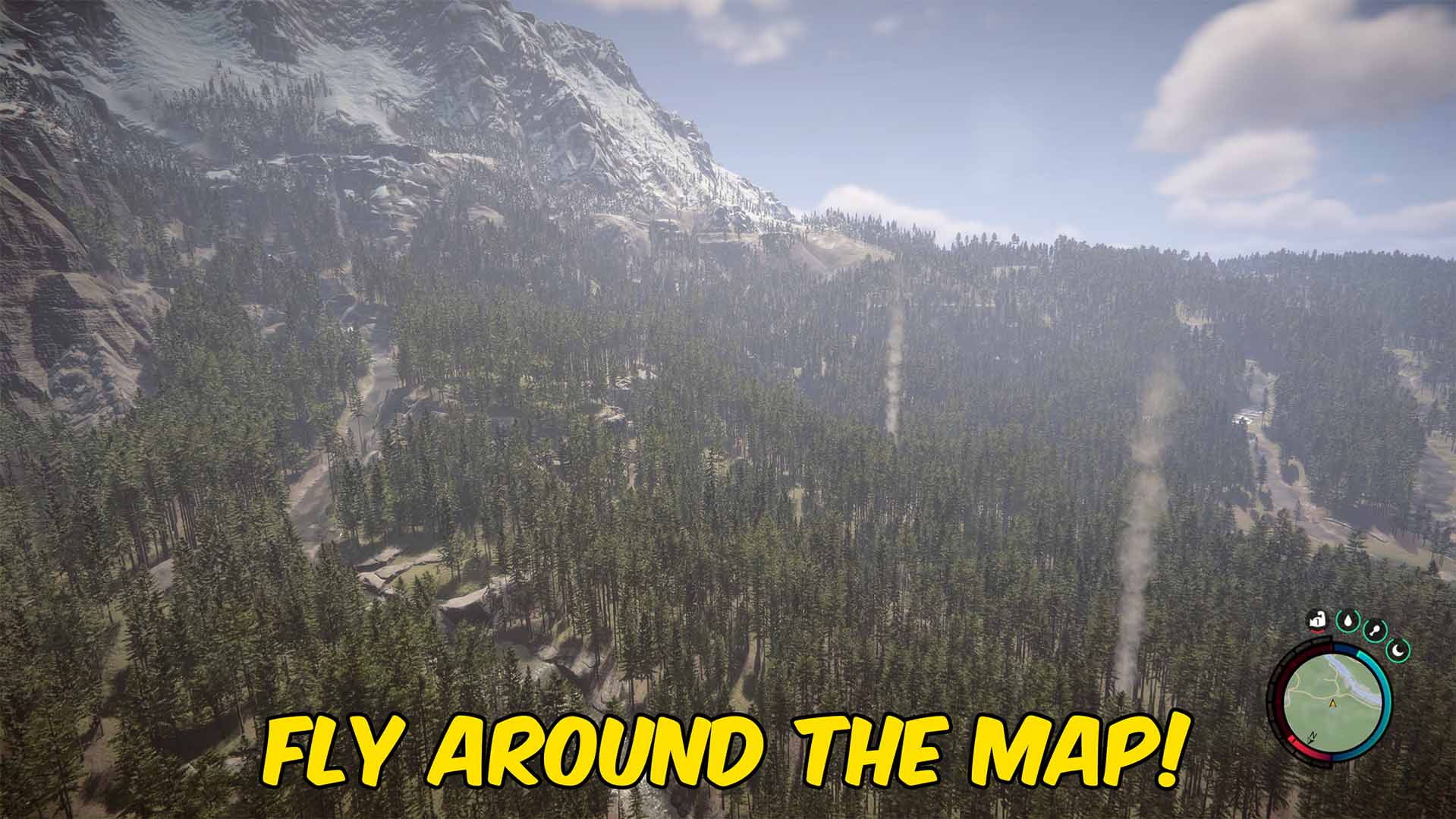
"Take to the skies and glide over the island - flip on wall-phasing to clip through anything."
How do I install Fly?
Download the free ProjectMods desktop app, then install Fly for Sons Of The Forest in one click.
</>What does Fly do?
Ever wanted to just leave the ground behind? Fly lets you lift off and soar over the whole island. Use W, A, S, D to move where you're looking, Space to climb, and left Ctrl to drop back down. Set your cruising speed anywhere from a slow, scenic drift to a quick zip across the map. Switch on the phase option and solid walls stop being a problem - you'll pass right through trees, rocks, cliffs, and buildings, so no cave, bunker, or mountain is off-limits. Leave it off and you fly like a normal airborne explorer, bumping into things the usual way. When you're done, flip the toggles off and you settle right back onto solid ground under gravity. Perfect for scouting new areas, grabbing that item stuck somewhere awkward, taking in the view, or getting yourself unstuck. Fair warning: the controls are meant to feel snappy, so give yourself a second to get used to the speed. Works best in solo or offline play; in co-op, outcomes are decided by the host.
</>What is Fly?
Fly lets you leave the ground behind in Sons of the Forest, cruising over the whole island at a speed you set — from a slow scenic drift to a fast map-crossing zip. Switch on phasing and solid walls stop being a problem, so no cave, bunker, or peak is off-limits. It's a one-click install from ProjectMods, the community-first PC modding platform.
</>Common questions about Fly
What does Fly do in Sons of the Forest?
Fly lets you lift off the ground and soar anywhere across the island in Sons of the Forest. You move in the direction you're looking with W, A, S, D, climb with Space, and drop with left Ctrl, cruising at whatever speed you pick — from a gentle drift for sightseeing to a fast zip for crossing the map. When you're done, turn the toggles off and you settle back onto solid ground under normal gravity. It's built for scouting new areas, reaching awkward spots, taking in the view, or getting unstuck when the terrain traps you.
What does the phase option in Fly do?
The phase option turns off collision while you fly, so solid objects in Sons of the Forest stop blocking you. With it on, you pass straight through trees, rocks, cliffs, buildings, and cave walls — meaning no bunker, mountain, or sealed area is off-limits. Leave phasing off and you fly like a normal airborne explorer, bumping into surfaces the usual way, which is handy when you want to land precisely on a ledge or rooftop. Phasing is a separate toggle from flight itself, so you can fly with collision on for careful navigation, then flip phasing on the moment you need to clip through something in your way.
Can I control how fast I fly in Fly?
Yes. Fly lets you set your cruising speed anywhere from a slow, scenic drift to a quick blur across Sons of the Forest. A lower speed is great for lining up screenshots or carefully exploring a cave interior, while a higher speed gets you from one end of the island to the other in seconds. The controls are built to feel snappy, so it's worth giving yourself a moment to get used to the pace before you push it to the top — at max speed you cover ground very fast. You can adjust the speed to suit whatever you're doing, whether that's relaxed scouting or rapid travel.
What happens when I turn Fly off mid-air?
When you switch Fly off while airborne in Sons of the Forest, you settle back down onto solid ground under normal gravity rather than dropping like a stone. The mod hands control back cleanly, so you land where you are instead of taking a hard fall. This makes it safe to fly up to a high ledge, turn the mod off, and continue playing on foot. If you also had the phase option on, turning it off restores normal collision, so you'll stand on surfaces again instead of passing through them. Because everything is toggle-based, you can drop in and out of flight as often as you like.
When is Fly most useful in Sons of the Forest?
Fly is perfect for scouting new areas, grabbing an item stuck somewhere awkward, taking in the view, or getting yourself unstuck in Sons of the Forest. The island is huge and vertical, so being able to lift off and cross it in seconds saves a lot of walking. With phasing on, it also becomes a powerful way to explore caves and bunkers without hunting for the entrance. Content creators use it for sweeping aerial shots, and builders use it to inspect big projects from above. Works best in solo or offline play; in co-op, movement outcomes are decided by the host.
What options does Fly include?
Fly
Lifts you off the ground so you can fly with W, A, S, D, Space to go up, and left Ctrl to go down.
Noclip
Lets you pass straight through trees, rocks, walls, and terrain while flying. Works alongside the fly toggle.
Fly Speed
How fast you move through the air. 1 is a slow drift, 20 is a fast zip across the map.
Fly is a Sons of the Forest mod from ProjectMods that lets you lift off and soar anywhere on the map, with an optional phase mode to pass through trees, rocks, and walls.
System Requirements
What features does Fly include?
- Lifts you off the ground to soar over the entire island, moving wherever you're looking
- Flies with WASD, climbs with Space, and drops with left Ctrl, at a speed you set yourself
- Switches on a phase option that lets you pass straight through trees, rocks, cliffs, and walls
- Dials cruising speed from a slow scenic drift to a fast zip clear across the map
- Settles you gently back onto solid ground under gravity the moment you toggle it off
Best For
- Scouts mapping out new caves and points of interest before committing to the trek on foot
- Players trying to reach an item or spot stuck somewhere awkward that's impossible to climb to
- Anyone wedged in terrain or a broken build who needs a quick way to get unstuck
- Screenshot hunters lining up sweeping aerial views of the peninsula and coastline
More Mods for Sons Of The Forest
Time Control
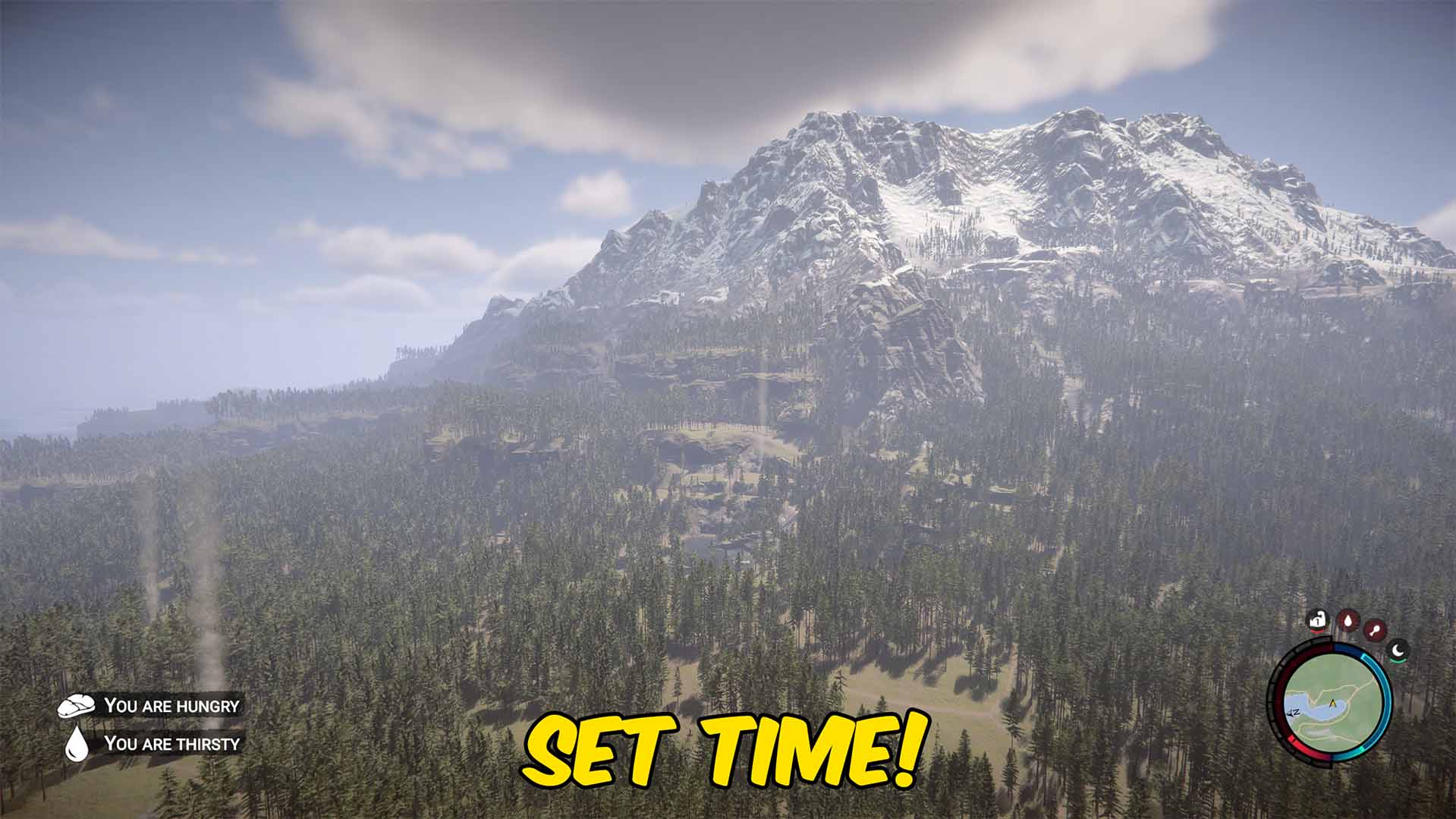
Jump straight to any time of day — sunrise, high noon, or midnight — or freeze the clock so it never changes.
Full Sleep
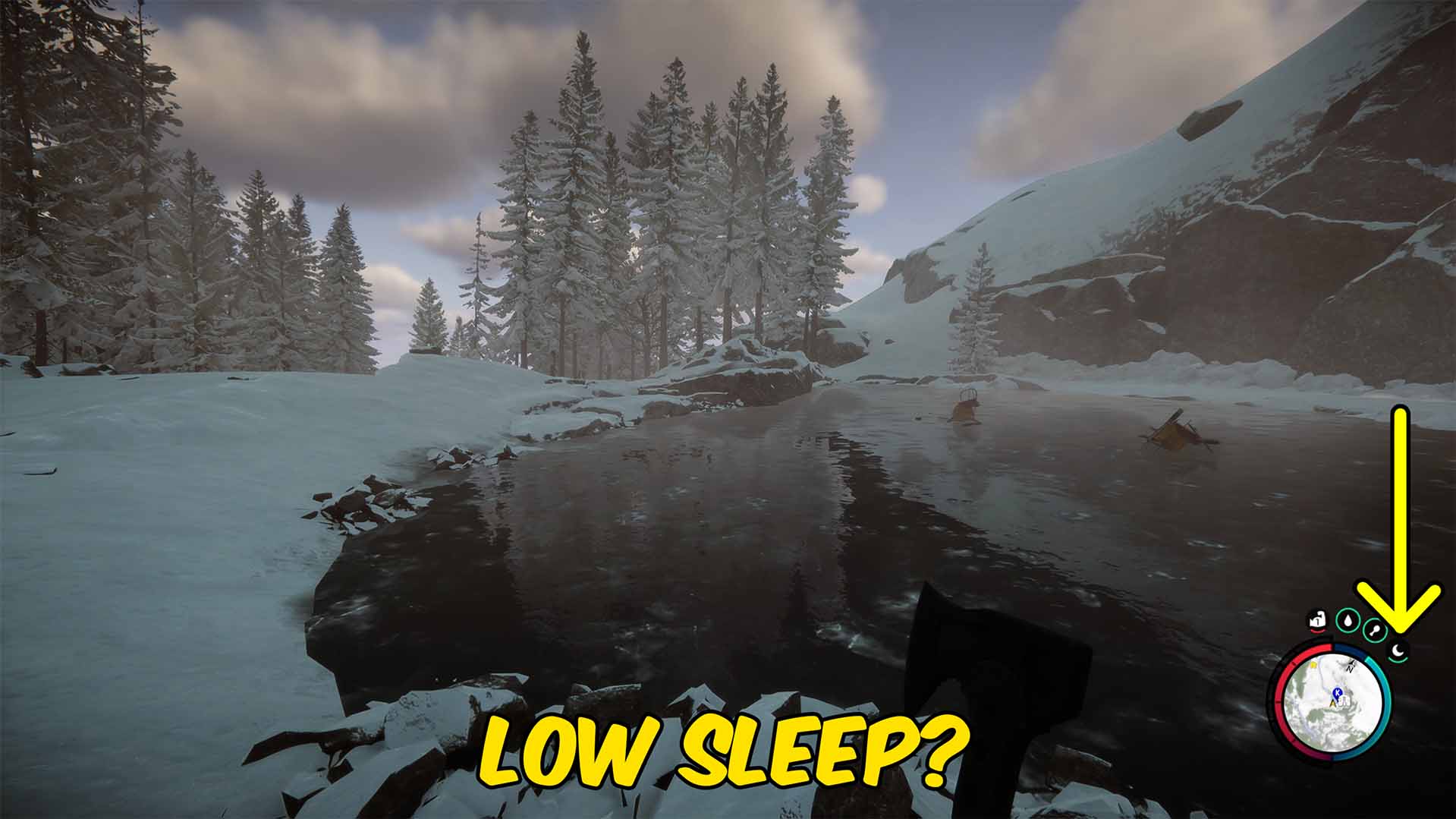
Keeps your energy maxed so you never get tired or need to sleep through the night.

Cold-Blooded
Ignore the cold completely — no shivering and no health loss in snow or freezing water.







