Want more mods for Sons Of The Forest? Explore our entire collection!
Time Control
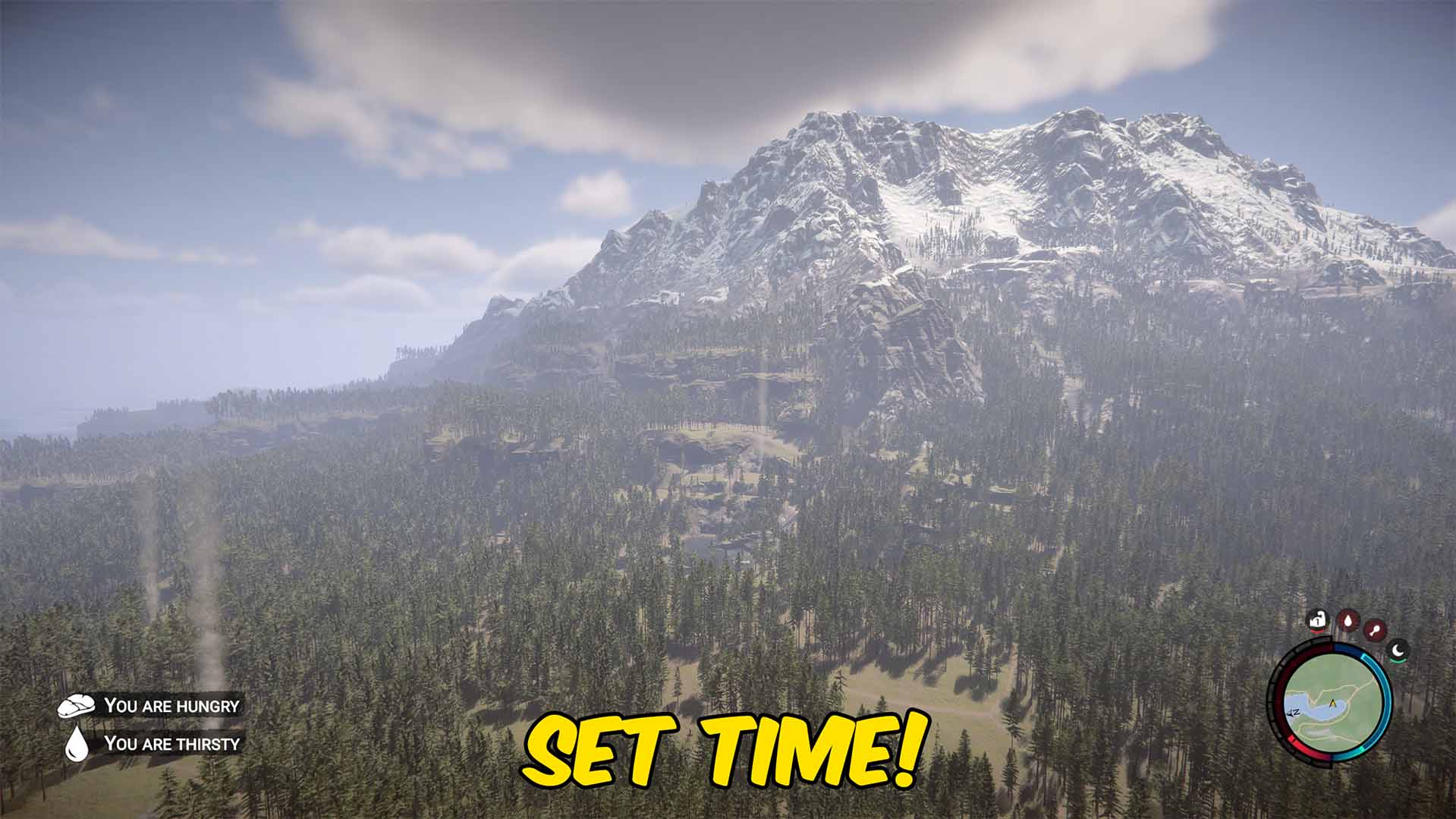
"Set the clock to any hour, or freeze time right where you like it."
How do I install Time Control?
Download the free ProjectMods desktop app, then install Time Control for Sons Of The Forest in one click.
</>What does Time Control do?
Ever wish the sun would just cooperate? Time Control puts the island's clock in your hands. Slide to any hour and the day jumps there instantly — catch a perfect sunrise, line up a golden-hour screenshot, or skip straight to midnight when you want the forest at its creepiest. Flip on Freeze Time and the clock stops dead, holding whatever hour you've set. No more racing to finish a base before nightfall or scrambling for daylight — the light stays exactly how you want it for as long as you like. Great for photographers, base builders, and anyone who just wants to enjoy the view on their own schedule. Works best in solo or offline play; in co-op, outcomes are decided by the host.
</>What is Time Control?
Time Control puts the island's clock in your hands in Sons of the Forest — slide to any hour and the day jumps there instantly, or flip on Freeze Time to hold the light exactly where you want it. Catch a perfect sunrise, line up a golden-hour shot, or skip to midnight for maximum creepiness. It's a one-click install from ProjectMods, the community-first PC modding platform.
</>Common questions about Time Control
What does Time Control do in Sons of the Forest?
Time Control puts the island's clock in your hands in Sons of the Forest, letting you jump to any time of day or freeze it entirely. Slide to any hour and the day jumps there instantly — catch a perfect sunrise, line up a golden-hour screenshot, or skip straight to midnight when you want the forest at its creepiest. Flip on Freeze Time and the clock stops dead, holding whatever hour you've set. There's no more racing to finish a base before nightfall or scrambling for daylight; the light stays exactly how you want it for as long as you like.
How does the Freeze Time option in Time Control work?
Freeze Time is the option in Time Control that stops the clock dead in Sons of the Forest, holding whatever hour you've currently set. Normally the day-night cycle keeps rolling, so daylight and darkness are always slipping away. With Freeze Time on, that stops entirely: if you've set high noon, it stays high noon indefinitely; set midnight and it holds midnight. This is separate from jumping the time, so the usual flow is to slide to the hour and lighting you want, then freeze it there. It's ideal when you need consistent light for a long build or a photo, since nothing about the time will change until you turn Freeze Time off.
Can I jump to a specific hour with Time Control?
Yes. Time Control lets you slide to any specific hour in Sons of the Forest, and the island's clock jumps straight there the moment you set it. Want a bright working day for building? Slide to midday. Chasing a moody atmosphere for a screenshot or a scary cave run? Drop it to midnight. Because the change is instant, you never have to wait out the cycle to reach the time you want. You can pair this with the Freeze Time option to lock that exact hour in place, or leave time running normally from the new point if you just wanted to skip ahead to daylight or nightfall.
Does Time Control affect gameplay, or just the lighting and atmosphere?
Time Control mainly changes the time of day itself in Sons of the Forest — the position of the sun, the lighting, and whether it's day or night. That naturally affects atmosphere and visibility, so jumping to midnight makes the forest darker and creepier while noon gives you clear working light. It's designed as a tool for controlling the clock rather than a survival shortcut, so it doesn't make you invincible or remove enemies. If you want to combine it with never getting tired through the long nights you create, it pairs neatly with the Full Sleep mod from ProjectMods, which keeps your energy maxed no matter the hour.
Who is Time Control best for in Sons of the Forest?
Time Control is best for photographers, base builders, and anyone who just wants to enjoy the view on their own schedule in Sons of the Forest. Screenshot fans use it to summon a perfect sunrise or golden hour on demand, then freeze the light while they line up the shot. Builders use it to lock in bright daylight so a long project isn't interrupted by nightfall, and atmosphere-seekers drop it to midnight for the creepiest possible forest. It's also handy for content creators who need a specific time of day on camera. Works best in solo or offline play; in co-op, time outcomes are decided by the host.
What options does Time Control include?
Time Of Day
Slide to the hour you want, from midnight (0) to 11pm (23).
Freeze Time
Stops the clock so it stays at the current time of day.
Time Control is a Sons of the Forest mod from ProjectMods that jumps you straight to any hour — sunrise, noon, or midnight — or freezes the clock so it never changes.
System Requirements
What features does Time Control include?
- Slides the day to any hour instantly, from sunrise to high noon to midnight
- Freezes the clock dead with a Freeze Time toggle, holding whatever hour you set
- Keeps daylight steady so nightfall never cuts a build short
- Turn everything off to hand the day-night cycle back to the game
Best For
- Screenshot hunters lining up golden-hour light or an eerie midnight forest on demand
- Base builders who want steady daylight to finish a project without racing the sun
- Players who want the forest at its creepiest, holding midnight for the atmosphere
- Anyone who just wants to enjoy a perfect sunrise view whenever the mood strikes
More Mods for Sons Of The Forest
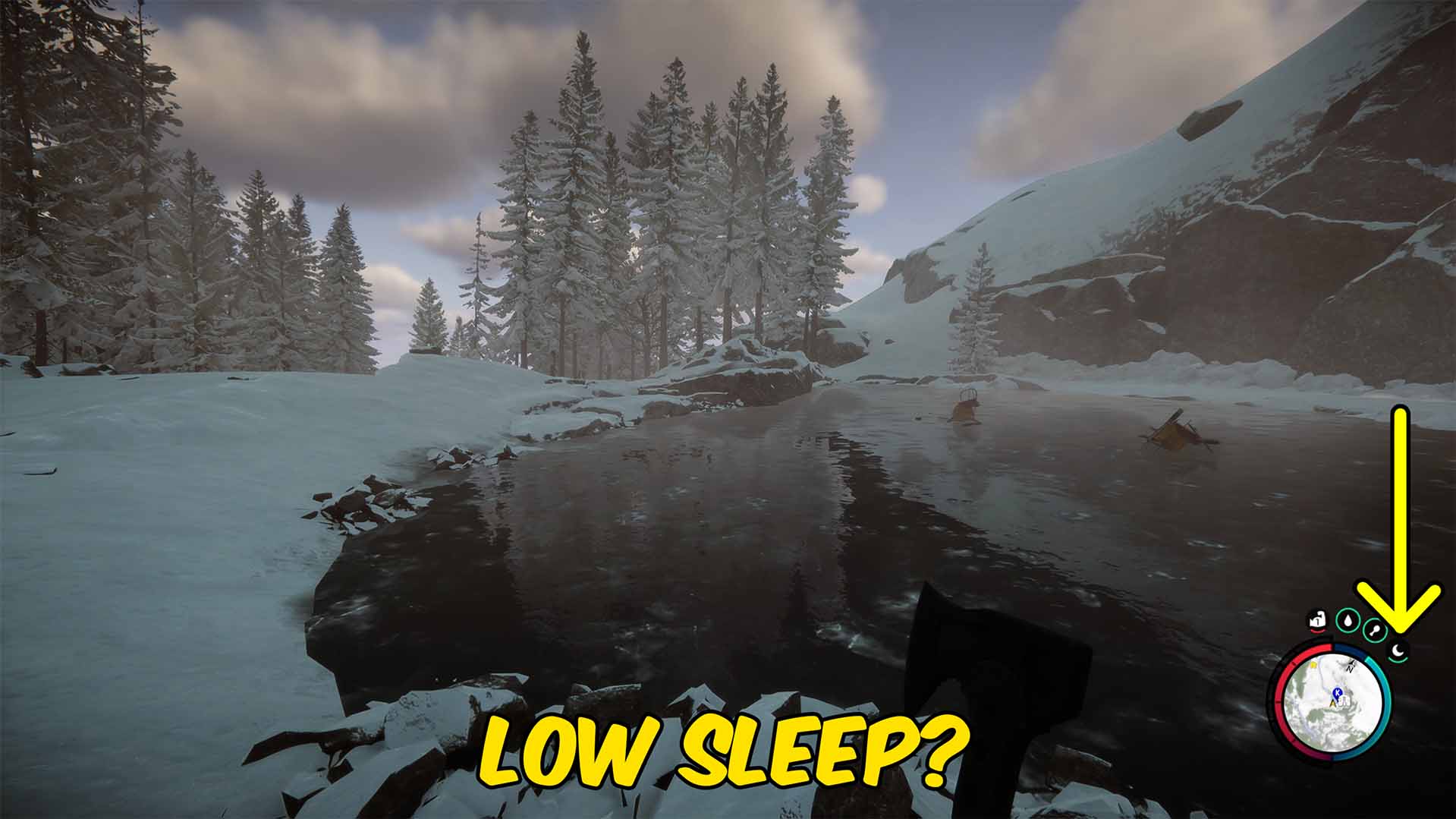
Full Sleep
Keeps your energy maxed so you never get tired or need to sleep through the night.
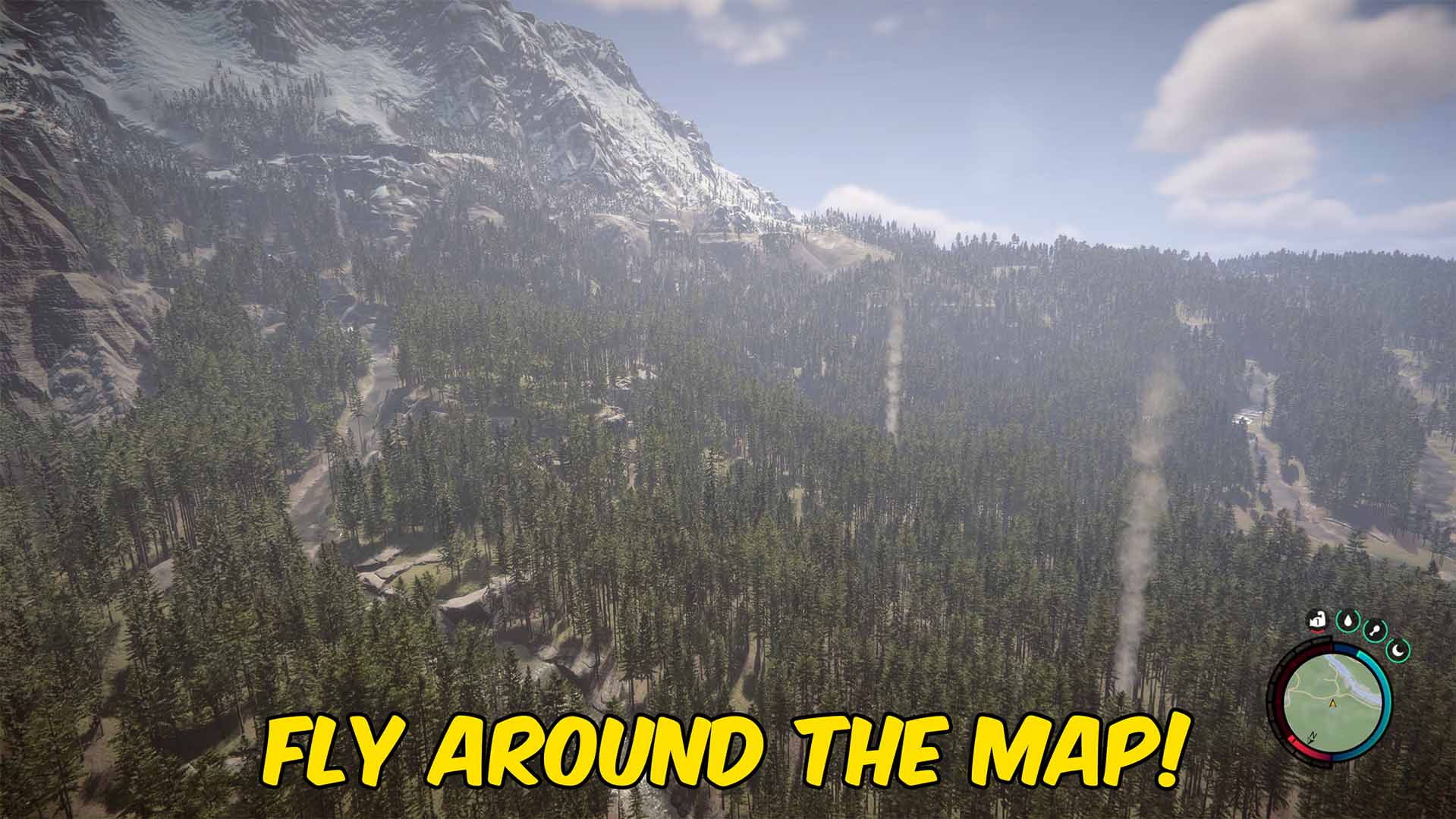
Fly
Lift off and fly anywhere on the map. Turn on the phase option to pass straight through trees, rocks, and walls.

Clean Bill
Stops you ever getting sick, so spoiled food and dirty water have no consequences.







