Want more mods for SOS OPS!? Explore our entire collection!
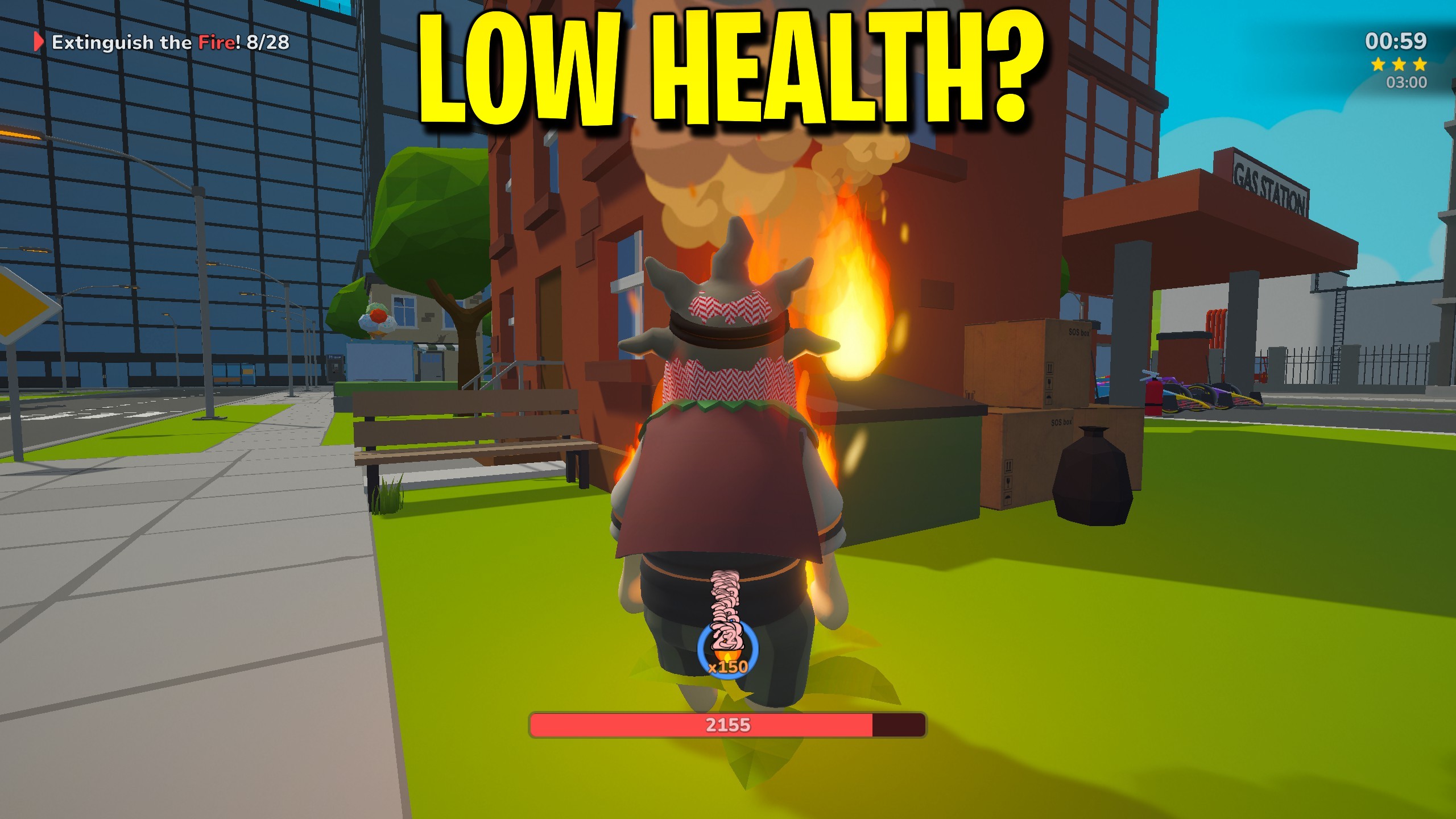
Infinite Health
"Stay topped up on health, plus a one-press full patch."
How do I install Infinite Health?
Download the free ProjectMods desktop app, then install Infinite Health for SOS OPS! in one click.
</>What does Infinite Health do?
Infinite Health is the SOS OPS survival helper for lobbies that want longer comedy runs. Turn Infinite Health on to keep topping up when you are hurt, and use Patch Me Up whenever you want an instant full restore after a nasty wipeout. Because health is steadier when the host runs supportive tools, this works best if you host or play solo. Switch Infinite Health off to feel the city’s danger again without uninstalling anything.
</>What is Infinite Health?
Infinite Health keeps SOS OPS rescues from ending every time fire, falls, or chaos catch up. Enable Infinite Health to top up when you are not full, and press Patch Me Up for an immediate full heal. Hosting or solo play gives the most reliable result online. It does not calm enemies or grant flight. Disable the option when you want danger back.
</>Common questions about Infinite Health
What does Infinite Health do in SOS OPS?
Infinite Health keeps your SOS OPS character topped up while the Infinite Health option is enabled, so fire, falls, and chaos are less likely to end the run every minute. Press Patch Me Up anytime you want an immediate full heal without waiting for the passive top-up. It does not calm enemies, refill truck water, or change movement. Disable Infinite Health when your lobby wants real danger again. For the steadiest online results, host the session or play solo while this helper is active.
How does Patch Me Up work with Infinite Health in SOS OPS?
Patch Me Up is a one-press action in Infinite Health for SOS OPS. Hit it when you are already hurt and want a full restore right now, even if you prefer to leave the Infinite Health switch off for a harder baseline. When Infinite Health is on, Patch Me Up is still useful after a sudden spike of damage before the next top-up lands. It does not unlock outfits or achievements. Use it mid-rescue when a teammate needs you standing immediately, then get back to the objective.
Why does Infinite Health work best when hosting SOS OPS?
Health changes in SOS OPS co-op are most reliable when the host is running the supportive tools. Infinite Health therefore works best if you host the lobby or play solo. Guests can still enable it, but results may feel weaker depending on who owns the session. If you join a friend and top-ups seem inconsistent, ask the host to enable Infinite Health too. This is a practical co-op quirk, not a claim that guests can never benefit—hosting simply gives the cleanest survivability for the whole messy rescue.
What controls does Infinite Health offer in SOS OPS?
Infinite Health ships two controls for SOS OPS: the Infinite Health switch for ongoing top-ups and the Patch Me Up action for an instant full heal. There is no separate armor-only slider. Enable the switch for sustained survivability, use the action for emergencies, and disable the switch when you want vulnerability back. Combine with Instant Respawn if downs still happen and you want a manual get-up button afterward.
When should I use Infinite Health in SOS OPS?
Use Infinite Health in SOS OPS for long firefighting nights, teaching lobbies, screenshot runs, and any session where repeated downs are killing the comedy. Leave it off for challenge runs where surviving the city is the point. Patch Me Up alone is enough when you only need occasional saves. Pair with Peaceful Streets if combat pressure is the real problem, or keep enemies active and simply refuse to stay downed. Host when you can so the whole group feels the benefit more consistently.
What options does Infinite Health include?
Infinite Health
Keep topping up health while enabled. Best when you host.
Patch Me Up
Press for an instant full heal right now.
Infinite Health for SOS OPS on ProjectMods keeps your health topped up while enabled and offers Patch Me Up for a full heal, working best when you host.
System Requirements
What features does Infinite Health include?
- Keep health topped up while Infinite Health stays enabled.
- Press Patch Me Up for an instant full heal.
- Works best when you host or play solo in co-op.
- Disable anytime to restore normal vulnerability.
Best For
- Survive long firefighting sessions without constant downs.
- Recover instantly after a catastrophic ragdoll fall.
- Host a teaching lobby where new players can learn routes.
- Focus on objectives instead of repeated wipe recovery.
More Mods for SOS OPS!
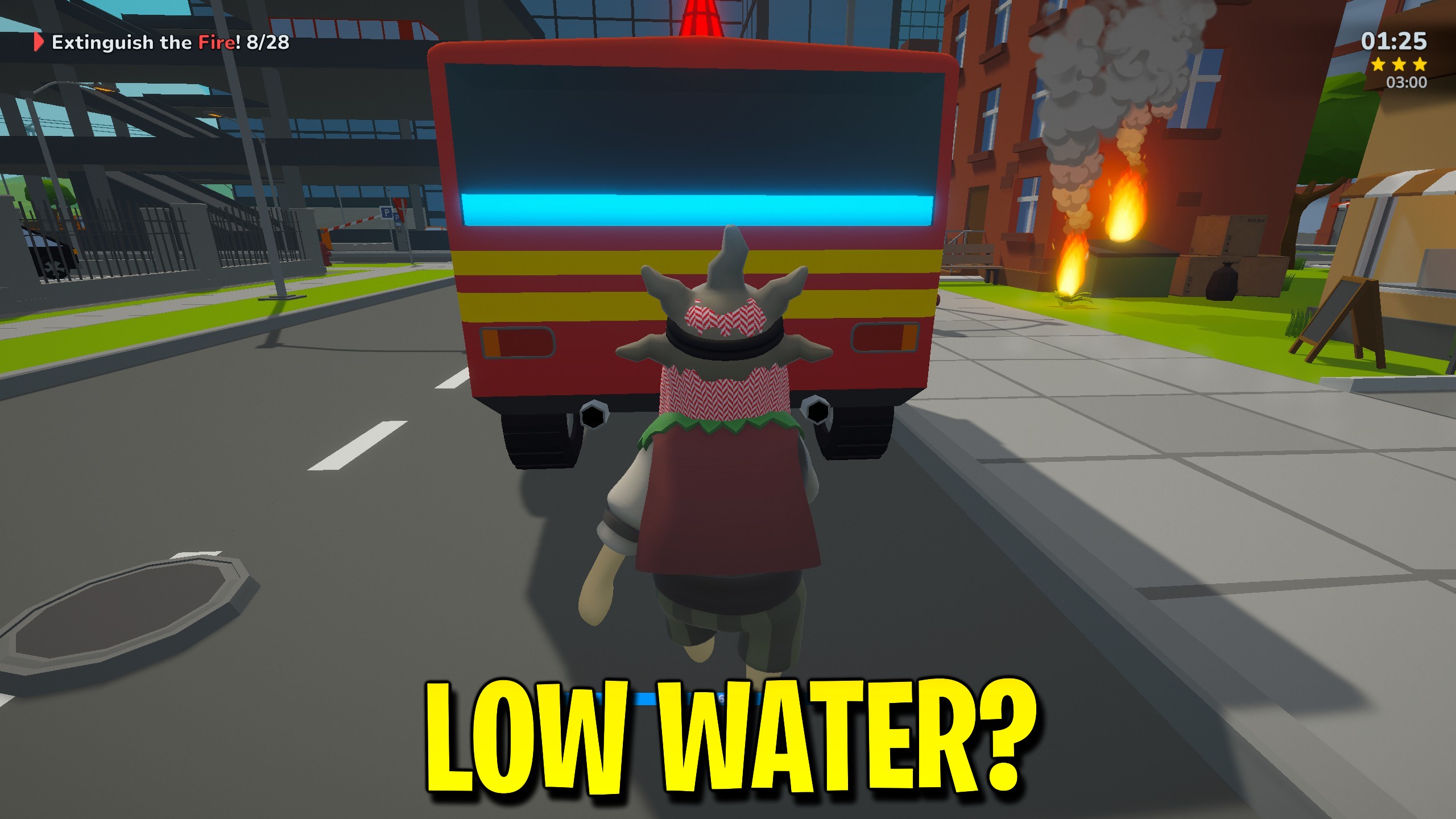
Endless Water
Stop mid-fire dry-outs by keeping the SOS OPS fire truck water tank full.
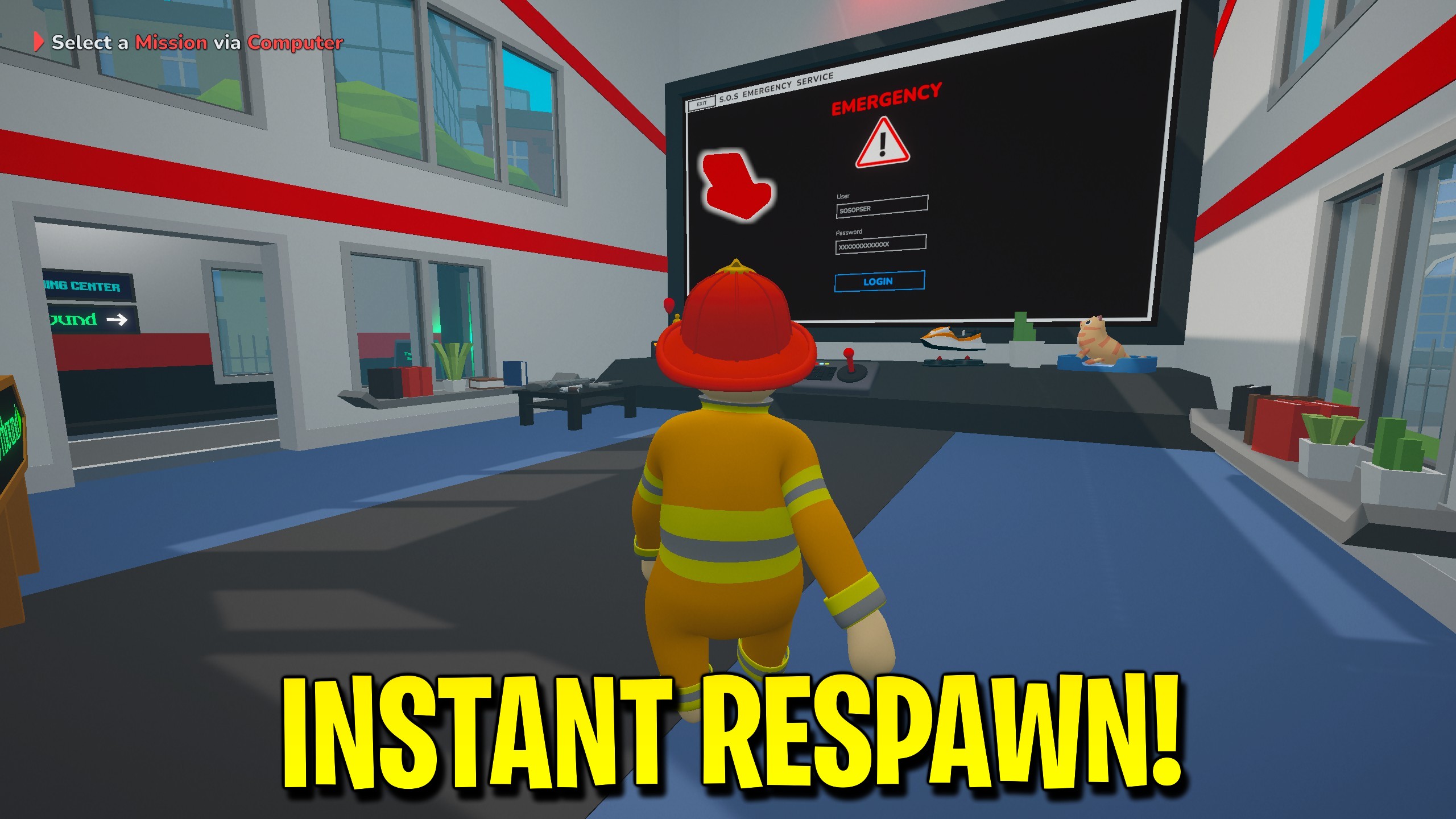
Instant Respawn
Manually respawn in SOS OPS with one Respawn Now press when you are downed.
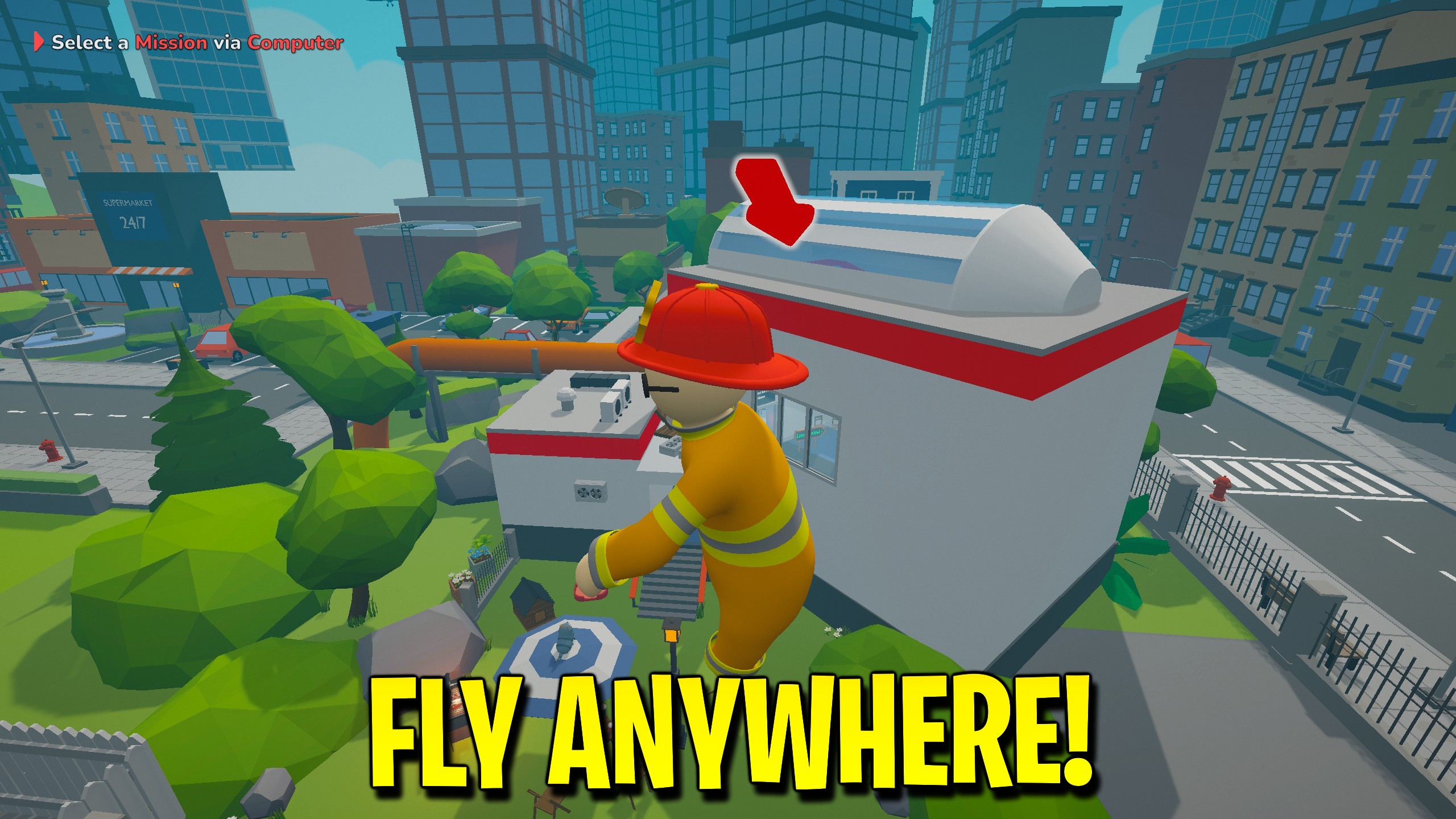
Fly
Take flight with aim-relative WASD, Space, and Ctrl, optional noclip, and a Shift speed boost.



























































































































































































