Want more mods for SOS OPS!? Explore our entire collection!
Fly
"Lift off, steer freely, and drift through walls when you want."
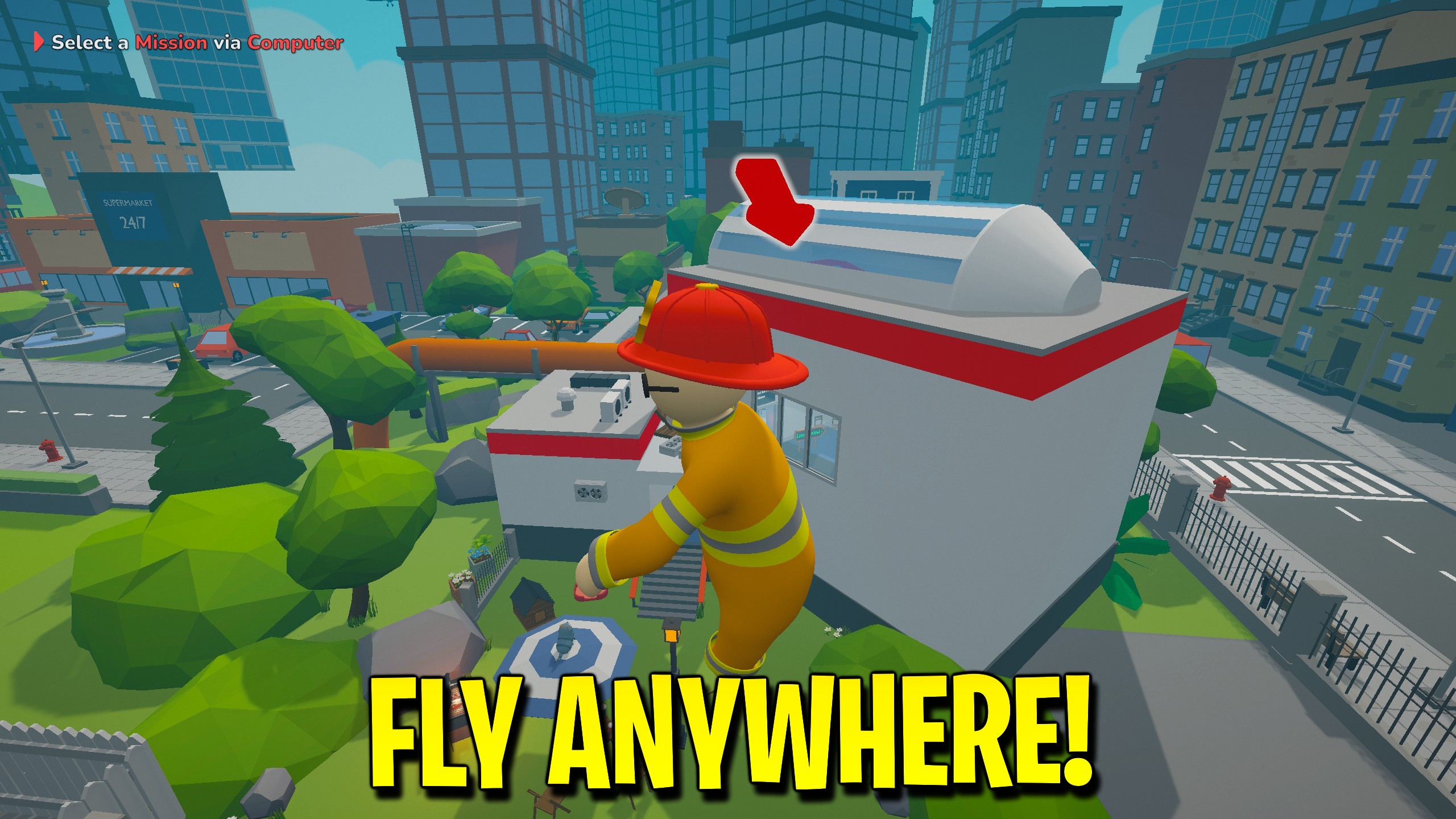
How do I install Fly?
Download the free ProjectMods desktop app, then install Fly for SOS OPS! in one click.
</>What does Fly do?
Fly lifts your ragdoll off the pavement so you can drift across the SOS OPS city instead of climbing every ladder. Turn on Fly Enabled, then steer with WASD along your aim—look up to climb and look down to dive—press Space to rise, and Ctrl to drop. It is built for rescue comedy, rooftop shortcuts, and getting unstuck when a mission dumps you in a bad spot. Noclip stays on by default so you can slide through walls, floors, and rooftops while flying. Turn it off if you want solid collisions in the air. Fly Speed controls normal cruise; hold Shift to use Shift Speed for a quicker burst. Disable Fly Enabled and you settle back into normal ragdoll physics without restarting the session.
</>What is Fly?
Fly turns your SOS OPS rescue run into open-air exploration. Enable Fly Enabled to freeze into smooth flight, steer with WASD along your aim, rise with Space, and drop with Ctrl. Leave Noclip on to phase through buildings, or turn it off to bump into the world while still airborne. Fly Speed sets cruise pace; Shift Speed sets how fast you go while holding Shift. Ideal for rooftops, stuck teammates, and out-of-bounds sightseeing without changing combat, water, or vehicles.
</>Common questions about Fly
What does Fly do in SOS OPS?
Fly lifts your character off the ground in SOS OPS so you can travel through the city in open air instead of walking every rooftop and alley. With Fly Enabled on, you steer with WASD along your camera aim (look up or down to climb or dive), rise with Space, and drop with Ctrl while your body stays locked in a stable flight pose. Noclip can stay on so buildings and floors do not block you, or you can turn it off and still fly while bumping into the world. Fly Speed sets the normal cruise, and holding Shift uses Shift Speed for a faster burst. Turn Fly Enabled off when you want normal ragdoll movement again. It does not change water tanks, cars, health, or enemy behaviour.
How does Noclip work with Fly in SOS OPS?
Noclip in Fly is a separate switch from flight itself. When Fly Enabled and Noclip are both on, you drift through walls, floors, fences, and rooftops in SOS OPS without getting stuck on collision. That is useful for clipped ragdolls, tight stairwells, and reaching mission props behind geometry. If you prefer airborne movement that still respects the city, leave Fly Enabled on and turn Noclip off so you bounce off solid surfaces while flying. Noclip alone does nothing until flight is active. Disable either option anytime; the mod restores normal collision and footing when Fly Enabled is off so you are not permanently phased through the map after a rescue.
Does Fly change combat or vehicles in SOS OPS?
No. Fly only changes how your own character moves while Fly Enabled is active in SOS OPS. It does not calm enemies, refill truck water, unlock outfits, alter achievements, or boost car engines. Vehicles keep their normal handling unless you use a separate vehicle mod. Combat and mission objectives stay the same; you simply reach places faster or from odd angles. If you want peaceful streets, endless hose water, or faster cars, those are other SOS OPS mods. Use Fly when the problem is height, walls, or getting unstuck, then switch it off before a precision carry so the ragdoll physics feel familiar again for your friends in co-op.
Can I tune Fly Speed and Shift Speed in SOS OPS?
Yes. Fly gives you two separate speed sliders in SOS OPS so cruise and burst feel independent. Fly Speed defaults to 8 and ranges from 2 to 30 for everyday floating between buildings. Shift Speed defaults to 20 and ranges from 2 to 60 for the faster movement you get while holding Shift during flight. Raise both when you want to cross the map quickly, or keep them modest for careful rooftop work and screenshots. Changing a slider updates the live flight feel without restarting the game. If flight feels too snappy in a crowded lobby, lower Shift Speed first so accidental Shift taps do not fling you across the block.
When should I use Fly during a SOS OPS rescue?
Use Fly when a SOS OPS mission punishes slow climbing more than careful ground play. Typical moments are rooftop fires, teammates lodged in scenery, secret passages behind walls, and scouting a burning block before committing the truck. Enable Fly Enabled, leave Noclip on if you need to phase through, then disable both once everyone is clear so the rest of the run plays with normal physics. It is also handy for silly co-op moments where someone wants a mid-air flop above the city. Because flight is local to your character, guests and hosts can each decide when to take off without rewriting the whole lobby's rules.
What options does Fly include?
Shift Speed
How fast you fly while holding Shift.
Fly Speed
How fast you fly at cruise speed.
Noclip
Pass through walls and floors while flying.
Fly Enabled
Turn on to take off and fly freely. Turn off to land back into normal movement.
Fly lets you leave the ground in SOS OPS on ProjectMods, steer with WASD along your aim, plus Space and Ctrl, pass through walls with Noclip, and hold Shift for a faster flight burst.
System Requirements
What features does Fly include?
- Enable free flight with aim-relative WASD steering plus Space rise and Ctrl drop.
- Optional noclip lets you phase through walls while still flying.
- Tune cruise speed and a separate Shift burst for faster travel.
- Disable flight anytime to drop back into normal movement.
Best For
- Reach a rooftop fire without climbing every ladder and ledge.
- Pull a stuck teammate out of a wall or stairwell during co-op.
- Scout the map from above before committing to a rescue route.
- Explore out-of-bounds spots for screenshots and silly flops.
More Mods for SOS OPS!
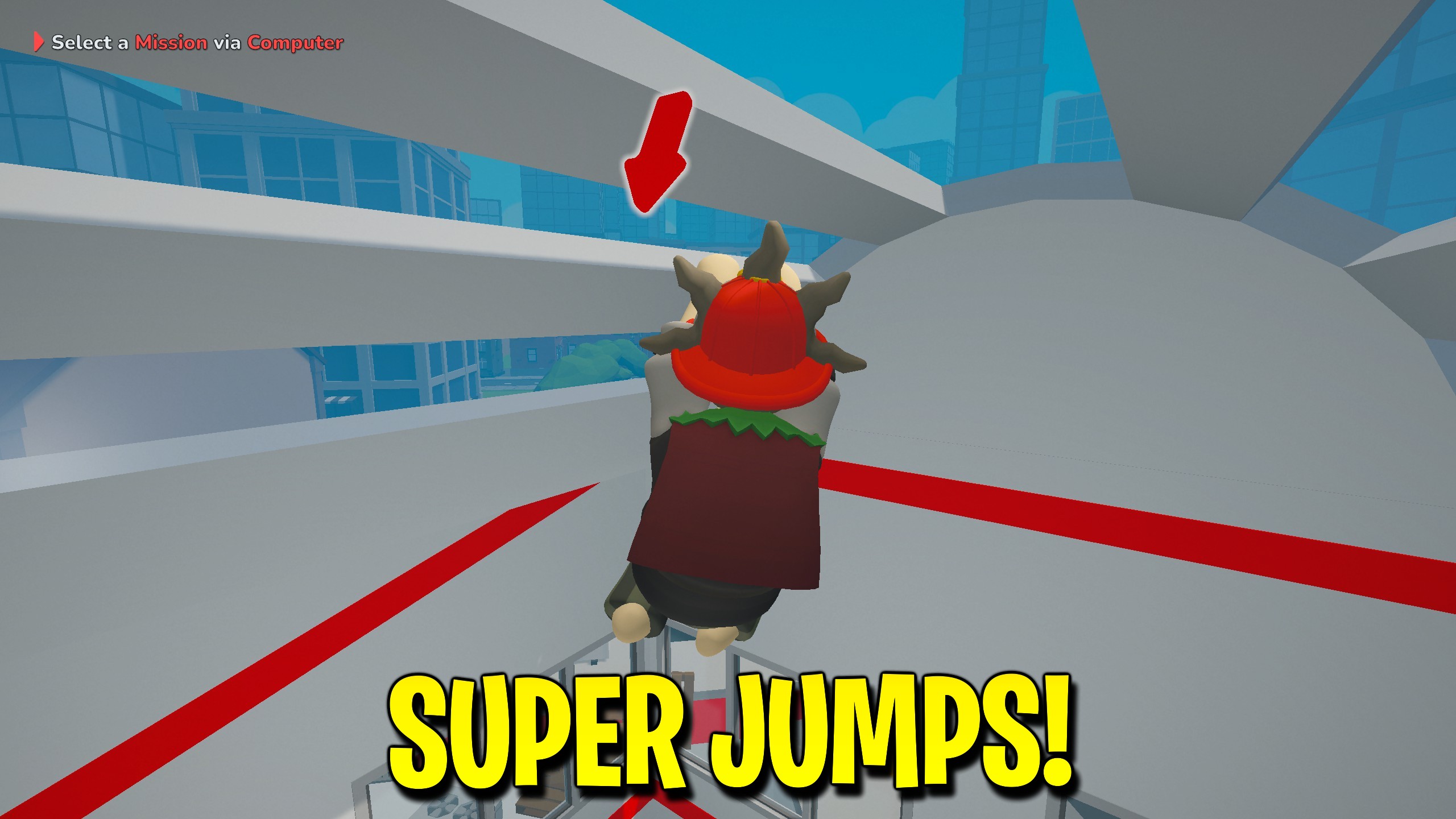
Super Jump
Boost jump height in SOS OPS with Super Jump and a Jump Power control.
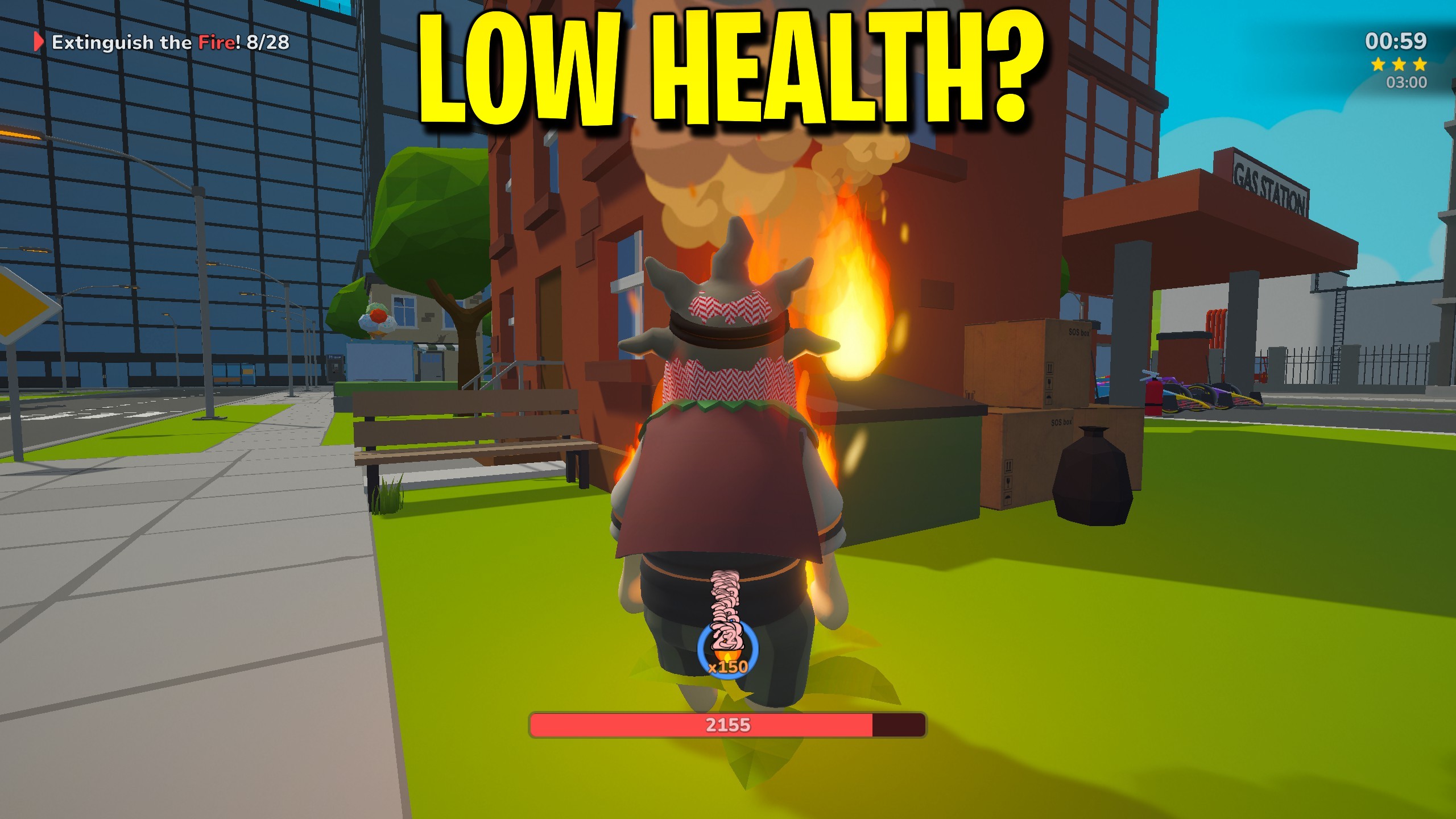
Infinite Health
Keep health topped up in SOS OPS and press Patch Me Up for an instant full heal.
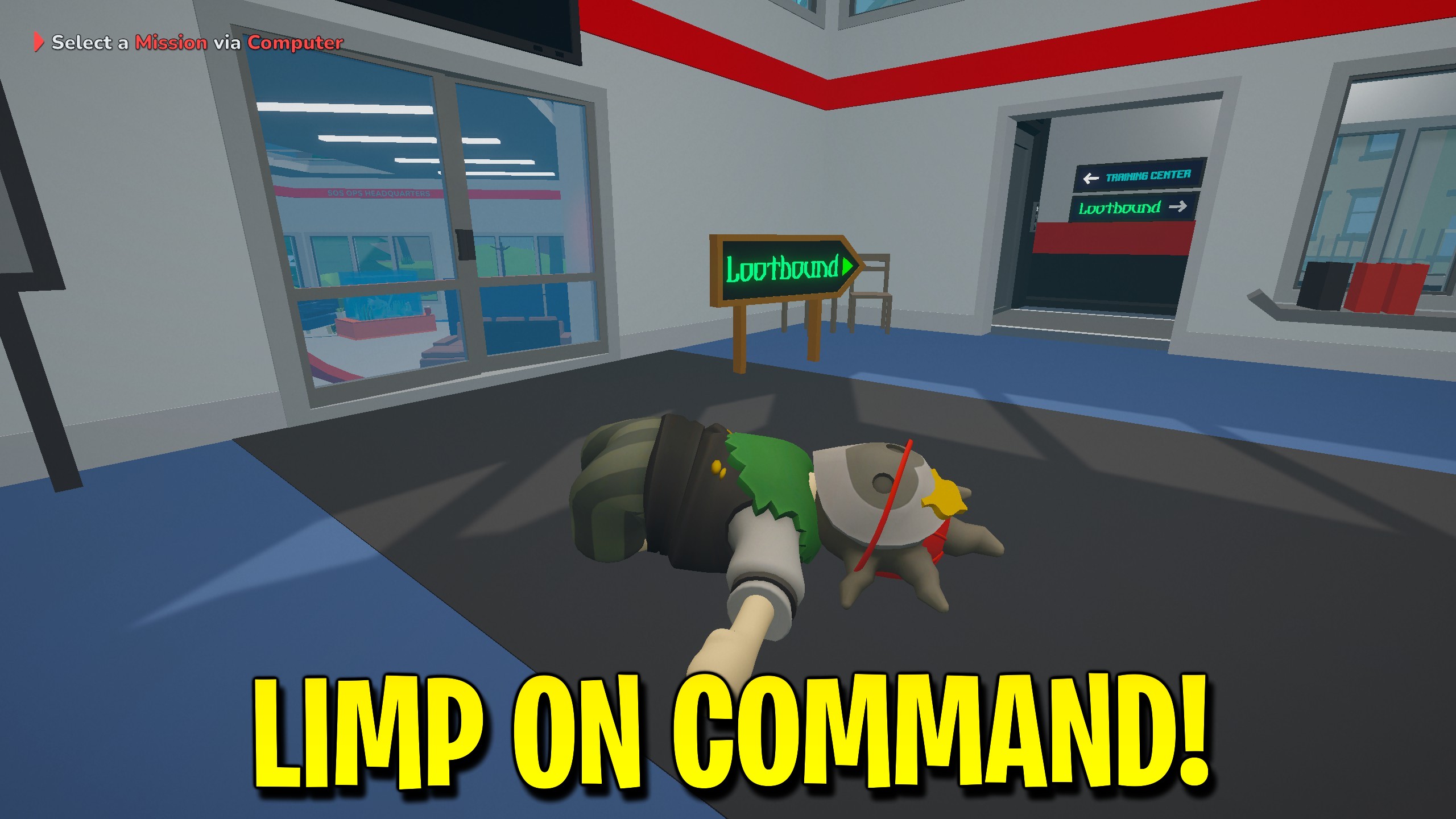
Ragdoll Mode
Press Flop Now for a quick ragdoll, or enable Keep Flopping to stay limp.



























































































































































































