Want more mods for SOS OPS!? Explore our entire collection!
Ragdoll Mode
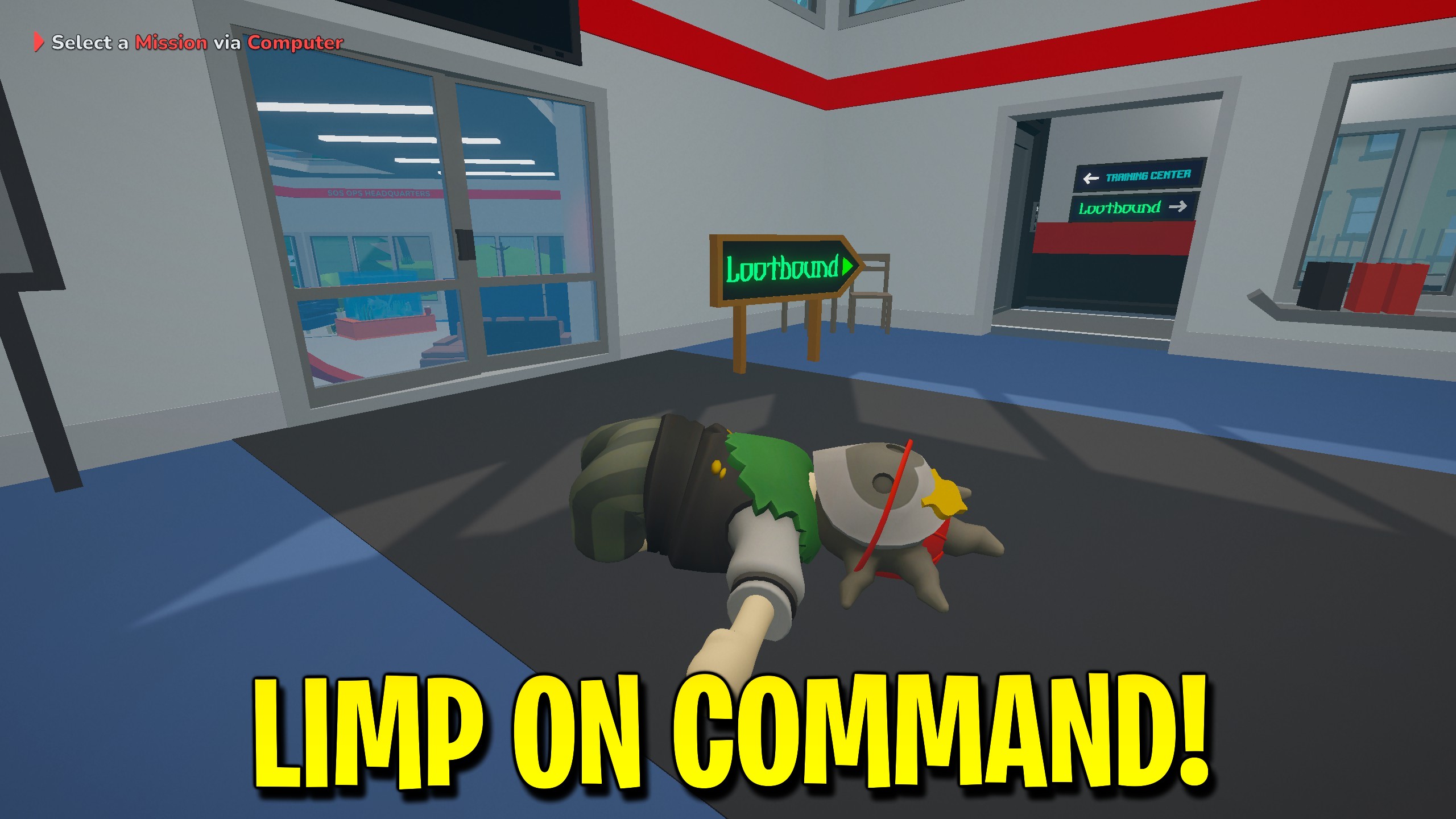
"Flop on demand, or keep flopping until you switch it off."
How do I install Ragdoll Mode?
Download the free ProjectMods desktop app, then install Ragdoll Mode for SOS OPS! in one click.
</>What does Ragdoll Mode do?
Ragdoll Mode gives SOS OPS players deliberate control over the flop. Hit Flop Now when you want a single dramatic collapse, or flip Keep Flopping when the bit needs to last through a whole hallway slide. Keep Flopping re-applies the limp state so you do not accidentally recover mid-joke. Turn it off when it is time to carry victims again. This mod is comedy first; survivability and movement boosts live elsewhere.
</>What is Ragdoll Mode?
Ragdoll Mode leans into what SOS OPS already loves: silly physics. Press Flop Now for a one-shot collapse, or enable Keep Flopping to re-trigger limpness so you stay a noodle. Great for comedy timing, stair slides, and annoying friends between objectives. Disable Keep Flopping to stand up straight again. It does not grant infinite health or flight.
</>Common questions about Ragdoll Mode
What does Ragdoll Mode do in SOS OPS?
Ragdoll Mode lets you choose when to go limp in SOS OPS instead of waiting for a random wipeout. Press Flop Now for a quick collapse, or enable Keep Flopping when you want the noodle state to stick around. It is built for comedy timing, stair slides, and staged clips between rescues. It does not refill health, calm enemies, or add flight. Disable Keep Flopping when you need to stand up and actually finish the mission with your friends.
How does Keep Flopping differ from Flop Now in SOS OPS?
Flop Now is a one-press action that drops you into a ragdoll for a moment in SOS OPS. Keep Flopping is a switch that keeps re-triggering the limp state so you stay a noodle until you turn it off. Use Flop Now for a single punchline; use Keep Flopping for long hallway slides and sustained bits. If you only tap Flop Now, you will recover on the game’s normal timing. If Keep Flopping is on, expect to stay down until you deliberately disable it and stand back up for the next objective.
Does Ragdoll Mode protect me from damage in SOS OPS?
No. Ragdoll Mode only controls the limp state in SOS OPS. You can still get hurt, downed, or need a respawn depending on what the city throws at you. For survivability, use Infinite Health or Instant Respawn. Ragdoll Mode is the comedy tool; those other mods are the survival tools. Mixing them is fine when your lobby wants invincible noodles, but Ragdoll Mode alone should not be marketed as a shield.
What controls does Ragdoll Mode offer in SOS OPS?
Ragdoll Mode offers Flop Now as a press action and Keep Flopping as a switch in SOS OPS. There is no flop-strength slider. Press the action for a quick drop, enable Keep Flopping for sustained limpness, and disable it to recover. Flop Now sits first for impulse comedy, with Keep Flopping second for players who want the bit to last through a whole stair slide.
When should I use Ragdoll Mode in SOS OPS?
Use Ragdoll Mode in SOS OPS when the lobby is ready to lean into physics jokes—after a tough rescue, during screenshot nights, or in a dedicated flop lobby. Avoid Keep Flopping while you are the primary carrier on a serious objective, because staying limp will not help the victim. Flop Now is safer mid-mission for a quick gag between tasks. Hosts and guests can each decide when the noodle era begins without forcing the whole street into limp mode.
What options does Ragdoll Mode include?
Flop Now
Press to go limp for a quick ragdoll flop.
Keep Flopping
Stay limp on purpose until you switch this off.
Ragdoll Mode for SOS OPS on ProjectMods lets you press Flop Now for a quick limp drop or enable Keep Flopping to stay a noodle until you switch it off.
System Requirements
What features does Ragdoll Mode include?
- Press Flop Now for an instant ragdoll drop.
- Enable Keep Flopping to stay limp on purpose.
- Time comedy beats without waiting for accidental falls.
- Disable Keep Flopping to stand up and rescue again.
Best For
- Slide down stairs for a co-op laugh between calls.
- Fake a wipeout right as a teammate finishes a carry.
- Film ragdoll clips without hoping for random physics.
- Host a flop-only lobby after the real missions are done.
More Mods for SOS OPS!
Super Jump
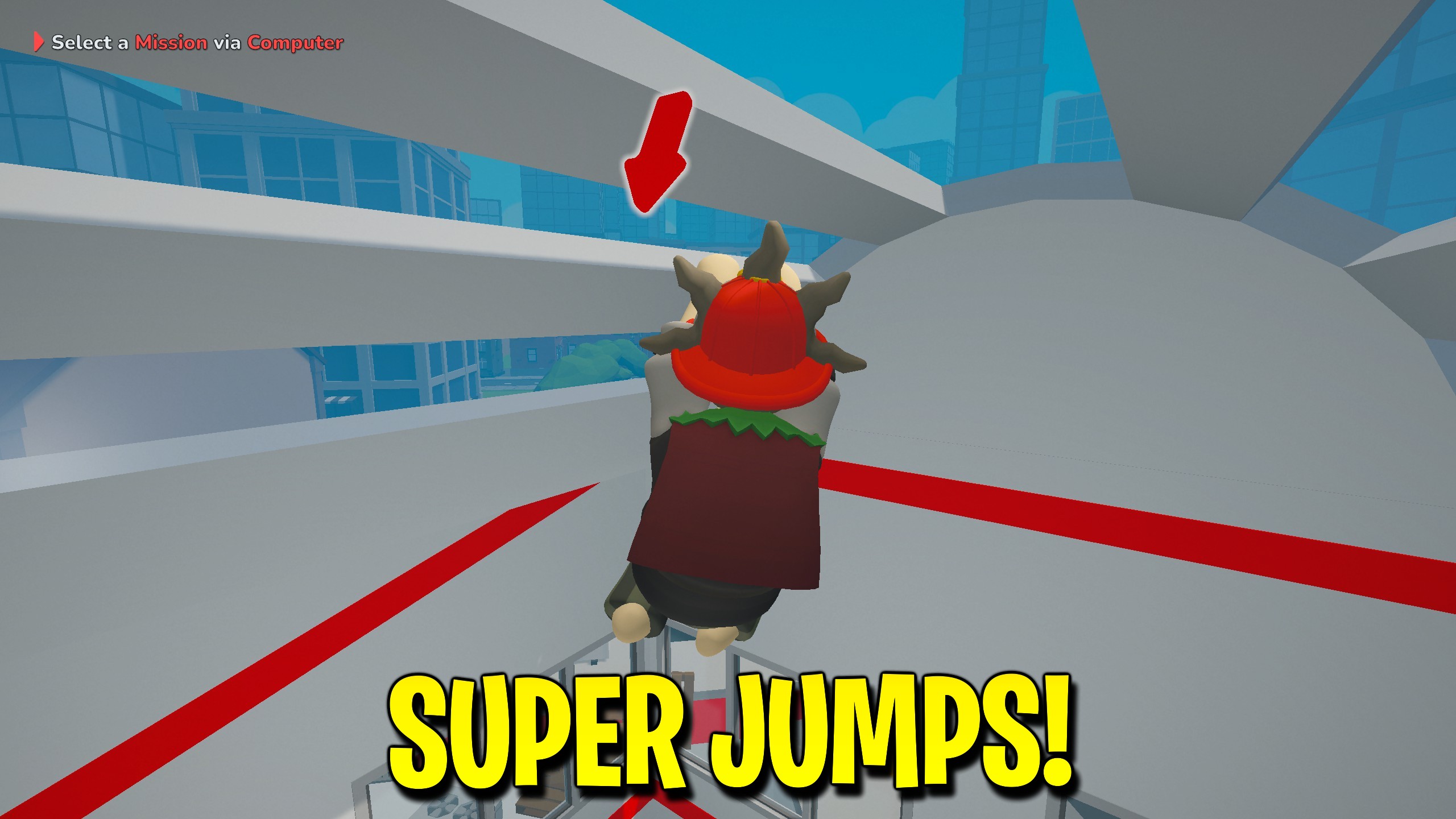
Boost jump height in SOS OPS with Super Jump and a Jump Power control.
Fast Vehicles
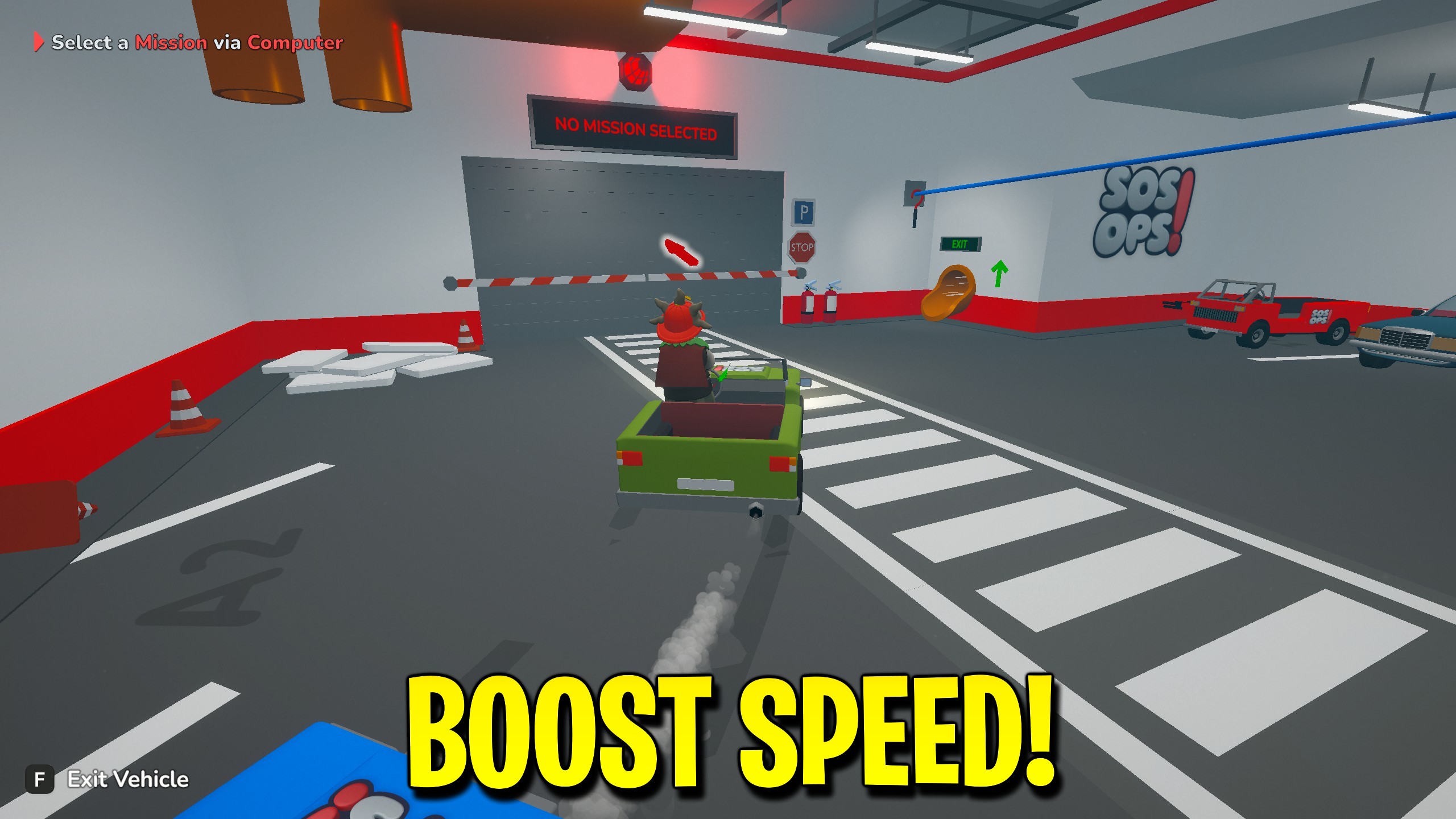
Boost SOS OPS ground vehicle acceleration and turn response with Engine Power.
Achievement Unlocker
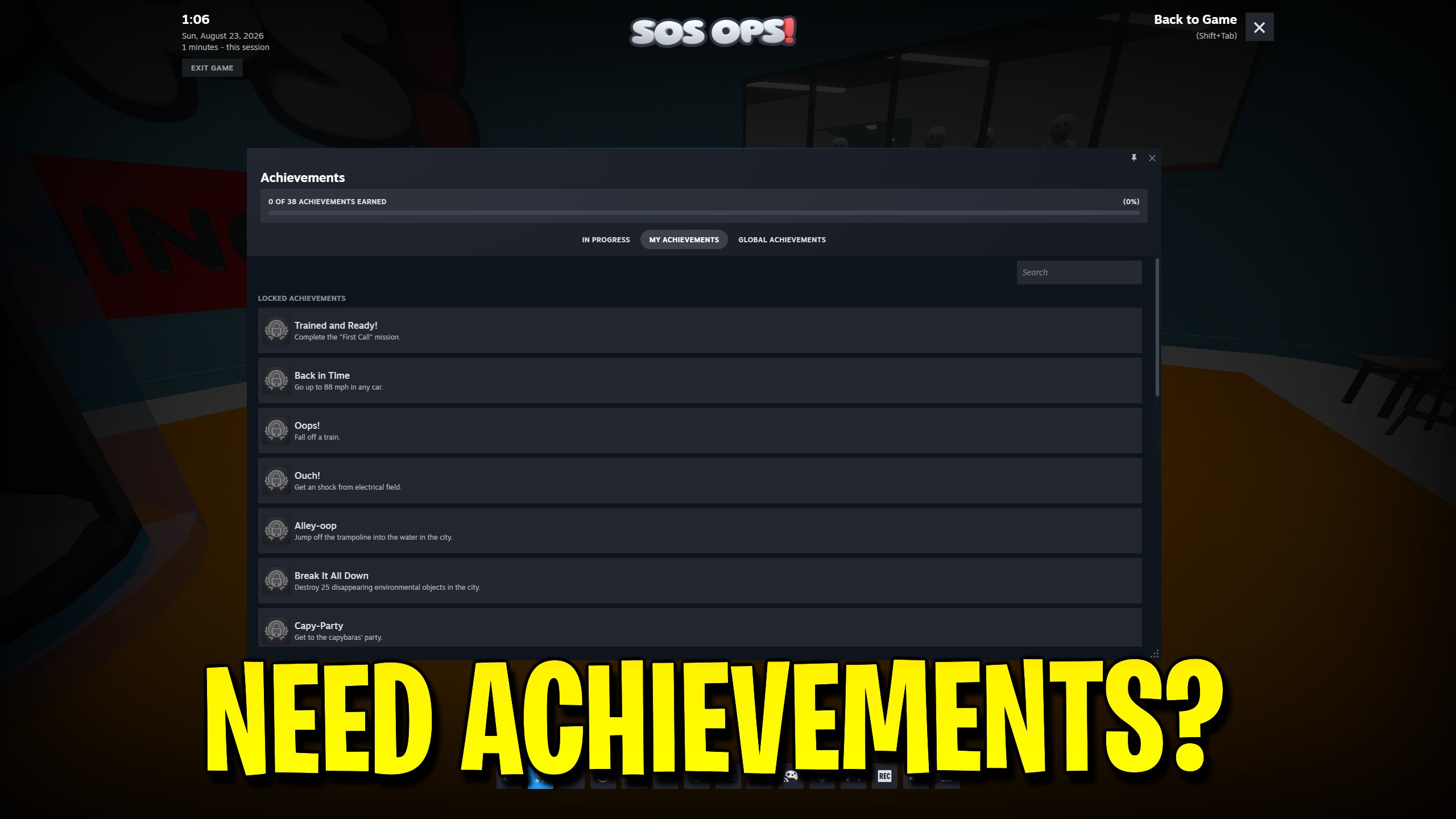
Pick an achievement to unlock, unlock that one, or unlock all thirty-eight at once.



























































































































































































