Want more mods for Subnautica? Explore our entire collection!
Teleport Hub
"Return instantly to your lifepod, vehicles, Cyclops, or nearest base."
How do I install Teleport Hub?
Download the free ProjectMods desktop app, then install Teleport Hub for Subnautica in one click.
</>What does Teleport Hub do?
Teleport Hub provides fast return actions for Subnautica's most important player destinations. Jump back to the Lifepod, reach a loaded Cyclops, Seamoth, or Prawn Suit, or travel to the nearest loaded base. Each destination has its own button, making the mod useful after long resource trips, deep dives, wreck exploration, or becoming stranded far from a vehicle. Teleports place the player just outside the destination instead of inside its geometry. The destination must currently exist and be loaded in the world. If the requested vehicle or base cannot be found, the mod leaves the player in place and provides a short message.
</>What is Teleport Hub?
Teleport Hub is a Subnautica fast-travel mod for returning to player-owned destinations. It supports the Lifepod, Cyclops, Seamoth, Prawn Suit, and nearest loaded base, helping with stranded-player recovery, resource routes, vehicle retrieval, deep expeditions, and faster travel across 4546B.
</>Common questions about Teleport Hub
Can I teleport to my Lifepod?
Yes. Teleport to Lifepod moves you beside the loaded escape pod.
Which vehicles are supported?
The mod supports loaded Cyclops, Seamoth, and Prawn Suit vehicles.
Which base does Teleport to Base choose?
It chooses the loaded BaseRoot nearest to your current position.
What happens when a destination is not loaded?
You remain in place and receive a message that no loaded destination was found.
What options does Teleport Hub include?
Teleport to Seamoth
Teleport beside the loaded Seamoth.
Teleport to Lifepod
Teleport beside the loaded Lifepod.
Teleport to Prawn Suit
Teleport beside the loaded Prawn Suit.
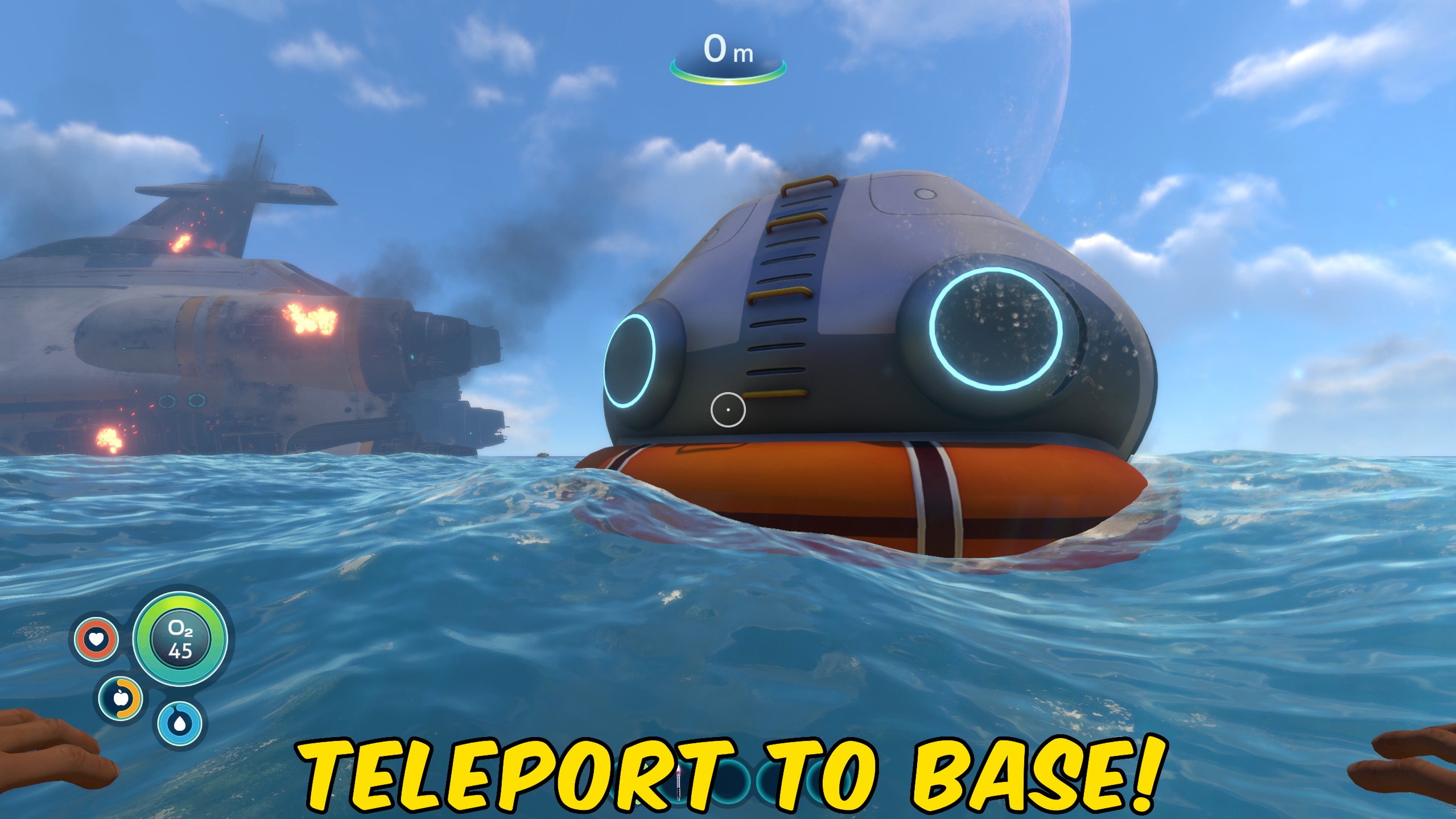
Teleport to Base
Teleport beside the nearest loaded player base.
Teleport to Cyclops
Teleport beside the loaded Cyclops.
Choose a destination button to teleport beside your loaded Lifepod, vehicle, Cyclops, or nearest base.
System Requirements
What features does Teleport Hub include?
- Provides separate teleport buttons for five important destination types.
- Finds the nearest loaded player base automatically.
- Places the player outside the destination to reduce geometry overlap.
Best For
- Return home quickly after a long resource or wreck exploration trip.
- Recover a distant vehicle without crossing the entire map again.
More Mods for Subnautica
Give Items
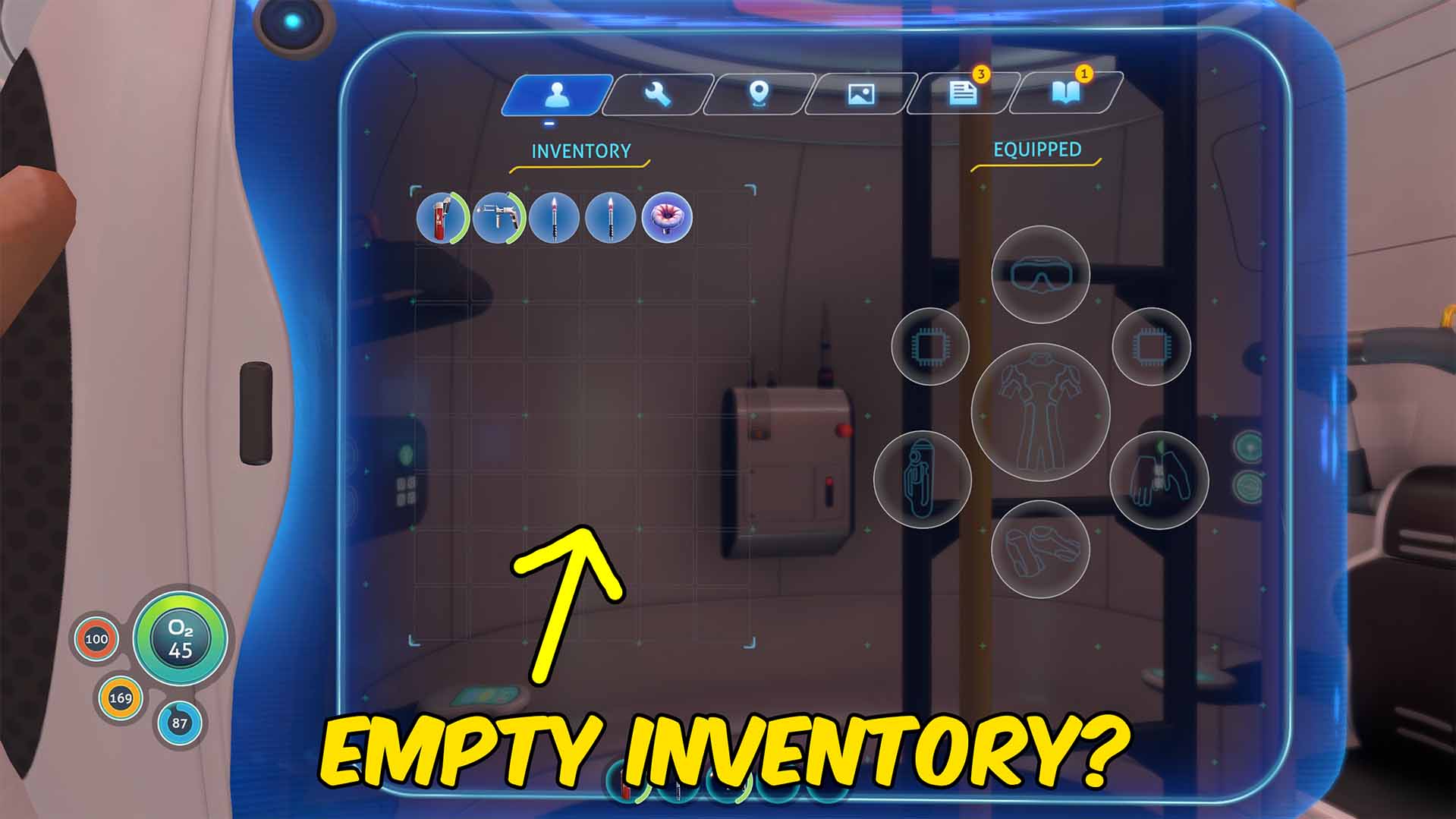
Refresh a human-readable item list, choose an item and amount, add it to your inventory, or remove the last item and objects you look at.
Vehicle Enhancer
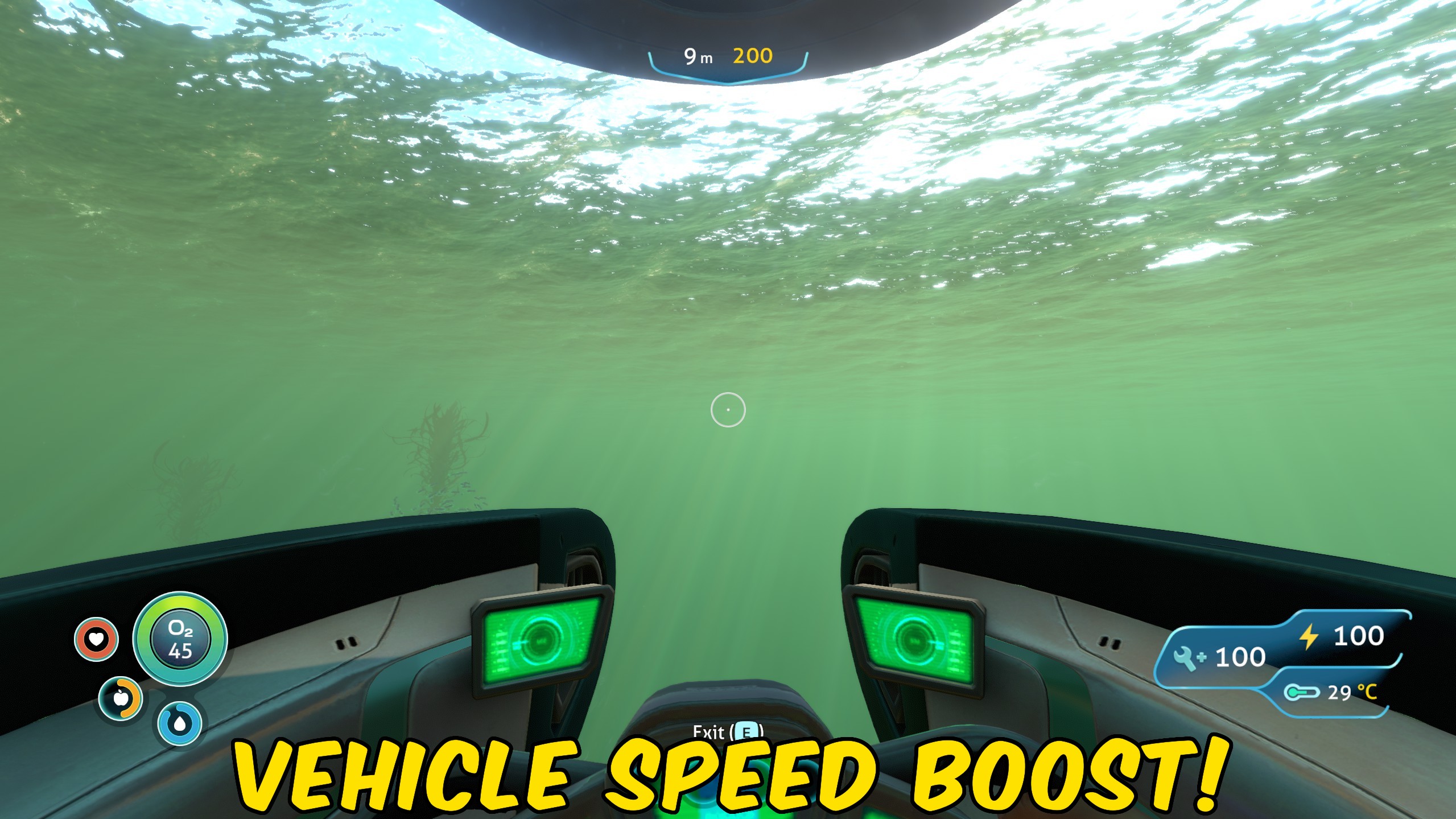
Adds infinite vehicle health, infinite vehicle energy, and an adjustable speed multiplier for Subnautica vehicles.
Creature Pacifier
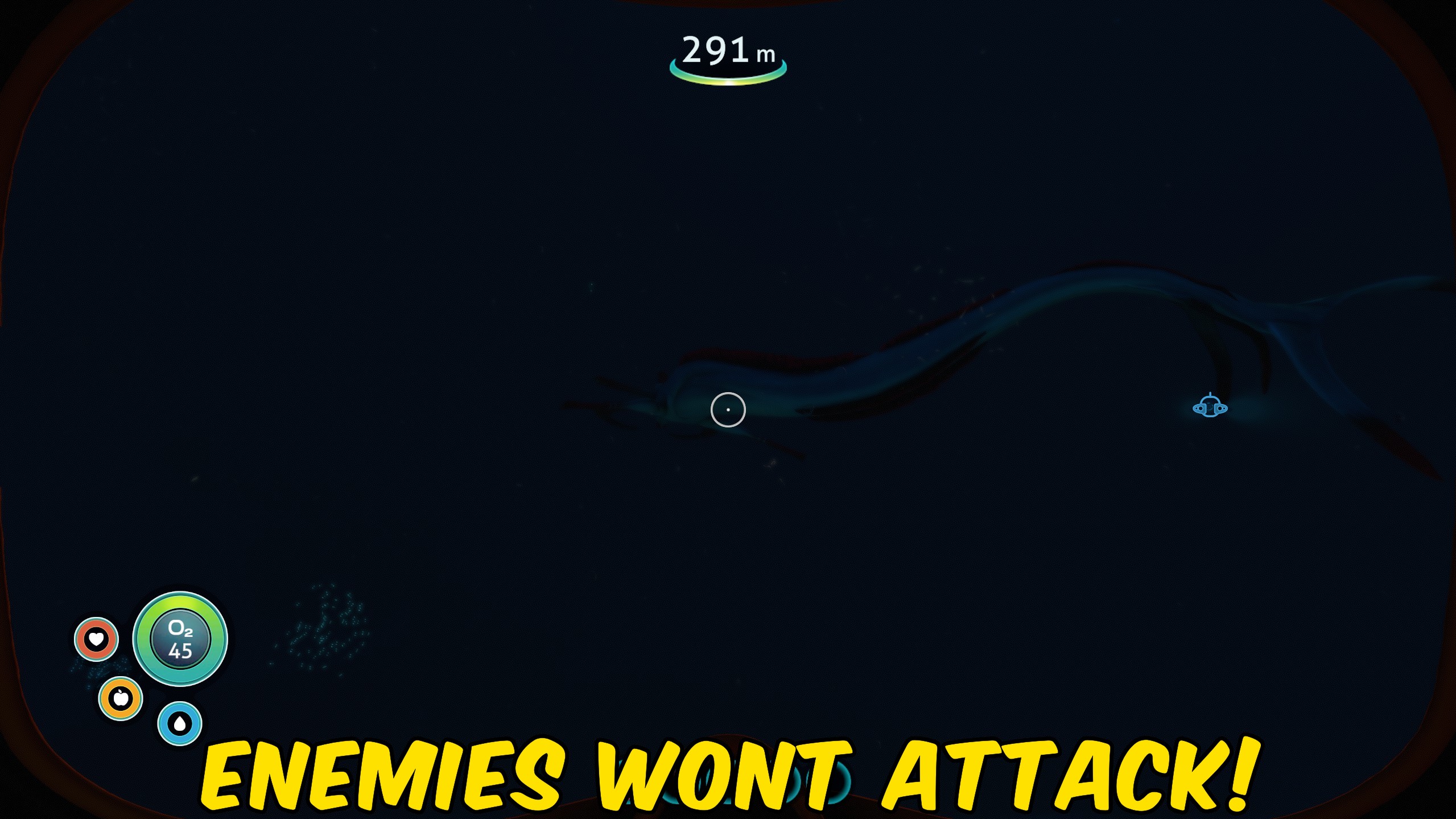
Pacifies loaded Subnautica creatures and prevents their normal sight-based aggression from targeting the player.







