Want more mods for SUPERHOT? Explore our entire collection!
Fly
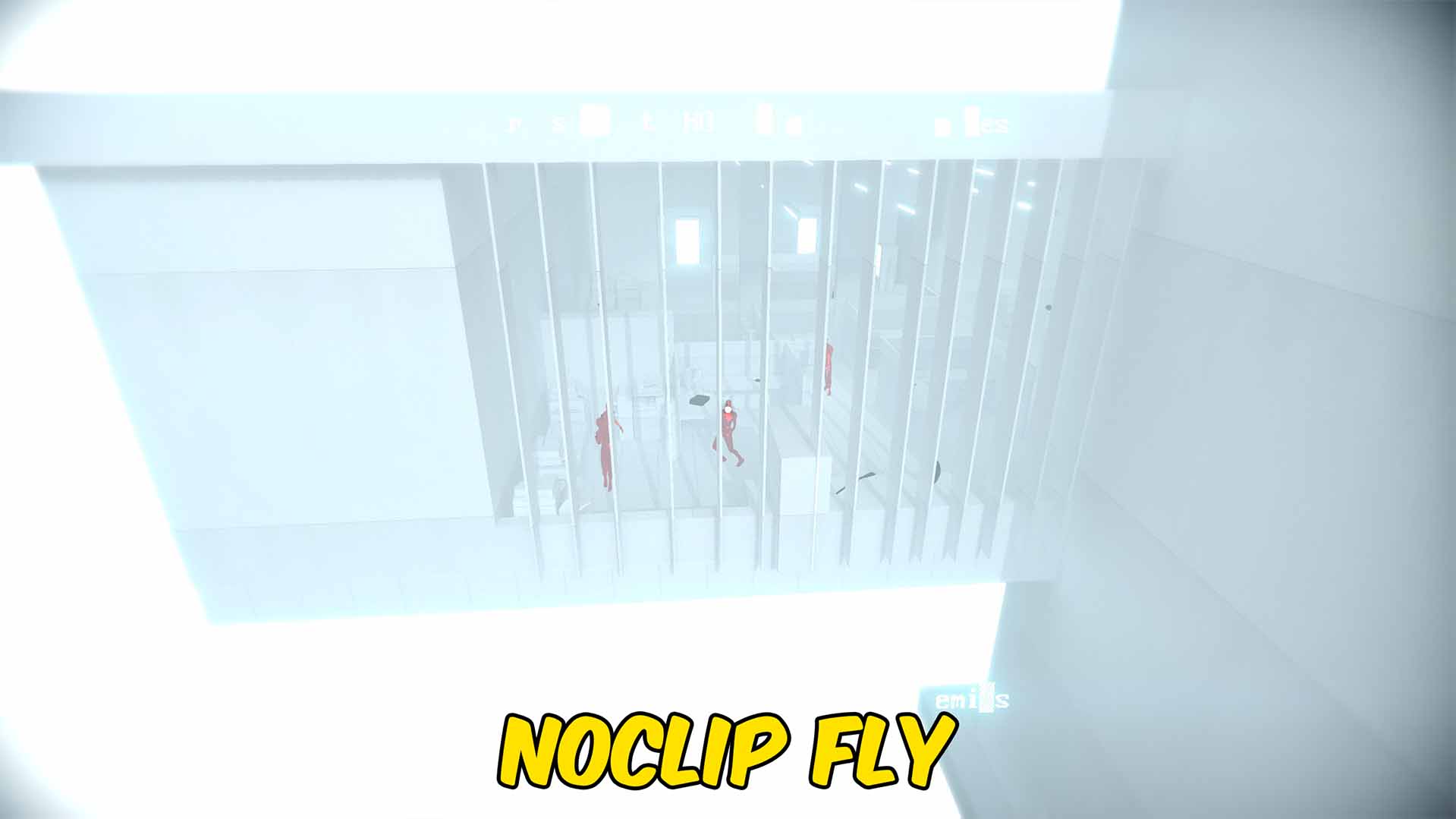
"Fly through SUPERHOT levels with adjustable speed and noclip."
How do I install Fly?
Download the free ProjectMods desktop app, then install Fly for SUPERHOT in one click.
</>What does Fly do?
Fly gives you full airborne movement throughout SUPERHOT levels. Move in the direction you are looking, rise with Space, descend with Left Control, and hold Left Shift for the faster boost speed. Use flight to explore rooftops, inspect level layouts, reach unusual positions, or approach combat from a completely different angle. Gravity is disabled during flight so the player stays at the chosen height instead of slowly falling. Optional noclip lets you pass through walls, floors, and other level geometry while Fly Enabled is active. Turning flight off restores normal movement, gravity, and collision while clearing stored fall speed for a safe return.
</>What is Fly?
This SUPERHOT fly mod adds responsive free movement with configurable normal and boost speeds. Explore every angle of a level, move above enemy routes, or use noclip-style movement through walls and floors. Gravity and collision are restored when flight ends, and stored falling movement is cleared before normal control resumes.
</>Common questions about Fly
What are the flight controls?
Use WASD to move, Space to rise, Left Control to descend, and Left Shift to boost.
What does Noclip do?
Noclip lets the player pass through walls, floors, and other geometry while flight is enabled.
Can I change the normal and boost speeds separately?
Yes. Fly Speed controls normal movement and Shift Speed controls the Left Shift boost.
Will I fall or take a sudden drop when flight is disabled?
The mod clears flight velocity and restores normal gravity before returning control to the player.
What options does Fly include?
Shift Speed
Sets your faster flight speed while holding Left Shift.
Fly Speed
Sets your normal flight speed.
Noclip
Lets you pass through walls, floors, and other geometry while Fly Enabled is on.
Fly Enabled
Lets you fly and disables gravity. Turn it off to return safely to normal movement.
Enable Fly to move freely with WASD, Space, and Left Control; hold Left Shift for boost and enable Noclip to pass through geometry.
System Requirements
What features does Fly include?
- Fly in any direction using familiar movement controls.
- Set separate Fly Speed and faster Left Shift boost values.
- Use optional noclip and return safely to normal movement.
Best For
- Explore hidden corners, rooftops, and level layouts from the air.
- Reposition quickly during combat or pass through geometry with noclip.
More Mods for SUPERHOT
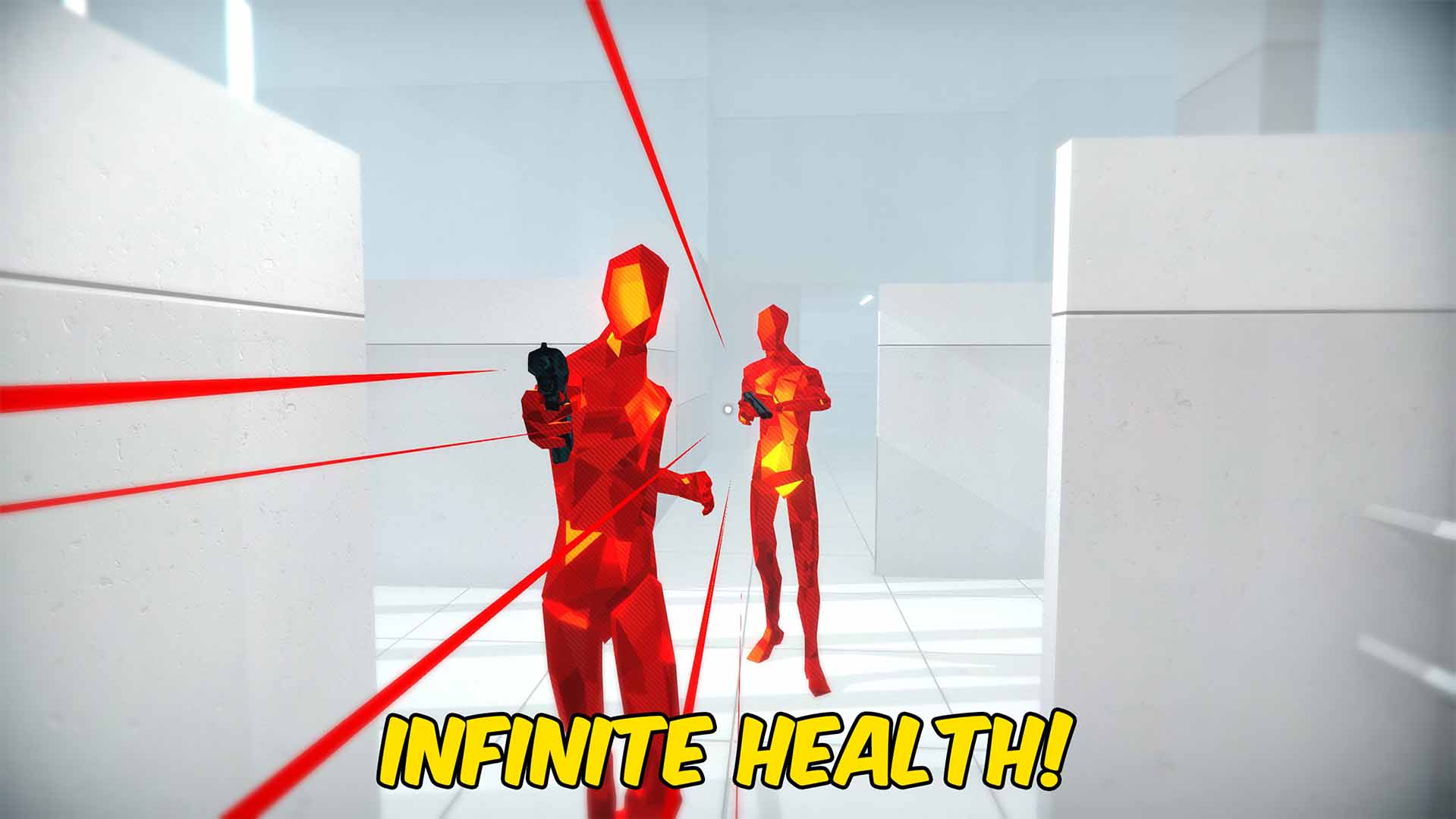
Infinite Health
Prevents incoming damage from killing the player while Infinite Health is enabled in SUPERHOT.
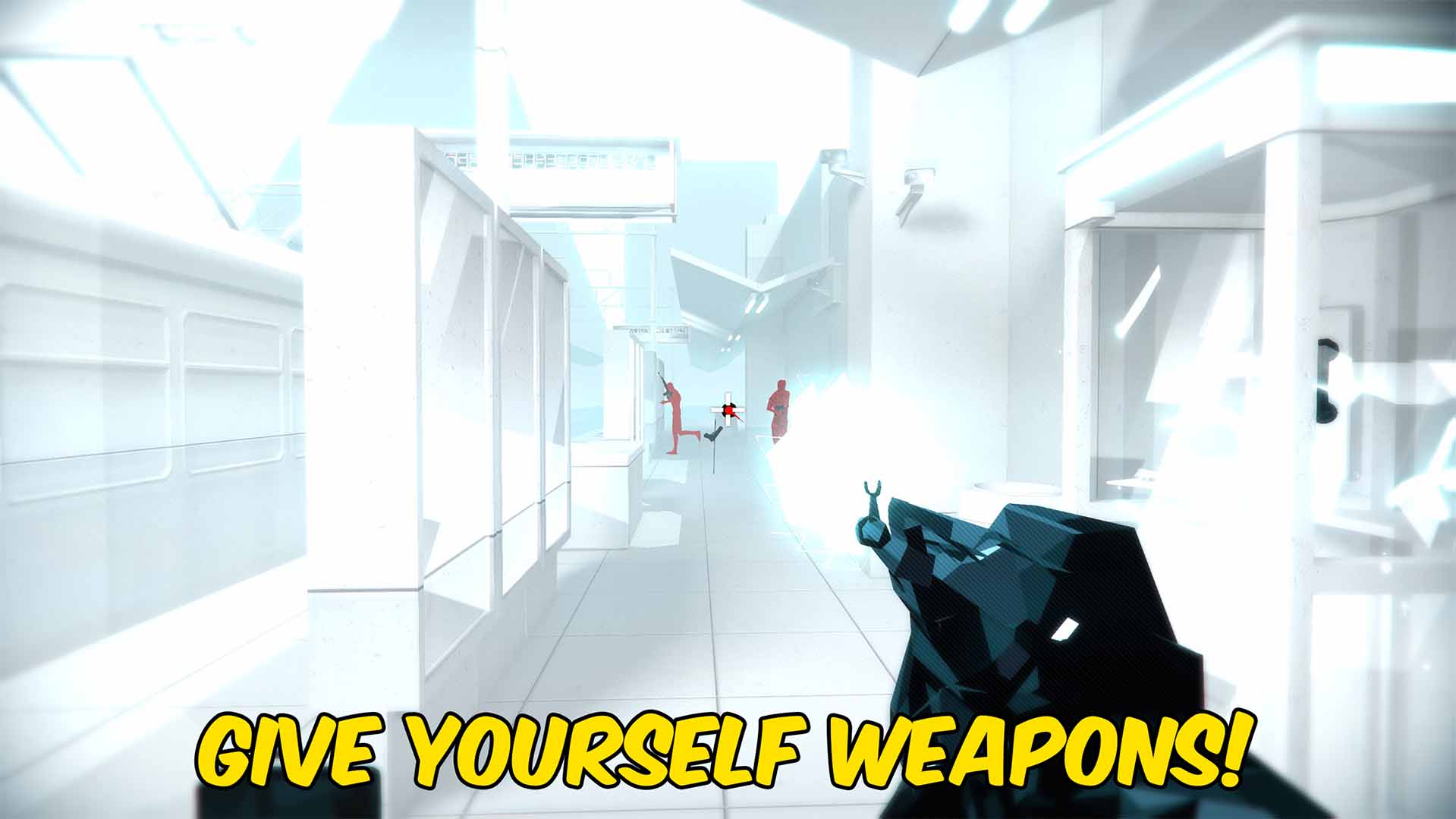
Spawn Weapons
Loads the weapons available in the active SUPERHOT level into a readable dropdown and equips your selected weapon instantly.

Achievement Unlocker
Unlock any selected SUPERHOT achievement, complete the full collection, or lock every achievement again.







