Want more mods for Supermarket Together? Explore our entire collection!
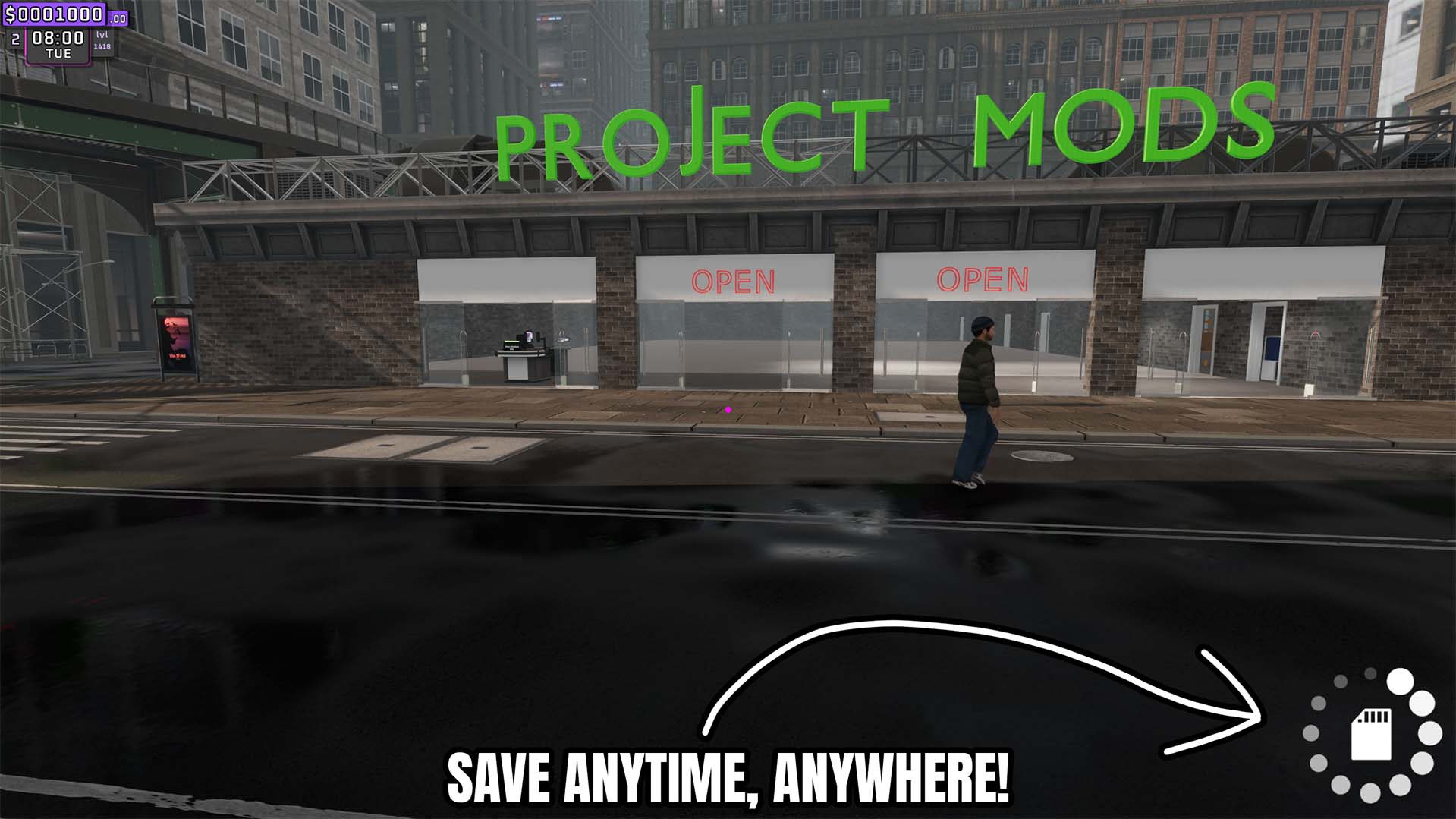
Save Anytime
"Create a complete autosave whenever you need one."
How do I install Save Anytime?
Download the free ProjectMods desktop app, then install Save Anytime for Supermarket Together in one click.
</>What does Save Anytime do?
Save your Supermarket Together game whenever you want instead of waiting for the next automatic save. Press Save Now before a major purchase, a big store makeover, a large restock, or any experiment where you want to keep your progress safe.
</>What is Save Anytime?
Save Anytime gives you a Save Now button whenever you want to protect your store progress. It is handy before a big purchase, a store makeover, or any risky experiment.
</>Common questions about Save Anytime
What happens when I press Save Now?
It saves your current store progress.
Does Save Now quit the game?
No. It creates the autosave without using the save-and-quit path.
Can I use it during an your game?
Yes. The action is available whenever the you are in a store.
What options does Save Anytime include?
Save Now
Save the current game immediately.
Press Save Now whenever you want to save your current store progress.
System Requirements
What features does Save Anytime include?
- Start a complete autosave with one action.
- Save before major store changes or purchases.
- Save your store progress whenever you choose.
Best For
- Create a recovery point before rebuilding the store.
- Save before spending heavily on stock or expansions.
- Capture progress before testing other gameplay changes.
More Mods for Supermarket Together
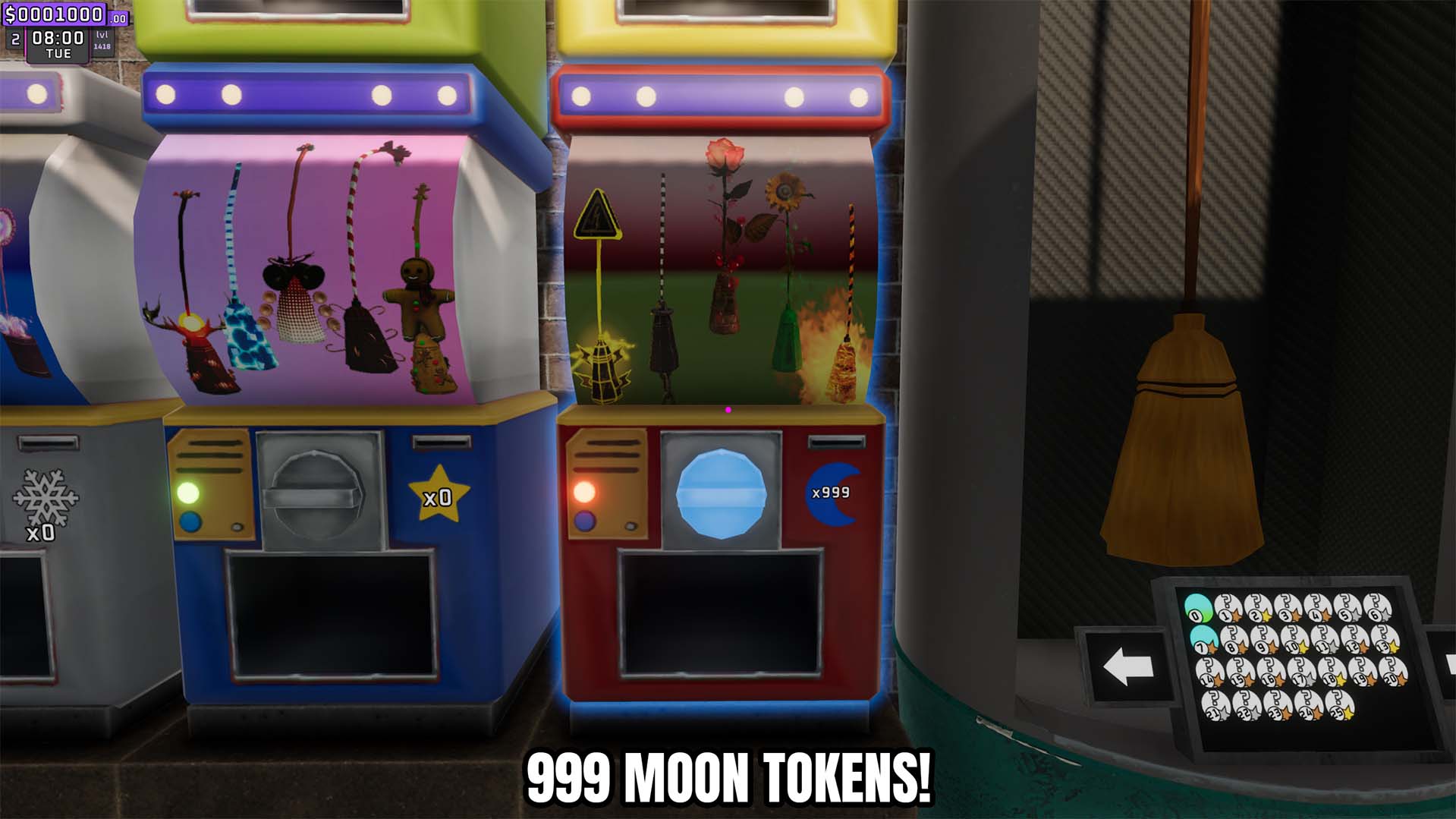
Give Moon Tokens
Add a custom number of moon tokens to your balance or reset that token balance to zero.
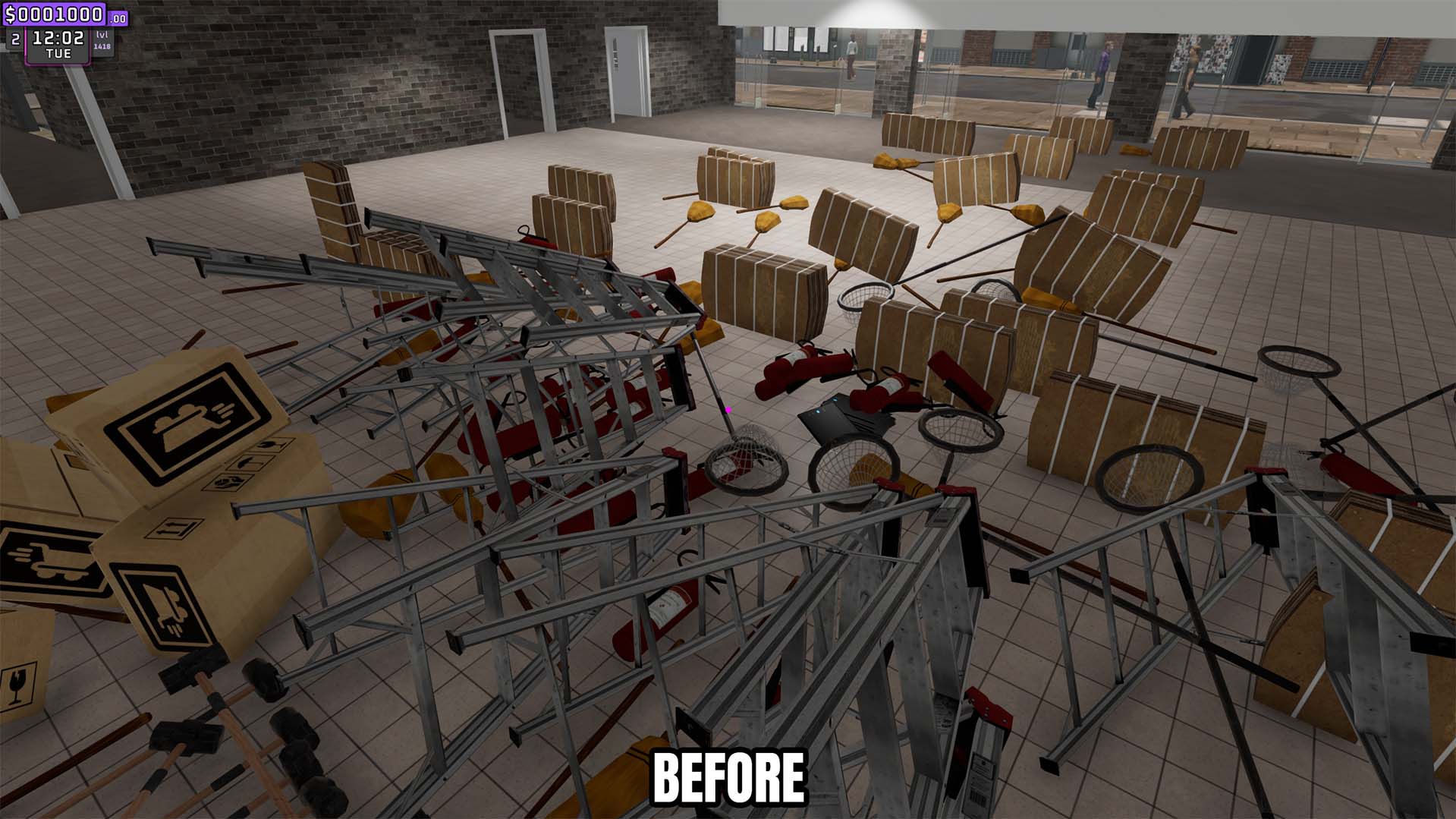
Clutter Control
Remove loose trash instantly or automatically clear it on a configurable interval.
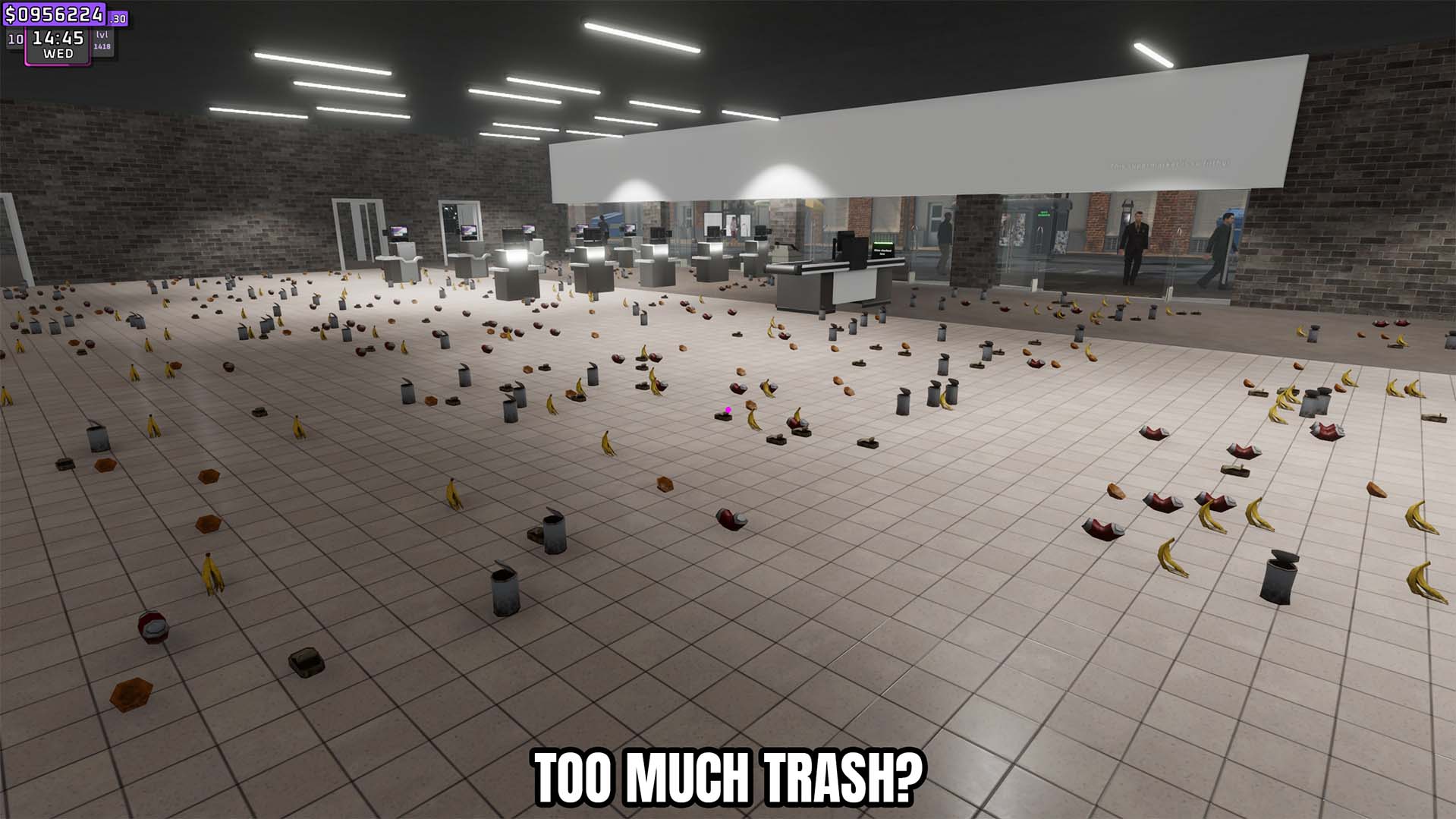
Store Cleanup
Clean the store by removing trash and dropped products, with an option to remove loose product boxes.







