Want more mods for Supermarket Together? Explore our entire collection!
Time Controller
"Set the clock, freeze time, or change how quickly the day passes."
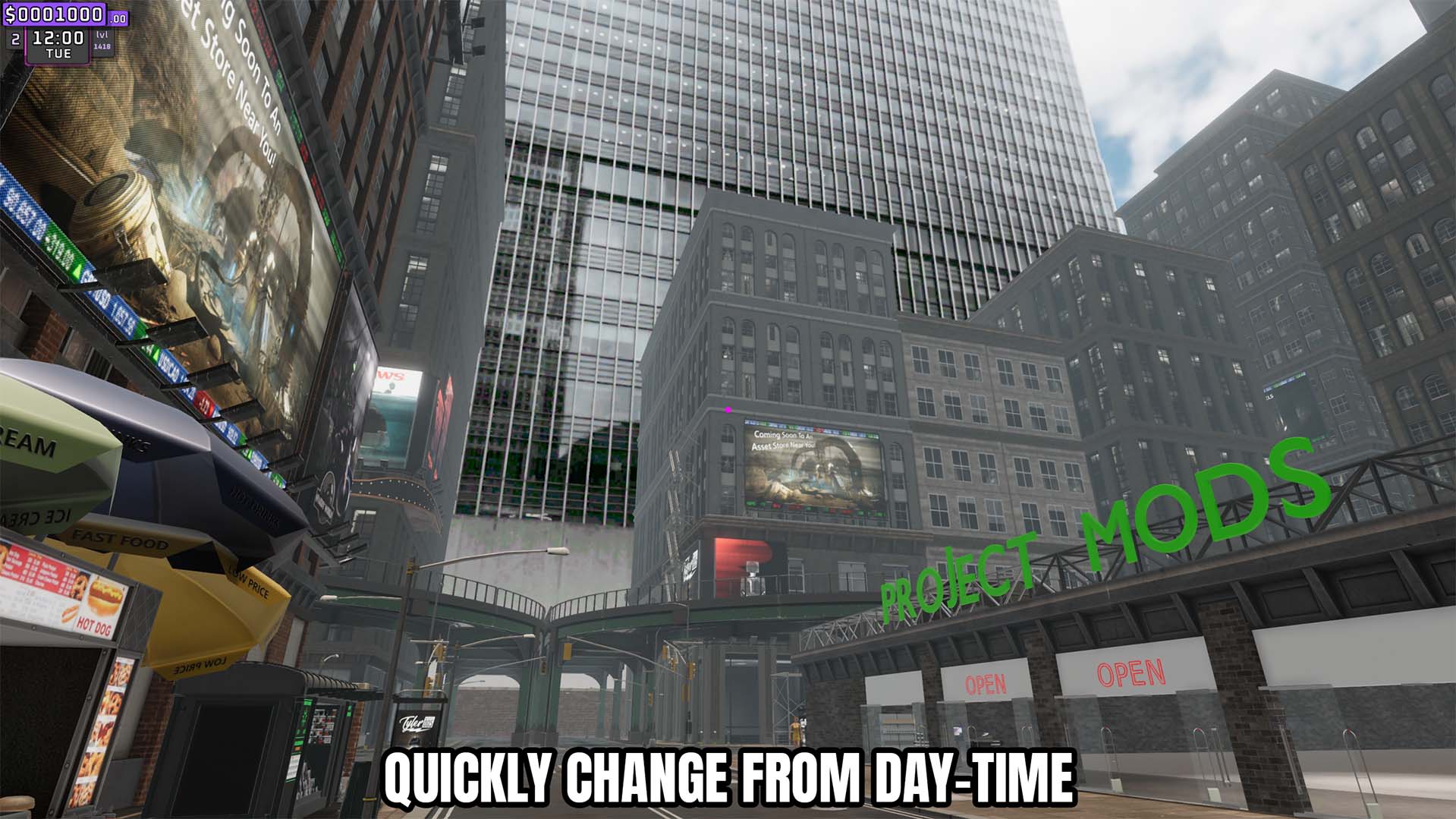
How do I install Time Controller?
Download the free ProjectMods desktop app, then install Time Controller for Supermarket Together in one click.
</>What does Time Controller do?
Control the Supermarket Together clock without waiting for the day to progress naturally. Choose an hour and apply it immediately, freeze the clock at the selected time, or adjust how quickly time advances. Use slower time for relaxed building and stocking, faster time to reach a later hour, or frozen time when testing store behavior under consistent conditions.
</>What is Time Controller?
Time Controller changes the active game's clock and time speed. The Set Time action applies the chosen hour, Freeze Time holds it there, and Time Speed adjusts the normal clock progression.
</>Common questions about Time Controller
Can I set an exact time?
Yes. Choose Time of Day and press Set Time.
What does Freeze Time do?
It continuously holds the clock at the selected Time of Day.
Can I speed up or slow down the clock?
Yes. Change Time Speed to control normal time progression.
What options does Time Controller include?
Time of Day
The hour to set.
Time Speed
Change how quickly time passes.
Freeze Time
Keep the clock at the selected hour.
Set Time
Set the store clock to the selected hour.
Lets you set the current hour, freeze it, and adjust the speed of the store clock.
System Requirements
What features does Time Controller include?
- Set the current time of day to a selected hour.
- Freeze the store clock at the configured time.
- Adjust how quickly normal game time advances.
Best For
- Keep daylight steady while building or arranging shelves.
- Move quickly to a later opening or closing hour.
- Test store behavior repeatedly at the same time of day.
More Mods for Supermarket Together

Give Snow Tokens
Add a custom number of snow tokens to your balance or reset that token balance to zero.
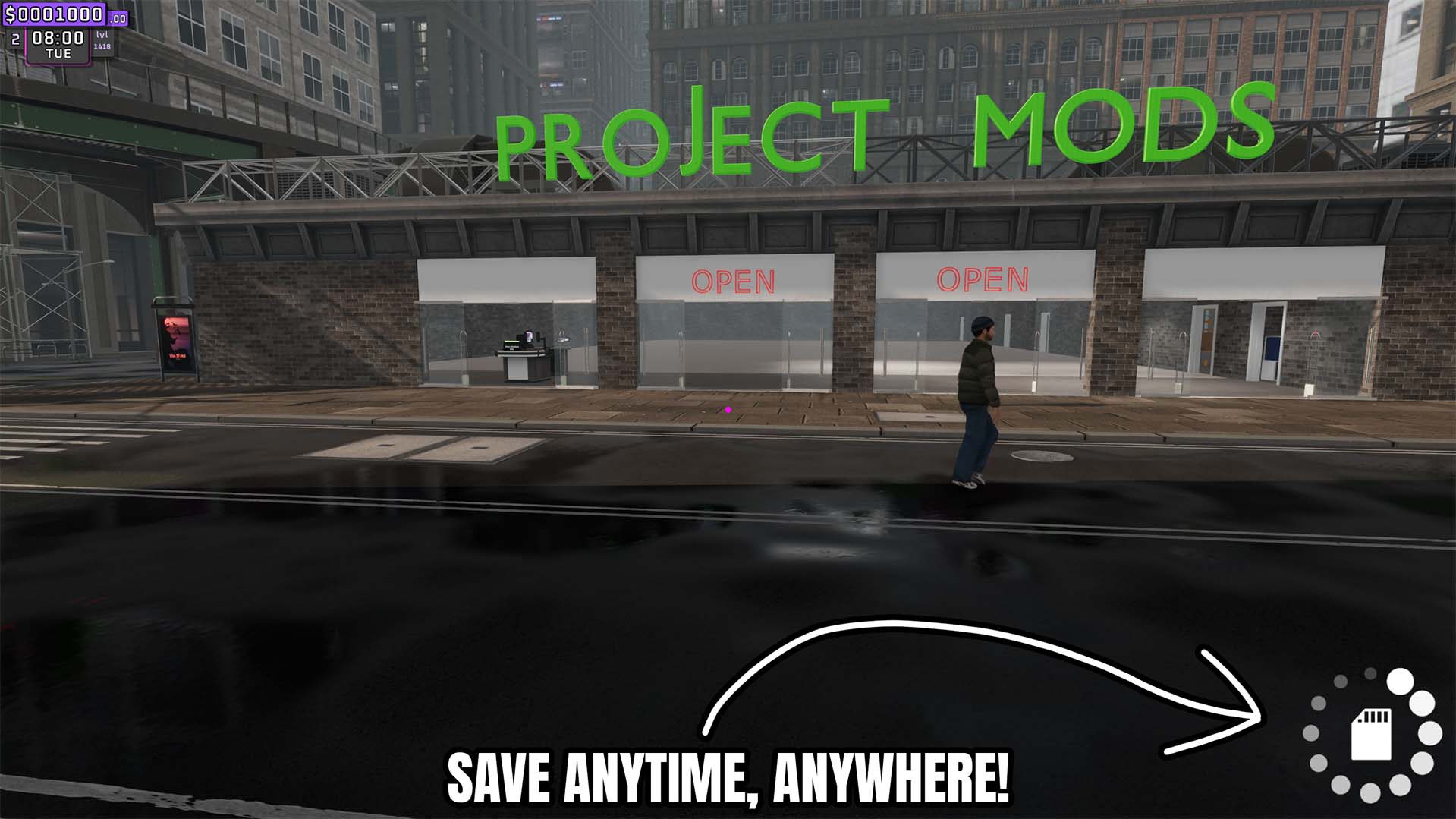
Save Anytime
Create a complete autosave of the current store whenever you press Save Now.
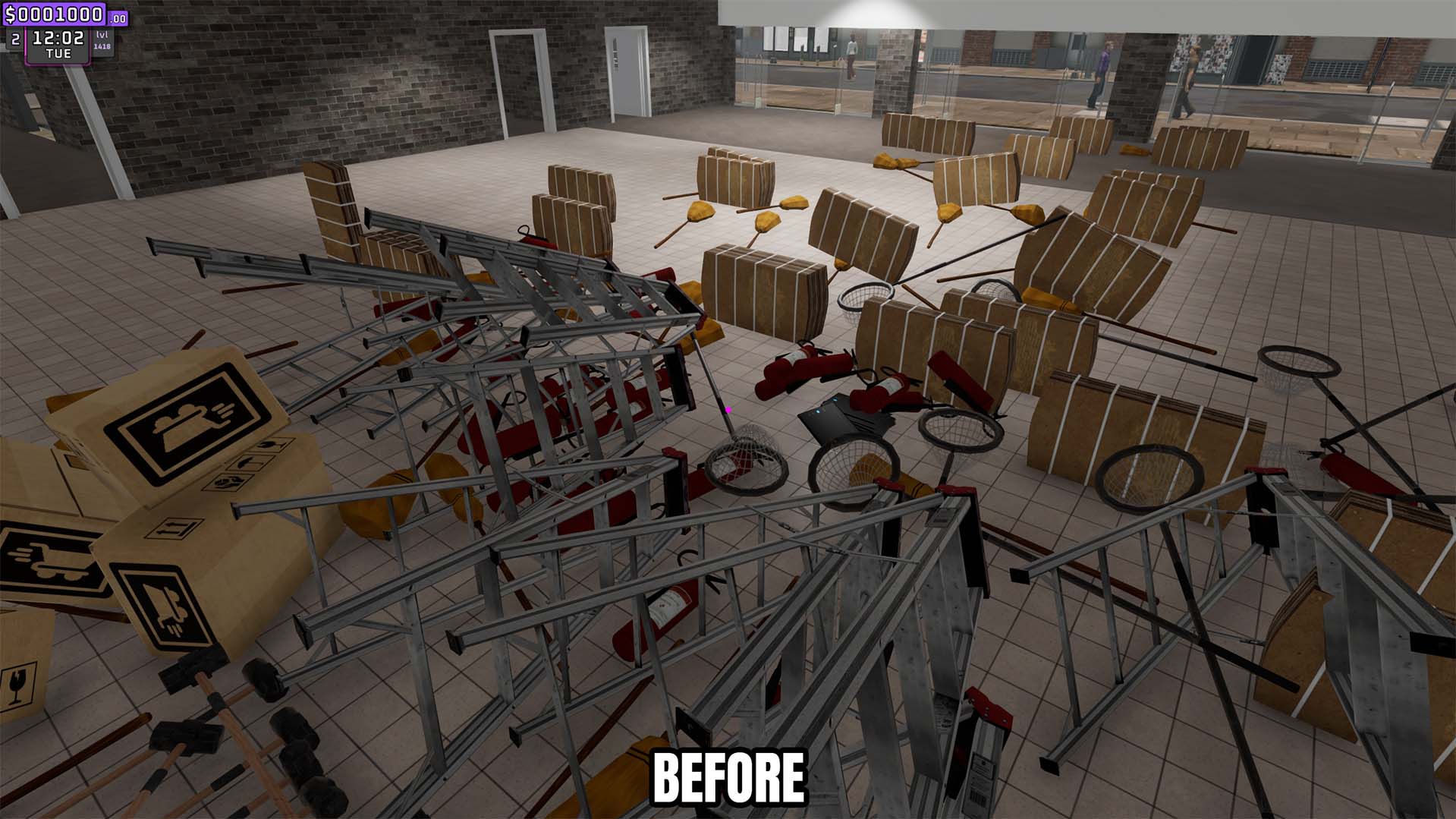
Clutter Control
Remove loose trash instantly or automatically clear it on a configurable interval.







