Want more mods for TCG Card Shop Simulator? Explore our entire collection!
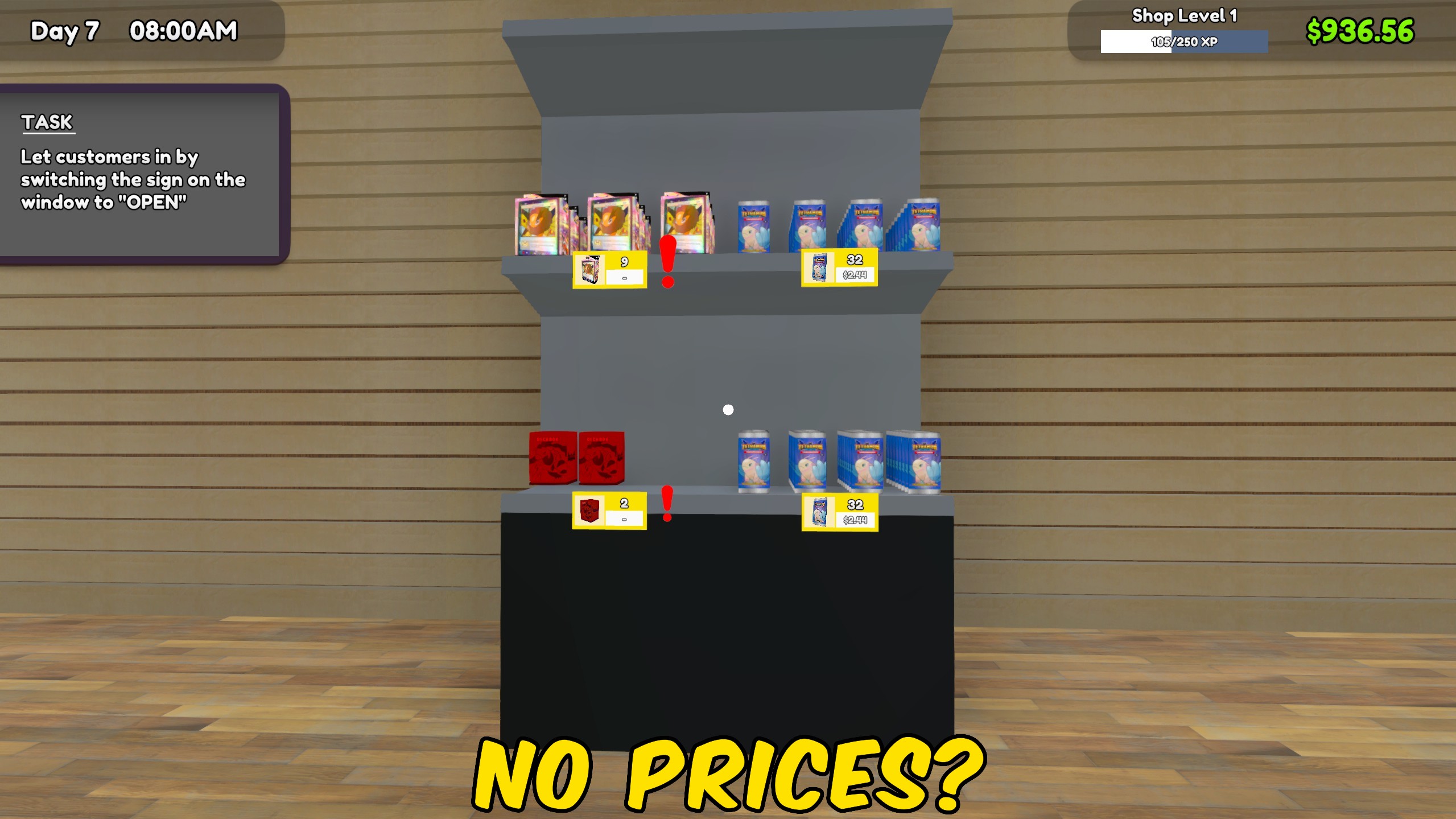
Price Manager
"Update every product and card price from one convenient menu."
How do I install Price Manager?
Download the free ProjectMods desktop app, then install Price Manager for TCG Card Shop Simulator in one click.
</>What does Price Manager do?
Price Manager replaces repetitive price-tag work with four shop-wide actions. Match every product or card to its current market price, or choose a percentage and apply it across the selected group. The percentage is based on each item's own market value, so a setting such as 110 percent prices the whole shop above market without giving every product the same dollar value. Product and card controls remain separate. Use the market-price actions after price changes, restocks, or a new day. The percentage actions are useful when you want a consistent pricing strategy across a large store.
</>What is Price Manager?
This TCG Card Shop Simulator price mod can set all product prices, set all card prices, or apply a percentage of market value across either group. It saves time in large shops, supports consistent markup strategies, and makes it easy to return hundreds of prices to current market value.
</>Common questions about Price Manager
Does the percentage give every item the same price?
No. It applies the percentage to each product or card's own market value.
Can I update products without changing card prices?
Yes. Products and cards have separate actions.
What percentage matches the market price?
Use 100 percent to match the current market value.
Are graded card prices changed?
The bulk card actions update the normal sale price for each card type.
What options does Price Manager include?
Set Every Card to Market Price
Match every normal card price to its current market value.
Apply Percentage to All Products
Price every product at the chosen percentage of its market value.
Price Percentage
Choose the percentage of market value used by the two percentage actions.
Set Every Product to Market Price
Match every product price to its current market value.
Apply Percentage to All Cards
Price every normal card at the chosen percentage of its market value.
Choose market price or enter a percentage, then update all products or all cards at once.
System Requirements
What features does Price Manager include?
- Set every stocked product price to its current market value.
- Set card prices across every supported expansion to market value.
- Apply one chosen market percentage to all products or all cards.
Best For
- Refresh an entire shop after market prices change between days.
- Apply a consistent markup strategy without editing every price tag separately.
More Mods for TCG Card Shop Simulator
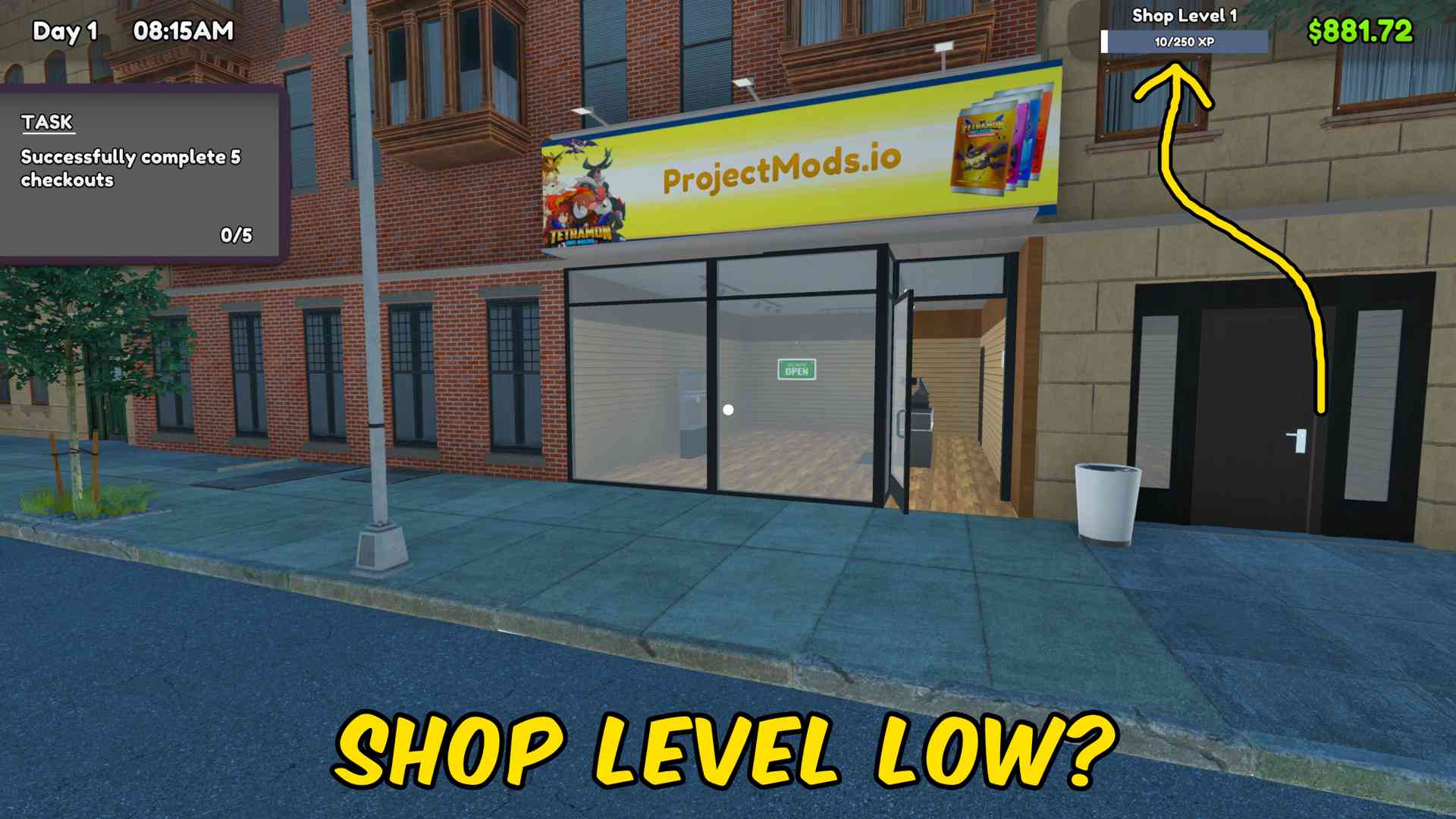
Fame & Shop XP Manager
Add fame or shop XP in any chosen amount, with separate controls to reset either progression value to zero.
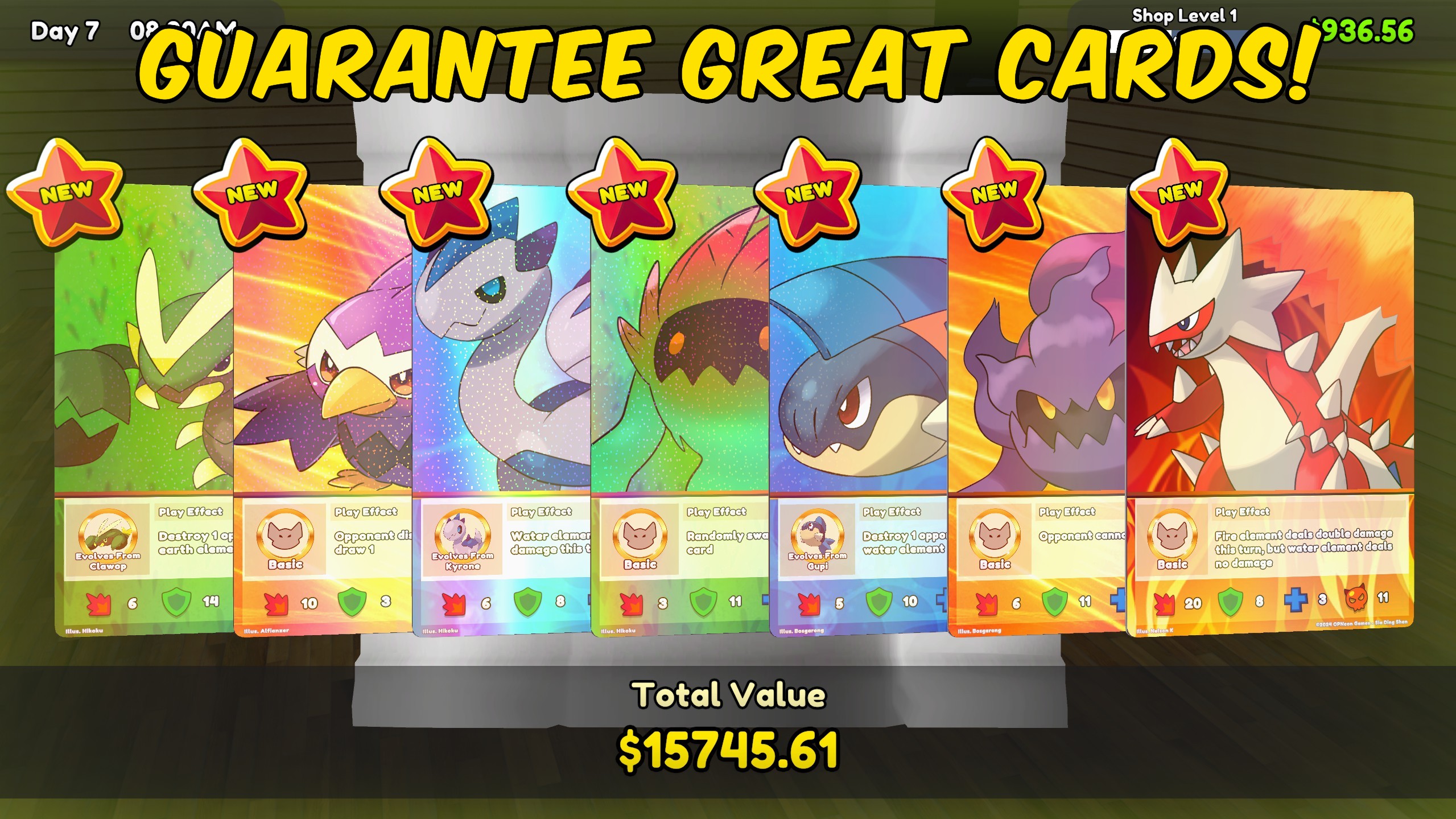
Pack Luck Controller
Multiply rare, epic, legendary, foil, and special-card chances, or guarantee premium pulls and special packs.
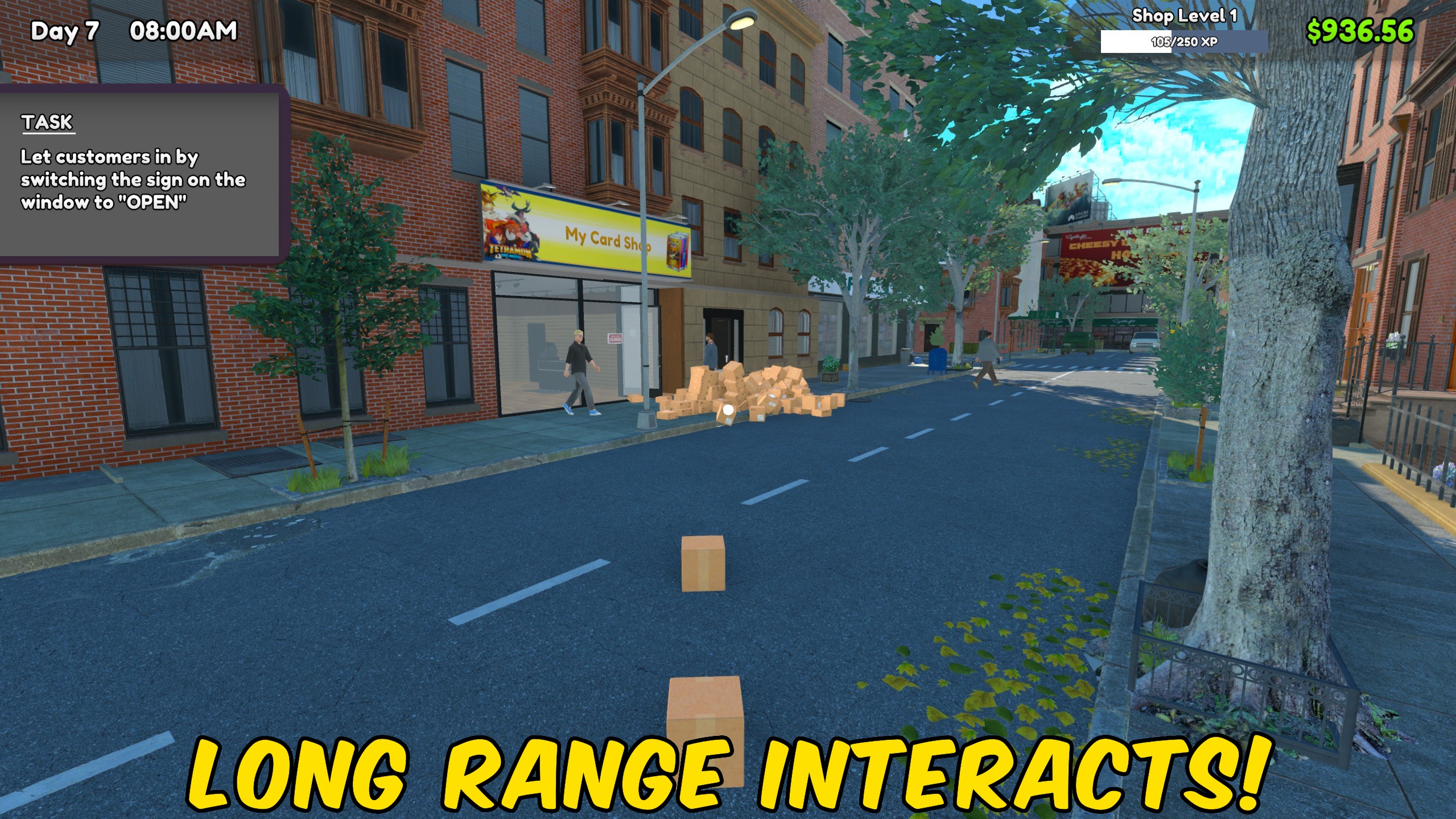
Movement Controller
Adjust movement speed, jump height, gravity, and interaction distance with independent multipliers.







