Want more mods for TCG Card Shop Simulator? Explore our entire collection!
Fame & Shop XP Manager
"Build your shop reputation and level progress at your own pace."
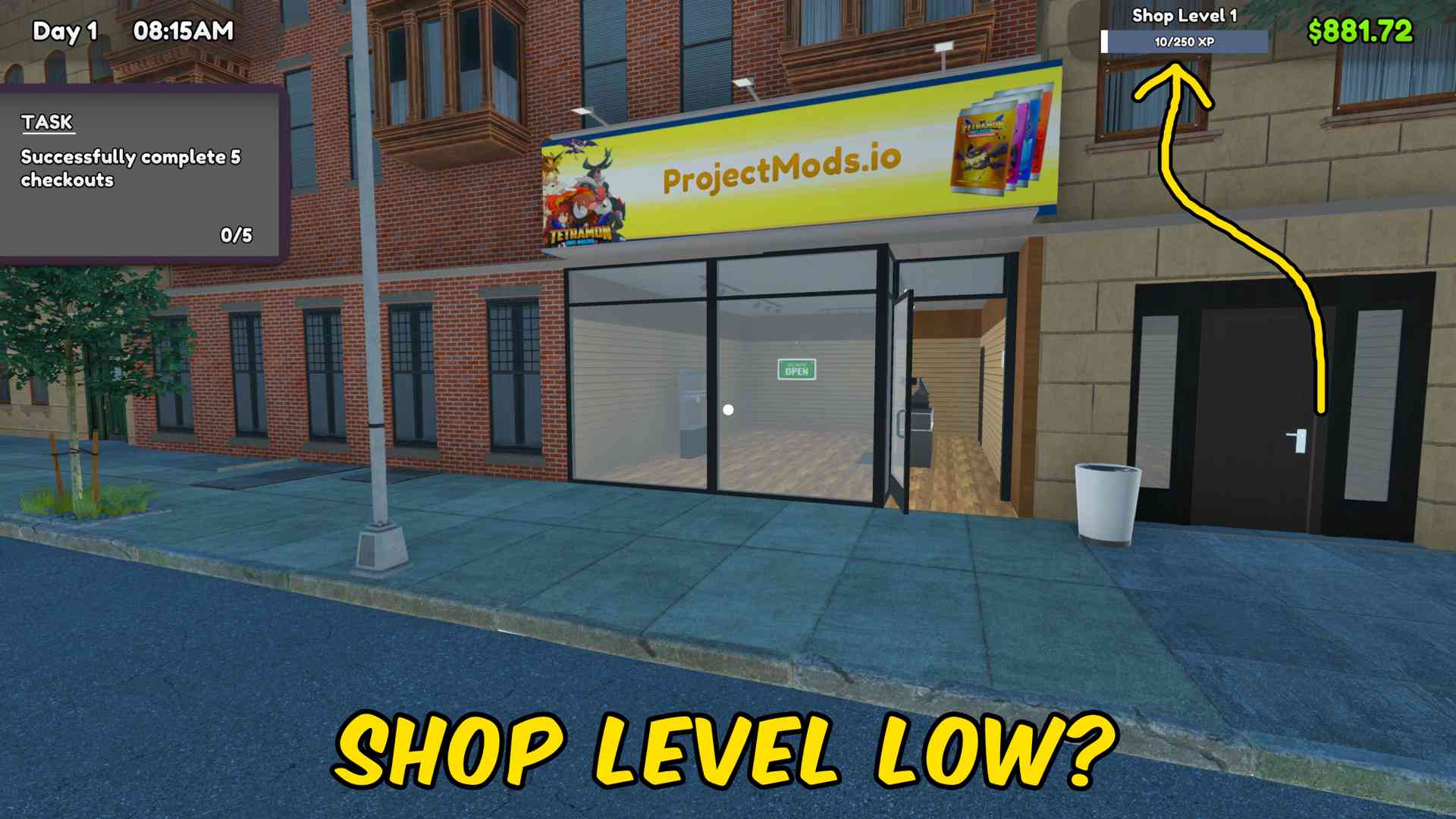
How do I install Fame & Shop XP Manager?
Download the free ProjectMods desktop app, then install Fame & Shop XP Manager for TCG Card Shop Simulator in one click.
</>What does Fame & Shop XP Manager do?
Fame & Shop XP Manager gives you separate controls for the two major shop progression values. Enter one amount and decide whether it should be added to fame or shop XP, without changing the other value. Fame can be used to move your shop reputation forward, while shop XP helps you progress through store levels and their associated unlocks. Separate reset actions let you return either value to zero for testing or a fresh progression run. Use the actions after entering your shop. Each change is applied independently, making it easy to fine-tune progression instead of jumping every system forward at once.
</>What is Fame & Shop XP Manager?
This TCG Card Shop Simulator progression mod lets you add fame, give shop XP, reset fame, or reset shop XP. It is useful for reaching level-based content, testing unlock pacing, recovering progress, and setting up custom shop challenges without altering your money or card collection.
</>Common questions about Fame & Shop XP Manager
Does the amount apply to both resources at once?
No. The amount is used only by the action button you press.
Can I reset fame without resetting shop XP?
Yes. Fame and shop XP have separate reset buttons.
Will giving shop XP change my money?
No. This mod only changes fame and shop XP.
Do I need to be inside my shop?
Yes. Load into your shop before using the progression actions.
What options does Fame & Shop XP Manager include?
Give Fame
Add the chosen amount to your fame.
Amount
Choose how much fame or shop XP to add with the next action.
Reset Shop XP
Set your shop XP to zero.
Reset Fame
Set your fame to zero.
Give Shop XP
Add the chosen amount to your shop XP.
Choose an amount, then add it to fame or shop XP; each resource also has its own reset button.
System Requirements
What features does Fame & Shop XP Manager include?
- Add a chosen amount of fame without changing shop XP.
- Give shop XP independently to advance store-level progress.
- Reset fame or shop XP separately to exactly zero.
Best For
- Reach a required shop level before testing products, workers, or expansions.
- Create a fresh progression setup by resetting only the value you want to replay.
More Mods for TCG Card Shop Simulator
Give Money
Add any chosen amount of money to your TCG Card Shop Simulator balance, or reset your cash to zero.
/TCGCardShopSimulatorTimeWarp1.jpg)
Time Controller
Set the current hour, pause the shop clock, change time speed, or begin the next day instantly.
Movement Controller
Adjust movement speed, jump height, gravity, and interaction distance with independent multipliers.







