Want more mods for TCG Card Shop Simulator? Explore our entire collection!
Time Controller
"Set the shop clock, pause the day, or move time at your pace."
/TCGCardShopSimulatorTimeWarp1.jpg)
How do I install Time Controller?
Download the free ProjectMods desktop app, then install Time Controller for TCG Card Shop Simulator in one click.
</>What does Time Controller do?
Time Controller gives you direct control over the shop day. Enter an hour and apply it to the clock, pause time during a busy period, or change how quickly the day advances. The speed multiplier preserves the normal flow of the day while letting it run slower or faster. Pause Time temporarily stops clock progress without preventing you from moving around and managing the store. Start Next Day uses the game's normal day transition. When the mod is unloaded, the clock speed returns to the value it had before the controller was applied.
</>What is Time Controller?
This TCG Card Shop Simulator time mod lets you set the current hour, pause time, adjust the time speed multiplier, and start the next day. It is useful for extending shop preparation, testing daytime and nighttime layouts, managing closing time, or moving quickly to the next business day.
</>Common questions about Time Controller
What does hour 24 mean?
Hour 24 is treated as midnight, the same as hour 0.
Can I keep managing the shop while time is paused?
Yes. Pause Time stops the shop clock rather than pausing the whole game.
What speed is normal?
A Time Speed Multiplier of 1 uses the normal clock speed.
Does unloading the mod leave the clock speed changed?
No. The previous time speed is restored when the mod unloads.
What options does Time Controller include?
Start Next Day
Begin the next shop day immediately.
Hour
Choose the hour to apply, where 0 and 24 are midnight and 12 is noon.
Time Speed Multiplier
Multiply how quickly the shop clock advances when it is not paused.
Pause Time
Stop the shop clock while leaving normal shop controls available.
Set Hour
Set the shop clock to the chosen whole hour.
Set an hour from 0 to 24, pause or speed up the clock, and start the next shop day whenever needed.
System Requirements
What features does Time Controller include?
- Set the shop clock to any whole hour from 0 through 24.
- Pause the day while continuing to organize and manage the store.
- Change the clock speed or start the next day instantly.
Best For
- Pause before opening while arranging shelves, prices, and deliveries.
- Move quickly to evening or begin another day when testing store changes.
More Mods for TCG Card Shop Simulator
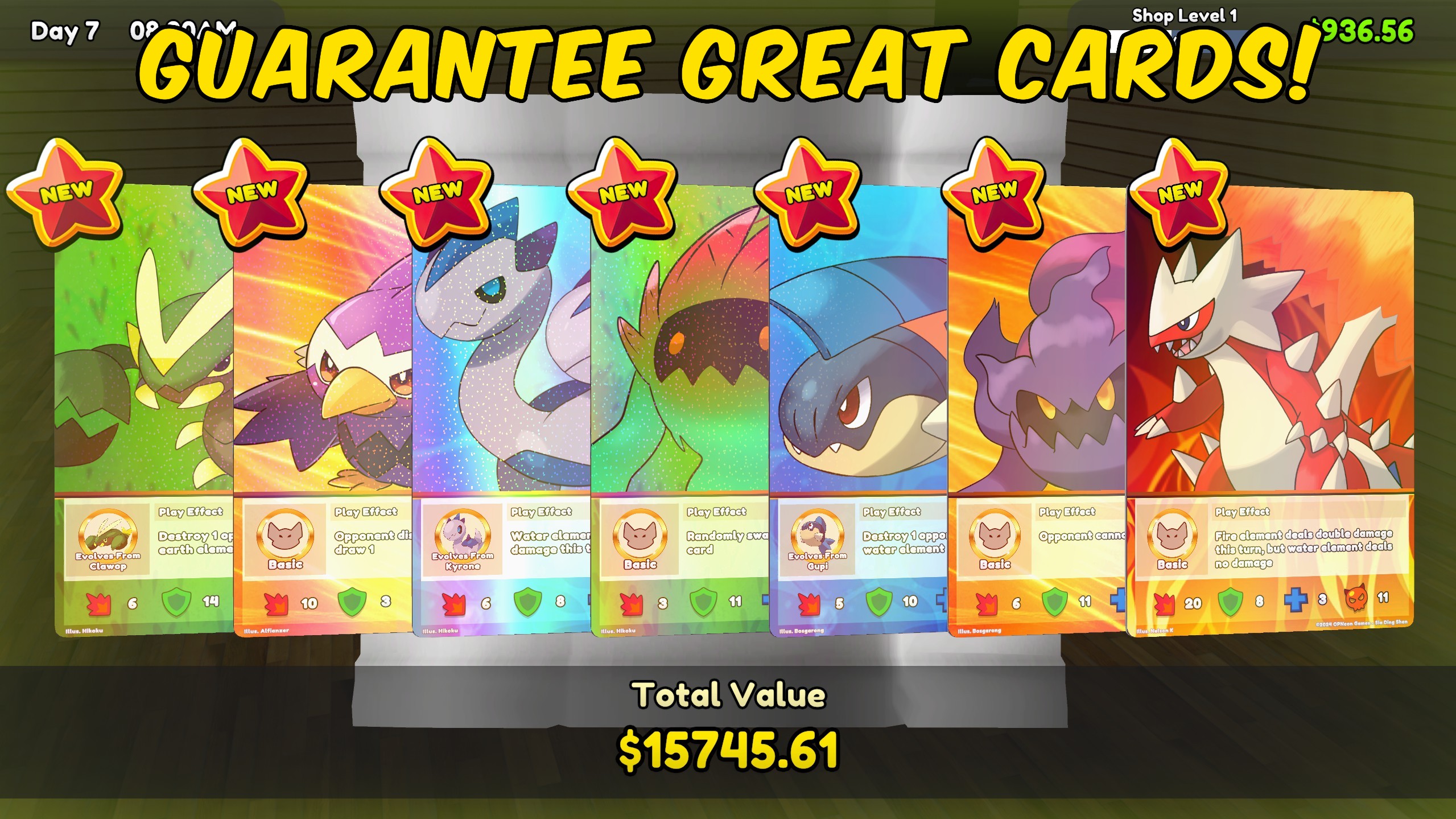
Pack Luck Controller
Multiply rare, epic, legendary, foil, and special-card chances, or guarantee premium pulls and special packs.
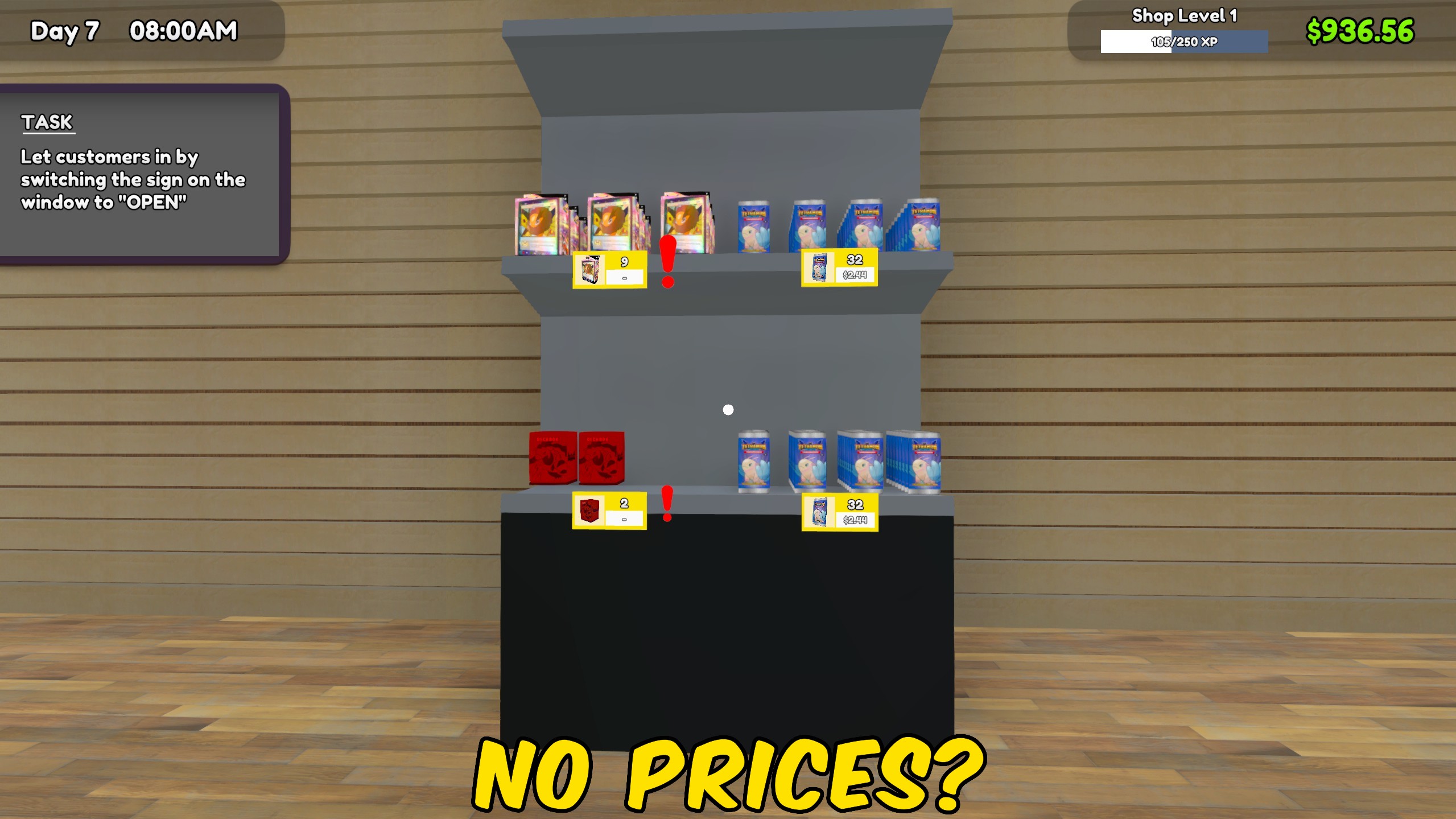
Price Manager
Match every product or card to market price, or apply a chosen market percentage across the entire shop.
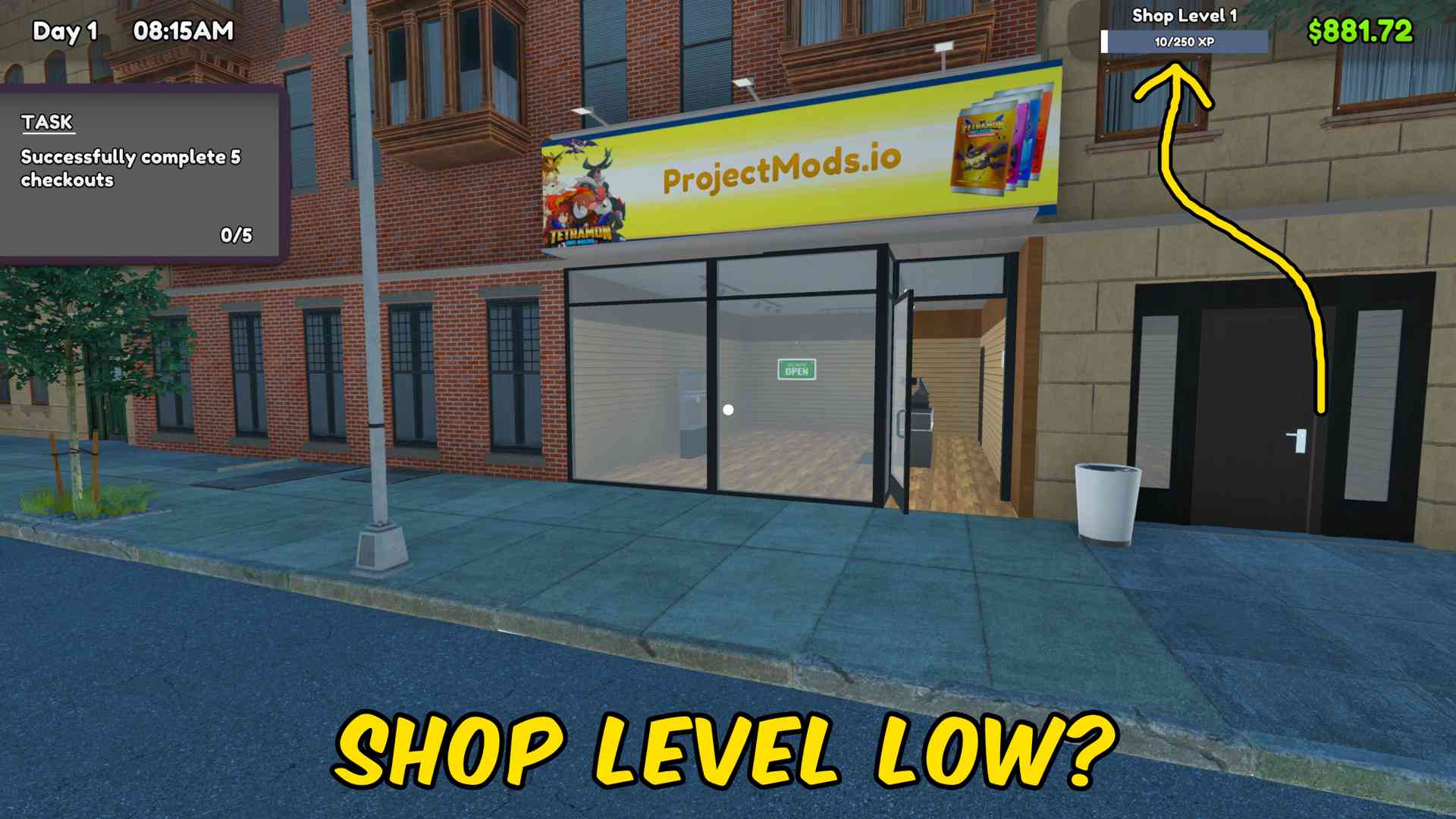
Fame & Shop XP Manager
Add fame or shop XP in any chosen amount, with separate controls to reset either progression value to zero.







