Want more mods for That's not my Neighbor? Explore our entire collection!
Chester Quiz Answers
"Chester asks. You already know the answer."
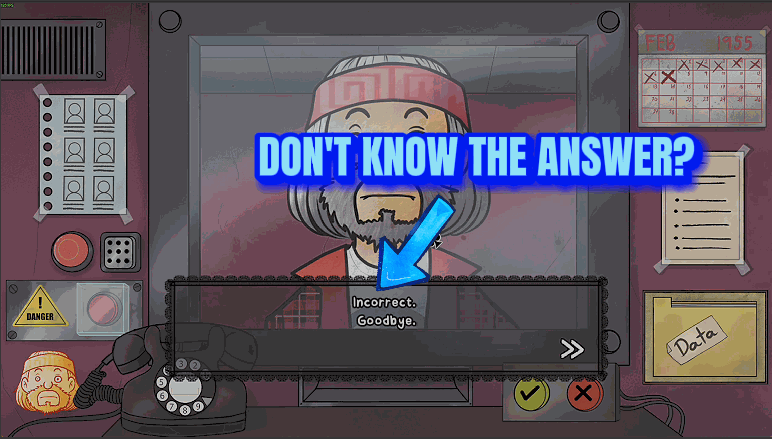
How do I install Chester Quiz Answers?
Download the free ProjectMods desktop app, then install Chester Quiz Answers for That's not my Neighbor in one click.
</>What does Chester Quiz Answers do?
Chester brings a quiz to your window. He asks things like "What is the meaning of life, the universe, and everything?" and waits for you to type the answer. Chester Quiz Answers hands you the answer sheet. Show Answer is on by default: once Chester has finished asking and his answer box opens, the right answer appears in the top right corner of the screen with a reminder to type it and press Ok. It disappears when the box closes. All 13 questions are covered, the 6 he asks across his Campaign Mode visits and the 7 that come back to back in Nightmare Mode. Fill In Answer, off by default, goes one step further and writes the answer into the box each time it opens. You still press Ok, and you can change the text first. Switch Show Answer off and the corner text goes away. Switch Fill In Answer off while the box is open and the box returns to what it held before, unless you've typed something else since.
</>What is Chester Quiz Answers?
Chester Quiz Answers covers Chester's 6 quiz questions in Campaign Mode and the 7 in Nightmare Mode. Show Answer puts the right answer in the top right corner while his answer box is open, and Fill In Answer writes it into the box. You still press Ok on every question. It never submits an answer for you, never makes Chester turn up, and never unlocks TOP OF THE CLASS or NIGHTMARE QUIZ without you answering each question yourself.
</>Common questions about Chester Quiz Answers
What does Chester Quiz Answers do in That's not my Neighbor?
It tells you the right answer to Chester's quiz questions at the moment you need to type it. Chester asks nothing in Arcade Mode or Custom Mode, so the mod has nothing to do there. It shows only the answer. It doesn't explain the question or show any working.
What are the answers to Chester's quiz in Campaign Mode?
In order, the six answers are 42, 302400, 536870912, 38, 45360 and 358. Type them as digits only, with no commas or spaces. Chester asks one question per visit, so they are spread across the campaign, and the game remembers which question you're up to once you answer correctly and finish the day.
What are the answers to Evil Chester's quiz in Nightmare Mode?
In order: psychrolutes marcidus, chess boxing, pirates, fawkes, wojtek, zul'gurub and scp-038. All seven are asked one after another in the same visit. Upper or lower case doesn't matter, so you can type them exactly as the mod shows them.
Does the mod unlock TOP OF THE CLASS or NIGHTMARE QUIZ for me?
Not by itself. You earn TOP OF THE CLASS and Chester's badge by answering all 6 Campaign Mode questions, and NIGHTMARE QUIZ by answering all 7 in Nightmare Mode. The mod gives you the text to enter, but you still confirm each one, and it never skips Chester.
Why isn't the answer showing while Chester is talking?
The answer appears once Chester has finished saying his question and the answer box is on screen, not before. If the box is open and the corner is still empty, check that Show Answer is switched on. Fill In Answer writes into the box and puts nothing in the corner.
What options does Chester Quiz Answers include?
Fill In Answer
Writes the right answer into Chester's answer box as soon as it opens, so all you do is press Ok. You can still change the text before you press. Off by default.
Show Answer
Shows the right answer to Chester's question in the top right corner of the screen while his answer box is open. Covers all six of his questions in Campaign Mode and all seven in Nightmare Mode. On by default.
Chester Quiz Answers is a ProjectMods mod for That's not my Neighbor that shows the right answer to all 13 of Chester's quiz questions the moment he is ready for your reply, and can type it in for you, leaving you to press Ok.
System Requirements
What features does Chester Quiz Answers include?
- Show Answer displays the right answer on screen for as long as Chester's answer box is open.
- Fill In Answer writes the answer into the box as it opens, and you can still edit it before pressing Ok.
- Every one of Chester's questions is covered, in both modes where he asks them.
Best For
- You're after TOP OF THE CLASS and one of Chester's Campaign Mode questions has you stuck, so keep Show Answer on, type what the corner shows and press Ok.
- Nightmare Mode asks its 7 questions in a row and you don't want to risk a typo. Switch on Fill In Answer and each box arrives already filled.
- You'd like to try each question yourself first, so leave Fill In Answer off and only glance at the corner when you give up.
- You play in another language and aren't sure how Evil Chester's answers should be spelled. The mod shows the English answer, which the game accepts whatever language it is set to.
More Mods for That's not my Neighbor
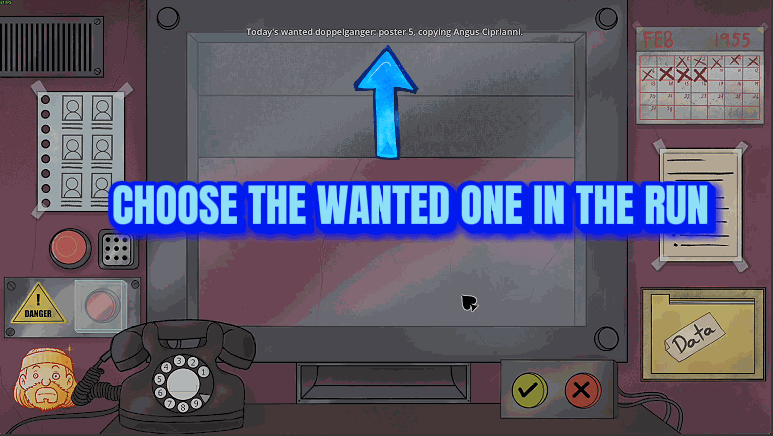
Wanted Poster Collection
Fill your Wanted Posters folder with all 32 posters in one press, empty it to collect them again, or choose which wanted doppelganger shows up each day in Arcade Mode and Campaign Mode.
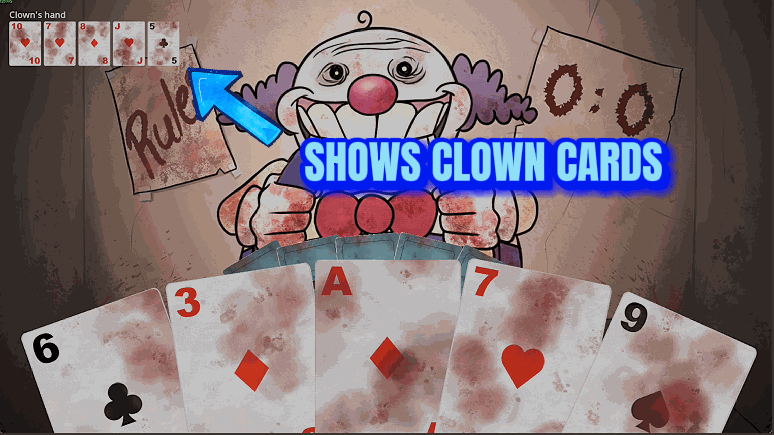
Clown Card Game Helper
Shows the cards the Clown is holding during his card game, and adds two buttons for your turn: one wins the current round, the other wins the whole best-of-3 game.
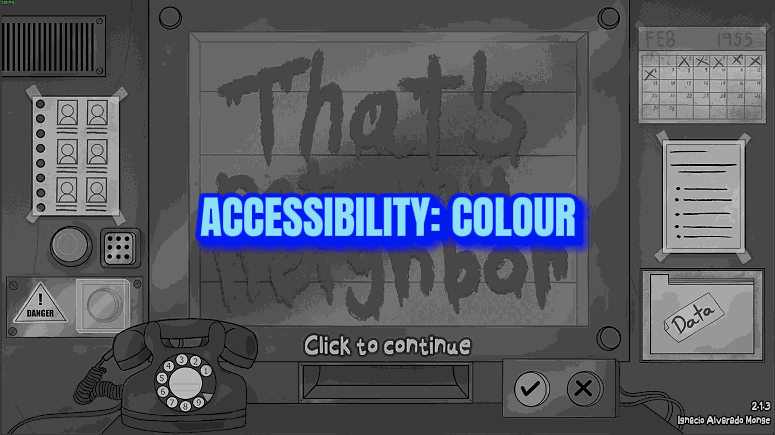
Accessibility
Add a colour-vision filter and a high-contrast look over the whole picture, and make the dialogue text up to twice as big. Four filters with adjustable strength, plus separate contrast and text sliders.