Want more mods for That's not my Neighbor? Explore our entire collection!
Revive Neighbors
"Lost a neighbor? Bring all 20 home."
How do I install Revive Neighbors?
Download the free ProjectMods desktop app, then install Revive Neighbors for That's not my Neighbor in one click.
</>What does Revive Neighbors do?
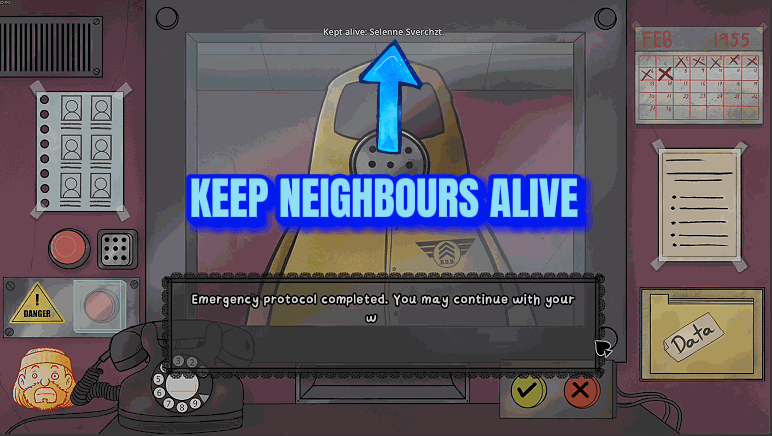
One wrong call to the D.D.D. and a real neighbor is gone for the rest of your campaign. Lose enough of them and the game ends it for you: the D.D.D. arrests you at the end of a day once your campaign's Killed Neighbors count is above 10. Revive Neighbors hands you three ways out. Press Revive All Neighbors and all 20 neighbors are alive in your campaign again, saved on the spot. Pressed during a campaign day, the ones who came back are home straight away and can answer the phone. Switch on Keep Neighbors Alive (off by default) and anyone you lose during a campaign day comes right back, alive and at home, with the loss taken off the count. Clear Killed Neighbors Count sets that count to 0. Switching Keep Neighbors Alive off lets losses count again from then on. Everyone already brought back stays alive and a cleared count stays cleared: Revive All Neighbors and Clear Killed Neighbors Count both write to your campaign save, and it keeps them after the mod is off. None of this protects you, the doorman, from a doppelganger you let in.
</>What is Revive Neighbors?
Revive Neighbors repairs a Campaign Mode run that has lost neighbors. Revive All Neighbors makes all 20 alive again, Keep Neighbors Alive returns anyone lost while a day is running, and Clear Killed Neighbors Count puts the count that gets you arrested back to 0. It never shields you from doppelgangers, never touches the all-time totals on your Record screen and does nothing in other modes. Revived neighbors stay alive once the mod is off.
</>Common questions about Revive Neighbors
What does Revive Neighbors do in That's not my Neighbor?
It undoes neighbor losses in your campaign. Revive All Neighbors brings everyone back at once, Keep Neighbors Alive guards the day you're playing, and Clear Killed Neighbors Count resets the number the D.D.D. arrests you over. Arcade Mode, Custom Mode and Nightmare Mode have no lasting neighbor losses, so there's nothing for it to do there.
What's the difference between Revive All Neighbors and Keep Neighbors Alive?
Revive All Neighbors fixes earlier losses and Keep Neighbors Alive guards the day in front of you. The switch only protects neighbors who were alive when the day began or when you turned it on, so anyone already dead stays dead until you press Revive All Neighbors. That press saves at once. Keep Neighbors Alive works on the running day, and the game records those neighbors as alive when you finish it.
Why did the results screen still show the old numbers after I pressed a button there?
The results screen's numbers are drawn when it opens, so a button pressed on that screen shows on the next day instead. The change itself is saved the moment you press. Press Revive All Neighbors during the day instead and the neighbors who came back count as alive in that day's results.
I revived a neighbor mid-day. Why aren't they on today's list?
A neighbor brought back in the middle of a day goes home but isn't added to today's list. They can answer the phone for the rest of the day and they're still alive the next day. If you press before the day has properly begun you'll see 'Wait for the day to start, then press it again.'
Does Keep Neighbors Alive stop doppelgangers from ending my day?
No, it only looks after the neighbors. A doppelganger you let into the building can still end your day, and one that got into an apartment isn't removed. What changes is the cost: the neighbor it killed is alive again afterwards and that loss doesn't stay on the count.
Does it wipe the Killed Neighbors total on my Record screen or the WORK ACCIDENT achievement?
No. The all-time Killed Neighbors total on your Record screen isn't undone, and neither is the WORK ACCIDENT achievement for having a neighbor removed. The count this mod clears belongs to your current campaign. To change the Record screen's number, Records Editor can set that total anywhere from 0 to 9999.
What options does Revive Neighbors include?
Clear Killed Neighbors Count
Sets your campaign's Killed Neighbors count back to 0 and saves it. The D.D.D. comes for you at the end of a day once that count is above 10, so this keeps your campaign going. The all-time totals on your Record screen are not changed.
Keep Neighbors Alive
While on, any neighbor you lose during a campaign day comes straight back: they return home, are still alive the next day, and the loss is not added to your campaign's Killed Neighbors count. It protects the neighbors who were alive when the day began or when you switched it on; use Revive All Neighbors for earlier losses. Off by default. Switching it off lets losses count again, and the neighbors it saved stay alive.
Revive All Neighbors
Brings every neighbor you have lost in your campaign back to life and saves it, so all 20 are alive again. Pressed during a campaign day, they also return home at once and can answer the phone. It works from the menus, during a day and on the day's results screen.
Revive Neighbors is a ProjectMods mod for That's not my Neighbor that revives your lost campaign neighbors, keeps them alive during a campaign day and clears the Killed Neighbors count, in Campaign Mode only, with every change kept in your save.
System Requirements
What features does Revive Neighbors include?
- Revive All Neighbors works from the menus, during a campaign day and on the day's results screen, and a message tells you who or how many came back.
- Keep Neighbors Alive returns a neighbor whether the D.D.D. took them on your call or a doppelganger you let in got to them.
- For each neighbor Keep Neighbors Alive saves, the 1 the game added to the count for them comes straight back off.
- Clear Killed Neighbors Count shows you the number the count had before it went to 0.
- The day's results still report what happened that day, so you can see where you went wrong.
Best For
- You're on day 9 with three neighbors gone and want the ending that needs all 20 alive, so press Revive All Neighbors from the menu before you play on.
- You're learning to spot the harder doppelgangers and expect mistakes. Switch on Keep Neighbors Alive before the day starts and each neighbor you lose is back home at once.
- The count is sitting at 10 and one more loss means arrest at the end of the day, so press Clear Killed Neighbors Count and carry on from 0.
- You want to phone an apartment mid-day but the neighbor who lived there is dead. Press Revive All Neighbors once the day has started and they're home to pick up.
More Mods for That's not my Neighbor
Accessibility
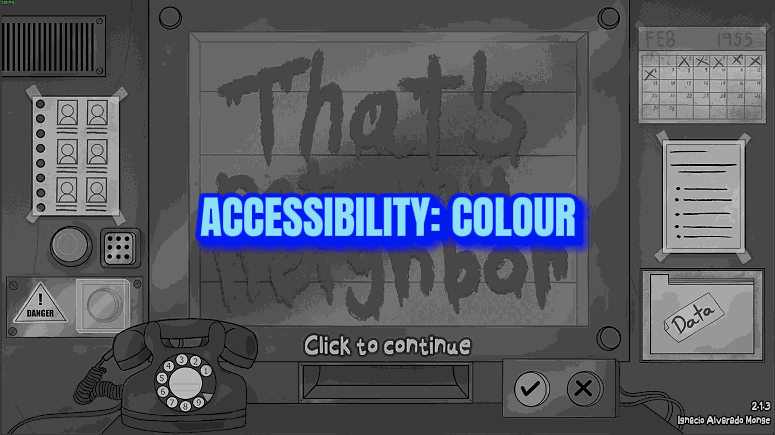
Add a colour-vision filter and a high-contrast look over the whole picture, and make the dialogue text up to twice as big. Four filters with adjustable strength, plus separate contrast and text sliders.
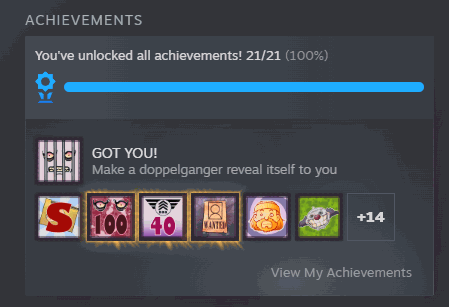
Achievement Unlocker
Unlock any one of the game's 21 achievements or all of them together, in the Achievements folder and on Steam, with the game's own trophy pop-up. One button locks all 21 again.
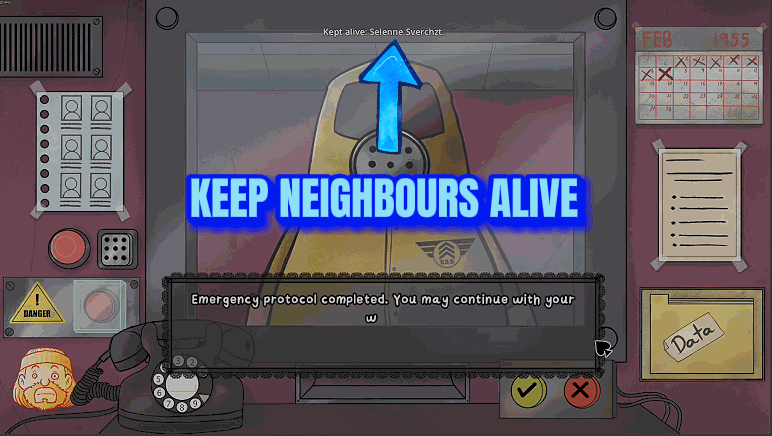
Endless Arcade
An Arcade Mode shift keeps going after its queue is finished: a new today's list and a new queue arrive each time, until you choose to end it or too few neighbors are left at home.