Want more mods for That's not my Neighbor? Explore our entire collection!
Unlock All Game Modes
"Five locked modes. One press opens them all."
How do I install Unlock All Game Modes?
Download the free ProjectMods desktop app, then install Unlock All Game Modes for That's not my Neighbor in one click.
</>What does Unlock All Game Modes do?
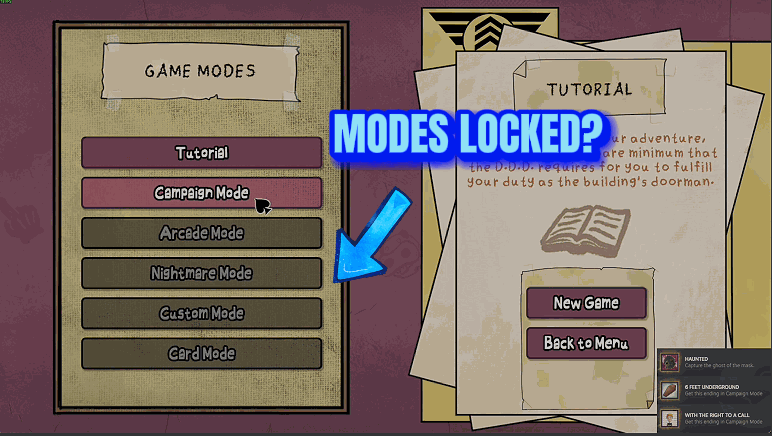
On a fresh start, most of the Game Modes screen is locked. Campaign Mode wants the Tutorial completed. Arcade Mode and Custom Mode want at least 7 days in Campaign Mode. Nightmare Mode and Card Mode sit behind one of the nightmare endings. Unlock All Game Modes hands you the keys. Press Unlock All Game Modes and all five open in one go. If the Game Modes screen is in front of you, its buttons light up on the spot. Anywhere else, they're open the next time you visit that screen. Prefer to keep part of the climb? Three smaller buttons follow the game's three locks. Unlock Campaign Mode opens that mode alone. Unlock Arcade and Custom Mode opens one pair, and Unlock Nightmare and Card Mode opens the other. A mode you already have is left alone, and the message tells you so. There is nothing to switch off afterwards. The game saves each unlock, the modes stay open with the mod off, and the mod has no button that locks them again.
</>What is Unlock All Game Modes?
Unlock All Game Modes opens the locked buttons on the Game Modes screen of That's not my Neighbor. One button opens all five modes. Three more match the game's own locks: Unlock Campaign Mode, Unlock Arcade and Custom Mode, and Unlock Nightmare and Card Mode. The game saves the result and the mod cannot undo it. It never completes the Tutorial, the campaign or an ending for you, and it gives no achievements.
</>Common questions about Unlock All Game Modes
What does Unlock All Game Modes do in That's not my Neighbor?
It opens the game modes that start out locked, so you can choose any of them from the Game Modes screen. The Tutorial is always open, which leaves five modes behind three locks. The mod has one button per lock and one that opens everything.
Can I unlock Arcade Mode without Custom Mode, or Nightmare Mode without Card Mode?
No. The game keeps each of those pairs behind a single lock, so the two modes in a pair always open together. Campaign Mode is the only one with a lock to itself. If you want Arcade Mode but not the nightmare pair, press Unlock Arcade and Custom Mode and leave the other two buttons alone.
Can I lock the modes again later?
Not with this mod. The game saves its record right after a press that changed something, and that record keeps the unlock for good. Switching the mod off leaves every opened mode open. If you'd rather earn part of the list yourself, use the three smaller buttons and only open the locks you want gone.
Do I get the achievements for the Tutorial or the endings I skipped?
No, opening a mode completes nothing and gives no achievements. The Tutorial, your campaign days and the endings are exactly where you left them, and no Wanted posters or neighbors are unlocked either. Achievement Unlocker is the separate mod for achievements.
What options does Unlock All Game Modes include?
Unlock Arcade and Custom Mode
Opens Arcade Mode and Custom Mode without completing 7 days in Campaign Mode. The game saves the unlock, so it stays.
Unlock All Game Modes
Opens Campaign Mode, Arcade Mode, Custom Mode, Nightmare Mode and Card Mode at once, also while the Game Modes screen is open. The game saves the unlock, so the modes stay open after the mod is switched off.
Unlock Campaign Mode
Opens Campaign Mode without completing the Tutorial. The game saves the unlock, so it stays.
Unlock Nightmare and Card Mode
Opens Nightmare Mode and Card Mode without getting one of the nightmare endings in Campaign Mode. The game saves the unlock, so it stays.
Unlock All Game Modes is a ProjectMods mod for That's not my Neighbor that opens Campaign, Arcade, Custom, Nightmare and Card Mode in one press or lock by lock. The game keeps the unlock for good, and the mod can't lock them again.
System Requirements
What features does Unlock All Game Modes include?
- Unlock All Game Modes opens Campaign Mode, Arcade Mode, Custom Mode, Nightmare Mode and Card Mode with a single press.
- Unlock Campaign Mode opens it without completing the Tutorial.
- Unlock Arcade and Custom Mode skips the game's requirement of at least 7 days in Campaign Mode.
- Unlock Nightmare and Card Mode opens both without getting one of the nightmare endings first.
- Every button works on any screen once the game has started, and tells you when a mode was open already.
Best For
- You came for the Clown's card game and don't want to chase a nightmare ending first. Press Unlock Nightmare and Card Mode and Card Mode is waiting on the Game Modes screen.
- You finished the Tutorial on another PC and don't fancy doing it twice, so press Unlock Campaign Mode and go straight to the campaign.
- You want to add neighbors to your own building in Custom Mode tonight, not 7 campaign days from now. Press Unlock Arcade and Custom Mode.
- You're showing the game to a friend and want every mode ready. Open the Game Modes screen, press Unlock All Game Modes and watch the five buttons light up.
More Mods for That's not my Neighbor
Doppelganger Count
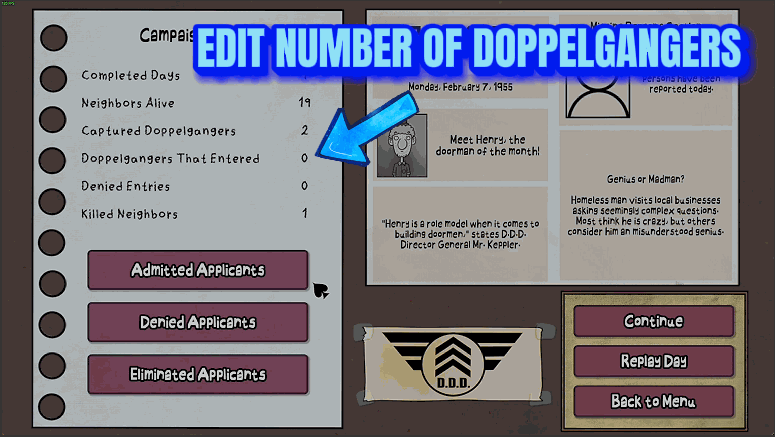
Sets how many doppelgangers arrive in each day's queue, from 0 to 12, and lets you send the day's wanted doppelganger away.
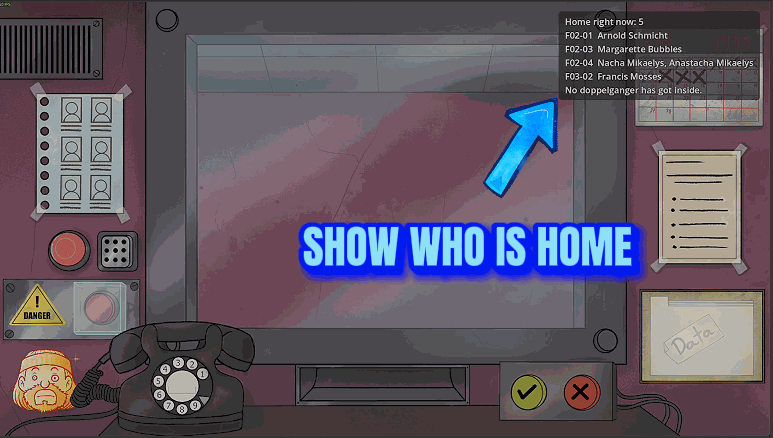
Game Speed
Run the whole game at 25 to 400 percent of normal speed: visitors, dialogue, animations and waiting times all go faster or slower, while sounds, voices and music stay as they are.
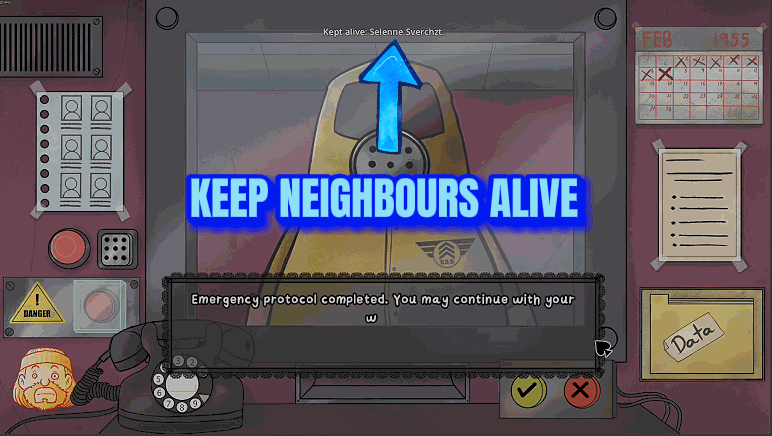
Endless Arcade
An Arcade Mode shift keeps going after its queue is finished: a new today's list and a new queue arrive each time, until you choose to end it or too few neighbors are left at home.