Want more mods for The Long Drive? Explore our entire collection!
Junkyard Parts Inspector
"Know what fits before you haul it back."
How do I install Junkyard Parts Inspector?
Download the free ProjectMods desktop app, then install Junkyard Parts Inspector for The Long Drive in one click.
</>What does Junkyard Parts Inspector do?
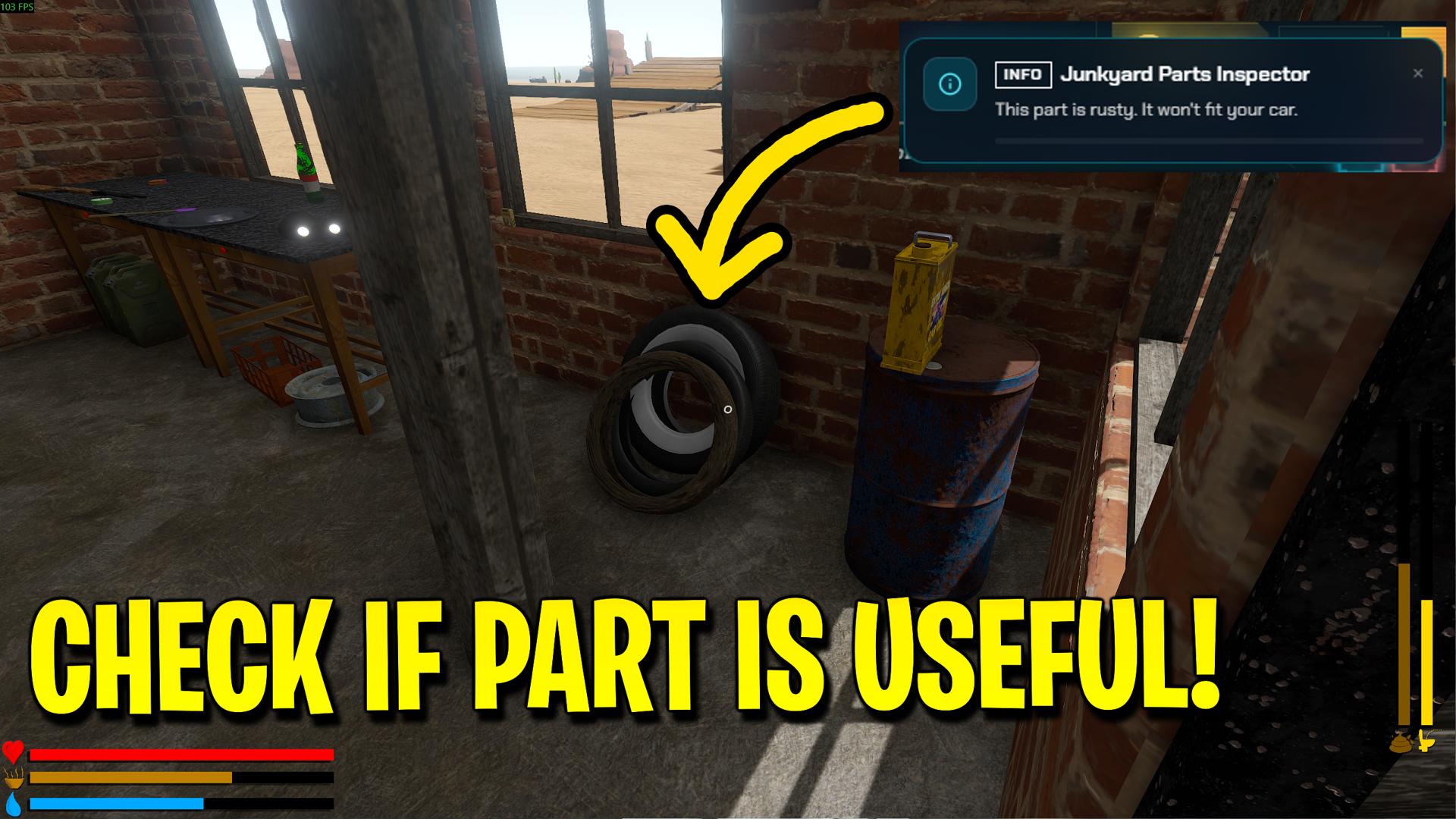
Stop hauling questionable spare parts back to your car only to discover they're rusty, incompatible, or have nowhere to fit. Junkyard Parts Inspector takes the guesswork out of scavenging in The Long Drive by letting you examine vehicle parts before picking them up. Look at a part and press Inspect Part to receive an inspection message showing whether it appears new, worn, or rusty. Compare replacement parts while exploring junkyards, abandoned buildings, and roadside stops to decide which ones are worth keeping. The built-in fit check uses your current vehicle or the last vehicle you drove to determine whether a matching mounting location exists. It identifies whether that location is available, blocked, or already occupied. It also tells you when the inspected part is already fitted or when your vehicle has no matching fitting location. There's no need to carry every potential replacement back to your vehicle just to test whether it fits. Inspect parts directly where you find them, make informed decisions about what to collect, and spend more time restoring your vehicle and enjoying the road. Whether you're rebuilding a neglected car, searching for better-condition components, or stocking up on compatible spare parts, Junkyard Parts Inspector is a practical companion for single-player road trips.
</>What is Junkyard Parts Inspector?
Junkyard Parts Inspector is a vehicle maintenance and scavenging utility mod for The Long Drive on PC. It allows players to inspect vehicle components, assess their apparent condition, and check their compatibility with the current or most recently driven vehicle. The inspection system distinguishes between new, worn, and rusty parts, helping players compare components before collecting them. Parts can be inspected while they remain on the ground, eliminating the need to pick up every potential replacement. The vehicle compatibility check identifies matching mounting locations and reports whether they are open, blocked, or occupied. Players can also determine whether a component is already installed or whether their vehicle lacks a matching fitting location. Available through ProjectMods, Junkyard Parts Inspector improves vehicle restoration, roadside scavenging, spare part collection, and maintenance in The Long Drive without removing the game's core exploration and survival mechanics.
</>Common questions about Junkyard Parts Inspector
What does Junkyard Parts Inspector do in The Long Drive?
It lets you inspect vehicle parts to check their apparent condition and determine whether your vehicle has a matching fitting location.
How do I inspect car parts in The Long Drive?
Look directly at the component you want to examine and press Inspect Part. An inspection message displays its condition and fitting information.
Can I check whether a car part fits my vehicle?
Yes. The fit check identifies whether your vehicle has a matching mounting location and whether that location is open, blocked, or occupied.
Which part conditions can the inspector identify?
The inspector distinguishes between parts that appear new, worn, or rusty.
Do I need to pick up a part before inspecting it?
No. You can inspect components while they are still lying on the ground.
Which vehicle does the compatibility check use?
The inspector references the vehicle you are currently sitting in or the last vehicle you drove.
Can I inspect parts away from my vehicle?
Yes. The compatibility check remembers your most recently driven vehicle, allowing you to inspect parts while scavenging away from it.
Can the inspector tell me if a mounting location is occupied?
Yes. The fit check identifies whether a matching location is available, blocked, or occupied.
Will the inspector tell me if a part is incompatible?
Yes. It reports when your vehicle has no matching fitting location for the inspected component.
Does Junkyard Parts Inspector repair or install car parts automatically?
No. It provides condition and compatibility information so you can decide which parts to collect, repair, or install yourself.
Does Junkyard Parts Inspector support multiplayer?
The inspector works in single-player drives.
What options does Junkyard Parts Inspector include?
Inspect Part
Check the condition of the part you are looking at and see if it fits your vehicle.
Junkyard Parts Inspector lets you check the condition of vehicle parts and find out whether they fit your car in The Long Drive. Inspect parts directly on the ground to identify their condition and whether a matching mounting location is available, blocked, or occupied.
System Requirements
What features does Junkyard Parts Inspector include?
- Inspect vehicle parts directly on the ground without picking them up.
- Identify whether a component appears new, worn, or rusty.
- Check whether a part has a matching fitting location on your vehicle.
- Identify open, blocked, and occupied mounting locations.
- Determine whether an inspected component is already installed.
- Find out when your vehicle has no matching fitting location for a part.
- Automatically reference your current or most recently driven vehicle.
- Compare replacement parts before deciding which ones to collect.
Best For
- Find better-condition replacement parts while exploring junkyards.
- Check whether a spare component fits your vehicle before carrying it back.
- Avoid filling your trunk with incompatible vehicle parts.
- Compare new, worn, and rusty components during vehicle restoration.
- Identify available mounting locations when rebuilding an incomplete vehicle.
- Determine whether an existing component needs to be removed before installing a replacement.
- Collect compatible spare parts for future roadside repairs.
- Make more informed scavenging decisions during long-distance road trips.
More Mods for The Long Drive
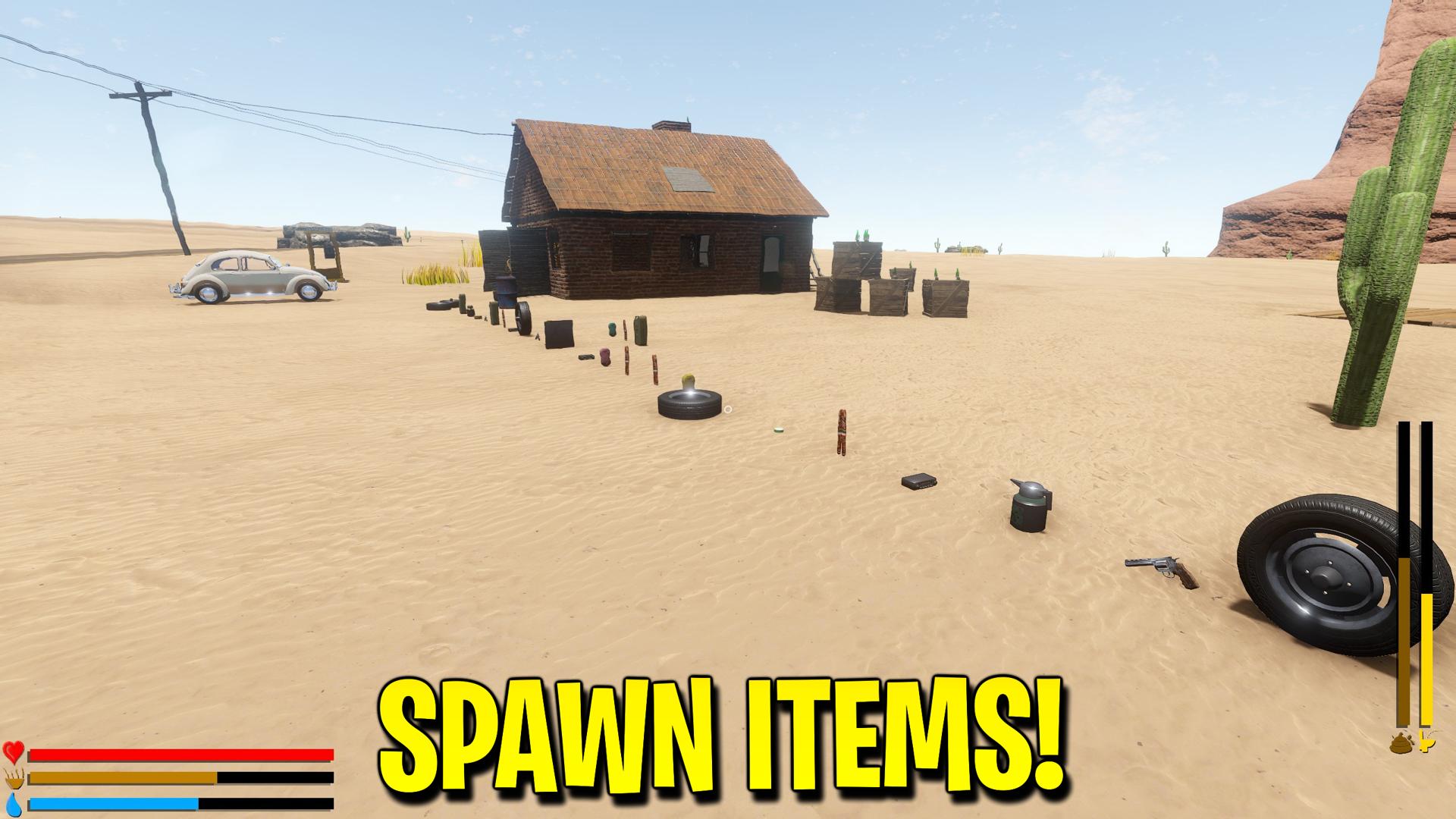
Spawn Items
Put a wheel, radiator, fuel can, or other supply on the ground where you need it.
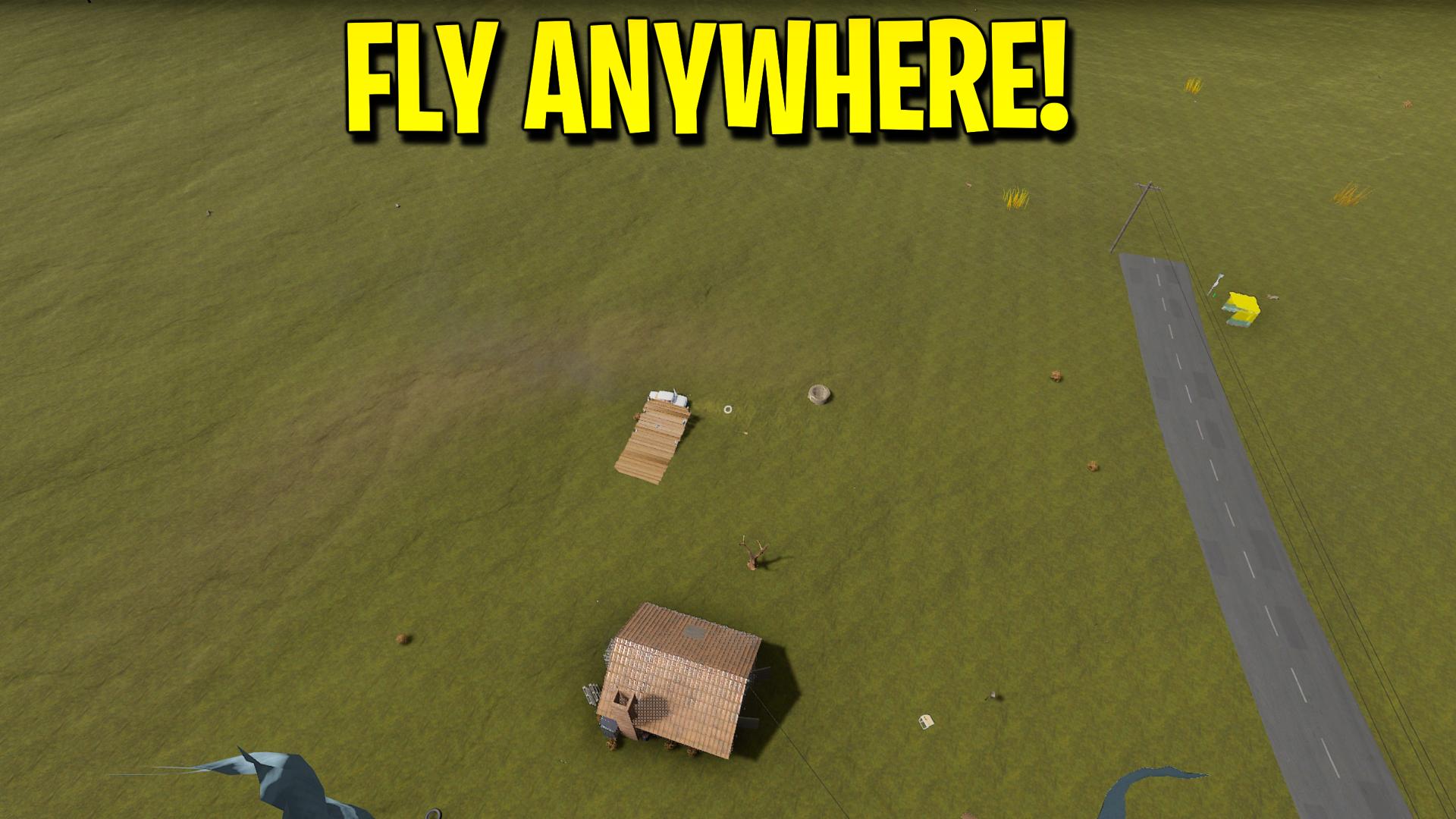
Fly
Fly over ridges and rooftops, hover above the road, or pass through walls and terrain with Noclip.
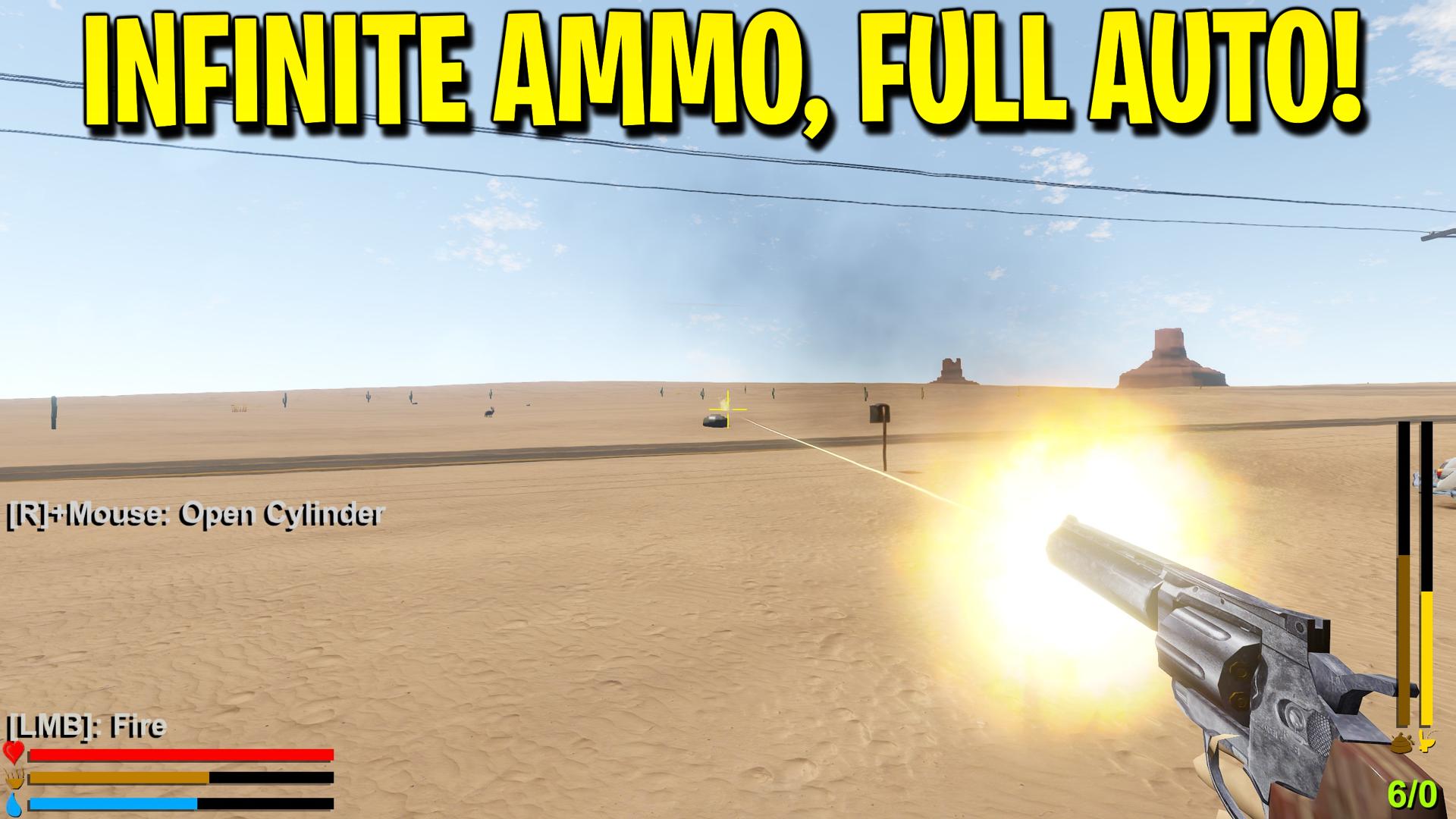
Unlimited Ammo
Save the ammo you reload with, fire without reloading, or hold the trigger to keep shooting.







