Want more mods for The Long Drive? Explore our entire collection!
Fly
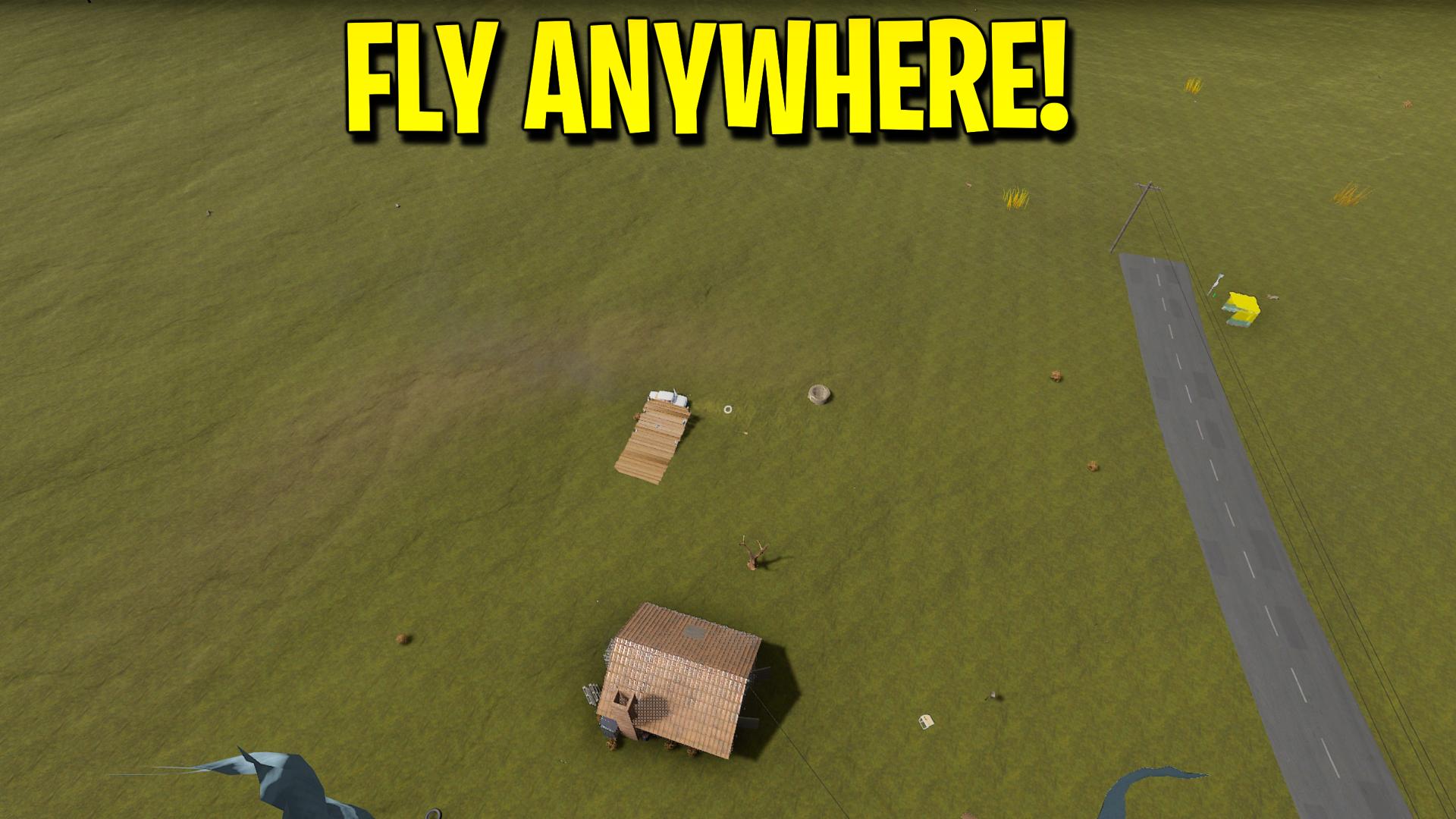
"Leave the road behind and take to the skies."
How do I install Fly?
Download the free ProjectMods desktop app, then install Fly for The Long Drive in one click.
</>What does Fly do?
Take your adventure beyond the highway and explore The Long Drive from an entirely new perspective. Fly freely across the desert, soar over mountains, reach rooftops, or hover above roadside buildings without needing a vehicle. Customise your movement with two independent speed settings. Fly Speed determines your normal flight speed, while Shift Speed controls how fast you travel when holding Left Shift. Move slowly when exploring buildings or accelerate across large stretches of desert. Enable Noclip during flight to pass straight through walls, floors, buildings, and terrain. Explore obstructed areas, bypass physical barriers, and escape awkward locations without having to find another route. To get started, activate Fly Enabled while on foot in a single-player drive. Use your regular movement keys to steer, Space to ascend, and Left Ctrl to descend. Hold Left Shift whenever you need an extra burst of speed. Whether you're scouting the road ahead, exploring unusual locations, capturing aerial screenshots, or simply enjoying the freedom of unrestricted movement, Fly lets you experience the desert without being limited to the ground.
</>What is Fly?
The Fly mod for The Long Drive adds free-flight movement and optional noclip to the PC single-player experience. Players can leave the ground, travel across the desert, hover above buildings, and explore elevated or obstructed locations without relying on vehicles. The mod features independently adjustable Fly Speed and Shift Speed settings, allowing players to switch between precise movement and high-speed traversal. Standard movement keys control horizontal flight, while Space and Left Ctrl control altitude. An optional Noclip setting removes physical barriers during flight, allowing players to travel through walls, floors, and terrain. This makes it particularly useful for exploring buildings, escaping obstructed areas, scouting the environment, and experimenting with the game's sandbox world. Available through ProjectMods, Fly is a movement and exploration mod for players who want to experience The Long Drive beyond its traditional road-based gameplay.
</>Common questions about Fly
What does the Fly mod do in The Long Drive?
It lets you fly freely while on foot, hover in mid-air, customise your movement speed, and pass through walls, floors, and terrain using optional noclip.
How do I fly in The Long Drive?
Activate Fly Enabled while on foot in a single-player drive. Use your regular movement keys to steer, Space to ascend, and Left Ctrl to descend.
Does the Fly mod include noclip?
Yes. Enable Noclip during flight to pass through walls, floors, buildings, and terrain.
Can I change my flight speed?
Yes. Fly Speed controls your normal movement speed, while Shift Speed determines how fast you travel when holding Left Shift.
How do I fly faster in The Long Drive?
Increase your Fly Speed setting for faster normal flight, or configure Shift Speed and hold Left Shift for accelerated movement.
Can I fly without enabling noclip?
Yes. Noclip is optional and can be enabled separately while flying.
Can I hover in mid-air?
Yes. You can hover above the ground to observe your surroundings, explore buildings, or position yourself for screenshots.
Can I fly through the ground?
Yes. Enabling Noclip during flight allows you to pass through terrain as well as walls and floors.
Can I use Fly while driving a vehicle?
Fly is activated while your character is on foot and controls character movement rather than vehicle flight.
Does the Fly mod support multiplayer?
Fly is intended for use in single-player drives.
What options does Fly include?
Shift Speed
Set your speed while holding Left Shift, in metres per second.
Fly Speed
Set your cruising speed in metres per second.
Noclip
Fly through walls, floors, and terrain while Fly Enabled is on.
Fly Enabled
Fly while on foot. Space climbs and Left Ctrl descends.
Fly lets you fly around The Long Drive while on foot, hover in mid-air, adjust your flight speed, and enable noclip to pass through walls, floors, and terrain in single-player.
System Requirements
What features does Fly include?
- Fly freely around the desert while on foot.
- Enable noclip to pass through walls, floors, and terrain.
- Adjust normal flight speed using the Fly Speed setting.
- Configure a separate accelerated flight speed using Shift Speed.
- Hold Left Shift to travel at your configured accelerated speed.
- Hover in mid-air to observe buildings, vehicles, and surrounding terrain.
- Ascend with Space and descend with Left Ctrl.
- Reach rooftops, mountain ridges, and other elevated locations.
- Switch between regular flight and noclip flight.
Best For
- Scout the road ahead without driving your vehicle.
- Explore mountains, ridges, rooftops, and elevated locations.
- Travel quickly across large stretches of open desert.
- Pass through walls and floors to explore obstructed areas.
- Escape locations where your character has become physically stuck.
- Capture aerial screenshots and cinematic gameplay footage.
- Hover above buildings to observe their surroundings.
- Inspect terrain and buildings from unusual perspectives.
- Explore the sandbox without relying on traditional ground movement.
More Mods for The Long Drive
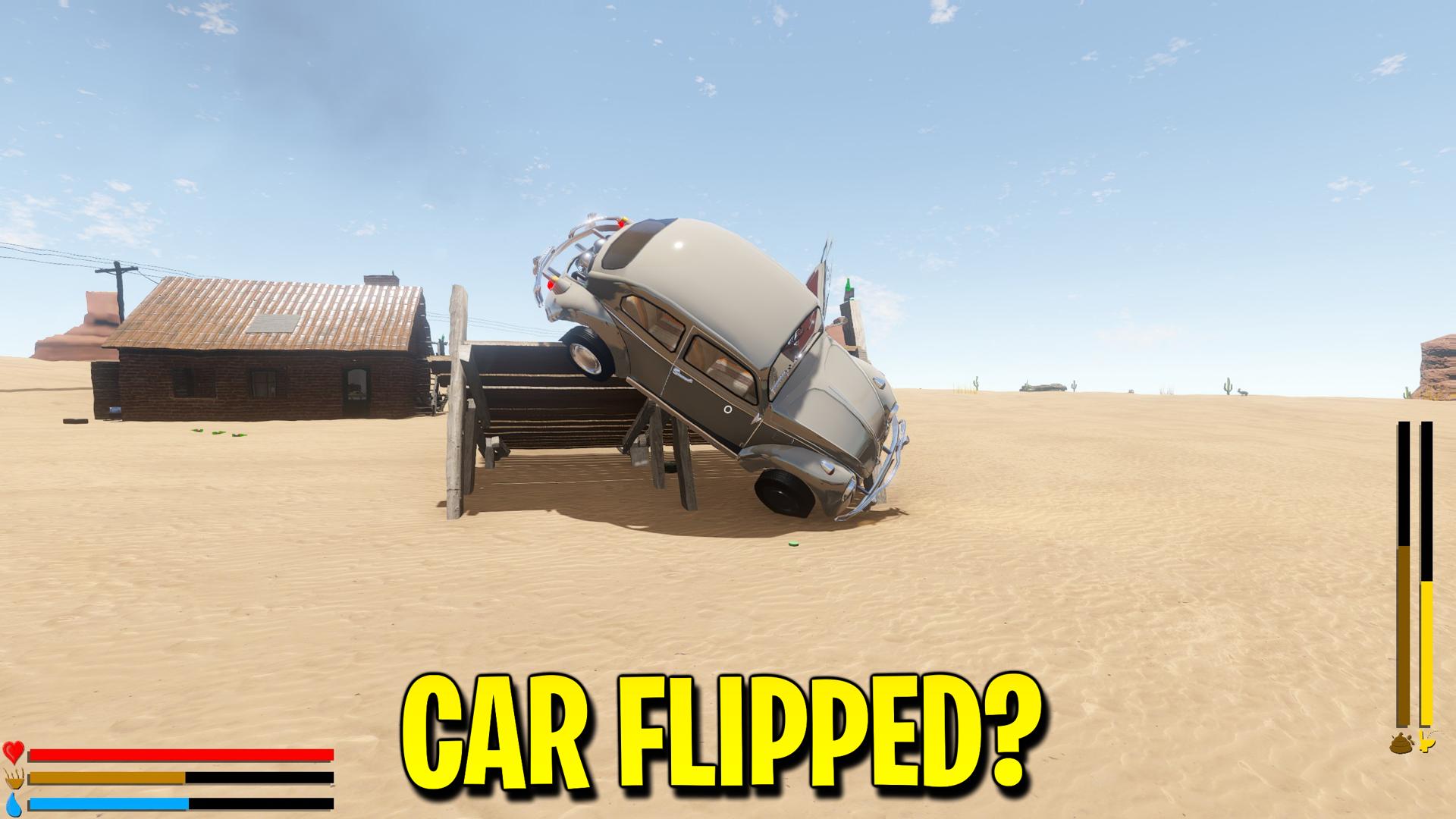
Vehicle Recovery
Right a flipped car where it sits or stop a vehicle before it rolls farther downhill.
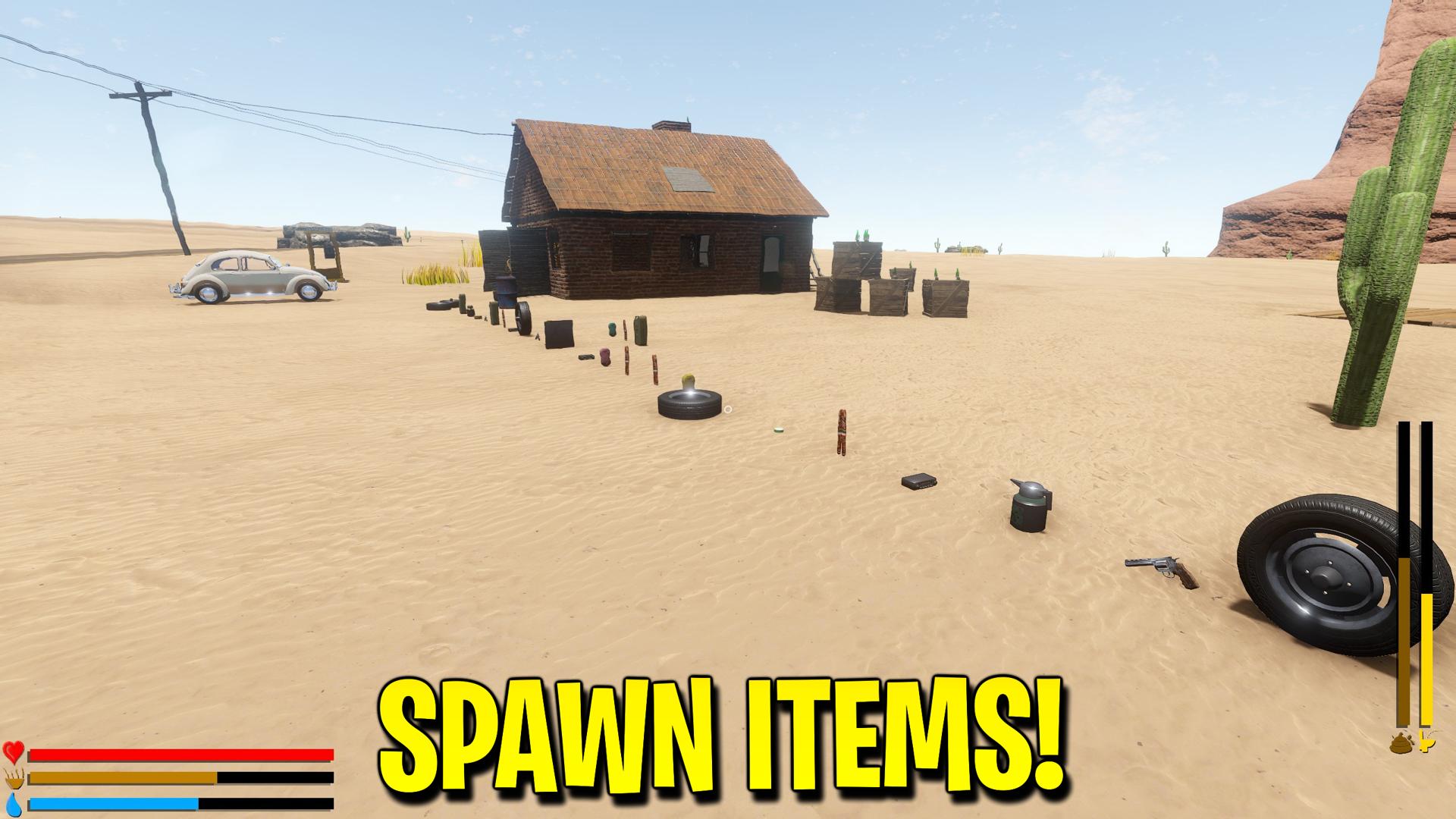
Spawn Items
Put a wheel, radiator, fuel can, or other supply on the ground where you need it.
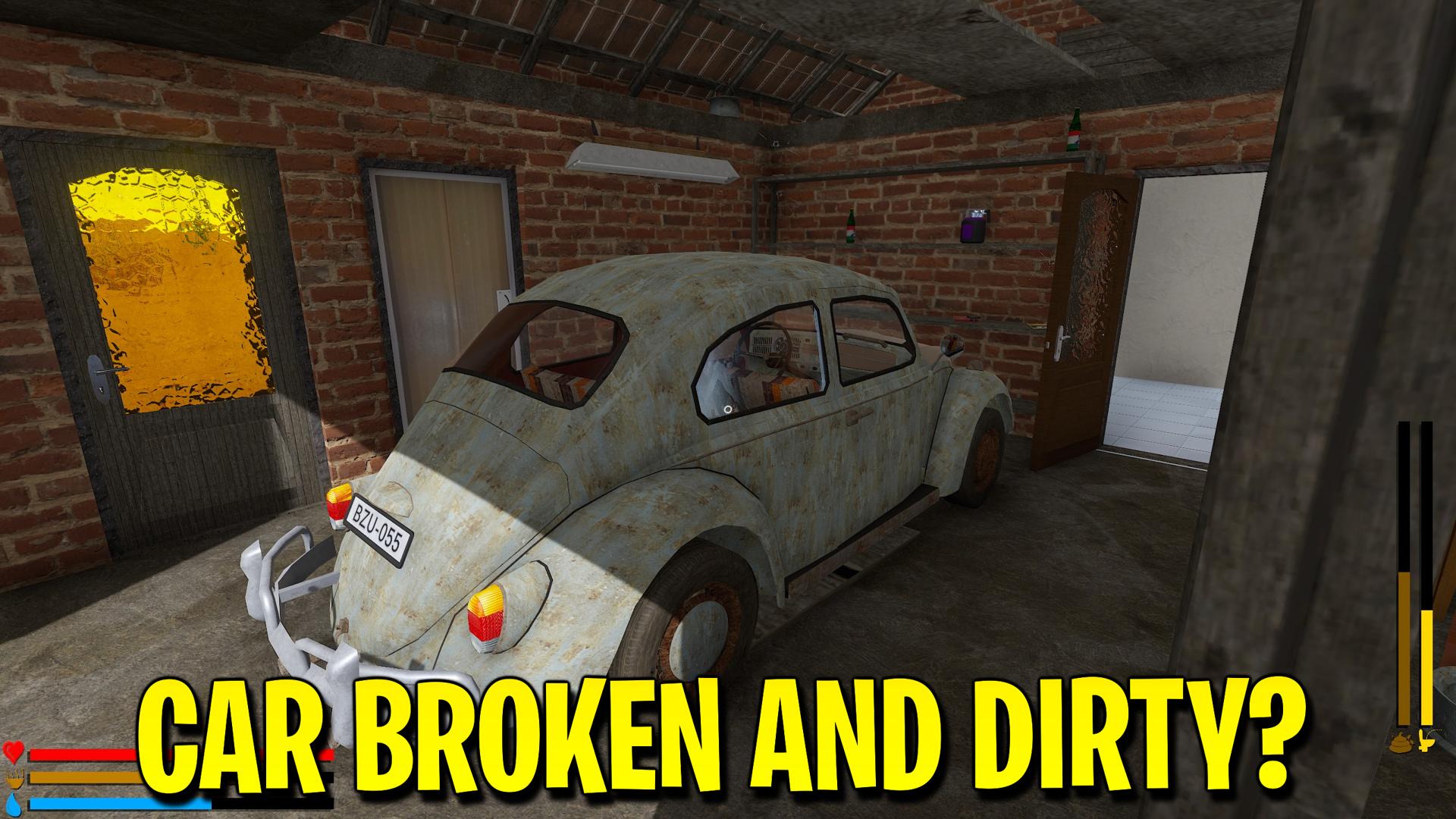
Instant Restoration
Restore one part or the body and fitted parts together. Keep the paint already on them.







