Want more mods for The Long Drive? Explore our entire collection!
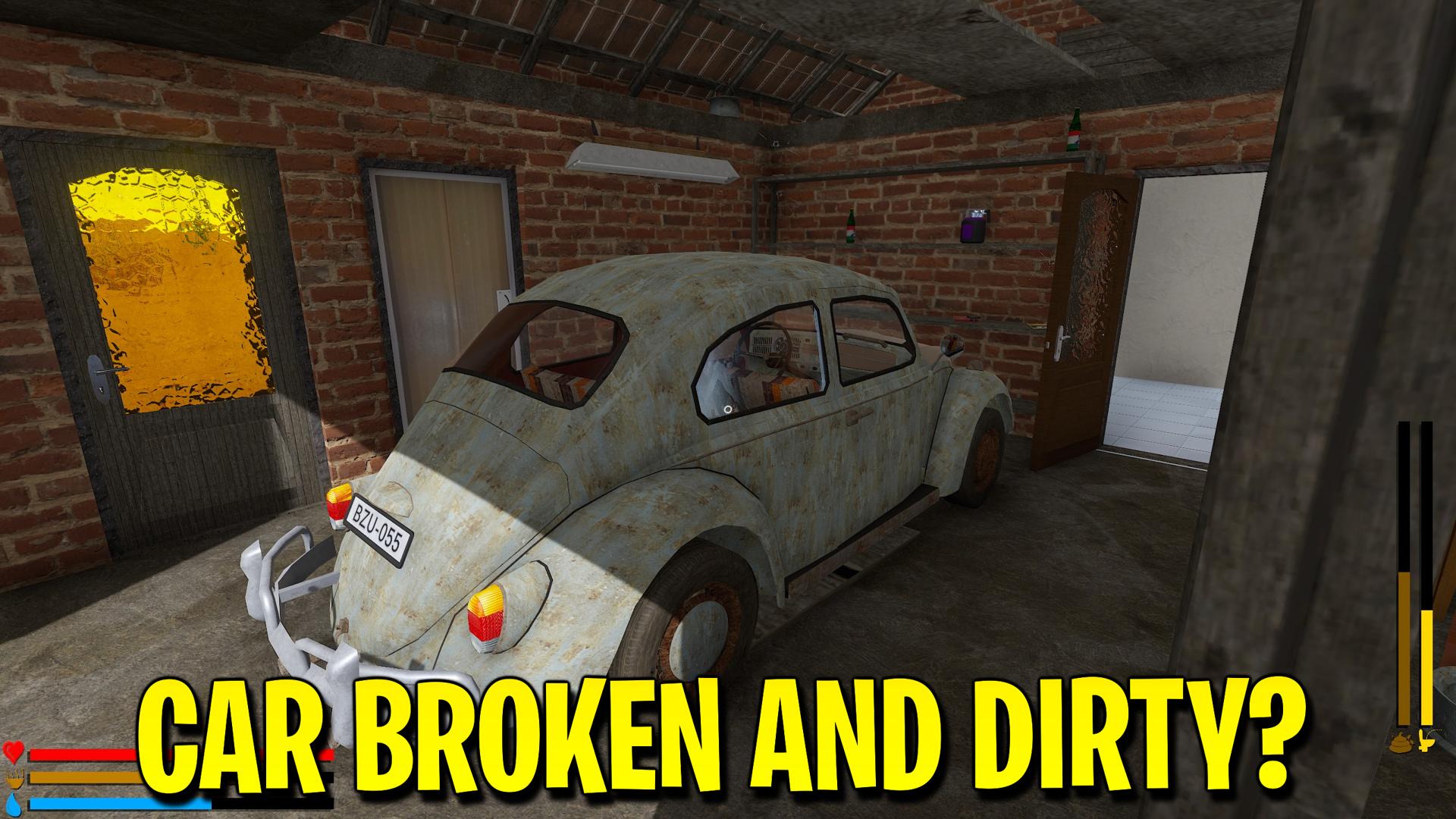
Instant Restoration
"From roadside wreck to showroom fresh in seconds."
How do I install Instant Restoration?
Download the free ProjectMods desktop app, then install Instant Restoration for The Long Drive in one click.
</>What does Instant Restoration do?
Turn neglected junkyard finds into showroom-worthy vehicles without spending hours scrubbing away rust and restoring individual components. Instant Restoration brings worn vehicle parts and bodywork back to a like-new appearance at the press of a button. Use Restore Selected Part to restore an individual component. Simply look at the spare or fitted part you want to improve and press the button. Its appearance is restored without changing its existing paint colour, allowing you to preserve your vehicle's original styling or custom paintwork. For larger restoration projects, use Restore Vehicle to restore the bodywork and fitted components together. Sit inside your vehicle or look directly at it from nearby, then activate the option to transform its appearance in one pass. Every restored component retains its existing colour. If your vehicle is assembled from mismatched junkyard panels, those individual colours remain unchanged. You can keep the patchwork aesthetic or repaint the components separately to create a matching finish. Whether you're rescuing an abandoned vehicle, collecting better-looking spare parts, building your dream car, or preparing a vehicle for screenshots, Instant Restoration removes the repetitive work from cosmetic restoration while preserving your freedom to customise.
</>What is Instant Restoration?
Instant Restoration is a vehicle restoration and cosmetic maintenance mod for The Long Drive on PC. It allows players to instantly improve the appearance of individual vehicle components, bodywork, and fitted parts during single-player gameplay. The Restore Selected Part option targets individual spare or installed components, bringing worn and rusty parts back to a like-new appearance. The Restore Vehicle option restores the vehicle's body and fitted components together, making complete restoration projects significantly faster. Unlike repainting, both restoration options preserve existing paint colours. Vehicles assembled from differently coloured components retain their individual panel colours, allowing players to maintain original paintwork, custom designs, or mismatched junkyard styling. Players can restore vehicles while sitting inside them or by looking at them from nearby. Individual components can also be restored separately, making the mod useful when collecting and preparing replacement parts. Available through ProjectMods, Instant Restoration is ideal for junkyard car restoration, rust removal, cosmetic vehicle maintenance, custom car builds, and creating clean vehicles for screenshots and gameplay videos.
</>Common questions about Instant Restoration
What does Instant Restoration do in The Long Drive?
It instantly restores the appearance of individual vehicle parts or an entire vehicle's bodywork and fitted components while preserving their existing paint colours.
How do I instantly restore a car in The Long Drive?
Sit inside the vehicle or look directly at it from nearby, then press Restore Vehicle to restore its bodywork and fitted components together.
How do I restore individual car parts?
Look directly at the component you want to restore and press Restore Selected Part. The component returns to a like-new appearance while retaining its paint colour.
Can I instantly remove rust from my car?
Yes. Instant Restoration restores the appearance of worn and rusty bodywork and vehicle components without requiring manual cleaning.
Does restoring a vehicle change its paint colour?
No. Both restoration options preserve the existing paint colour of each component.
Will Instant Restoration make mismatched body panels the same colour?
No. Each panel retains its existing colour. You can repaint the panels separately if you want a uniform finish.
Can I restore spare parts that are not attached to a vehicle?
Yes. Look at the spare component and press Restore Selected Part to restore its appearance before installing it.
Do I need to remove fitted parts before restoring them?
No. You can restore fitted components individually or restore them together with the vehicle's bodywork.
Do I need to sit inside a vehicle to restore it?
No. You can restore a vehicle while sitting inside it or by looking directly at it from nearby.
Does Instant Restoration replace missing vehicle parts?
No. The mod restores existing components and bodywork. Missing parts must still be collected and installed separately.
Does Instant Restoration restore mechanical damage or refill vehicle fluids?
Instant Restoration handles cosmetic vehicle and component restoration. It does not provide mechanical repairs, fuel refills, or fluid replenishment.
Does Instant Restoration support multiplayer?
Instant Restoration works in single-player drives.
What options does Instant Restoration include?
Restore Vehicle
Restore the body and fitted parts on the vehicle you are sitting in or looking at.
Restore Selected Part
Make the part you are looking at look new again.
Instant Restoration lets you instantly restore individual vehicle parts or an entire vehicle's body and fitted components in The Long Drive. Remove visible wear and rust while preserving each part's existing paint colour.
System Requirements
What features does Instant Restoration include?
- Instantly restore individual worn or rusty vehicle parts to a like-new appearance.
- Restore spare components without installing them on a vehicle first.
- Restore fitted components without removing them from your vehicle.
- Restore vehicle bodywork and fitted parts together using Restore Vehicle.
- Preserve the existing paint colour of every restored component.
- Maintain individual panel colours on vehicles assembled from mismatched parts.
- Restore a vehicle while sitting inside it or looking at it from nearby.
- Choose between targeted component restoration and complete cosmetic vehicle restoration.
Best For
- Transform rusty junkyard vehicles into clean, restored cars.
- Restore worn replacement parts before installing them.
- Remove visible rust and wear without repeatedly using cleaning supplies.
- Restore an entire vehicle's appearance in a single pass.
- Preserve custom paintwork while restoring individual components.
- Clean up mismatched body panels before repainting them.
- Prepare restored vehicles for screenshots and cinematic gameplay videos.
- Build a collection of clean, restored spare vehicle parts.
- Reduce repetitive cosmetic maintenance during long-distance road trips.
- Focus on collecting, assembling, and customising vehicles rather than manually restoring every component.
More Mods for The Long Drive
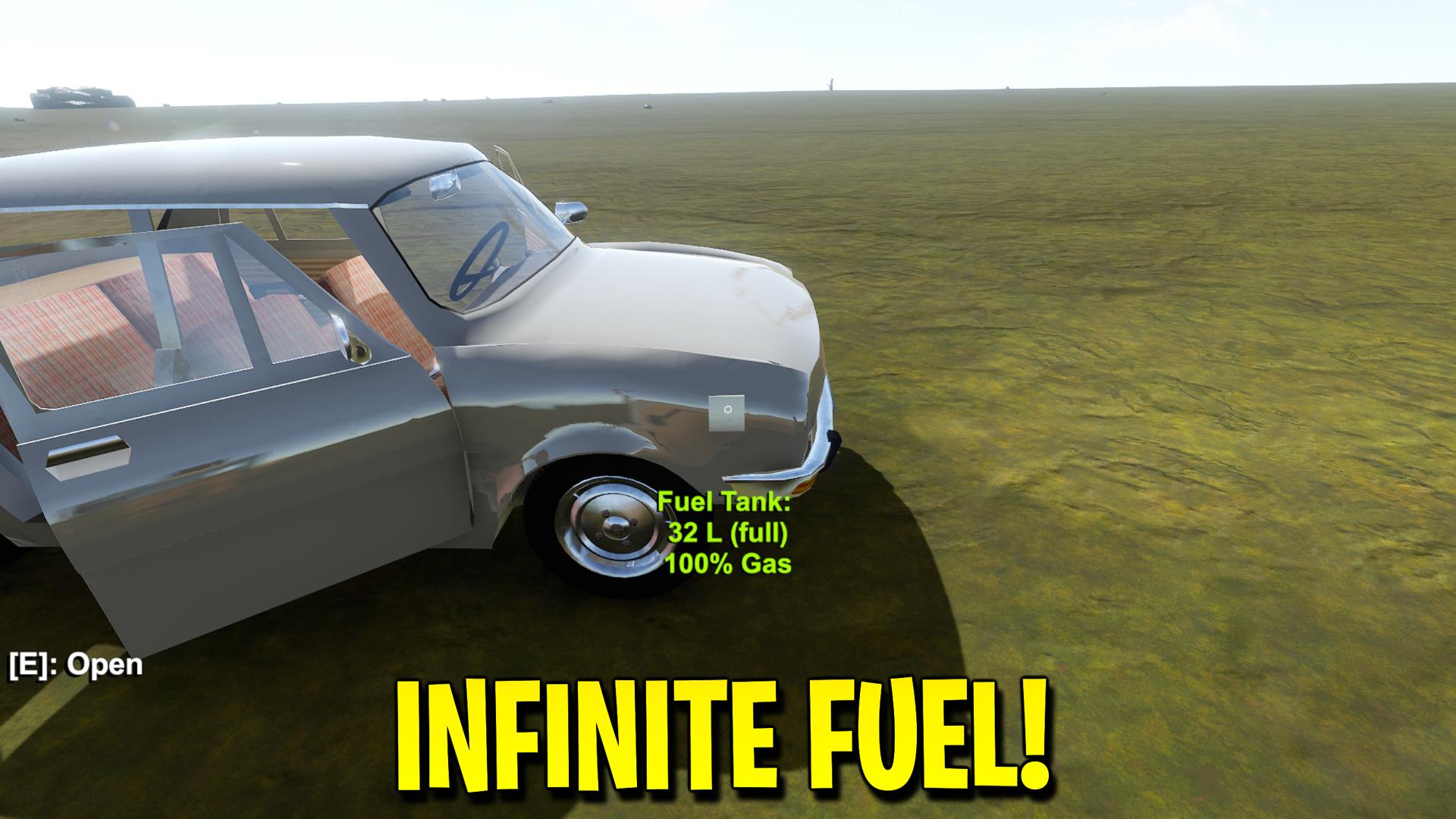
Infinite Fuel
Keep your tank, oil reservoir, and radiator full. A separate switch stops heat from costing the engine power.
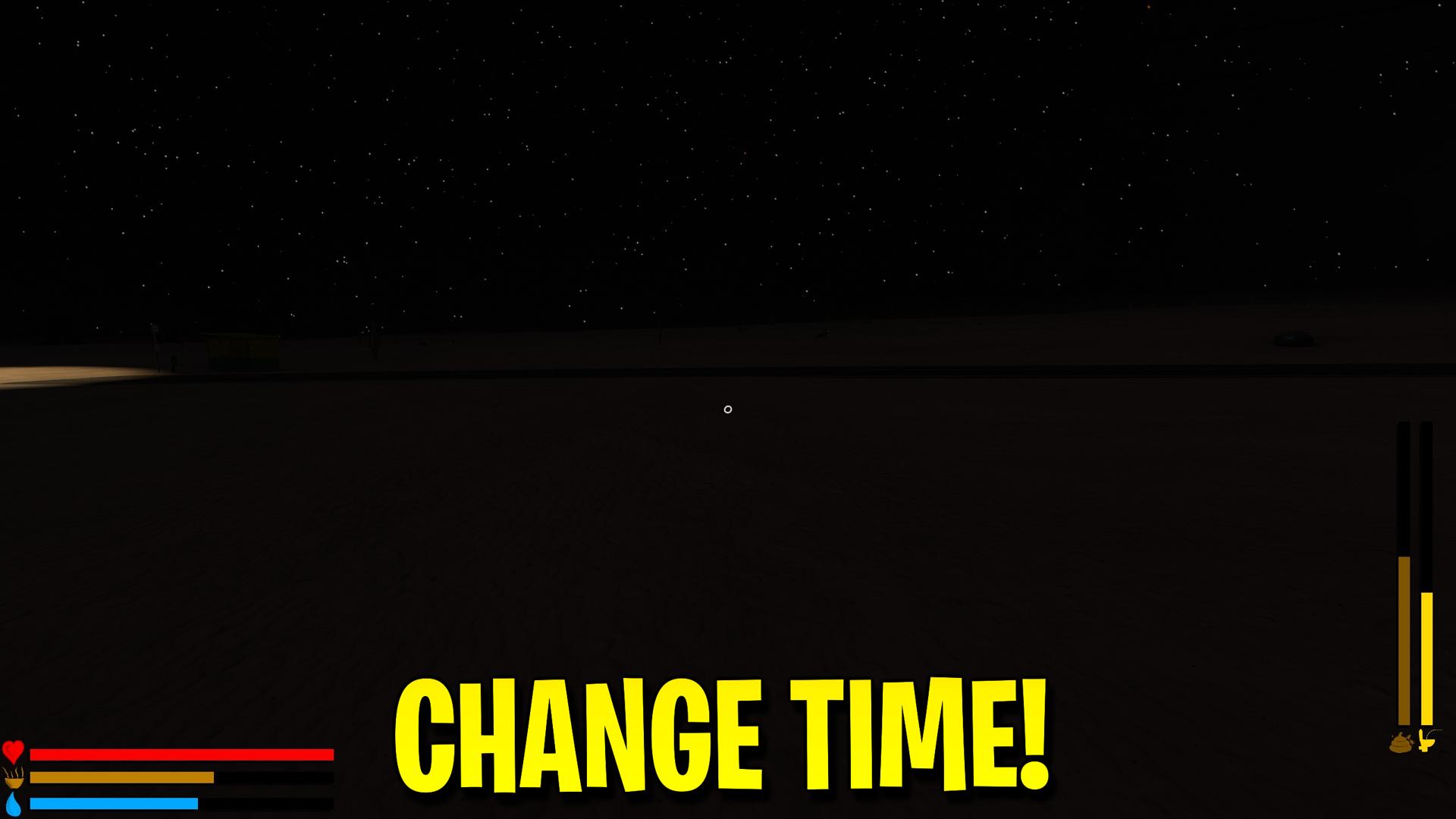
Time Control
Choose the hour or freeze the day and night cycle while you drive, repair, or take photos.
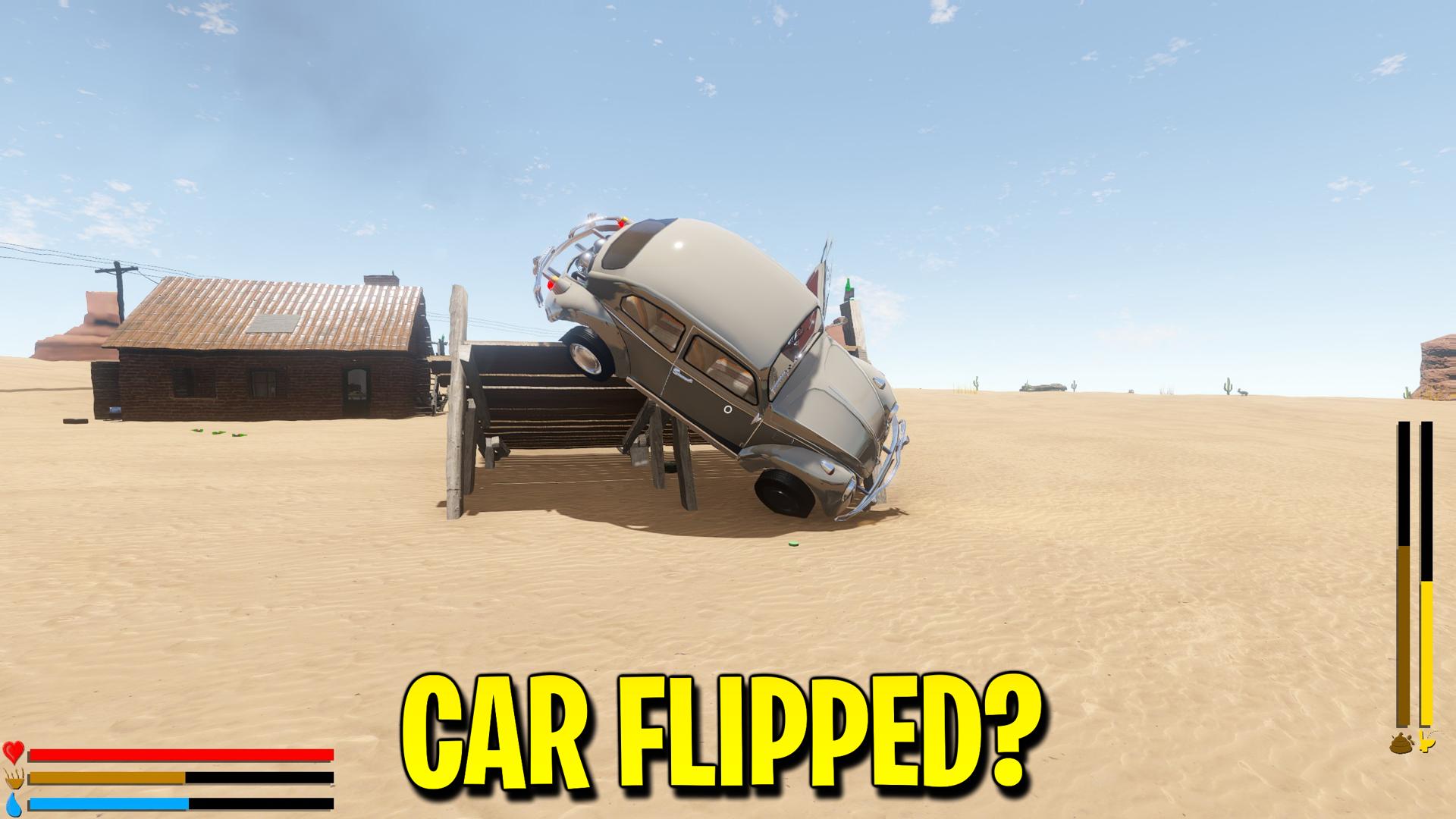
Vehicle Recovery
Right a flipped car where it sits or stop a vehicle before it rolls farther downhill.







