Want more mods for The Long Drive? Explore our entire collection!
Vehicle Recovery
"A rollover doesn't have to end your road trip."
How do I install Vehicle Recovery?
Download the free ProjectMods desktop app, then install Vehicle Recovery for The Long Drive in one click.
</>What does Vehicle Recovery do?
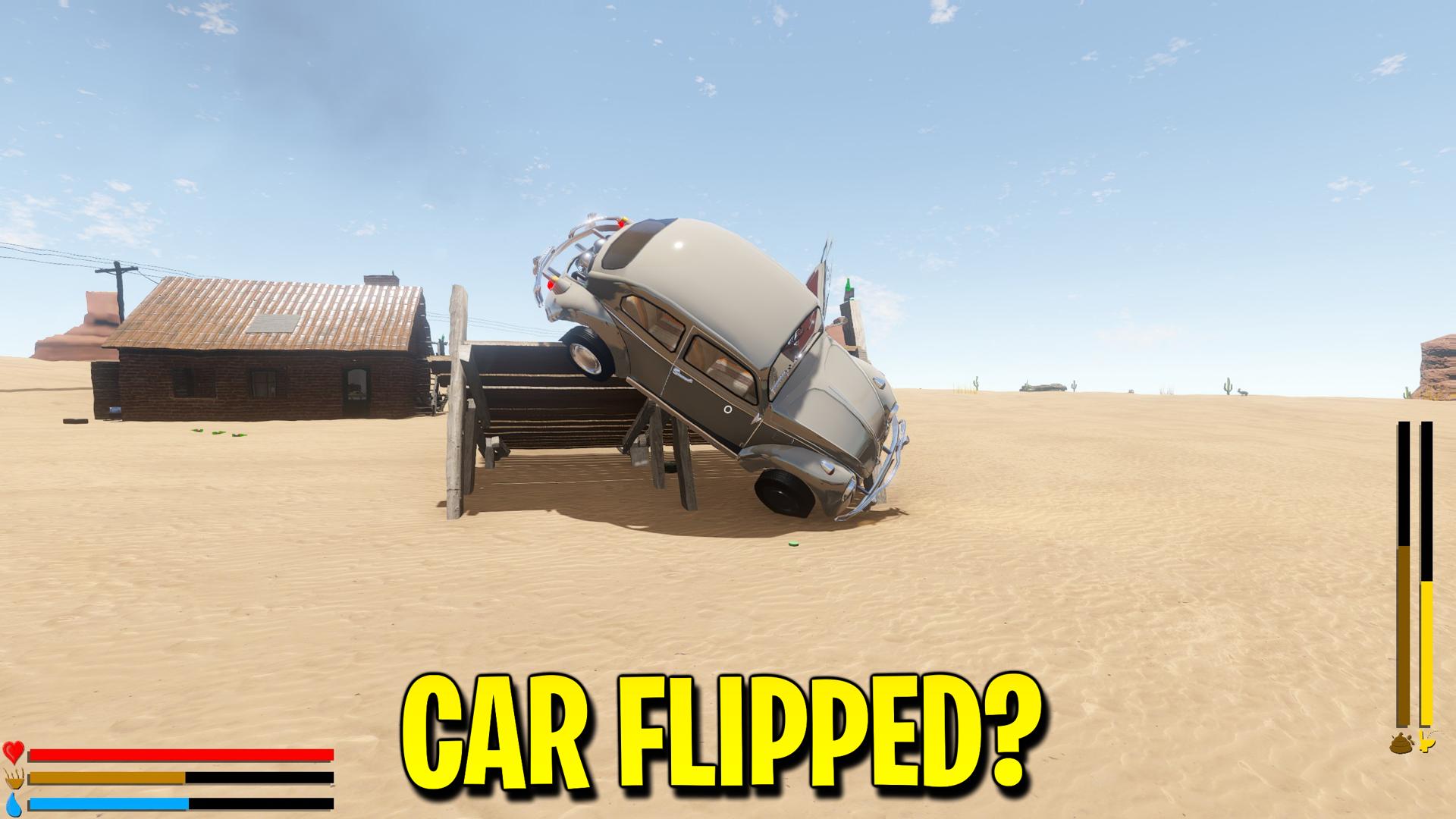
One bad turn, unexpected bump, or awkward encounter with the desert terrain can leave your vehicle upside down and your road trip at a standstill. Vehicle Recovery lets you recover from these situations without struggling to manually reposition your car. Use Right Vehicle to return an overturned vehicle to its upright position. Step outside, look directly at the vehicle, and press the button. Your car is turned upright where it sits, allowing you to continue your journey without abandoning your vehicle. Make sure there is solid ground and enough room for it to settle before getting back inside. The separate Stop Vehicle option immediately cancels a vehicle's current movement and rotation. Activate it while sitting inside the vehicle or looking at a nearby car to stop unwanted rolling, sliding, or spinning. Stop Vehicle is particularly useful when recovering from accidents or dealing with vehicles moving unexpectedly on uneven terrain. Remember to apply the handbrake when parking on a slope, as stopping the vehicle does not permanently prevent it from moving again. After recovering from a rollover, check the surrounding ground for loose parts and supplies that may have fallen out. Gather your belongings, get back behind the wheel, and continue exploring the desert. Both recovery options work in single-player drives, giving you a practical way to recover from frustrating physics mishaps without removing the challenge of driving.
</>What is Vehicle Recovery?
Vehicle Recovery is a driving and roadside assistance mod for The Long Drive on PC that allows players to recover overturned vehicles and immediately cancel unwanted vehicle movement and rotation. The Right Vehicle option returns a flipped car to an upright position at its current location. Players activate it by looking at the overturned vehicle while on foot, making it useful after rollovers, crashes, and accidents on uneven desert terrain. The Stop Vehicle option instantly cancels the targeted vehicle's current movement and spin. It can be activated while occupying the vehicle or looking at it from nearby, helping players regain control after unexpected physics interactions or unwanted downhill movement. Unlike vehicle teleportation or permanent immobilisation, these recovery tools address the vehicle's immediate position and movement. Normal vehicle physics continue afterward, so terrain, gravity, and parking conditions still matter. Available through ProjectMods, Vehicle Recovery is a practical quality-of-life mod for roadside emergencies, rollover recovery, off-road exploration, and uninterrupted single-player road trips in The Long Drive.
</>Common questions about Vehicle Recovery
What does Vehicle Recovery do in The Long Drive?
It lets you return overturned vehicles to an upright position and instantly cancel a vehicle's current movement and rotation using two separate recovery options.
How do I flip my car back upright in The Long Drive?
Exit your vehicle, look directly at the overturned car, and press Right Vehicle. Allow the vehicle to settle on solid ground before getting back inside.
Can I instantly stop a moving vehicle?
Yes. Press Stop Vehicle while sitting inside the vehicle or looking at it from nearby to immediately cancel its current movement and spin.
Can Vehicle Recovery stop a car rolling downhill?
Yes. Stop Vehicle cancels the car's current movement. Apply the handbrake afterward to prevent it from rolling again on a slope.
Does Right Vehicle teleport my car?
No. Right Vehicle returns the car to an upright position where it currently sits rather than teleporting it to another location.
Do I need to exit my vehicle to recover it from a rollover?
Yes. To use Right Vehicle, exit the overturned vehicle and look directly at it before pressing the button.
Can I stop my vehicle without getting out?
Yes. Stop Vehicle can be activated directly from inside the vehicle.
Does Stop Vehicle permanently freeze my car in place?
No. It cancels the vehicle's current movement and rotation. Normal physics continue afterward, so the vehicle can move again.
Does recovering a flipped car automatically collect items that fell out?
No. Check the surrounding ground after recovering your vehicle and manually collect any loose parts, equipment, or supplies.
Can Vehicle Recovery repair damaged or missing car parts?
Vehicle Recovery handles vehicle orientation and movement. It does not restore missing components or perform vehicle repairs.
Does Vehicle Recovery support multiplayer?
Both Right Vehicle and Stop Vehicle work in single-player drives.
What options does Vehicle Recovery include?
Right Vehicle
Get out, look at the overturned vehicle, and put it back on its wheels.
Stop Vehicle
Stop the movement and spin of the vehicle you are sitting in or looking at.
Vehicle Recovery lets you flip overturned vehicles back upright and instantly stop their current movement and rotation in The Long Drive. Recover from rollovers and regain control of runaway vehicles during single-player drives.
System Requirements
What features does Vehicle Recovery include?
- Instantly return overturned vehicles to an upright position.
- Recover flipped cars at their current location without teleporting them elsewhere.
- Immediately cancel a vehicle's current movement using Stop Vehicle.
- Stop unwanted vehicle rotation and spinning.
- Activate Stop Vehicle while sitting inside your vehicle.
- Stop nearby vehicles by looking directly at them.
- Use independent controls for rollover recovery and stopping vehicle movement.
- Continue normal driving and vehicle interactions after recovery.
Best For
- Recover your car after an unexpected rollover in the desert.
- Return an upside-down vehicle to its wheels after a driving accident.
- Stop an unattended vehicle before it rolls farther downhill.
- Cancel excessive spinning caused by unexpected physics interactions.
- Recover from off-road driving mishaps without abandoning your vehicle.
- Stabilise a moving vehicle before collecting loose parts and supplies.
- Stop a vehicle before attempting to reposition or recover it.
- Explore uneven desert terrain without letting a rollover end your journey.
- Reduce frustration caused by unpredictable vehicle physics during long road trips.
More Mods for The Long Drive
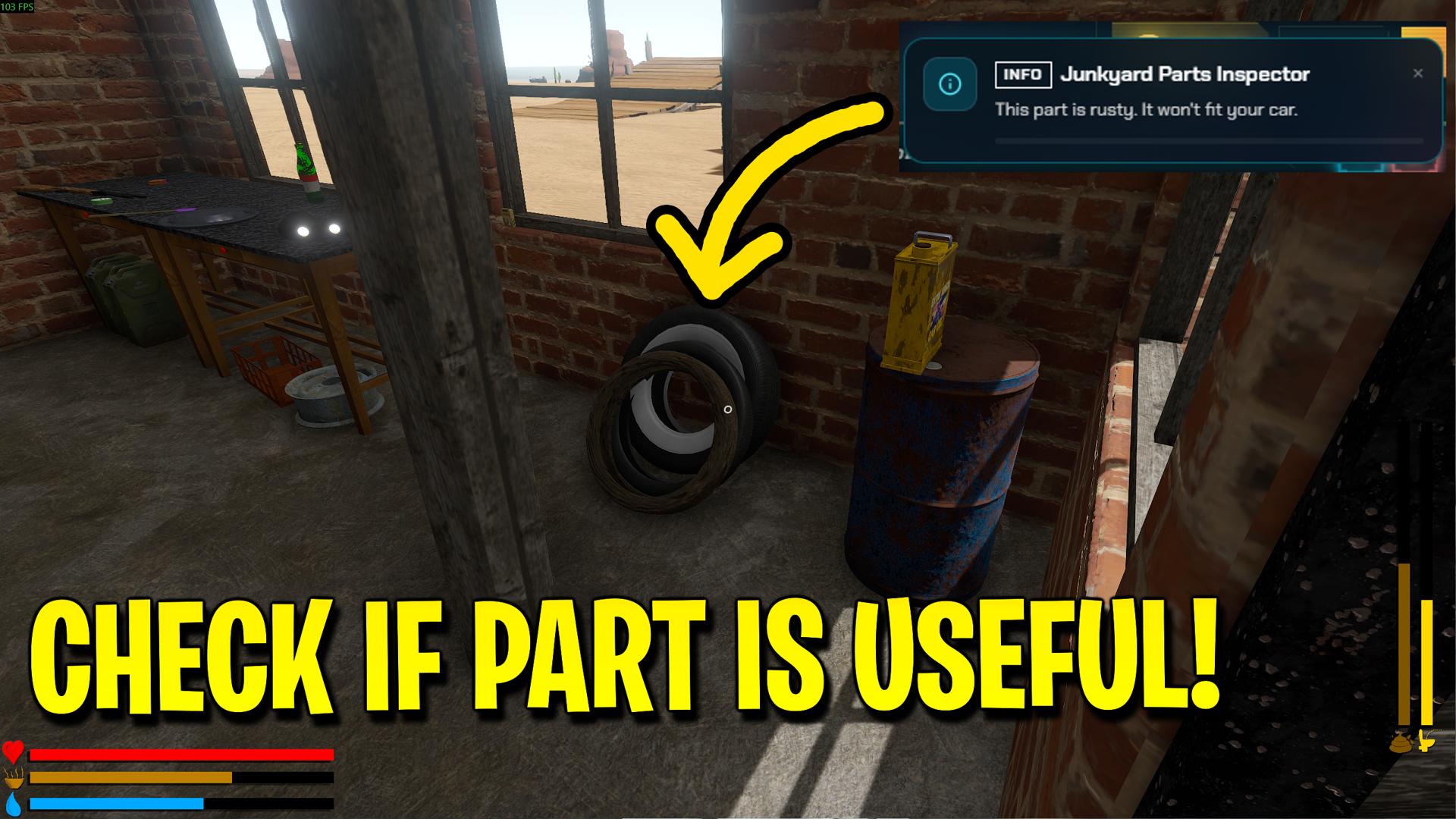
Junkyard Parts Inspector
Check how worn a part is and whether it fits your car before you carry it back from the junkyard.
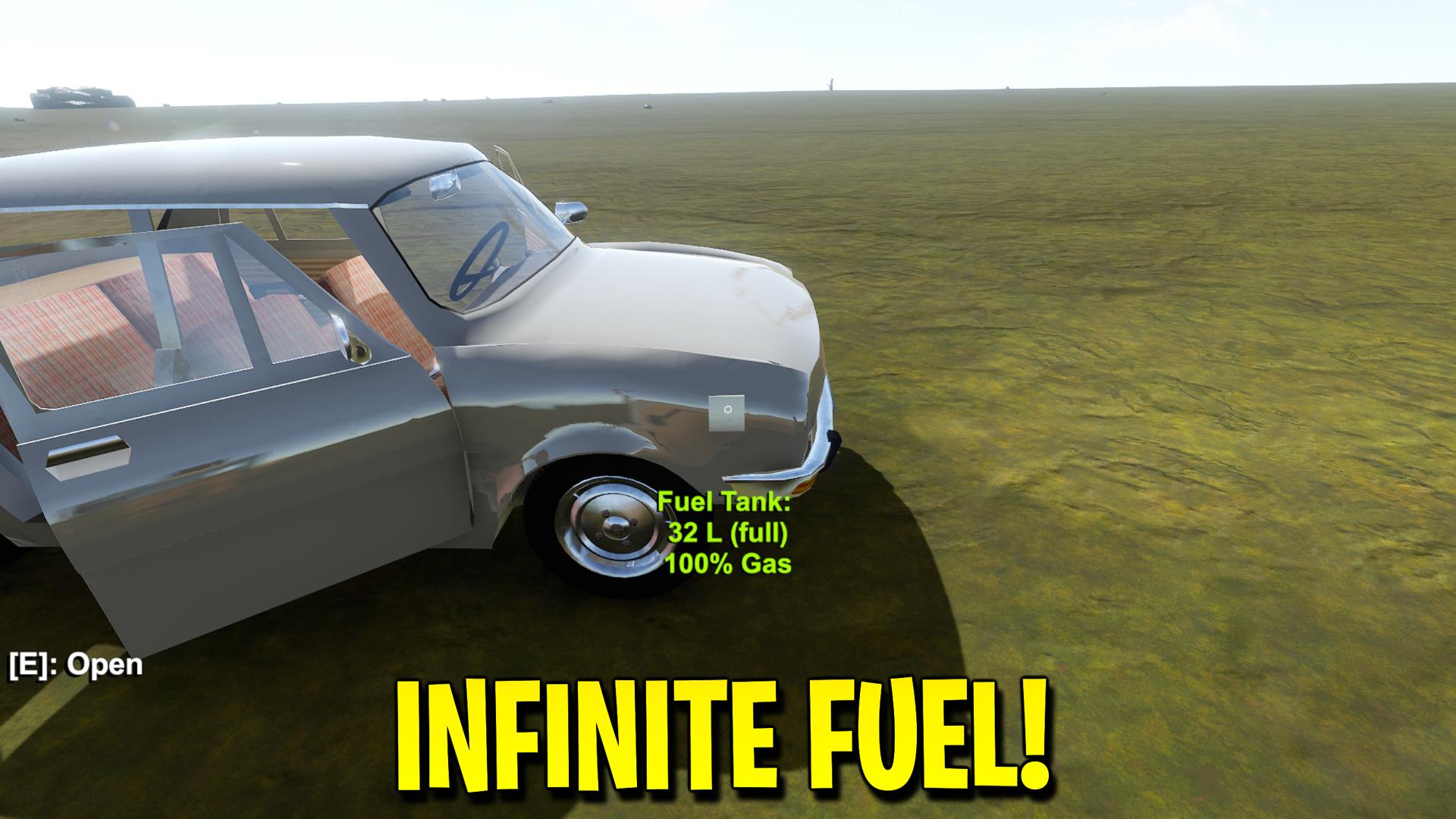
Infinite Fuel
Keep your tank, oil reservoir, and radiator full. A separate switch stops heat from costing the engine power.
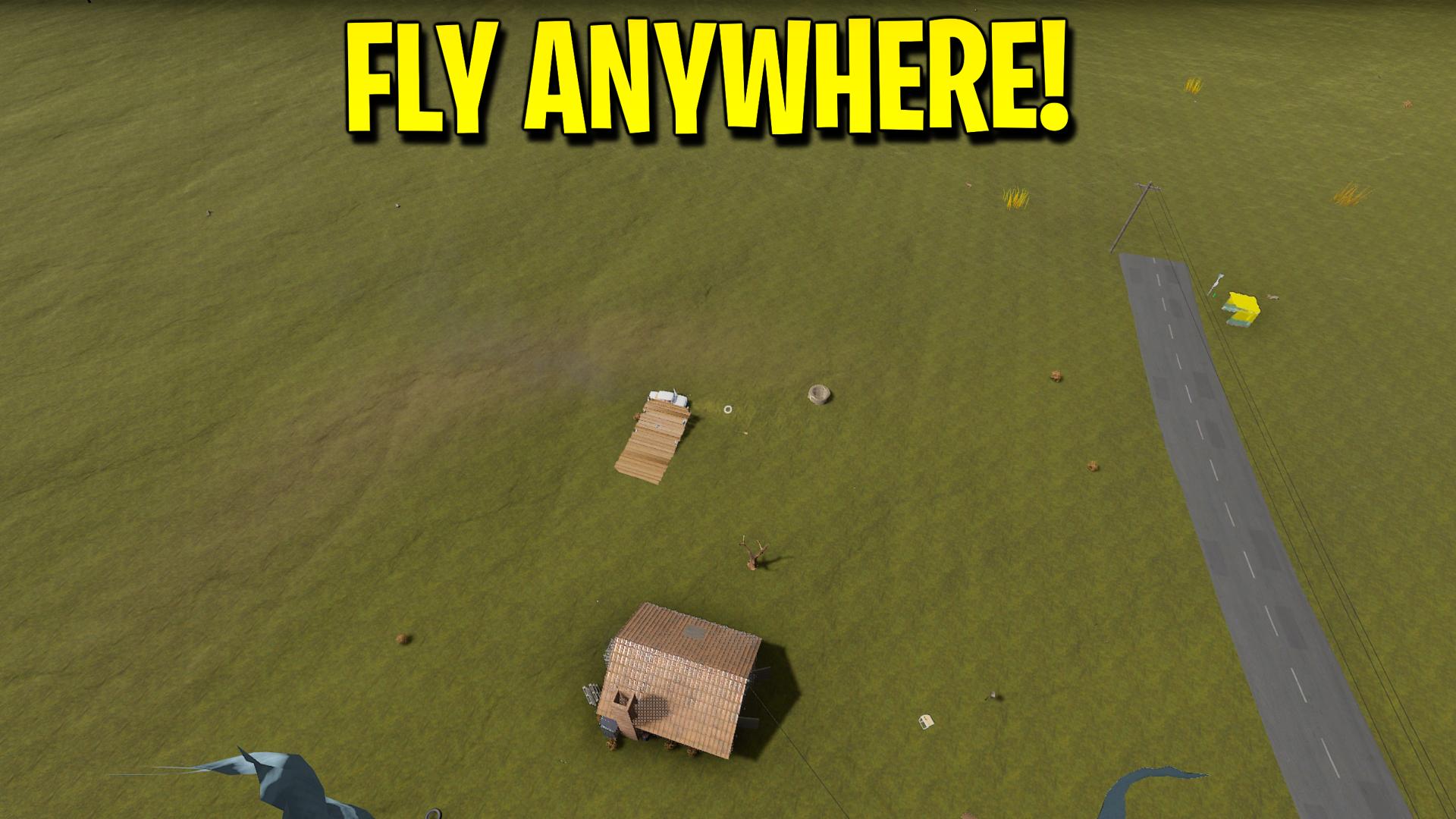
Fly
Fly over ridges and rooftops, hover above the road, or pass through walls and terrain with Noclip.







