Want more mods for The Planet Crafter? Explore our entire collection!
Gravity Editor
"Because every planet deserves a gravity slider in the settings menu."
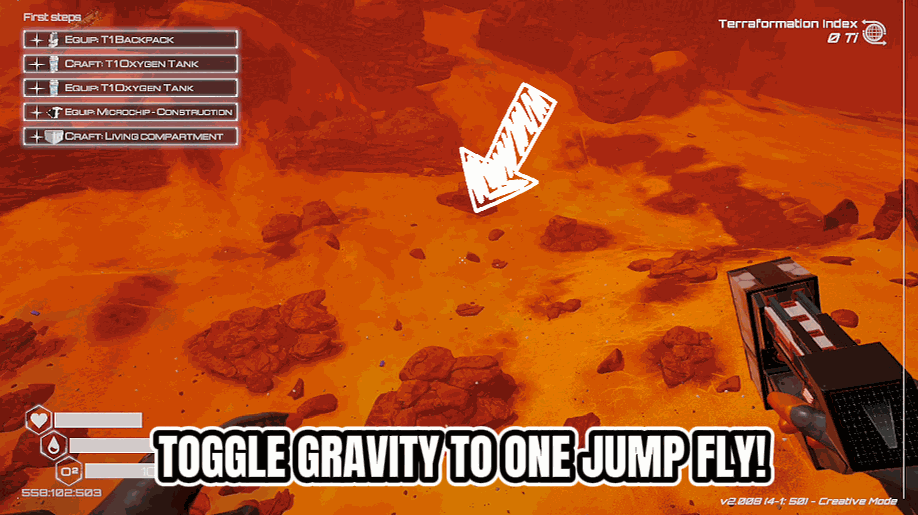
How do I install Gravity Editor?
Download the free ProjectMods desktop app, then install Gravity Editor for The Planet Crafter in one click.
</>What does Gravity Editor do?
You're literally reshaping an entire planet's atmosphere, temperature, and pressure — but you can't touch the gravity? That ends now. Gravity Dial gives you a simple percentage slider to control how hard the ground pulls you down. Set it to 100% for the default experience, crank it to 50% and bounce around like you're on the Moon, or drop it to zero and float majestically above your base like a confused astronaut. Feeling chaotic? Go negative. Watch in delight as your character gently rises into the sky, questioning every life decision that led to this moment. Crank it past 100% to feel the crushing weight of a gas giant while you try to place a wind turbine. Perfect for speedrunning across the map, making exploration easier, or just vibing in zero-G while your oxygen generators do their thing. Fun fact: setting gravity to -100% and then toggling it back to normal mid-air is technically a "feature," not a "death trap."
</>What is Gravity Editor?
Gravity Editor for The Planet Crafter gives you a percentage slider that adjusts how hard the ground pulls you down. Run moon-light gravity for fast traversal, gas-giant heavy for grounded base-building, or flip negative to drift upward across the map. Free from ProjectMods, the community-first game modding platform.
</>Common questions about Gravity Editor
What does Gravity Editor do in The Planet Crafter?
Gravity Editor is a movement and physics mod for The Planet Crafter from ProjectMods that gives you a live percentage slider for the planet's gravity. The vanilla game lets you reshape atmosphere, heat, pressure, and biomass — but gravity stays locked. Gravity Editor finishes the set. Slide it down toward zero for a near-weightless feel, push it past one hundred percent for crushing gas-giant gravity, or drop it into negative numbers and start drifting upward like a confused astronaut. The slider updates live, so the change happens immediately on your character without reloading the save. It is, effectively, the gravity dial that should have been in the settings menu.
What happens when I set gravity to negative in The Planet Crafter?
Setting gravity to a negative value in The Planet Crafter through Gravity Editor flips the direction of the pull. Instead of being pulled toward the planet's surface, your character is pushed upward into the sky. At minus one hundred percent, you drift up at roughly the same speed you would normally fall. Drop the slider back toward zero or positive numbers and you start descending again. This is genuinely useful for scouting high terrain, photographing your base from above, or just enjoying the absurdity of an inverted skydive. Gravity Editor from ProjectMods does not cause damage from negative gravity — you cannot fall to your death by going upward.
Does Gravity Editor affect base structures and dropped items too, or just the player?
Gravity Editor in The Planet Crafter changes the planetary gravity value, so any object the engine subjects to gravity feels it. Your character is the obvious one, but dropped items, certain physics props, and the trajectory of anything in free-fall all respond to the new value. Permanent structures you have placed — foundations, walls, biodomes, generators — stay anchored because they are not gravity-dependent objects in the first place; they sit on the world like map geometry. So your base survives a flip to negative gravity intact, but a resource you drop on the ground will float upward. ProjectMods designed it as a planet-wide gravity setting rather than a per-object tweak.
How high or low can I push the gravity slider in Gravity Editor?
Gravity Editor for The Planet Crafter exposes a wide-range percentage slider so you can dial in anything from moon-bouncy to gas-giant crushing. Run it around twenty to fifty percent for fast traversal across the dunes and canyons. Push it past one hundred percent to feel real downward pressure while trying to place delicate structures. Crank it well past two hundred and the world feels genuinely heavy. Go negative for upward drift in any magnitude. There is no fragile sweet spot — the planet handles extreme values gracefully and your character does not break. ProjectMods built the range wide on purpose so it covers serious speedrunning use and pure chaos use from the same slider.
Why would a speedrunner use Gravity Editor in The Planet Crafter?
The Planet Crafter speedrunners spend an enormous amount of run time crossing terrain between Aluminum, Iridium, Osmium, and Uranium ore deposits. Gravity Editor from ProjectMods turns that traversal cost down dramatically — at fifty percent gravity, a single jump covers double the ground, and cliffs that normally need scouted paths become one-jump climbs. Combined with Zero-G for full flight or Long Arms for ranged mining, it cuts route times noticeably. Lower gravity also softens fall damage scenarios that previously cost an inventory of medkits. The mod is not officially sanctioned for leaderboard runs, but for personal-best modded runs and content-creator route showcases on The Planet Crafter, it is the obvious first install.
What options does Gravity Editor include?
Gravity
How strong gravity feels as a percentage. 100% is normal, 50% makes you bouncy like the moon, 0% means you float, and negative numbers make you fall UP!
Gravity Editor is a free The Planet Crafter mod from ProjectMods that adds a live gravity slider, letting you set the planet's pull anywhere from moon-bouncy to crushing — or invert it entirely.
System Requirements
What features does Gravity Editor include?
- Drag a percentage slider to make gravity anywhere from Moon-light bouncy to gas-giant crushing
- Drops into negative values so you can drift upward and watch your astronaut float skyward
- Pushes past 100% for heavy-feet mode where every jump feels like wading through concrete
- Applies instantly with no reload required, so you can swap gravity feel mid-exploration trip
- Pairs naturally with Zero-G Fly for absurd movement combos across the canyon biomes
Best For
- Curious players who always wondered what terraforming feels like at half a G or double
- Content creators filming physics chaos clips of astronauts launching off cliffs into orbit
- Streamers letting chat vote on the gravity setting for the next hour of base building
- Speedrunners using low gravity to cross map sectors faster between heater clusters
- Casual players who want a chill float-around mode while their oxygen producers do the work
More Mods for The Planet Crafter

Meteor Control
Take charge of the meteor showers. Trigger one on demand, crank up how often they fall, or switch to calm, clear skies whenever you want.
/ThePlanetCrafterSpoilerAlert1.jpg)
Spoiler Alert (End Scene)
Play any of the game's endings on demand. Pick an ending from the list, press play, and watch the finale at your departure platform - then get bounced back to your save so the launch doesn't retire it.
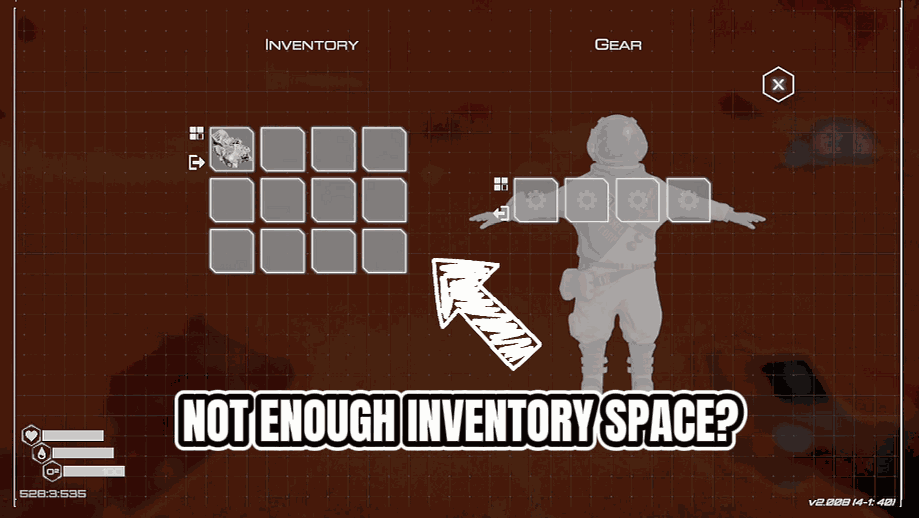
Huge Backpack
Resize your backpack from 0 to 250 slots. Carry everything. Sort button is your new best friend.







