Want more mods for Two Point Campus? Explore our entire collection!
Course Credit
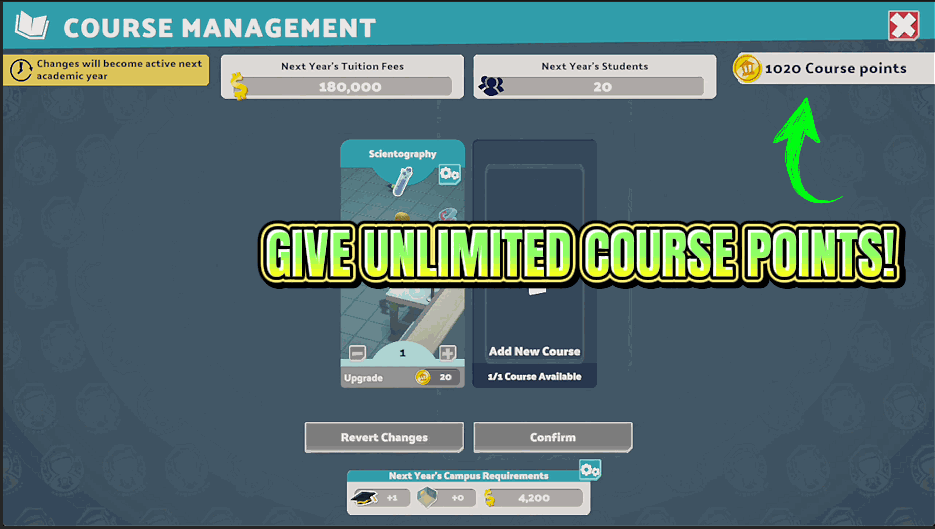
"Add the course you want, this year, not next."
How do I install Course Credit?
Download the free ProjectMods desktop app, then install Course Credit for Two Point Campus in one click.
</>What does Course Credit do?
New courses are the heart of a campus, and they are paid for with course points that arrive slowly across the years. Course Credit lets you set an amount and add it to your total on demand. That opens up the courses you actually want to run rather than the ones you happen to be able to afford, which makes a big difference on a themed campus where you have a clear picture of the subjects you want to offer. It works on the campus you are currently running, and everything else about your save stays exactly as it was. Add a little to smooth over a gap, or a lot to design your whole course list in one sitting.
</>What is Course Credit?
New courses are paid for with course points that trickle in across the academic years. Course Credit lets you name an amount and add it to your Two Point Campus total whenever you like, so a themed campus can run the subject list you planned rather than the one you can afford. Part of the ProjectMods catalog, the community-first PC mod manager for 400+ games.
</>Common questions about Course Credit
What does Course Credit do in Two Point Campus?
Course Credit adds a number of course points you choose to your Two Point Campus save, then shows you the total before and after so you know exactly what changed. Course points are the currency you spend on bringing new courses onto a campus, and they normally arrive slowly across the academic years. Course Credit removes that wait. You need a campus loaded rather than sitting on the main menu, and nothing else about your save is touched. Your existing courses, students and staff carry on exactly as they were. Only the pool of points you can spend gets bigger.
How do the Points Amount and Give Points options work together?
Points Amount is where you type the figure, and Give Points is the button that hands it over. In Two Point Campus, Course Credit keeps the two separate on purpose so you can set a number once and press the button as many times as you like, five thousand at a time, four times over, rather than doing sums in your head. Every press shows your points total before and after, so you can see exactly what landed instead of a vague confirmation. Set a small figure for gentle top-ups, a large one to build your whole course list in a single sitting.
Does Course Credit change the courses or students I already have?
No. Course Credit only changes the pool of course points available for adding new courses in Two Point Campus. The courses already running on your campus keep their level, their rooms and their staff, and every student enrolled on them carries on as normal. Nothing is refunded, retired or reshuffled. That matters if you are part way through a save and worried about disturbing a campus that is finally working. You can add points mid-year, open the course list, pick something new, and the rest of the campus will not notice. It is purely additive, which is why it sits comfortably alongside a long career playthrough.
How many course points can I add at once with Course Credit?
As many as you type into Points Amount. There is no small ceiling built into Course Credit, so you set the figure and Two Point Campus takes it. A modest amount smooths over a gap when you are two points short of the course you wanted this year. A large amount lets you design a full subject list in one sitting, which is the natural pick if you are building a themed campus around a specific set of courses. If you overshoot, the leftover points simply sit there for later years. Each press shows your new total afterwards, so you always know where you stand rather than guessing.
Why would I use Course Credit instead of just playing on?
Because course points are the one currency that decides what your Two Point Campus actually teaches, and they arrive on the game's schedule rather than yours. If you have pictured a horror-themed campus, or a full science block, or a knight school with every related subject, Course Credit lets you build that this year instead of three years from now. It is also the answer when a campus is going well and you simply want to try a course you have never run. If you enjoy the layout and management side more than the slow unlock curve, this is the mod that gets you straight to the part you like.
What options does Course Credit include?
Points Amount
How many course points to add each time you press the button.
Give Points
Adds your chosen number of course points right now.
Course Credit is a Two Point Campus mod from ProjectMods that adds a course point amount you choose to your total, so you can bring the courses you actually want onto campus instead of waiting years to afford them.
System Requirements
What features does Course Credit include?
- Type any number of course points and add them to your total with one press, as often as you like
- Shows your points total before and after, so you always know exactly what landed
- Opens up the courses you actually want to run instead of the ones your points can just about cover
- Leaves your existing courses, students and staff completely alone, only the pool of points changes
- Works on whichever campus you currently have open, with no restart needed
Best For
- Theme builders planning a Knight School and Wizardry fantasy campus who want the whole subject list available now, not in year four
- Players three years into a save who realise the course they really wanted is still several terms of points away
- Anyone restarting a campus who wants the full timetable laid out on day one instead of drip fed across the years
- Creators recording a campus concept who need the right courses running before the session starts
More Mods for Two Point Campus
Kudosh Jackpot
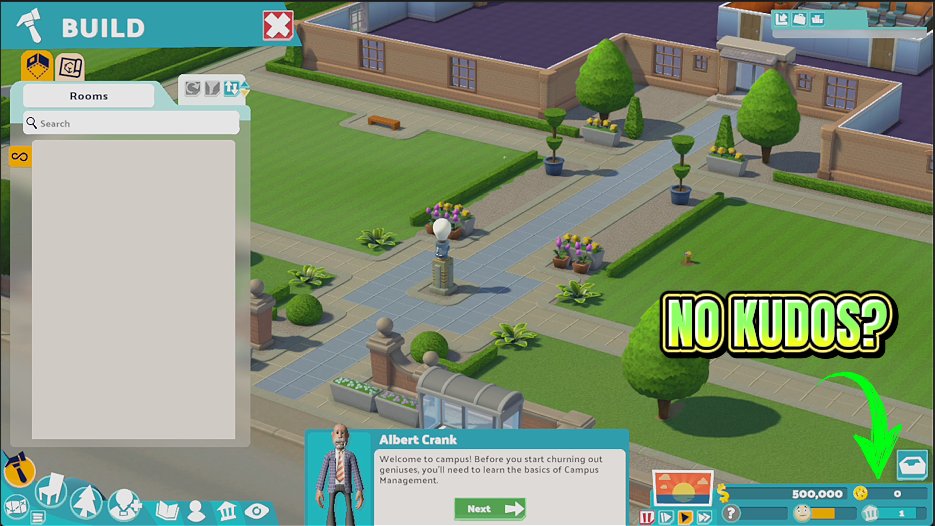
Top up your Kudosh instantly so you can buy the items and rooms you actually want.

Term Time Warp
Adds a game speed slider so you can run the year at your own pace.
Tuition Windfall
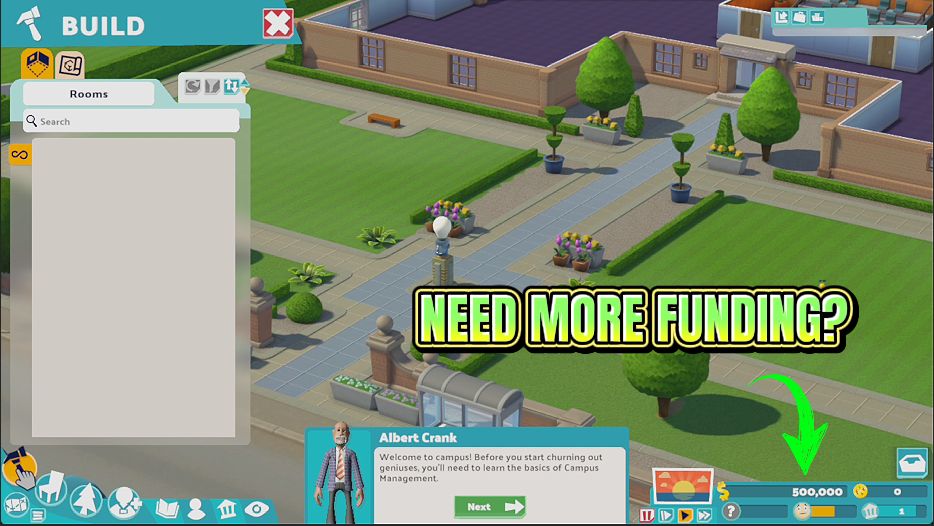
Drop any amount of cash straight into your campus funds, or wipe your balance back to zero.







