Want more mods for Vacation Cafe Simulator? Explore our entire collection!
Espresso Economy
"Fill the till without waiting for a single espresso to sell."
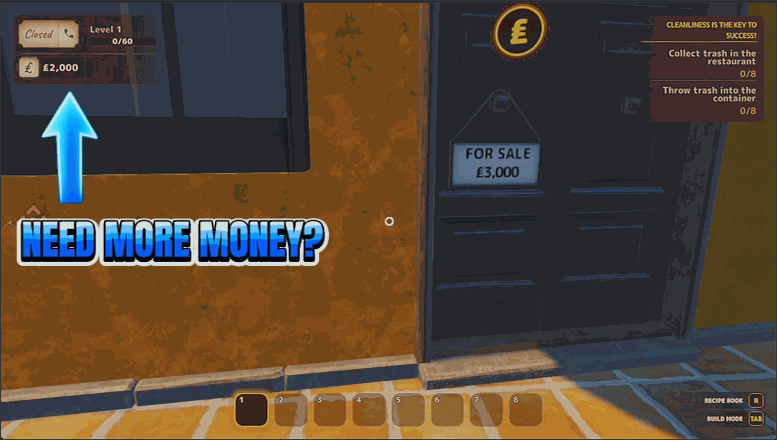
How do I install Espresso Economy?
Download the free ProjectMods desktop app, then install Espresso Economy for Vacation Cafe Simulator in one click.
</>What does Espresso Economy do?
Running a cozy Italian cafe is more fun when money is never the thing holding you back. Espresso Economy lets you top up your balance on demand — pick an amount and add it, set your balance to an exact number, or clear it out to start fresh. Use it to buy that dream espresso machine early, splurge on decor, or stock the whole menu without grinding through shifts first. Set it, spend it, and get back to the parts of the cafe you actually enjoy.
</>What is Espresso Economy?
Running a cozy Italian cafe is more fun when money isn't the thing holding you back. Espresso Economy lets you set your balance in Vacation Cafe Simulator however you want — add a lump of cash, set an exact figure, or empty the till to start fresh. Buy the dream espresso machine early, splurge on decor, or stock the menu without the grind. From ProjectMods, the mod manager for 400+ PC games.
</>Common questions about Espresso Economy
What does Espresso Economy do in Vacation Cafe Simulator?
Espresso Economy gives you direct control over your cafe's money in Vacation Cafe Simulator, so you're never stuck waiting for espressos to sell before you can afford the next upgrade. Instead of grinding shifts for cash, you pick an amount and add it to your balance, set your money to an exact number, or empty the till back to zero whenever you want a clean slate. It's built around one number field and three quick actions, so topping up takes a couple of clicks. Use it to buy equipment early, redecorate at will, or stock a full menu without the usual slow build-up of savings.
What's the difference between Add Cash and Set Cash?
In Espresso Economy, Add Cash and Set Cash both use the Amount field but do different things in Vacation Cafe Simulator. Add Cash takes the number you typed and adds it on top of whatever balance you already have — press it twice and you've added that amount twice. Set Cash ignores your current total and makes your balance exactly the number in the field, whether that's higher or lower than before. So use Add Cash when you just want a quick boost, and Set Cash when you want your money to read a precise figure. There's also Empty Till, which resets your balance straight to zero if you'd rather start clean.
What does the Empty Till action do?
Empty Till resets your cafe balance to zero in Vacation Cafe Simulator — it's the opposite of adding cash. You might use it to wipe a bloated balance and set yourself a fresh challenge, to undo an overly generous top-up, or to test how far a specific amount actually goes by starting from nothing. It ignores the Amount field entirely; pressing it simply clears your money to zero in one step. Pair it with Set Cash if you want to zero out and then dial in an exact figure. Nothing else about your cafe changes — your equipment, decor and progress stay put, only the money in the till is reset.
How much money can I add with the Amount field?
The Amount field in Espresso Economy is where you type the number that Add Cash and Set Cash use in Vacation Cafe Simulator. Set it to a small figure for a modest top-up, or a large one if you want to buy several big items at once — it's entirely up to how you want to play. Add Cash adds that number to your current balance each time you press it, so you can stack it up quickly by pressing repeatedly. Set Cash instead makes your balance equal to exactly that number. Because you choose the value, you can keep things grounded and just cover the next upgrade, or go big and fund the whole cafe in one go.
Why would I use Espresso Economy in Vacation Cafe Simulator?
Espresso Economy is for players who enjoy the building, cooking and decorating side of Vacation Cafe Simulator more than the money grind. Maybe you want to jump straight to the espresso machine you've been eyeing, redecorate the whole place on a whim, or stock every item on the menu without first working through hours of shifts. By setting your balance directly, you skip the slow savings phase and spend your time on the parts of the cafe you actually enjoy. It's also handy for experimenting — try an expensive layout, and if you don't like it, reset and try something else. You stay in charge of exactly how much cash is in play.
What options does Espresso Economy include?
Add Cash
Add the amount above to your balance.
Empty Till
Reset your balance back to zero.
Amount
How much cash to add or set your balance to.
Set Cash
Set your balance to exactly the amount above.
With Espresso Economy, you control your cafe's money directly in Vacation Cafe Simulator — add a chosen amount, set an exact figure, or reset the till to zero. It's from ProjectMods, the community-first PC mod manager for 400+ games.
System Requirements
What features does Espresso Economy include?
- Type an amount and drop it straight into your cafe's balance whenever you want a top-up
- Set your balance to an exact number so you always know what you've got to spend
- Empty the till back to zero when you want a clean slate or a fresh challenge
- Buy the dream espresso machine, decor and menu upgrades early without grinding shifts first
Best For
- Decorators who'd rather spend the afternoon styling the patio than saving up for one new chair
- New owners who want the dream espresso machine on day one instead of ten shifts from now
- Co-op partners catching up to a friend's cafe so you're both shopping from the same budget
- Veterans who've done the money grind before and want to skip to the fun of building
More Mods for Vacation Cafe Simulator
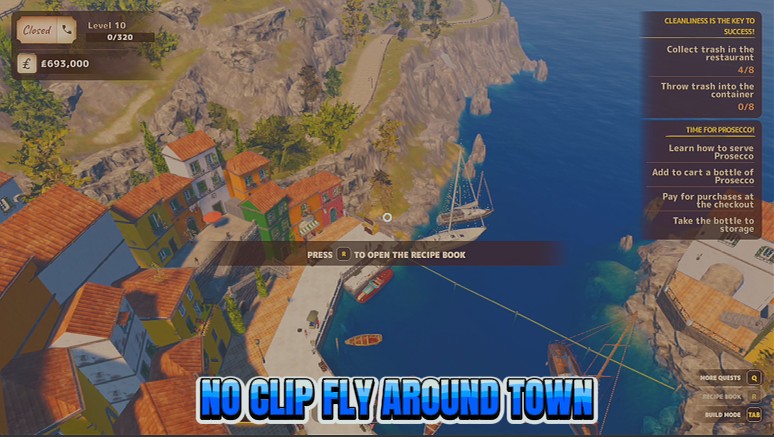
Ghost Waiter
Lift off and glide around the cafe. Turn on phase-through to drift straight through walls and counters.
/VacationCafeSimulatorDeepBreath1.png)
Deep Breath (Never Drown)
Keep your air full underwater so you can dive for oysters for as long as you want.
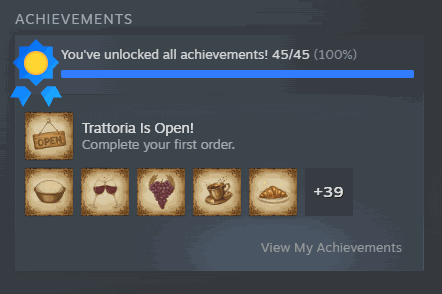
Full Marks
Unlock every achievement in one press and light up your whole Steam showcase.







