Want more mods for Youtubers Life? Explore our entire collection!
Binge Mode
"Fast-forward the boring bits, savor the good ones."
How do I install Binge Mode?
Download the free ProjectMods desktop app, then install Binge Mode for Youtubers Life in one click.
</>What does Binge Mode do?
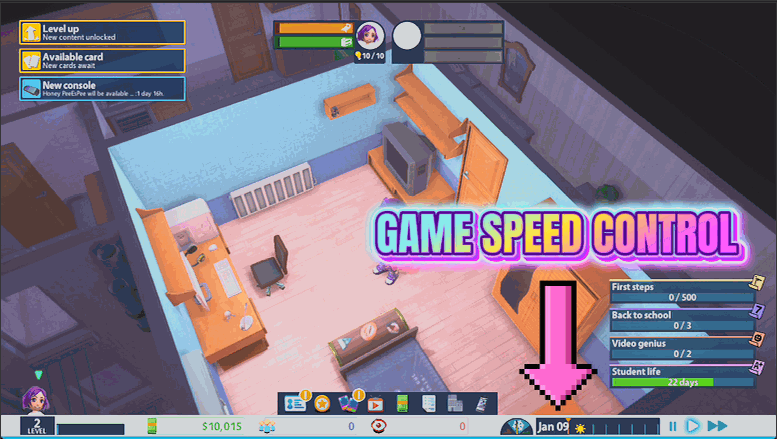
Youtubers Life has a lot of waiting built into it, and everyone's patience is different. Binge Mode hands you the clock. Drag the slider up to blast through the grindy parts, watching your videos render, your channel grow, and the days roll by in seconds. Drag it down below normal to savor a big premiere or a milestone. One master switch turns the whole thing on and off, and flipping it off drops you right back to the game's normal pace. A perfect companion to Always On, so you can speed through the days without ever running out of energy.
</>What is Binge Mode?
Binge Mode hands you the clock in Youtubers Life. Drag one slider up to blast through rendering, channel growth and the days rolling by in seconds, or drop it below normal to savor a premiere or milestone. A single master switch turns the whole thing on and off and drops you back to normal pace instantly. Free to install from ProjectMods.
</>Common questions about Binge Mode
What does Binge Mode do in Youtubers Life?
Binge Mode is a Youtubers Life mod that puts the entire game on a speed dial, letting you decide how fast time flows. Youtubers Life has a lot of waiting built into it, and everyone's patience is different, so this hands you the clock. Drag the slider up to blast through the grindy parts and watch your videos render, your channel grow, and the days roll by in seconds. Drag it down below normal speed to slow a big premiere or milestone right down and enjoy it. One master switch turns the whole thing on and off, and flipping it off drops you straight back to the game's normal pace.
How fast and how slow can Binge Mode set the game?
Binge Mode's Game Speed slider covers a wide range in Youtubers Life, from a quarter of normal speed all the way up to ten times faster. Set it to 1.0 and the game runs exactly as it normally would. Push it higher and everything speeds up together, so rendering, channel growth and the in-game calendar all race forward at once. Pull it below 1.0 and time slows down, which is perfect for lingering on a moment you care about. Because it is a smooth slider rather than a few fixed presets, you can find the exact pace that fits the part of the game you are playing right now.
Does Binge Mode speed up everything or just the calendar?
Binge Mode changes the pace of the whole game in Youtubers Life, not just the passing days. When you turn the slider up, videos render faster, your channel's growth ticks along quicker, characters move faster, and the calendar advances in a fraction of the usual time. It is one unified clock rather than a setting that only touches a single system. That means when you want to fly through a slow stretch, the entire game keeps pace so nothing lags behind and breaks the feel. When you slow it back down for a big moment, everything eases together too, so the world always stays consistent with itself at whatever speed you pick.
What does the master Enable switch do in Binge Mode?
The Enable switch is Binge Mode's master control in Youtubers Life. While it is on, the Game Speed slider is live and the game runs at whatever pace you have set. Flip Enable off and the mod steps out of the way completely, returning the game to its normal built-in speed no matter where the slider was sitting. This gives you a clean, instant way to jump between a sped-up session and the standard pace without having to drag the slider back to 1.0 by hand each time. It also means you can leave your favorite speed dialed in on the slider and simply toggle the whole effect on and off as you go.
How does Binge Mode pair with Always On?
Binge Mode pairs perfectly with Always On when you want to speed through Youtubers Life without your creator falling apart. On its own, cranking the game speed up means your energy, hunger and social meters drain much faster too, so long fast-forward sessions can leave your character exhausted. Always On keeps those meters topped up, so you can push the speed slider high and blast through days at a time while still recording non-stop. Together they turn a slow career into a rapid highlight reel: the days fly by, the videos keep coming, and you never have to stop for sleep or food. It is the classic combo for blitzing a whole season in one sitting.
What options does Binge Mode include?
Enable
Master switch for the speed dial. Turn off to return to normal game speed.
Game Speed
How fast the whole game runs. 1.0 is normal, higher is faster.
Binge Mode, a free ProjectMods mod for Youtubers Life, puts the whole game on a speed dial so you can fast-forward slow stretches or slow the big moments right down.
System Requirements
What features does Binge Mode include?
- Drag one slider to run the whole game from a quarter speed up to ten times faster
- Blitz through video renders, channel growth, and slow days in a matter of seconds
- Ease the slider below normal to savor a big premiere or a milestone moment
- Kill the master switch any time to drop straight back to the game's normal pace
Best For
- Grind-averse players who want to fast-forward the long waits between recording and results
- Replayers who've seen the slow parts and just want to skip ahead to the good stuff
- Players savoring a big channel milestone who want to slow down and enjoy the moment
- Content creators capturing footage who need to speed past dead time between highlights
More Mods for Youtubers Life
Render Farm
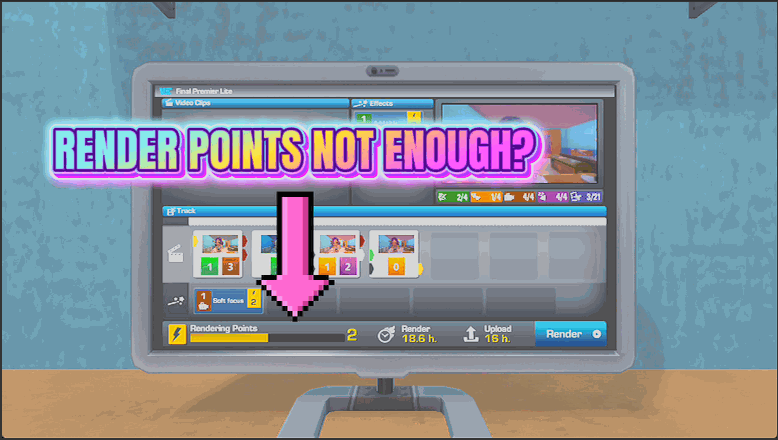
Keep the render budget on the video you are editing topped right up, so you can drop in every clip and effect you want without running out of render points.
Ad Revenue Windfall
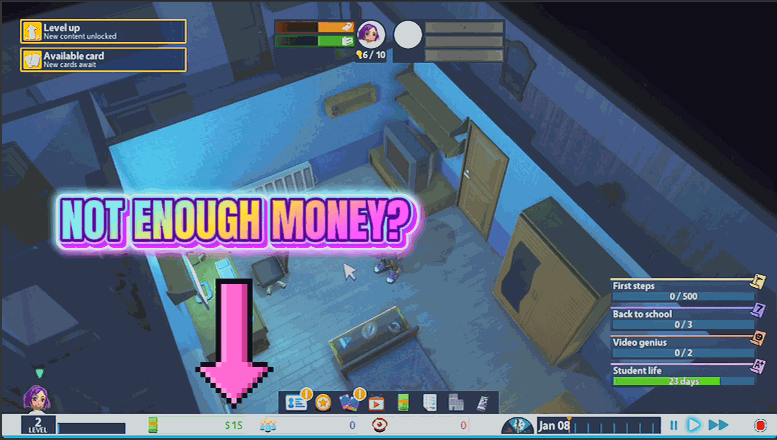
Drop a pile of cash straight into your account whenever you want. Buy the dream setup, the big house, and every gadget without grinding out videos first.
Skill Tree Sweep
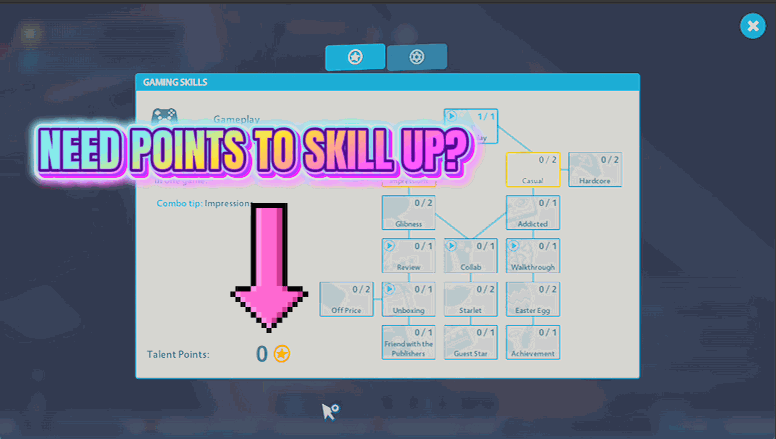
Stock up on talent points and unlock the entire talent tree for your channel in one press, so every perk is yours without leveling up first.