Want more mods for Youtubers Life? Explore our entire collection!
Render Farm
"Pile on effects. Your rig can take it now."
How do I install Render Farm?
Download the free ProjectMods desktop app, then install Render Farm for Youtubers Life in one click.
</>What does Render Farm do?
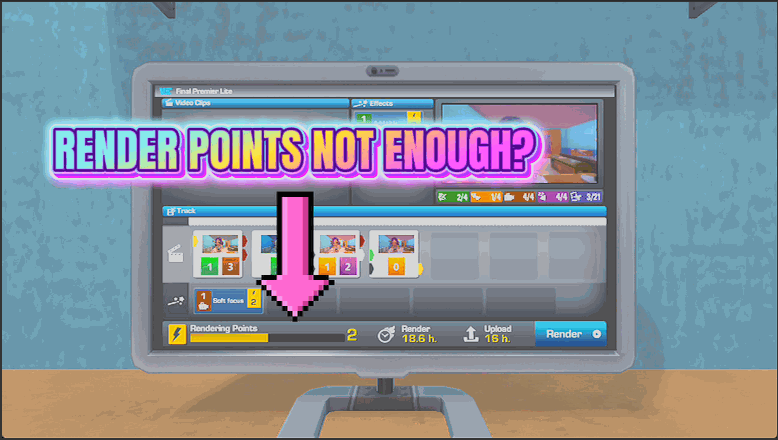
Render points cap how much you can pack into a video, and early on that budget is painfully tight. Render Farm lifts the ceiling. While you are editing, the render budget on your current video stays generously full, so you can add every clip and stack every effect for a maximum-quality upload without the editor telling you to stop. No more cutting your best ideas just because your in-game PC is too weak. Flip it off whenever you want the normal limits back. Pairs naturally with Straight To Upload when you want those maxed-out videos to finish rendering the instant you hit publish.
</>What is Render Farm?
Render Farm lifts the render-point ceiling in Youtubers Life. While you edit, the render budget on your current video stays full, so you can drop in every clip and stack every effect for a maximum-quality upload without the editor stopping you. No more cutting your best ideas because your PC is too weak. Flip it off for normal limits. Installs in one click from ProjectMods.
</>Common questions about Render Farm
What does Render Farm do in Youtubers Life?
Render Farm is a Youtubers Life mod that keeps the render budget on the video you are editing topped right up. Render points normally cap how much you can pack into a single video, and early in the game that budget is painfully tight. Render Farm lifts the ceiling. While you are editing, the render budget on your current video stays generously full, so you can add every clip and stack every effect you want for a maximum-quality upload without the editor telling you to stop. No more cutting your best ideas just because your in-game PC is too weak to handle them. Flip it off whenever you want the normal limits back and your budget behaves like the base game again.
How does Render Farm keep my render budget full while editing?
Render Farm works through a single Enable switch in Youtubers Life. With it on, the render budget on the video you are currently editing is kept generously topped up, so as you drop in clips and effects the budget does not run dry and block you. Instead of rationing your points and cutting ideas to fit, you build the video you actually want and let the mod keep the headroom available. It focuses on your current project, so the budget you care about, the one for the video in front of you, is the one that stays full. Turn the switch off and the normal render-point limits return, so you can hand the constraint back whenever you want the base-game challenge.
Does Render Farm let me max out video quality even with a weak in-game PC?
Yes, that is exactly what Render Farm is for in Youtubers Life. Normally your in-game computer's power limits your render budget, so early on a weak PC forces you to strip effects and clips out of a video to make it fit. With Render Farm on, the render budget on your current video stays full regardless, so you can build a maximum-quality upload even before you have bought the best equipment. That means your creative ideas are no longer gated behind hardware upgrades you have not earned yet. You can pack in every effect and clip you like from the very first videos, and your uploads score on their content rather than being capped by the machine you happen to own.
Can I turn Render Farm off to bring back the normal render limits?
Yes. Render Farm is a simple on-off toggle in Youtubers Life, so the normal render-point limits are always one switch away. While Enable is on, the render budget on your current video stays full and you can add as much as you like. Flip it off and the game goes back to capping your render points based on your in-game PC, exactly as it does without the mod. This is useful if you enjoy the puzzle of squeezing the best possible video out of a limited budget and only want the extra headroom for certain projects. Because the switch is instant and reversible, you can lift the ceiling for an ambitious upload, then restore the challenge whenever you want it back.
How does Render Farm pair with Straight To Upload?
Render Farm pairs naturally with Straight To Upload in Youtubers Life when you want maxed-out videos that also finish instantly. Render Farm keeps your render budget full so you can stack every clip and effect into a top-quality upload, while Straight To Upload removes the render and upload waiting so that finished video goes live the moment you are done editing. On their own, a heavily loaded video would normally take the longest to render, so combining the two means your most ambitious uploads are both maximum quality and immediate. It is the go-to pairing for players who want every video to look its best without ever sitting through a progress bar afterward.
What options does Render Farm include?
Enable
Keep the render budget on your current video topped up. Turn off for normal limits.
Render Farm is a ProjectMods mod for Youtubers Life that keeps the render budget on your current video topped up, so you can pack in every clip and effect for a maximum-quality upload.
System Requirements
What features does Render Farm include?
- Keep the render budget on your current video generously full the whole time you edit
- Drop in every clip and stack every effect you want for a maximum-quality upload
- Stop the editor cutting your best ideas just because your in-game PC is too weak
- Toggle it off whenever you want the normal render limits back
Best For
- Early-game players stuck with a weak PC and a painfully tight render budget
- Perfectionists who want to pack every effect into a video for the highest score
- Rating-chasers who keep hitting the render ceiling right in the middle of an edit
- Players who'd rather design videos around their ideas than ration points clip by clip
More Mods for Youtubers Life
Quick Feet
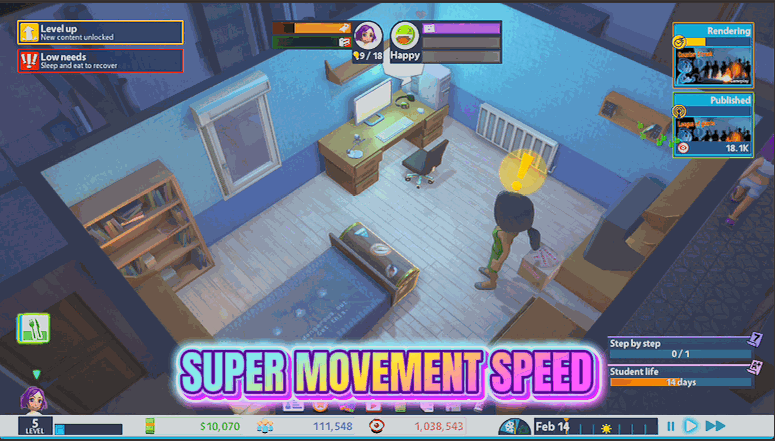
Speed up how fast your character walks around the house and studio so you spend less time watching them shuffle between the desk, the fridge and the bed.
Binge Mode
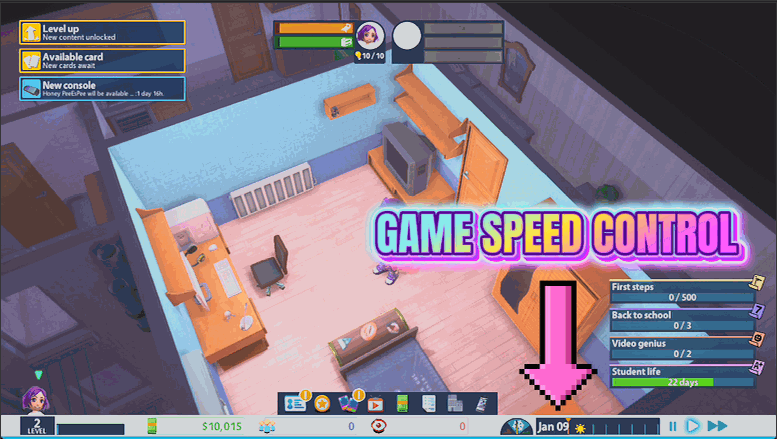
Put the whole game on a speed dial from a quarter speed up to ten times faster. Blitz through slow stretches or slow down to enjoy the big moments.
Trophy Shelf
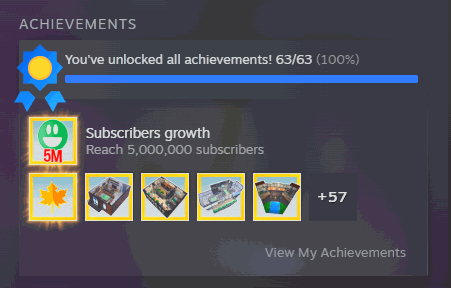
Unlock any Steam achievement for Youtubers Life on demand, or clear the whole list in one press. Perfect for finishing your collection without replaying every season.