Want more mods for 687 Days on Mars - First Steps? Explore our entire collection!
Bigger Inventory
"Four slots? Try eight. Or ten."
How do I install Bigger Inventory?
Download the free ProjectMods desktop app, then install Bigger Inventory for 687 Days on Mars - First Steps in one click.
</>What does Bigger Inventory do?
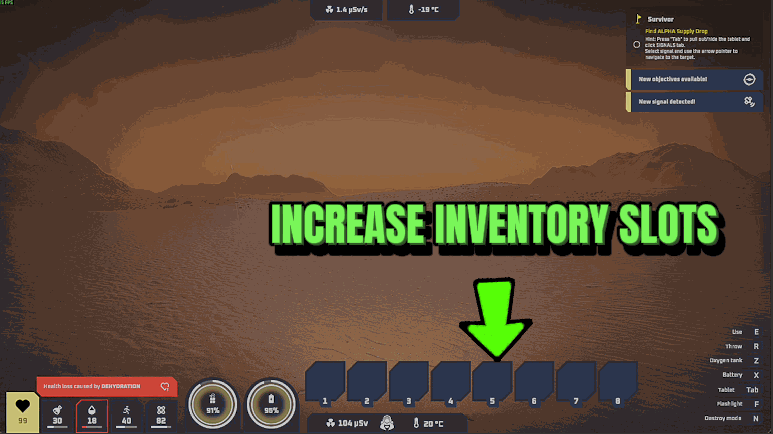
Four slots and one pair of hands run out fast in First Steps once you're carrying oxygen, batteries, food and parts for the next build, and every extra trip back to base costs air. Bigger Inventory hands you more room. Switch on Bigger Inventory, then set Inventory Slots anywhere from 5 to 10 (default 8). The new slots line up after the usual four on your HUD and answer to the number keys 5, 6, 7, 8, 9 and 0. They behave like the game's own: press a slot's key with empty hands to take its item out, or with something in hand to put it into an empty slot. Switching Bigger Inventory off takes you back to the game's 4 slots, the HUD shows four again, and nothing that was in the extra slots is lost.
</>What is Bigger Inventory?
Bigger Inventory gives you 5 to 10 inventory slots in place of the game's 4. Switch on Bigger Inventory and set Inventory Slots (default 8); the extra slots use keys 5 to 9 and 0, keyboard only. It never stacks items or changes the car's trunk or your storages, and a save loaded with the mod turned off in the launcher only shows its first 4 slots, so switch off and save first.
</>Common questions about Bigger Inventory
What does Bigger Inventory do in 687 Days on Mars - First Steps?
It adds up to six inventory slots to the four the game gives you, so at 10 you carry ten items in slots plus the one in your hands. Each slot still holds a single item, as it always has, and the car's trunk and your base's storages keep their usual size.
How do I remove Bigger Inventory without losing items?
Switch Bigger Inventory off in a loaded save, then save. That moves everything in slot 5 and up into a free slot or onto the ground, so the save holds it the normal way. Skip that step and a save loaded with the mod turned off in the launcher, or removed, only gets its first 4 slots back; whatever sat in the extra slots stays hidden.
Can I use the extra slots with a controller?
No, they're on the keyboard only. Slots 5 to 10 are picked with the number keys, the same way the game's own four are, and no gamepad buttons are added for them, so keep the keyboard handy while you play with more than four.
What happens if I lower Inventory Slots while the extra slots are full?
The slots you take away empty out first. Each item moves into a free slot you're keeping, or is set down in front of you the way the game drops things, up to three side by side, and the HUD loses the slots you removed. Turning the mod off in the launcher while a save is loaded does the same.
Do the extra slots survive saving and loading?
Yes, as long as the mod is on in the launcher. The save remembers every slot, and loading it brings each item back even if Bigger Inventory is switched off or set lower by then; anything past your current slots moves into a free one or is set down in front of you.
What options does Bigger Inventory include?
Inventory Slots
How many inventory slots you have while Bigger Inventory is on, from 5 to 10 (default 8). The game has 4.
Bigger Inventory
Gives you more inventory slots on the number keys 5 to 0, shown next to your usual four. Off goes back to the game's 4 slots: anything in an extra slot moves into a free slot or is set down in front of you.
Bigger Inventory is a ProjectMods mod for 687 Days on Mars - First Steps that raises your inventory from 4 slots to as many as 10 on the keyboard's number keys; switch it off in a loaded save and save before removing the mod.
System Requirements
What features does Bigger Inventory include?
- Inventory Slots runs from 5 to 10 in total, against the 4 the game gives you, and starts at 8.
- Keys 5 to 9 and 0 pick the new slots, the same way the game's own number keys pick the first four.
- Pickups fill the extra slots just like the first four, and Give Item fills them as well.
Best For
- You're heading out to a supply drop and want room for what's inside, so set Inventory Slots to 10 before you leave and bring more of it home in one trip.
- You keep seeing Inventory full halfway through a run, so switch on Bigger Inventory, push Inventory Slots to 10 and keep picking things up.
- Long walks need a spare oxygen tank and a battery on you, so set Inventory Slots to 6 and keep both without giving up room for parts.
- A blueprint needs a pile of parts carried over, so switch on Bigger Inventory at the default 8 slots and make the run in fewer trips.
More Mods for 687 Days on Mars - First Steps
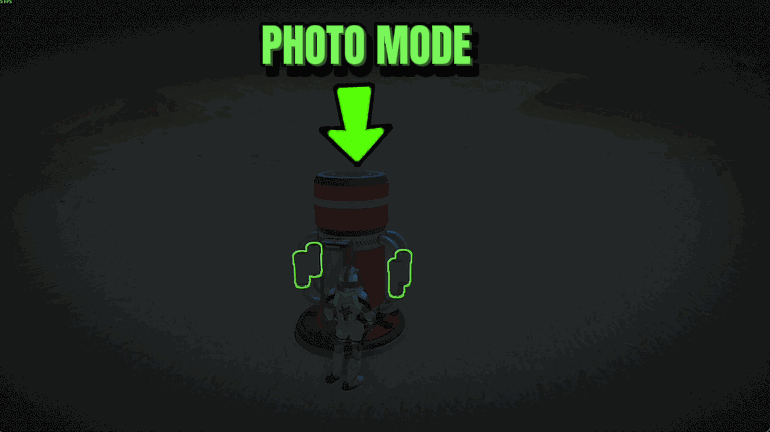
Photo Mode
Swaps your first-person view for a flying, zooming camera and hides the game's on-screen panels while you frame the shot. Time keeps running, and the vehicle can't be driven while it's on.
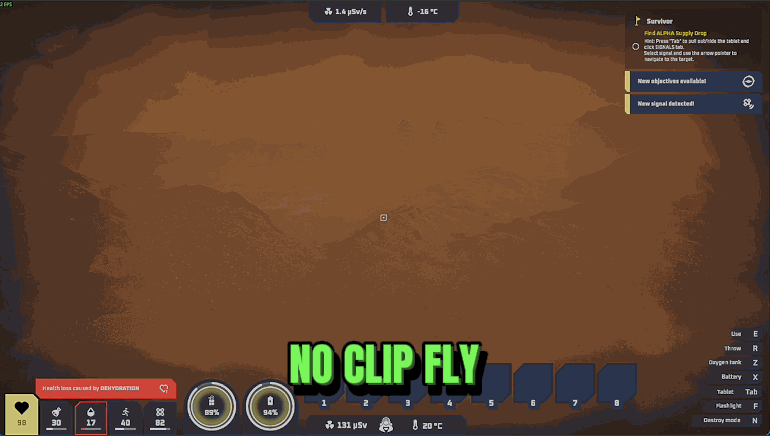
Fly & Noclip
Fly where you look at 1 to 100 m/s, up to 300 holding Shift, and switch on Noclip to pass through rock, walls and ground. Keyboard only, and flying pauses while you're in the vehicle or pushing the cart.

Faster Plant Growth
Grows the plants in your planters up to ten times faster, keeps them from withering when water or power runs out, and multiplies each harvest up to five times, with a switch for each; plants still need water and power to grow.







