Want more mods for 687 Days on Mars - First Steps? Explore our entire collection!
Give Item
"Short a part? Press once and it's yours."
How do I install Give Item?
Download the free ProjectMods desktop app, then install Give Item for 687 Days on Mars - First Steps in one click.
</>What does Give Item do?
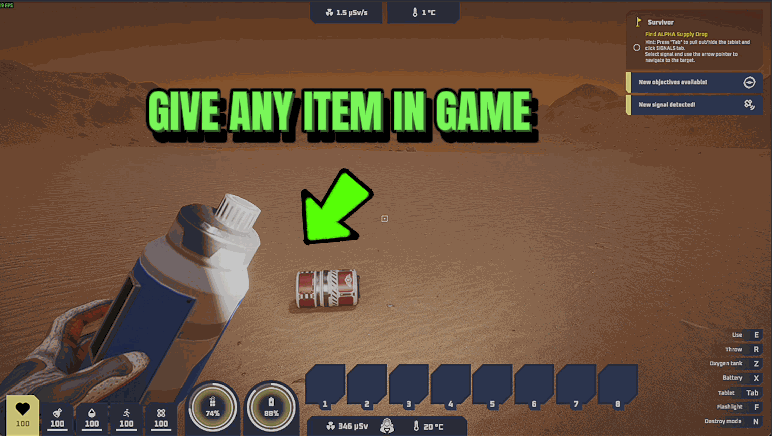
Building in First Steps means waiting on the Fabricator and walking out to supply drops, and one missing Basic construction module can hold up a whole blueprint. Give Item hands you the part instead. Choose what you want in the Item dropdown, set Amount anywhere from 1 to 50 (it starts at 1), then press Give Item. Your empty hand takes the first one, free inventory slots take the next, and anything left over is set down on the ground in front of you. It only works on foot, so step out of the car first. Everything you get is an ordinary game item, saved with your game like anything you'd find in a supply drop, and since Give Item is a button there's nothing to switch off afterwards.
</>What is Give Item?
Give Item puts any of First Steps' 33 items in your hands. Pick one in the Item dropdown, set Amount and press Give Item: your empty hand fills first, then free inventory slots, then the ground in front of you. It never stacks items, unlocks recipes or adds anything the game's list doesn't have, and a given item only counts for a pick-up objective once you pick it up yourself.
</>Common questions about Give Item
What does Give Item do in 687 Days on Mars - First Steps?
It gives you any of the 33 items in the game's own item list, straight away. That's 11 building parts from the Basic construction module up to the Hydrogen Generator Part, plus Cable, Big battery, Water barrel, Oxygen Barrel, Repair Kit, Meatballs, Bottle of water, Food Supplies, six Plant Container boxes, six Vegetable supplies crates and both drones. The Tablet, the Syringe and the higher-tier batteries and oxygen tanks aren't in that list, so Give Item can't hand those out.
Why does the Item dropdown say to launch the game?
The list comes from the game itself, so it only fills in once you've loaded a save. Until then the dropdown reads "Launch the game to load the item list". After you load in, give it up to 30 seconds to reach the launcher, and every item appears under its in-game name.
Why didn't an objective count the item Give Item gave me?
Objectives that ask you to pick something up only count items you pick up yourself, and a given item skips that step. Drop it and pick it up again, and the objective counts it. Anything Give Item set down on the ground counts as soon as you pick it up.
Why are there six Plant Container rows in the list?
First Steps has six plant boxes that all share the name Plant Container, and six crates that all share the name Vegetable supplies. To tell them apart, each row adds the plant it holds, Lettuce for example, using the game's own plant name where there is one. Pick the row for the plant you're after.
What options does Give Item include?
Item
Which item to give. Once a save is loaded, the list fills with the game's own items by their in-game names: building parts, cables, batteries, barrels, food, plant containers and drones.
Give Item
Gives the chosen item, as many as Amount says. Works while you are on foot in a loaded save.
Amount
How many to give per press, from 1 to 50 (default 1). Your empty hand and free inventory slots fill first; the rest is set down on the ground in front of you.
Give Item is a ProjectMods mod for 687 Days on Mars - First Steps that gives you 1 to 50 of any item in the game's own list, from building parts and Cable to full barrels, food and drones, while you're on foot in a loaded save.
System Requirements
What features does Give Item include?
- The Item list shows the game's own names, from the Basic construction module and Big battery to the Mining drone and Transport drone.
- Amount hands out up to 50 per press, each as its own item, because nothing in the game stacks.
- A Big battery arrives holding 25,000 energy, a Water barrel 20,000 water and an Oxygen Barrel 30,000 oxygen, packed the way a supply drop packs them, while a Bottle of water comes empty.
- A short note on screen says where each press went, and the game's pick-up sound plays whenever something lands in your hand or a slot.
Best For
- A blueprint is waiting on two Basic construction modules while the Fabricator is busy, so pick Basic construction module, set Amount to 2, press Give Item and carry them straight over.
- Food is running short and the next supply drop is a long walk away, so pick Meatballs, set Amount to 3 and keep the spares in your free slots.
- Four slots fill up fast when you're stocking up for a big build, so switch on Bigger Inventory with Inventory Slots at 10 first, and Give Item fills every extra slot before it sets anything on the ground.
More Mods for 687 Days on Mars - First Steps

No Wear & Tear
Keeps storms from wearing down your buildings or dirtying your solar panels, and adds a button that fixes every damaged device and cleans every dusty panel without Repair Kits, apart from a device a mission task is waiting on.
Fly & Noclip
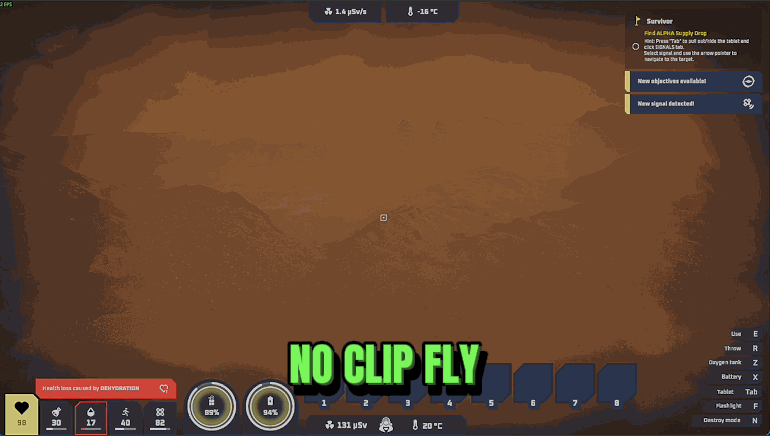
Fly where you look at 1 to 100 m/s, up to 300 holding Shift, and switch on Noclip to pass through rock, walls and ground. Keyboard only, and flying pauses while you're in the vehicle or pushing the cart.
Unlock Everything
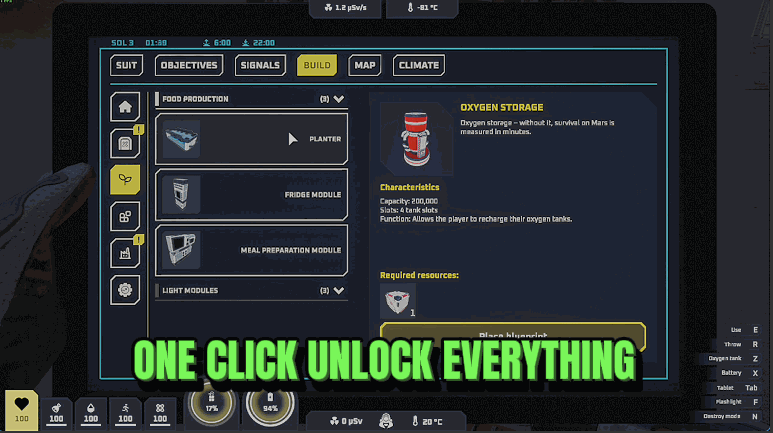
Open every one of the 49 buildings and all 25 Fabricator recipes, including 24 buildings and 16 recipes from later in the full game, while your research and story progress stay exactly as they are.







