Want more mods for Baldi's Basics Plus? Explore our entire collection!
Cartography Class
"The whole floor plan, memorized in a blink."
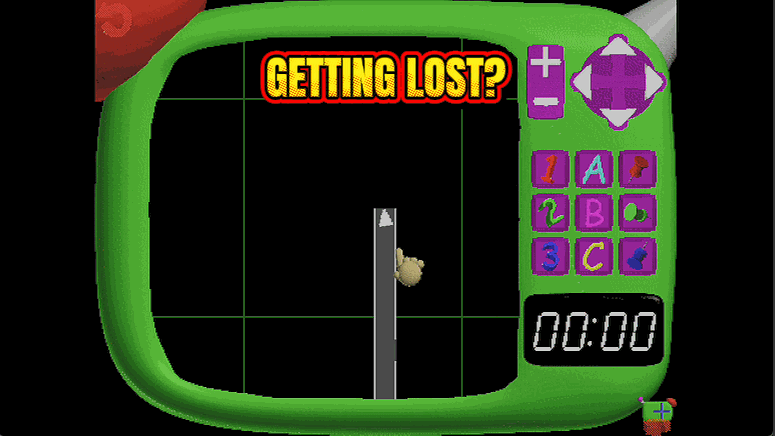
How do I install Cartography Class?
Download the free ProjectMods desktop app, then install Cartography Class for Baldi's Basics Plus in one click.
</>What does Cartography Class do?
The map in Baldi's Basics Plus only fills in as you explore, so you're usually squinting at a half-blank grid while something with a ruler closes in behind you. Cartography Class hands you the whole floor plan in one tap. Hit Reveal Full Map and every room, hallway and dead end draws itself in at once. Now you can see exactly where the exits are, plan the fastest loop between notebooks, and spot which corridor leads to the store or the office before you ever set foot in it. No more rounding a corner into a wall while the footsteps get louder. Handy for anyone learning a new floor's layout, speedrunners routing the shortest path between every notebook, and streamers who'd rather narrate the plan than wander into a dead end on camera.
</>What is Cartography Class?
Cartography Class hands you the whole floor plan in Baldi's Basics Plus the moment you press the button. Every room, hallway, exit and notebook location fills in at once, so you can plan your route before Baldi even starts moving. It is a one-click install from ProjectMods, the community-first PC mod manager, and works on any floor you load into.
</>Common questions about Cartography Class
What does Cartography Class do in Baldi's Basics Plus?
Cartography Class instantly reveals your entire map in Baldi's Basics Plus. Press the Reveal Full Map button and every room, hallway and corner fills in at once, the same complete view you would normally only earn by exploring the whole floor on foot. That means you can see where the exits, notebooks, vending machines and shortcuts sit before Baldi starts hunting you. It turns each floor from a blind scramble into a route you can plan out in advance, which is a huge help on the later, larger schoolhouses where getting lost is usually what gets you caught.
What does the Reveal Full Map button do?
Reveal Full Map is the single action that powers Cartography Class. Trigger it and the mod paints in the complete floor plan of your current Baldi's Basics Plus level right away, with no walking and no waiting. Because it is a button rather than an always-on toggle, you decide the exact moment the map appears: press it the instant you spawn for a full head start, or hold off until you are deeper in and suddenly need the nearest exit fast. You can press it again on the next floor to reveal that layout too, so it stays useful all the way down.
Does Cartography Class show notebooks and exits, not just walls?
Cartography Class fills in the full map layout in Baldi's Basics Plus, so the corridors and rooms that stay hidden until you walk them all become visible at once. That gives you the spatial picture you need to spot where the exits sit and to plan an efficient loop between notebook rooms. The mod reveals the floor plan itself rather than tagging moving characters, so treat it as your navigation overview: learn the shape of the school, pick your route, then keep an eye out for Baldi and the rest of the cast as you actually move through it.
Do I need to press Cartography Class again on each new floor?
Yes. Each floor in Baldi's Basics Plus has its own layout, so you press Reveal Full Map once per floor to light up that level. When you take the elevator down to the next schoolhouse, the new map starts blank as usual, and a single tap fills it in again. This keeps the mod simple and predictable: one button, one complete map, whenever you want it. It helps to make pressing it part of your routine the moment you arrive on a floor, so you are never caught navigating a dark, unknown layout while Baldi is already closing in.
Why would I use Cartography Class in Baldi's Basics Plus?
Cartography Class is for anyone who hates getting lost while Baldi is on the prowl. Speedrunners use it to plot the fastest notebook route and beeline to the exit, while nervous players use it to feel in control instead of wandering blind. Content creators love it for narrating a floor on stream, since the whole layout is on screen to talk through. Because it is a free-tier mod in ProjectMods, the community-first PC mod manager, you can add it in one click and reveal your first full map on the very next run you start.
What options does Cartography Class include?
Reveal Full Map
Fill in every room and hallway on your map right now.
Cartography Class is a ProjectMods mod that fills in your entire map in Baldi's Basics Plus with one button, revealing every room and hallway instantly.
System Requirements
What features does Cartography Class include?
- Fills in every room, hallway and dead end on your map with a single tap
- Spot the exits, store and office before you commit to a corridor
- Plan the shortest loop between notebooks instead of exploring blind
- Reveal the whole floor on demand, the exact moment you want it
Best For
- New players learning a floor's layout who don't want to wander into a dead end with Baldi on their heels
- Speedrunners routing the tightest path between every notebook and the exit
- Streamers who'd rather talk through the plan than stumble around a half-blank map on camera
More Mods for Baldi's Basics Plus
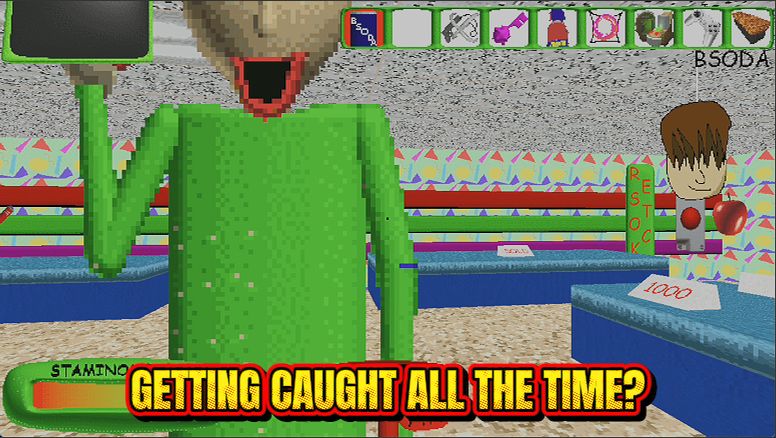
Hall Pass
Baldi can chase all he wants, but his catch just bounces off. Explore every floor at your own pace with zero game-overs.
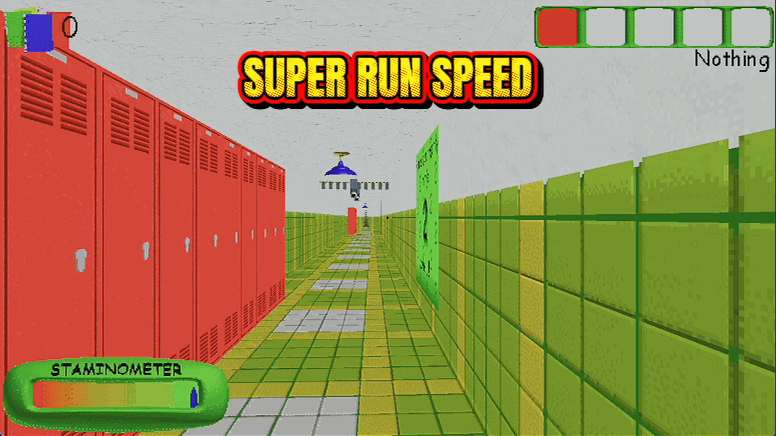
Recess Rush
Dial your walking and sprinting speed up until Baldi eats your dust. Keep it at 1x for normal, or crank it for a mad dash to the exit.
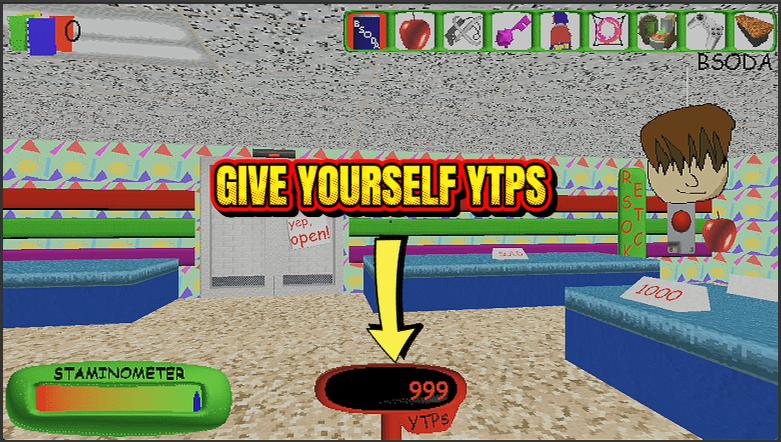
Thought Bubble Bank
Top up your YTP score whenever you want, then spend it big at the school store. One button to hand yourself points, one to wipe them back to zero.