Want more mods for Carpet Cleaning Simulator? Explore our entire collection!
Robot Overtime
"Your helper robot never runs flat and scrubs like it means it."
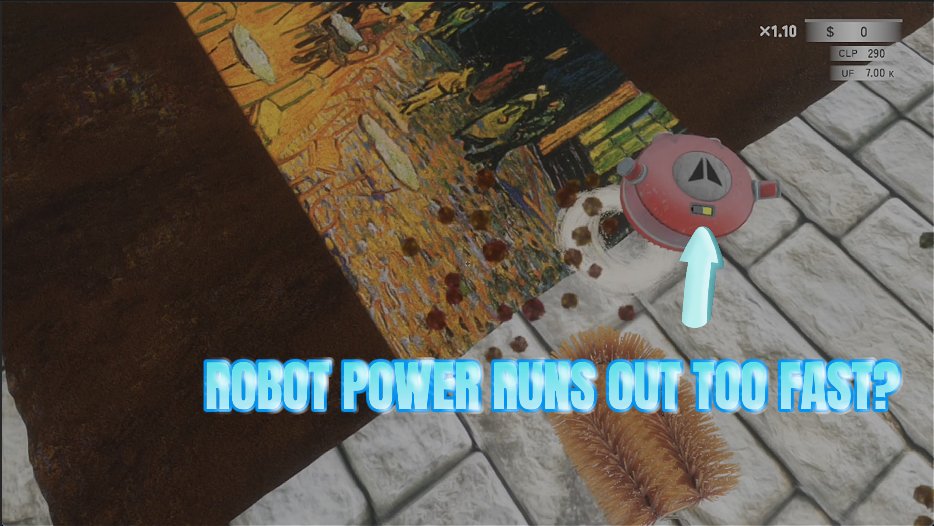
How do I install Robot Overtime?
Download the free ProjectMods desktop app, then install Robot Overtime for Carpet Cleaning Simulator in one click.
</>What does Robot Overtime do?
The helper robot is a lovely idea that spends half its life crawling back to charge. Robot Overtime fixes that. Switch on the endless battery and it just keeps going, with no flat battery, no trip home and no stopping halfway across a rug. Two sliders decide how much of a workhorse it becomes. One sets how quickly it moves while it cleans, the other sets how much grime it lifts on every pass. Nudge them up a little for a genuinely useful sidekick, or push them near the top and watch it strip a carpet on its own while you handle another one across the room. Set both sliders to 1 and the robot behaves exactly as it always has, so you can raise it gradually until it suits how you like to play. Turn the mod off and it goes right back to normal, battery drain and all.
</>What is Robot Overtime?
The Carpet Cleaning Simulator helper robot is a lovely idea that spends half its life crawling back to charge. Robot Overtime keeps its battery full, then hands you two sliders for how quickly it moves and how deep it cleans, so it can strip a carpet on its own while you handle another. From ProjectMods, the PC mod manager for 400+ games.
</>Common questions about Robot Overtime
What does Robot Overtime do in Carpet Cleaning Simulator?
Robot Overtime turns the helper robot in Carpet Cleaning Simulator into an actual second pair of hands. Endless Battery keeps it topped up so it never has to break off mid-carpet and crawl back to charge, and two multipliers let you decide how quickly it moves while it works and how much grime it lifts on every pass. Left alone, the robot is a nice idea that spends a large part of the shift travelling to and from its charger. With this on it keeps working the whole time, and at higher settings it can finish a rug by itself while you clean another across the room.
What do the two multiplier sliders actually change?
In Carpet Cleaning Simulator, Work Speed Multiplier changes how quickly the robot moves while it is cleaning, so it crosses a carpet sooner and gets through more of it in the same shift. Scrub Power Multiplier changes how much grime it lifts on each pass, so it cleans deeper and covers a wider path as you raise it. Robot Overtime keeps them independent, which is useful: a fast but gentle robot makes a good tidy-up assistant that follows behind you, while a slow but powerful one properly finishes whatever section it is on. Set both high and it clears a rug on its own.
Does the robot still need charging at all?
Not while Endless Battery is on. The robot's battery stays full in Carpet Cleaning Simulator, so it never stops halfway across a rug, never makes the trip back to its charging spot, and never leaves a job half finished because the shift ran long. That is the single biggest change Robot Overtime makes, because the charging round trip is what stops the robot being genuinely useful in the first place. Turn the mod off and it goes right back to normal, battery drain and all, with nothing about your save or the robot itself permanently altered.
Can I keep the robot balanced instead of overpowered?
Yes, and it is the better way to use it. Setting both Robot Overtime multipliers to 1 gives you exactly the robot Carpet Cleaning Simulator ships with, only without the charging trips, which on its own makes it noticeably more useful. From there you can nudge each slider up a little at a time until it suits how you play, since a modest bump to speed makes it a genuinely helpful sidekick without doing your job for you. Pushing both toward the top is a different experience entirely, closer to supervising a machine that cleans the shop while you watch.
How does Robot Overtime change how a shift plays out?
It lets you run two carpets at once. Set the robot on one rug and take another yourself, and a Carpet Cleaning Simulator shift that used to fit one big job comfortably fits two, which matters a lot when the meteor countdown is the thing capping your earnings. It also changes what the robot is worth buying for in the first place, because without this the robot spends so much of its time travelling. If you want the shift itself to be longer rather than busier, Doomsday Snooze handles the countdown instead.
What options does Robot Overtime include?
Work Speed Multiplier
How quickly the robot moves while it works. 1 is normal, higher means it gets across a carpet sooner.
Endless Battery
Keeps the robot's battery full so it never has to stop and charge.
Scrub Power Multiplier
How much grime the robot lifts on each pass. 1 is normal, higher means it cleans deeper and wider.
Robot Overtime keeps the helper robot in Carpet Cleaning Simulator permanently charged and lets you set how quickly it moves and how much grime it lifts, so it finally earns its keep. Available through ProjectMods, the community-first PC mod manager.
System Requirements
What features does Robot Overtime include?
- Keep the helper robot's battery full so it never stops halfway across a rug to charge
- Dial how quickly it moves while it works and how much grime it lifts per pass
- Set both dials to 1 and the robot behaves exactly as it always has
- Push them near the top and it strips a carpet alone while you handle another one
- Turn the mod off and it is back to its usual pace, battery drain and all
Best For
- Players who bought the helper robot and watched it spend half its life crawling back to charge
- Two-carpet shifts where you genuinely want a second pair of hands working across the room
- Anyone racing the countdown who needs the second rug half done by the time they reach it
- Players easing in gently, nudging both dials a notch at a time until the robot suits them
- Busy shops where a robot pulling its weight is the difference between one carpet and three
More Mods for Carpet Cleaning Simulator
Sprint Shift
Move around the shop faster with two dials: one for your normal walk, one for your sprint. Perfect for the endless trips between the carpet, the water and the drying spot.

Long Arms
Interact with things and lay carpets and equipment down from way across the room. One slider sets how far your reach stretches.
Infinite Money
Add money instantly to buy equipment, unlock upgrades, and keep your carpet cleaning business growing without waiting for payouts.







