Want more mods for Carpet Cleaning Simulator? Explore our entire collection!
Shady Savings
"Fund the back-alley page and shop the good stuff early."
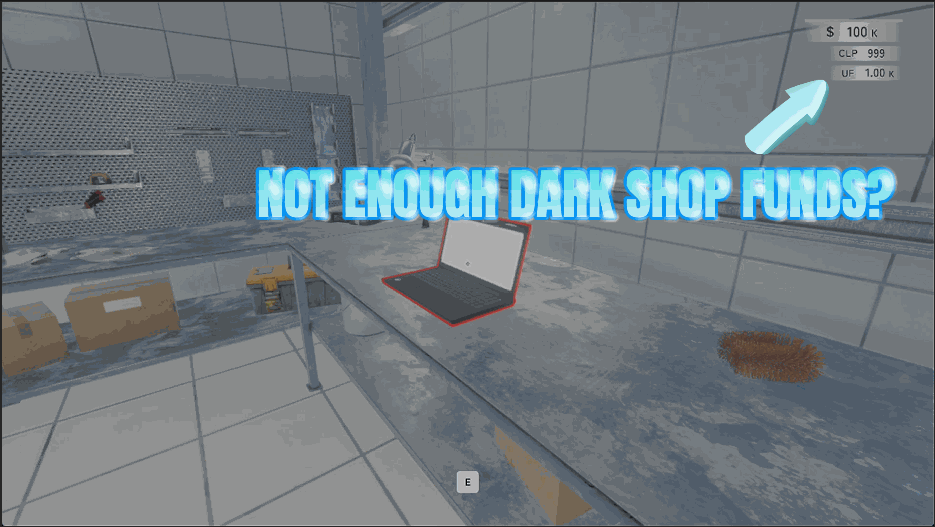
How do I install Shady Savings?
Download the free ProjectMods desktop app, then install Shady Savings for Carpet Cleaning Simulator in one click.
</>What does Shady Savings do?
The dark web page on your shop PC sells the things that genuinely change a run, and it runs on its own separate balance. Earning enough of it the honest way means a very long stretch of very ordinary carpets first. Shady Savings lets you set an amount and pay it straight in, as many times as you like. Grab the listing you've been eyeing, kit yourself out early instead of late, and get to the interesting half of the shop while there's still plenty left on the clock. Want the pressure back? Reset Credits empties the balance to exactly zero, and the counter on screen snaps to match right away instead of ticking down for a few seconds. Handy after a spending spree, when you're testing a build, or when you just fancy an honest run again.
</>What is Shady Savings?
The dark web page on your Carpet Cleaning Simulator shop computer sells the things that genuinely change a run, and it uses its own separate balance that takes a long stretch of ordinary carpets to fill. Shady Savings lets you set an amount and pay it in as often as you like, or press Reset Credits to empty it back to zero. From ProjectMods, the PC mod manager for 400+ games.
</>Common questions about Shady Savings
What does Shady Savings do in Carpet Cleaning Simulator?
Shady Savings tops up the dark web balance on your shop computer in Carpet Cleaning Simulator. That computer has two sides, a normal store page and a separate dark web page, and the back-alley listings run on their own currency, which is why they stay out of reach for so long. This mod lets you set a Credit Amount and pay it straight in, as many times as you like, so you can buy from that page early instead of after a very long stretch of very ordinary carpets. Reset Credits empties the balance back to exactly zero whenever you want.
Is the dark web balance the same as my normal money?
No, and that is the whole reason this mod exists. Carpet Cleaning Simulator keeps the dark web page on its own separate balance, so no amount of ordinary carpet money will let you buy from it, since you need the other currency specifically. Shady Savings adds to that second balance only and leaves your regular funds untouched. If it is standard shop equipment you are short of, that is a different problem and a different mod. Use this one when the listing you want is on the back-alley page and the counter next to it will not budge.
What does Reset Credits do?
Reset Credits empties your dark web balance in Carpet Cleaning Simulator back to exactly zero, and the counter on screen snaps to match straight away rather than ticking down for a few seconds. It is there for three situations: tidying up after a spending spree, testing a build where you want to start from nothing, or simply putting the pressure back on because an honest run is more fun. Because the Give Credits button on Shady Savings can be pressed as often as you like, the two together let you set the balance to more or less any figure you want.
How much can I pay into the balance at once?
Credit Amount sets the size of a single Shady Savings payment, and the Give Credits button can be pressed repeatedly, so there is no real ceiling. A modest amount is enough to grab one listing you have had your eye on without changing the shape of the run. Larger amounts kit you out completely and move you straight to the interesting half of the Carpet Cleaning Simulator shop while there is still plenty left on the meteor countdown. You can change the amount between presses if you are aiming at a specific total rather than a round number.
When is the best time to use Shady Savings?
Early, while the back-alley page is showing you exactly what you want and the balance next to it is nowhere near it. Using Shady Savings to buy from that page in the first hour rather than the tenth changes how the rest of a Carpet Cleaning Simulator save plays out, because those listings genuinely affect a run rather than just topping up your gear. It is also useful for trying a listing before committing to it: buy it, play a shift, and reset the balance if it was not what you hoped. It works well alongside Fat Cheques when you want both sides of the shop computer open at once.
What options does Shady Savings include?
Give Credits
Pays that amount straight into your dark web balance. Press it as often as you like.
Reset Credits
Empties your dark web balance back to zero.
Credit Amount
How much a single payout drops into your dark web balance.
Shady Savings pays credits straight into the separate dark web balance on your Carpet Cleaning Simulator shop computer, so the back-alley page is always affordable, with a reset button that empties it again. From the ProjectMods mod manager.
System Requirements
What features does Shady Savings include?
- Set an amount and pay it straight into the dark web balance on your shop computer
- Press the payout as often as you like, because nothing stops you topping up twice
- Reach the back-alley listings early instead of after a long stretch of very ordinary carpets
- Empty the balance back to zero and the counter on screen matches right away
Best For
- Players who found the back-alley page, saw the good stuff, and did the maths on earning it
- Players kitting out early so the interesting half of the shop arrives with time still left
- Build testers who want to try one listing without committing a dozen shifts to afford it
- Anyone who fancies an honest run again and wants the balance wiped back to nothing
- Second-save players who already earned their way onto that page once and would rather not repeat it
More Mods for Carpet Cleaning Simulator
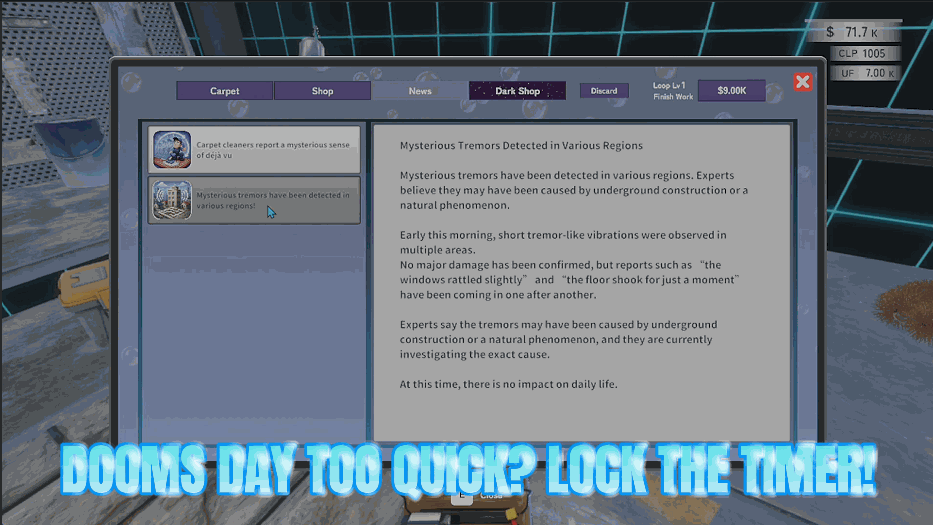
Doomsday Snooze
Freeze the meteor countdown, or put more minutes back on the clock, so a big carpet or a big payout never gets cut short.
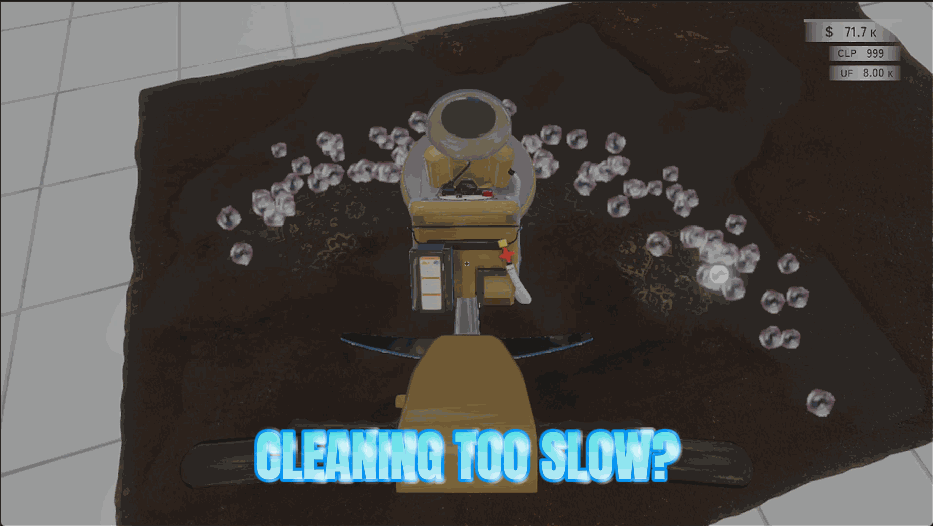
Power Wash
Every tool covers a wider stretch of carpet and digs in far harder, so a rug that used to take a hundred passes comes clean in a handful of sweeps.
CP Windfall
Top up your CP, the points you spend on permanent upgrades between runs, and build the shop you want without waiting for the countdown to come round another twenty times.







