Want more mods for Carpet Cleaning Simulator? Explore our entire collection!
Doomsday Snooze
"Put the meteor on hold and clean at your own pace."
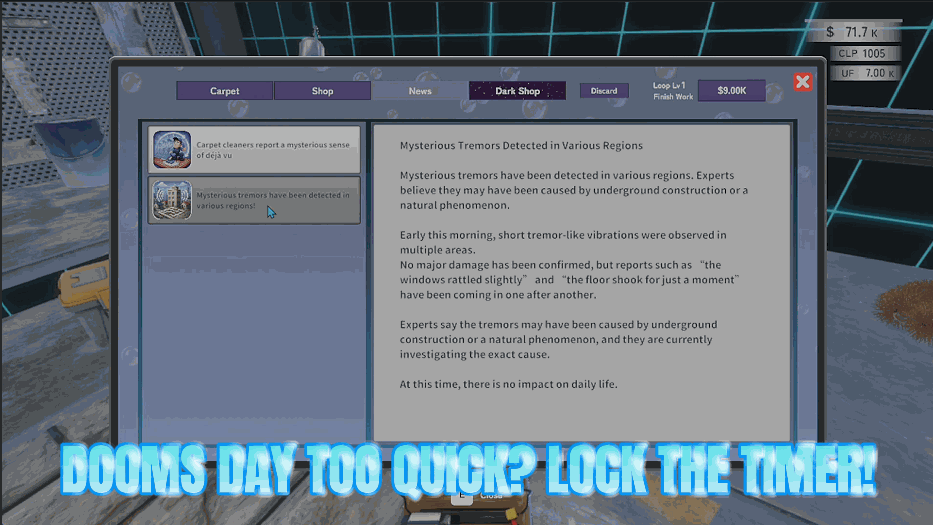
How do I install Doomsday Snooze?
Download the free ProjectMods desktop app, then install Doomsday Snooze for Carpet Cleaning Simulator in one click.
</>What does Doomsday Snooze do?
Every shift runs against a meteor countdown, and when it reaches zero your day ends whether you were ready or not. Doomsday Snooze hands you the clock. Flip the freeze switch and the countdown simply stops where it is, so there is no rush and no panic, just you and the rug. When you would rather keep a little pressure but need more room, choose how many minutes you want and press the top-up button. Want a completely clean slate? One press puts a whole fresh shift on the clock. If the sky had already started falling, the warning screen, the shaking and the clock on your screen all snap back to normal the moment there is real time left again. It is made for the runs that deserve more time than the clock gives you: finishing an enormous rug you only started at the last minute, chasing one more payout before the day closes, working toward the next lap in peace, or just cleaning in a calm sandbox mood with nothing counting down at you.
</>What is Doomsday Snooze?
Every Carpet Cleaning Simulator shift runs against a meteor countdown, and at zero your day ends whether the rug is finished or not. Doomsday Snooze lets you hold the clock still, add minutes, or drop a whole fresh shift on the timer, for enormous carpets, one last payout, or a calm sandbox clean. From ProjectMods, the community-first PC mod manager for 400+ games.
</>Common questions about Doomsday Snooze
What does Doomsday Snooze do in Carpet Cleaning Simulator?
Doomsday Snooze gives you control of the meteor countdown in Carpet Cleaning Simulator. Normally every shift runs on a timer, and when it hits zero the meteor ends your day and pushes you into a fresh lap whether you were finished or not. With this mod you can freeze that countdown exactly where it is, top it up by a set number of minutes, or reset it to a whole fresh shift with one press. Turn the freeze back off and the clock carries on from where it stopped, so you can borrow as much or as little extra time as a particular job actually needs.
What is the difference between Freeze Countdown and Add Time?
Freeze Countdown holds the clock exactly where it is for as long as it is on, so your Carpet Cleaning Simulator shift never advances toward the meteor at all. That is the setting for a relaxed sandbox clean with nothing ticking at you. Add Time keeps the countdown running but pushes the clock back up by however many minutes you chose, so you still feel the pressure, just with breathing room. Doomsday Snooze also has Reset Full Shift, which puts a complete day back on the clock as though you had only just started. Freeze is the one for filming or a no-pressure clean, and topping up is the one for a normal run you just want a little longer on.
What happens if the meteor has already started falling?
You can still pull it back. If the countdown has already run out in Carpet Cleaning Simulator and the sky has started doing its thing, adding time or resetting the shift puts real minutes on the clock again, and the warning screen, the shaking and the clock on your screen all return to normal straight away. There is no need to reload or restart the run. That makes Doomsday Snooze a rescue button as much as a planning tool, because if a big rug was thirty seconds from finished when the alarm went off, you can put the day back on and hand it in properly.
How many minutes can I add to the countdown?
Minutes To Add sets the size of a single top-up, and the Add Time button can be pressed as many times as you like, so you can stack small extensions or grant yourself a very long shift in one go. A few minutes is usually enough to finish a rug you started late. Bigger top-ups suit a run where you are chasing a payout target or working toward the next lap in Carpet Cleaning Simulator without interruption. If you would rather not do the arithmetic at all, Doomsday Snooze also has Reset Full Shift, which simply restores a complete day's worth of time.
Does freezing the countdown stop me earning or progressing?
No. Everything else in Carpet Cleaning Simulator carries on as normal while Doomsday Snooze holds the clock. Carpets still get dirty, tools still work, jobs still pay out and your upgrades still apply. The only thing on hold is the countdown itself. That makes it well suited to long jobs, to filming or screenshots where a timer in the corner would be a nuisance, and to players who simply enjoy the scrubbing and would rather not be interrupted by a meteor. Switch the freeze off whenever you want the pressure back and the clock picks up from where it paused.
What options does Doomsday Snooze include?
Add Time
Adds your chosen minutes to the countdown. Handy when a rug is taking longer than you planned.
Reset Full Shift
Puts a whole fresh shift back on the clock, as if the day had only just started.
Minutes To Add
How many minutes the top-up button puts back on the clock.
Freeze Countdown
Holds the countdown right where it is. Turn it off and the clock starts ticking down again.
Freeze the meteor countdown or put extra minutes back on the clock: Doomsday Snooze hands you the timer in Carpet Cleaning Simulator so a shift ends when you are ready rather than when the sky decides. From the ProjectMods mod manager.
System Requirements
What features does Doomsday Snooze include?
- Freeze the meteor countdown exactly where it stands so a shift never ends mid-carpet
- Choose how many minutes you want back, then top the clock up with one press
- Drop a whole fresh shift onto the clock when you would rather the day started over
- Warning screens and shaking settle back down the moment there is real time on the clock
- Turn the freeze off whenever you want the pressure of a ticking countdown back
Best For
- Anyone who started an enormous rug far too late and actually wants to finish the thing
- Sandbox-mood players who would rather scrub in peace with nothing counting down at them
- Payout chasers squeezing one more carpet in before the day closes on them
- Content creators filming a long, tidy cleaning sequence without a meteor cutting the take short
- Newer players learning the tools who want room to experiment before the sky starts falling
More Mods for Carpet Cleaning Simulator
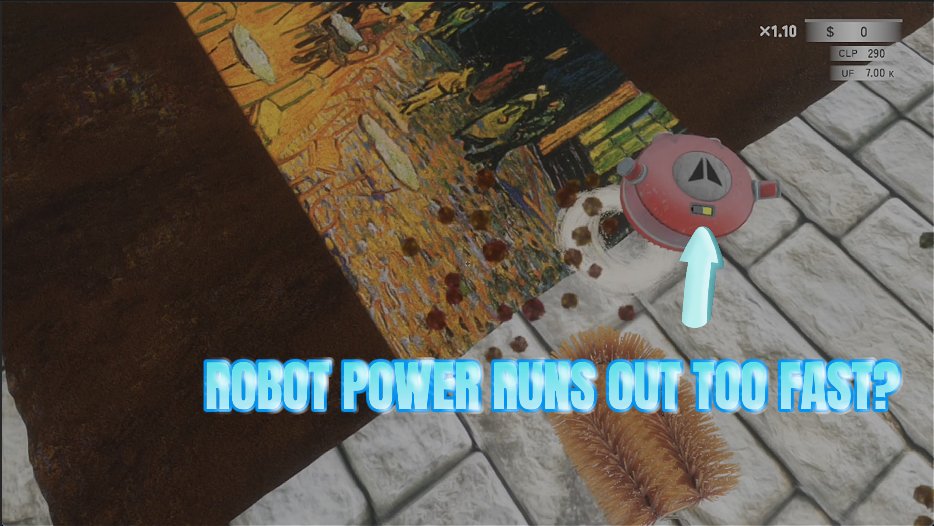
Robot Overtime
Keeps the helper robot charged forever and lets you dial in how fast it moves and how hard it scrubs, so it finally earns its keep while you work on another rug.
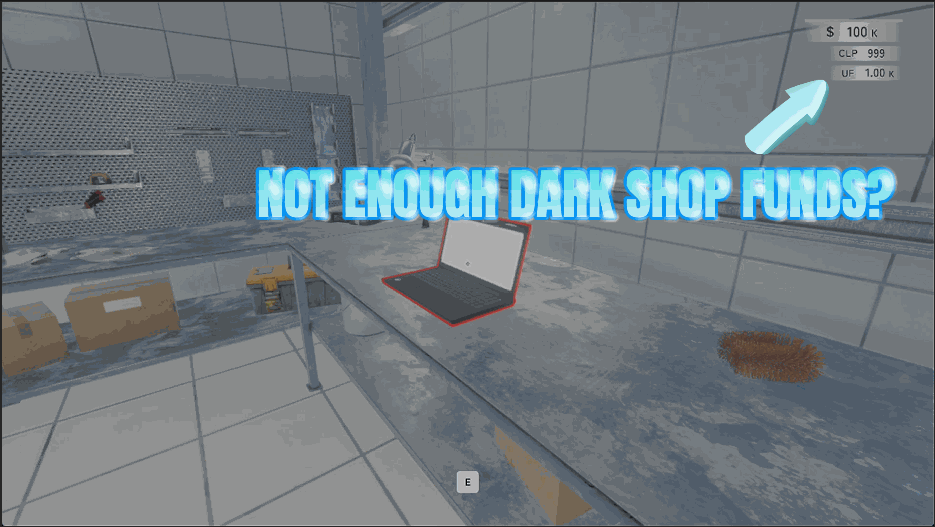
Shady Savings
Pay as much as you like into the dark web balance on your shop PC, so the back-alley page is always in reach. A reset button drops you back to zero whenever you want.
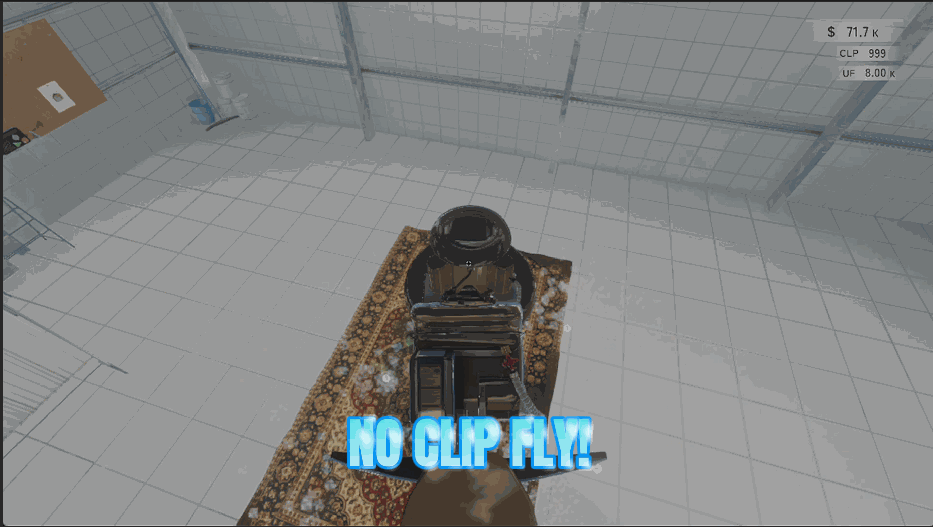
Ghost Walker
Fly anywhere in the shop and pass straight through walls, floors and furniture. WASD to move where you're looking, E to rise, Ctrl to drop, hold Shift for a burst of speed.







