Want more mods for Carpet Cleaning Simulator? Explore our entire collection!
CP Windfall
"Bank the points and buy the permanent upgrades now."
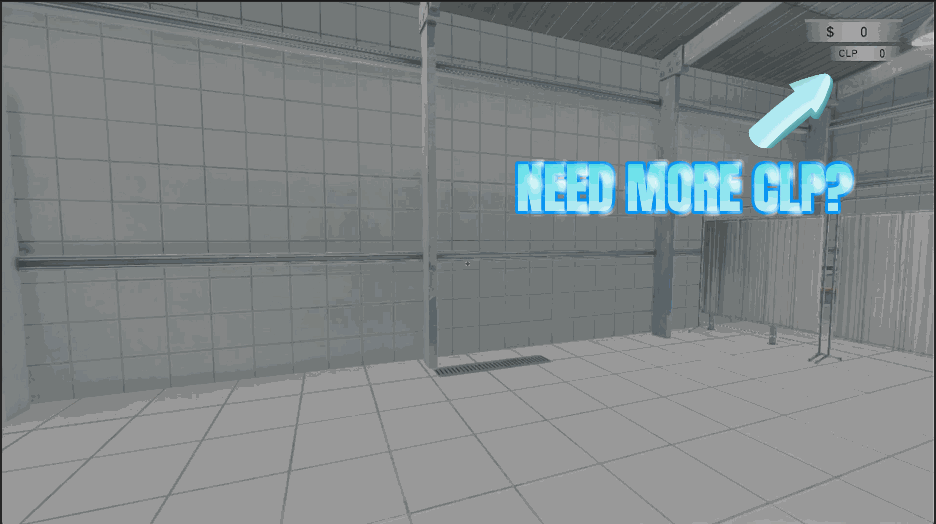
How do I install CP Windfall?
Download the free ProjectMods desktop app, then install CP Windfall for Carpet Cleaning Simulator in one click.
</>What does CP Windfall do?
Permanent upgrades run on CP, and CP arrives a trickle at a time. The genuinely exciting ones sit a long way down the list, which means a lot of repeat runs before your shop starts feeling like yours. CP Windfall lets you skip straight to the shopping. Set an amount, press the button, and the points land immediately. Buy the upgrades you actually want, try a build you'd never commit thirty runs to, and see how far a fully kitted shop gets before the countdown ends. Want to start over? Reset Points takes you back to zero and the number on screen updates at once. Ideal for testing a completely different upgrade path, or for handing yourself a proper head start on a brand new save instead of grinding the opening hours all over again.
</>What is CP Windfall?
CP Windfall hands you the points Carpet Cleaning Simulator normally doles out a sliver at a time. Set an amount, press Give Points, and spend it on the permanent upgrades sitting at the bottom of the list, or press Reset Points to wipe the fund and test a different build. From ProjectMods, the community-first PC mod manager for 400+ games.
</>Common questions about CP Windfall
What does CP Windfall do in Carpet Cleaning Simulator?
CP Windfall tops up the CP you spend on permanent upgrades in Carpet Cleaning Simulator. You pick an amount, press Give Points, and the points land in your upgrade fund straight away, with no waiting for the meteor countdown to come round another twenty times. CP is the currency behind the upgrades that stick with you between runs, and the genuinely interesting ones sit a long way down the list, so most players only reach them after a very long stretch of ordinary shifts. This mod skips that stretch and puts the shopping first. There's also a Reset Points button that empties the fund back to zero whenever you want to start again.
How do the Give Points and Reset Points buttons work?
They're the two buttons that make up CP Windfall. Give Points pays your chosen Point Amount into your Carpet Cleaning Simulator upgrade fund, and it can be pressed as often as you like, so three presses at five thousand leaves you with fifteen thousand. Reset Points does the opposite and drops the fund to exactly zero. Between them you can land on almost any figure you want: pay in a lump, spend it, reset, and start a fresh experiment. The number on screen updates the moment you press either one, so you never have to close and reopen the upgrade screen to see where you stand.
Does CP Windfall change what the upgrades cost?
No. CP Windfall only changes how much CP you're holding in Carpet Cleaning Simulator. Every permanent upgrade still costs exactly what it always did, and you still pick them yourself in the usual upgrade screen. Nothing is unlocked for you and nothing is skipped over. You keep the whole browsing-and-choosing part of progression, which is the enjoyable bit, and lose only the dozens of repeat shifts it normally takes to afford anything. CP you earn from playing carries on stacking on top of whatever the mod pays in, so it works as a head start rather than a replacement.
How much CP can I give myself at once?
The Point Amount box on CP Windfall sets how much a single payout is worth, and Give Points can be pressed as often as you like, so there's no practical ceiling on your CP in Carpet Cleaning Simulator. Small numbers work well if you only want a nudge, enough for the next upgrade tier rather than the whole tree. Larger numbers suit a full shopping spree, where you buy the expensive permanent upgrades you've never got near before and find out what a properly kitted shop feels like. Change the amount between presses if you're aiming at a specific total, since each payout simply adds to what is already there.
When is CP Windfall most worth using?
A fresh save is the obvious moment. The opening hours of Carpet Cleaning Simulator are the same handful of small carpets over and over before anything meaningful unlocks, so paying in a lump of CP and buying the permanent upgrades you actually want starts you at the version of the shop you were aiming for. It's also handy for build testing: buy one upgrade path, play a run, press Reset Points, then try the opposite route without starting a new save. And if you've already put dozens of shifts in, CP Windfall lets you see the far end of the upgrade list without doing all of that again.
What options does CP Windfall include?
Reset Points
Sets your upgrade points back to zero.
Give Points
Adds that many points to your upgrade fund. Press it as often as you like.
Point Amount
How many points a single payout adds to your upgrade fund.
CP Windfall is a Carpet Cleaning Simulator mod from ProjectMods that pays CP straight into your upgrade fund, so you can buy permanent shop upgrades immediately rather than earning them a trickle at a time across dozens of runs.
System Requirements
What features does CP Windfall include?
- Set any point amount and press Give to drop it straight into your upgrade fund
- Press the payout as many times as you like, and the total on screen keeps up
- Buy the permanent upgrades parked at the far end of the list without twenty repeat shifts
- Wipe your points back to zero whenever you fancy testing a completely different upgrade path
- Works just as well on a brand new save as on a shop you have been building for hours
Best For
- New starters who want a proper head start instead of grinding the opening shifts all over again
- Build testers curious how a fully kitted shop handles a countdown, without thirty runs to find out
- Players who have eyed one expensive permanent upgrade for weeks and would rather just own it tonight
- Second-save players who don't fancy climbing the exact same upgrade ladder a second time
- Tinkerers who want to wipe their points and rebuild the shop down a completely different path
More Mods for Carpet Cleaning Simulator
Robot Overtime
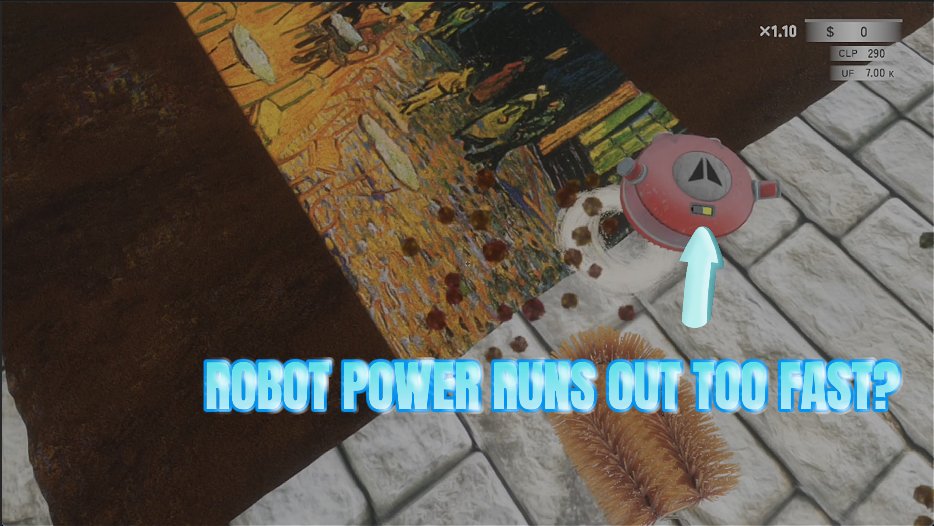
Keeps the helper robot charged forever and lets you dial in how fast it moves and how hard it scrubs, so it finally earns its keep while you work on another rug.
Turbo Scrub
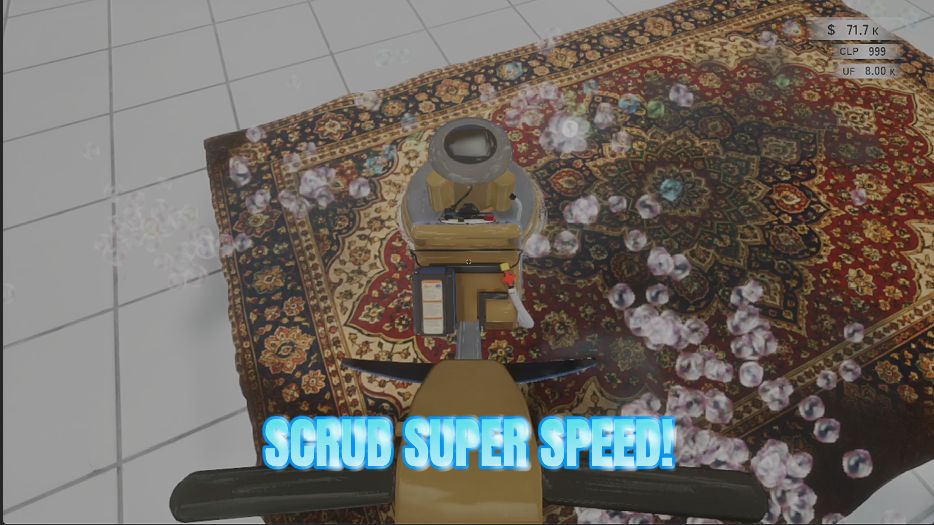
Speeds up your scrubber, brush, polisher and multi-polisher so you rack up strokes much faster and dirty rugs come clean in a fraction of the time.

Long Arms
Interact with things and lay carpets and equipment down from way across the room. One slider sets how far your reach stretches.







